
Faq HTML Templates
Customers expect clear explanations of delivery, returns, and account rules without having to search through several pages. Use ready-made FAQ sections to link each question to its answer and create readable content for an HTML website.
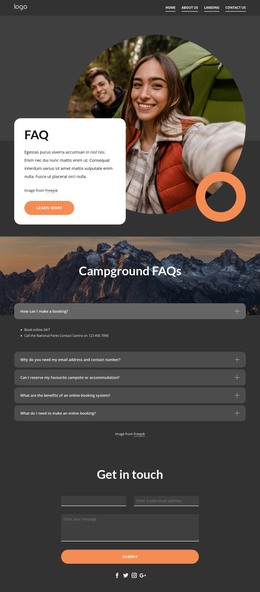
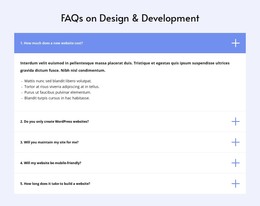
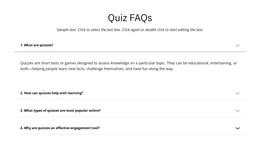
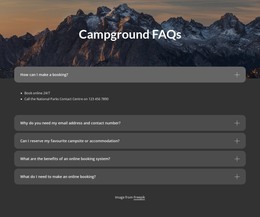
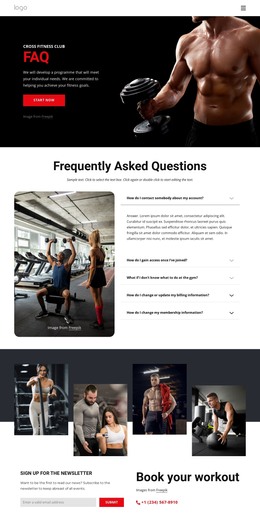
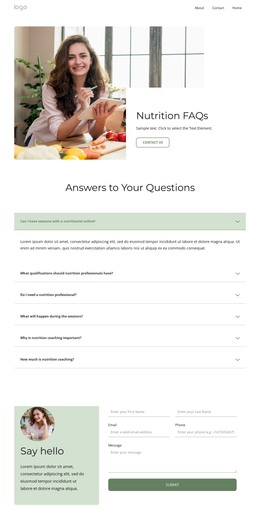
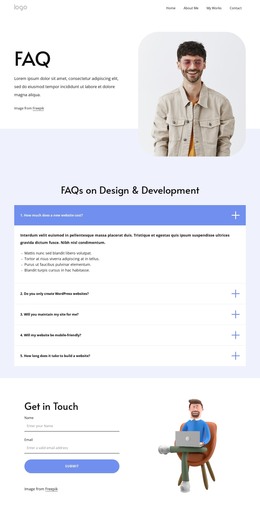
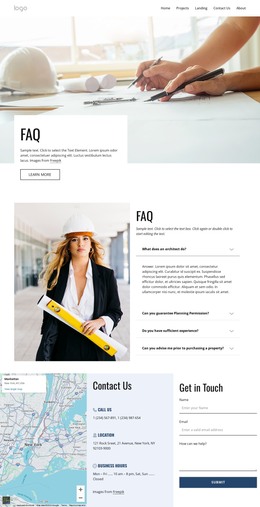

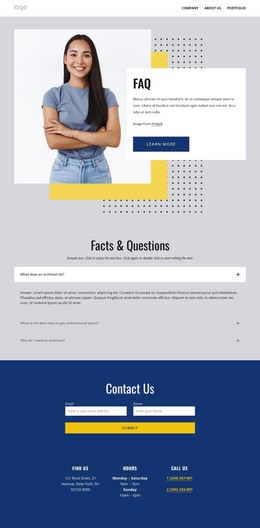
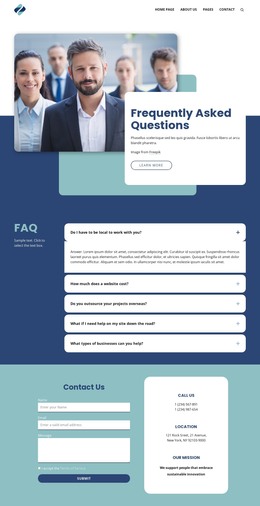
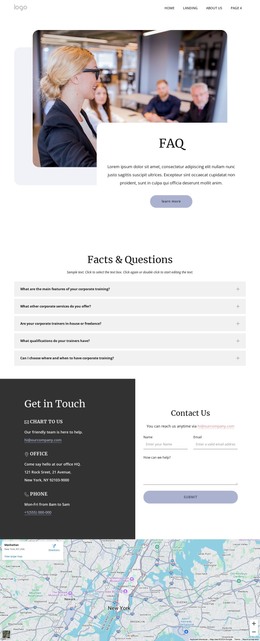

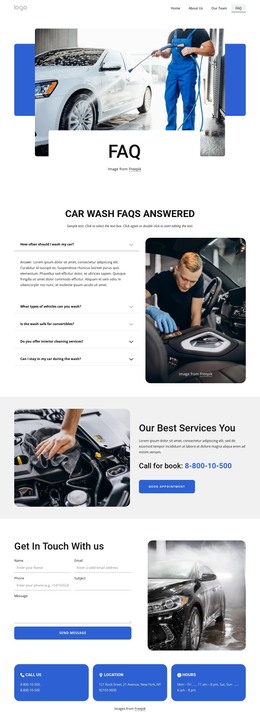
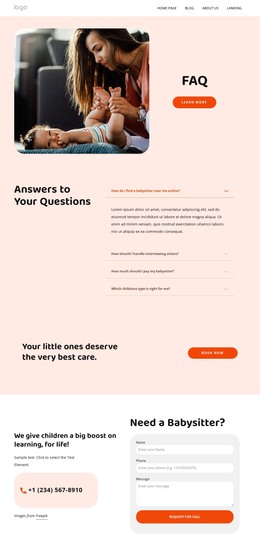
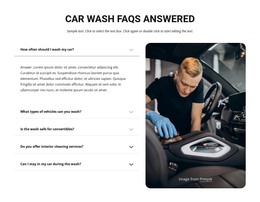
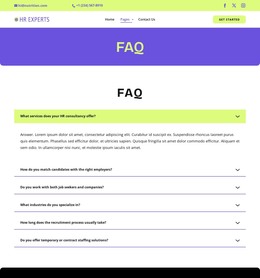

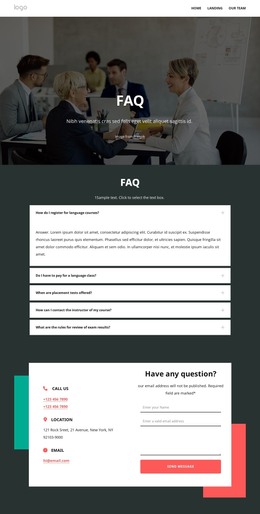
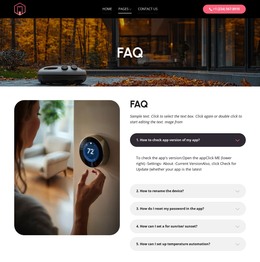

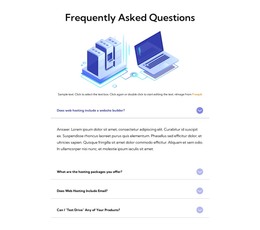
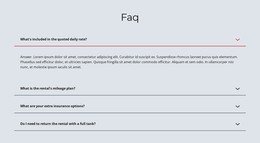
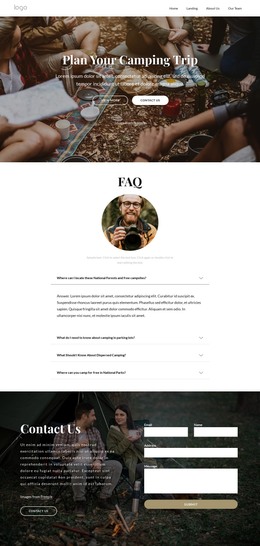
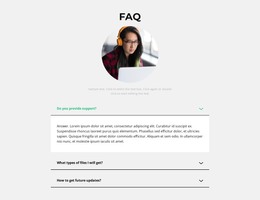
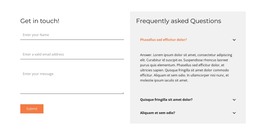


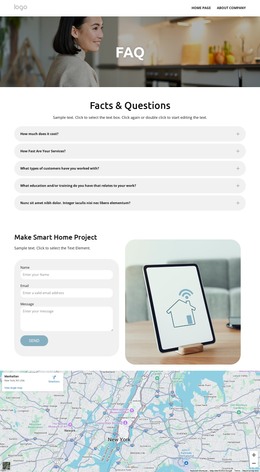
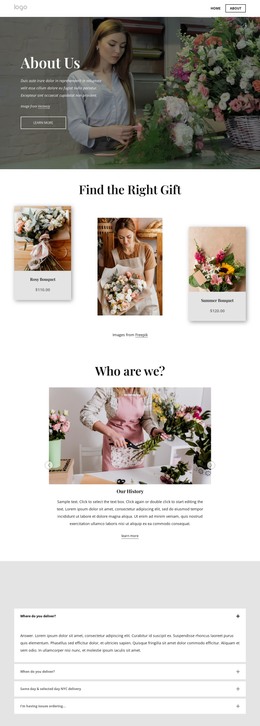
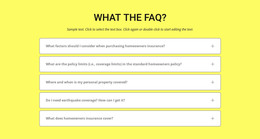
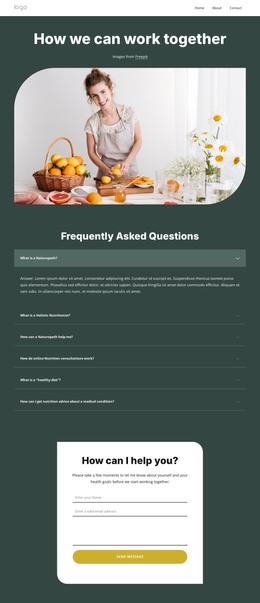
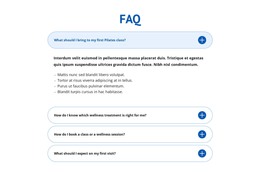

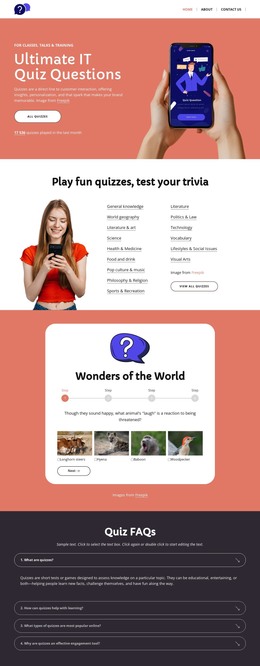
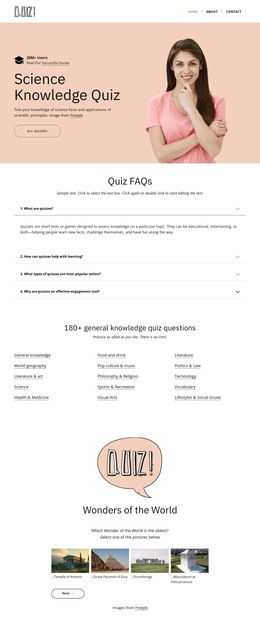
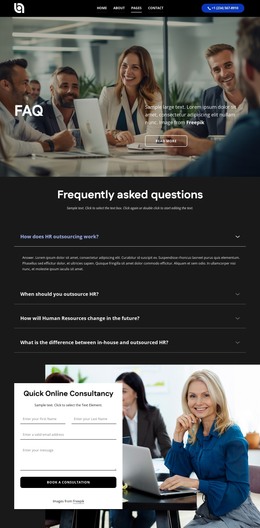
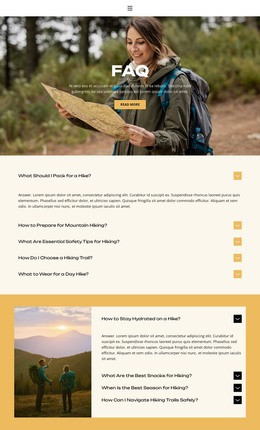

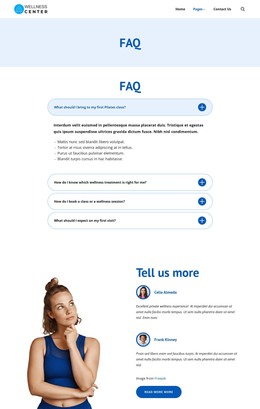

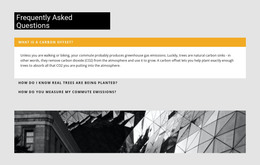
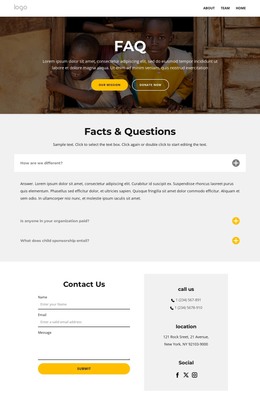
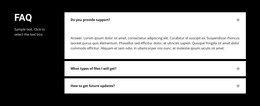
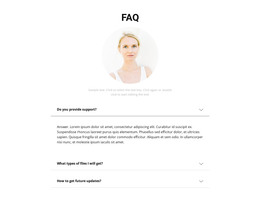
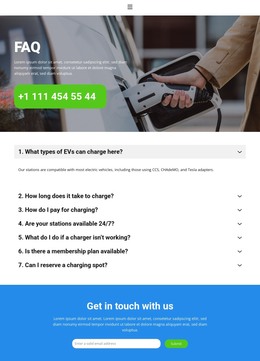
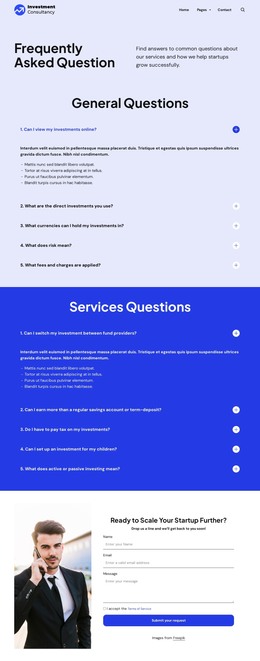





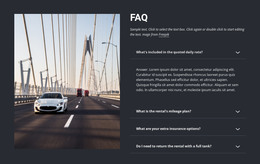
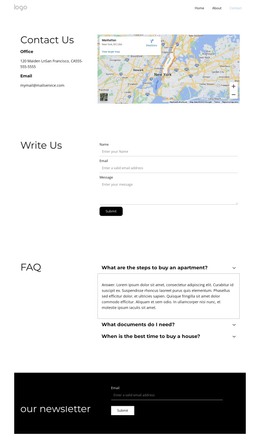
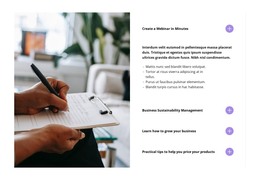









Other FAQ HTML Templates
Ready-to-Use FAQ HTML Templates
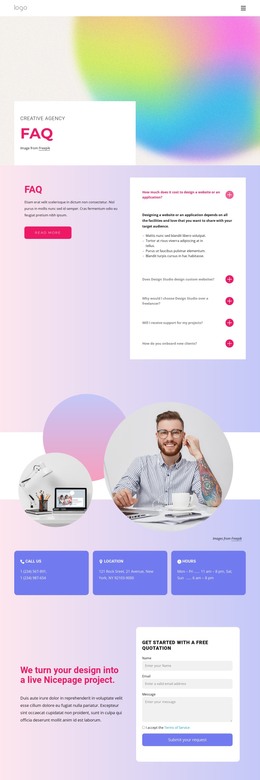
An FAQ HTML template lays out the section title, the questions, and the answer tied to each one before you write a word. Some designs keep every answer in view, while others tuck the replies into panels that open on a click. From there, you replace the sample questions in the Nicepage editor with ones from your support inbox and decide where the block goes.
Choosing an HTML FAQ Layout
Most ready-made FAQ designs follow one of these patterns:
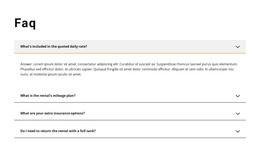
- An open list, where every answer stays visible, and shoppers can compare policies without clicking.
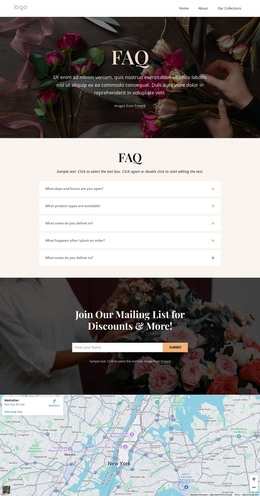
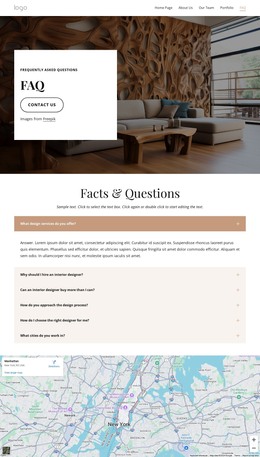
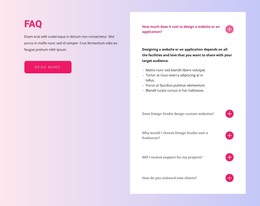
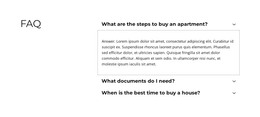
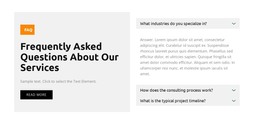
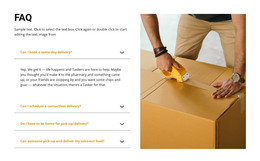
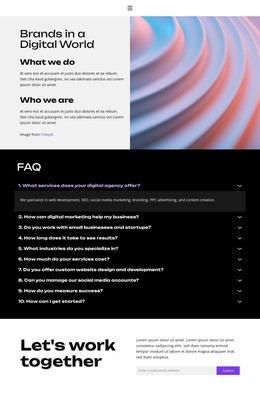
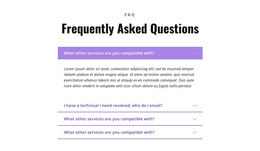
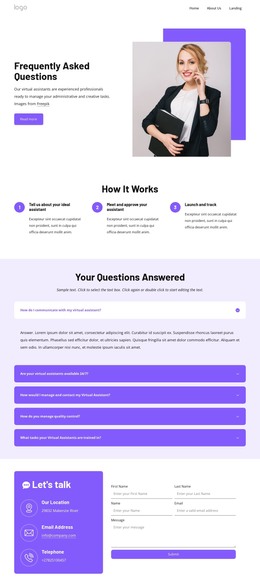
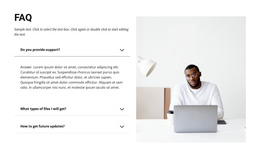
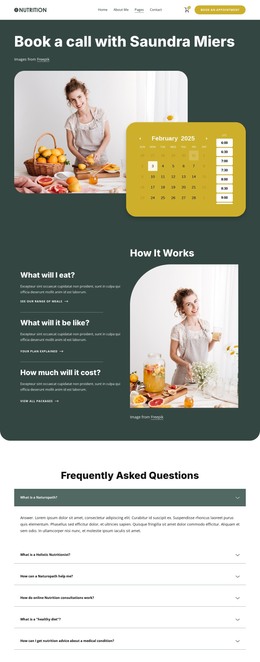
- A compact accordion that shows only the questions until someone opens a row.
- A grouped version with topic headings so that a reader can jump straight to returns.
- A standalone FAQ page that gathers a long list and gets linked from product pages.
A few shipping and returns questions under a product description read best as an open list, since nobody should have to click to see the delivery time. Once the list reaches dozens, grouping or folding keeps it from burying everything below. A salon's handful of booking questions, on the other hand, fits into a short FAQ section at the bottom of the service page.
How Each Reply Stays With Its Question
In the template, a question and its answer stay together as a single item, even after you reorder the list. The FAQ title should also fit the heading levels of the host page without competing with the product name.
Nicepage's FAQ Element turns this pairing into rows that open when a reader clicks the question. Its answers are based on Rich Text, so one entry can hold the main reply, a subheading for exceptions, and a link to the full policy. Hand-coded FAQs often use the native "details" and "summary" pair, and builders may generate buttons and a script for the same job.
Publishing the Exported Files
Nicepage exports the finished project as an HTML site with its scripts, images, and other files. Keep the set together when you upload it or pass it to a developer, since rows may stop opening or lose their layout if a file is missing.
On the live page, check that every answer came through, the links lead to the right policies, and the items keep their order. Then try the FAQ with only the keyboard, opening each question with Enter or the space bar. When comparing templates, start with the number of questions and where the block will go. Your longest reply and publishing plans narrow the choice from there.