
Date Website Templates
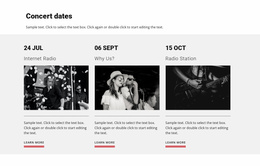
A calendar may be only one part of a date-focused website. Complete templates can separate services, event details, schedules, booking areas, and practical information so visitors receive context before choosing a date or time.
-
-

-
-
-
-
-
-
-
-
-
-
-
-
-
Customize Any TemplateDownload
-
-
-
-
-
-
-
-
-
-
-
-











More Website Templates from Counter Category




Other Counter Website Templates
Date Website Templates for Events, Schedules, and Bookings
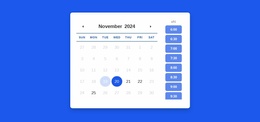
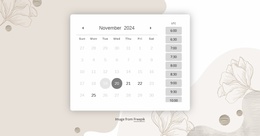
A calendar block can show availability, but it can't explain the service behind it or tell a guest where the venue is. Date website templates take on that broader role with a ready-made design, shared navigation, and room for several pages. They suit businesses and organizers whose visitors need information before they choose a day or time.
Pages Beyond a Booking Block
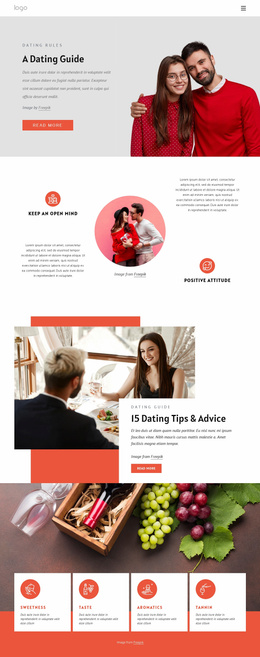
A date-oriented website spreads its time information across pages, and each page gets one clear job:
- service or event pages that explain what happens, who runs it, and where it takes place;
- a schedule or program page for recurring classes and fixed events;
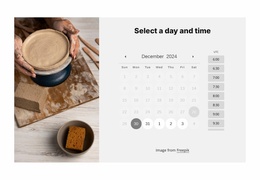
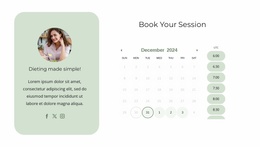
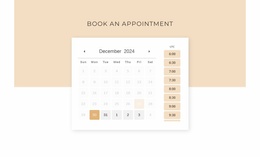
- a booking page where the calendar and time slots finally appear;
- contact and practical pages with the address, directions, and policies.
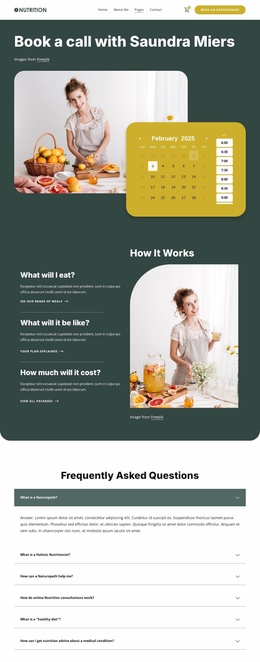
This spread gives the calendar a defined role, so someone can understand a consultation or read a program before checking dates. A shared header keeps booking within reach on every page, while Theme Settings keep colors and fonts consistent across the site. Calendar Presets can fill the booking page with a ready calendar and time slots.
Mixed Schedules Under Shared Navigation
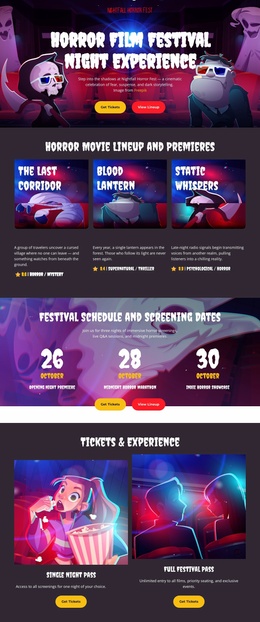
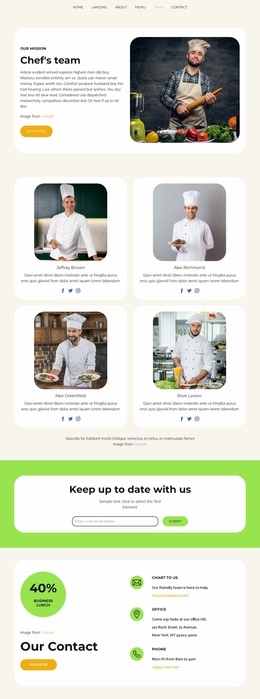
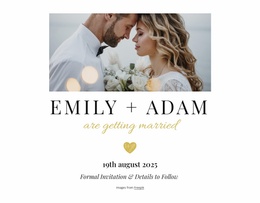
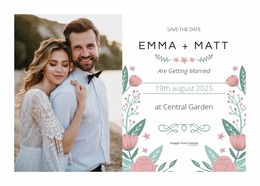
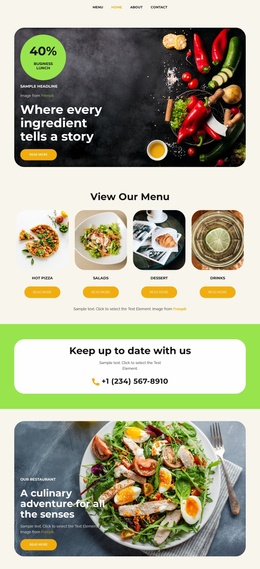
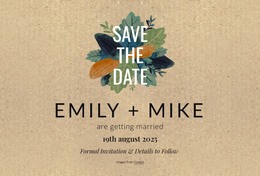
Many projects hold several kinds of dates at once. A cooking school might run a weekly course, host a one-time festival workshop, and take private bookings, all under one menu. A thoughtful template assigns each a separate page type, so the timetable never buries special events and bookings stay easy to find. Even a wedding site follows this pattern on a small scale, starting as a single save-the-date page and later adding a schedule, travel details, and an RSVP form. As the project grows, new pages can reuse an existing layout, and Page Folders keep related events, classes, or services together.
Paths Visitors Actually Take
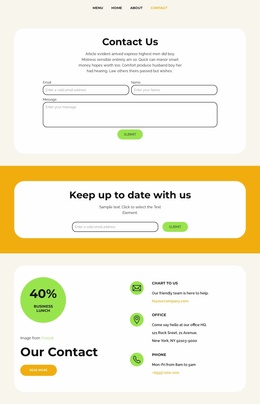
The order of information matters, because people want to know what's offered before deciding when to come. Booking works best as a stage of the visit, following a service description, an event program, or a class overview. For example, an event site links each program page to its own schedule.
In a good preview, the route from any description to a date is short, and no single page carries every date. Adding a class or event should mean adding a page, with the menu untouched. Timetables and booking areas tend to break first on narrow screens, so check them on a phone.
A template earns its keep when it has pages for what you offer and gets a visitor from "what is this?" to "when can I come?" without backtracking.