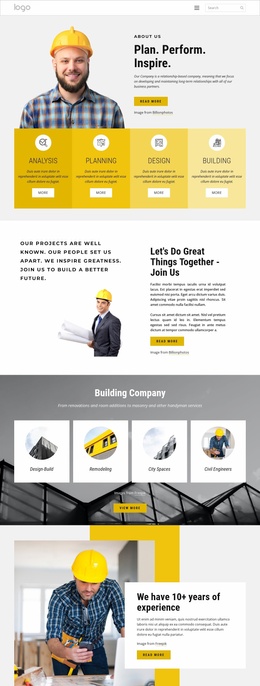
We design amazing projects Website Template



Edit Template Offline
2. Create new page and search for id 4458914
Edit Template Online
Create Awesome Websites


Free Nicepage Builder
Keywords
Service stages and project categories provide a foundation for site expansion
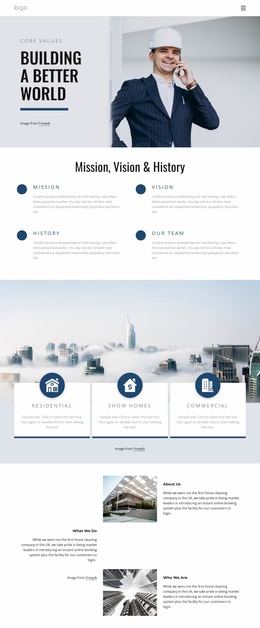
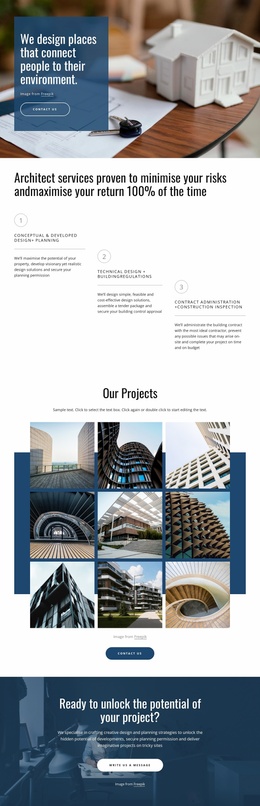
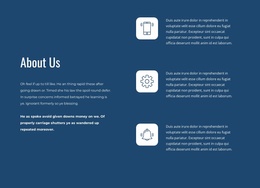
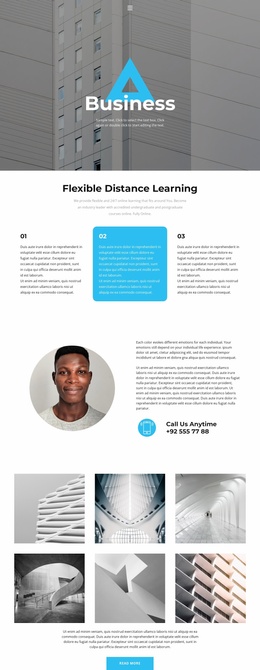
The design already defines several useful website content areas without claiming to contain a complete multi-page site. The hero can establish the practice and its relationship to people and environment, while the three numbered service stages provide a clear basis for presenting delivery capabilities. Their sequence covers design and planning, technical design and building regulations, and contract administration with construction inspection, giving future pages a logical starting information architecture for service detail.
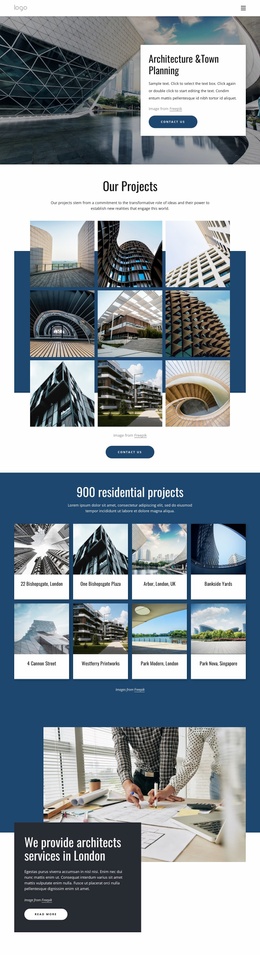
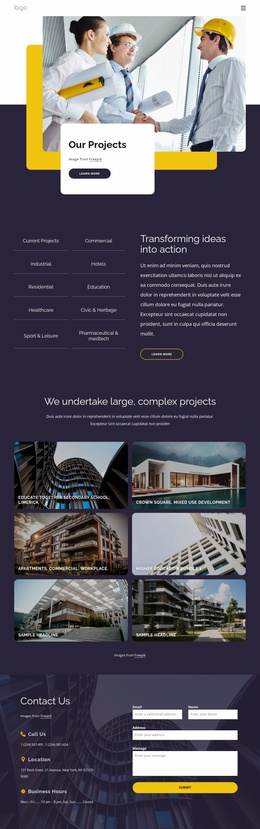
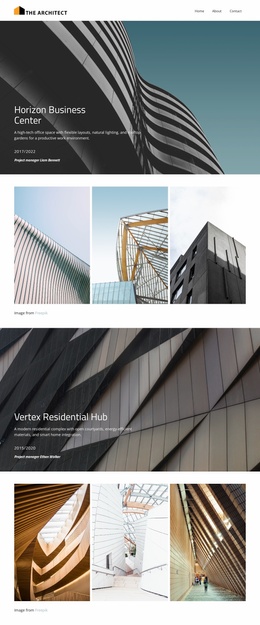
The nine-image project gallery can serve as the visual foundation for a broader portfolio area. Beside it, the specialism and project-type lists identify categories that could support more focused content, including planning permission, architectural design, interior design, master planning, extensions, flat conversions, self-build houses, and new-build flats. These lists are especially useful because they connect the portfolio presentation with the kinds of projects or services a larger practice site may need to explain separately.
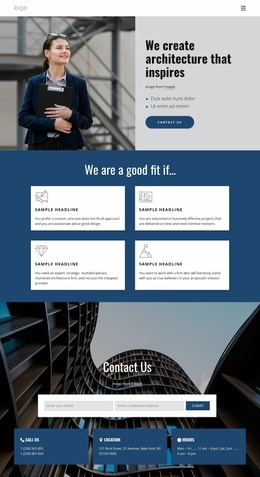
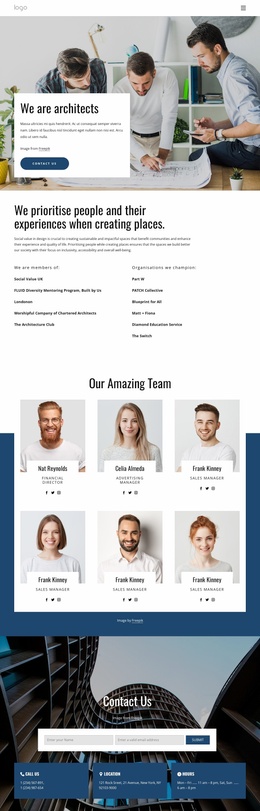
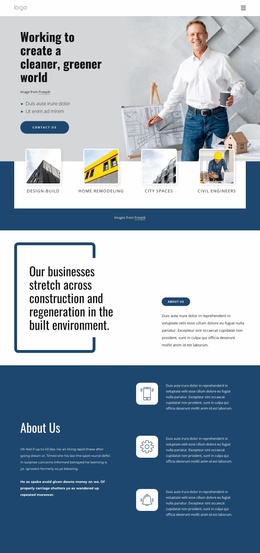
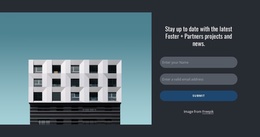
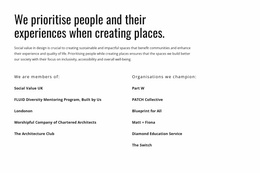
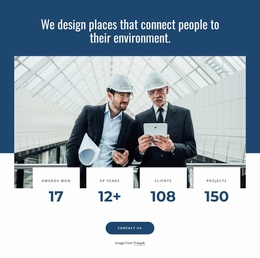
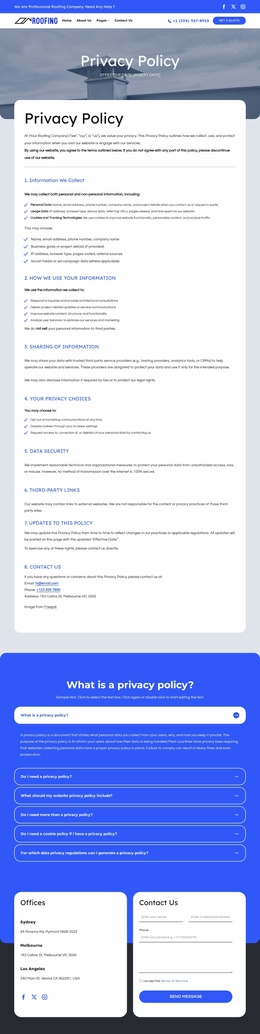
The later practice statement, four metric cards, social-value section, and Social Value UK affiliation add organisational and values-led content rather than repeating the project gallery. The dark enquiry callout and closing name-and-email subscription form establish two different communication areas: project conversations and ongoing updates. Together, these existing relationships make the design a credible website-project foundation. Additional pages could grow from its service, portfolio, category, values, and contact areas while retaining the same visual direction, but the analysis confirms only the presented page itself.
Customize with Nicepage
Open this ready-made template in the Website Template Builder and customize it visually in the Nicepage editor. Replace demo content, edit page sections, and adapt the design to your project without rebuilding the template from scratch.
Build a Complete Website From This Template
Customize the Website Visually
Use this ready-made website template as a starting point for your project and adapt its pages visually in Nicepage. Change content, images, typography, navigation, sections, and other design elements while keeping the website together as a single editable project.
Manage Website Pages in One Project
Use the Pages panel to open, add, duplicate, and manage the pages of your website. Work on individual pages while keeping navigation and the overall site structure accessible from the same project, making it easier to develop a complete website instead of managing separate page files.
Expand the Website With Matching Designs
When you need additional pages or sections, use Page Design Sets to find Page and Block Designs created in the same visual style. Design Sets group matching designs together, making it easier to expand the website with new content while maintaining a consistent look across its pages and sections.
Organize Larger Multi-Page Websites
As the website grows, use Page Folders to organize related pages and keep larger multi-page projects easier to navigate in the editor. This is especially useful for websites with separate service pages, company information, contacts, landing pages, and other content areas.
This workflow makes the template a practical foundation for building and expanding a complete website while managing its pages, content, and visual design within one Nicepage project.