
Blogger Templates
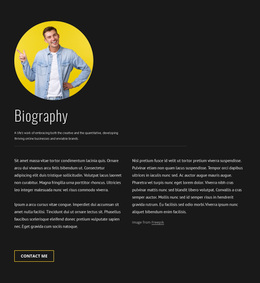
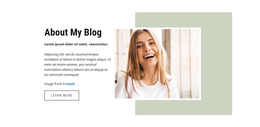
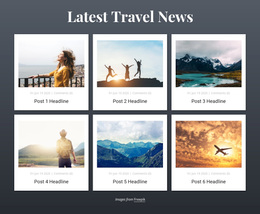
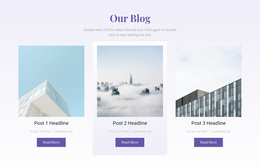
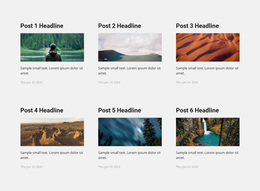
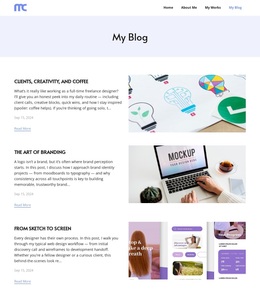
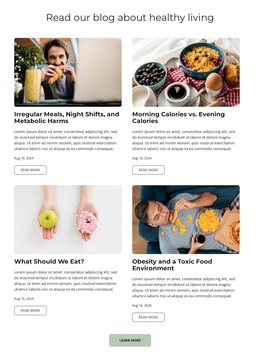
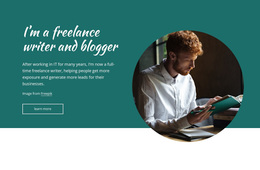
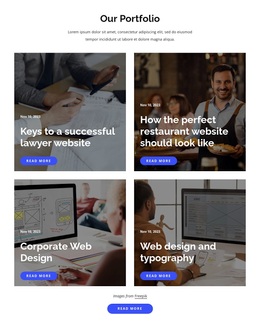
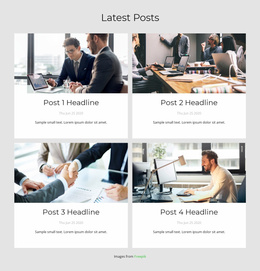
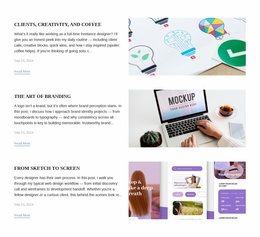
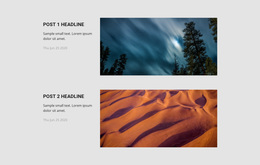
Food bloggers, travel writers, and personal essayists need different ways to present their stories. Blogger templates offer alternative editorial layouts, image arrangements, and article previews, making it easier to compare designs before selecting a suitable starting point.
-
-

-
-
-
-
-
-
-
-
-
-
-
-
-
-
-
-
Free Website Builder SoftwareDownload
-
-
-
-
-
-
-
-
-
-

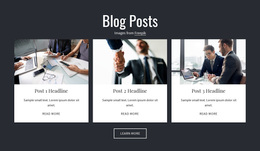

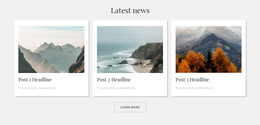
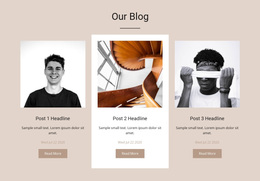
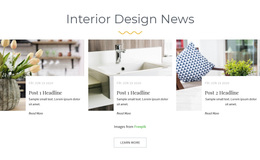
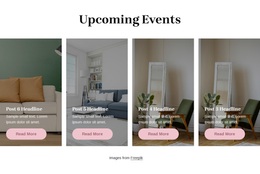
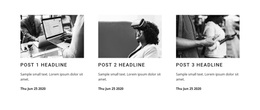
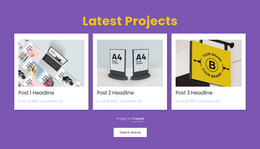
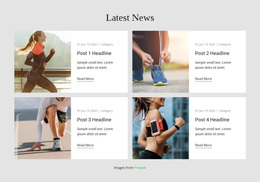
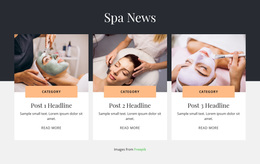
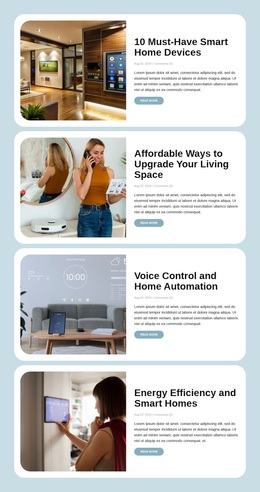
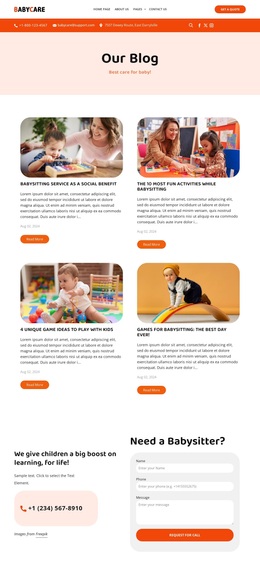
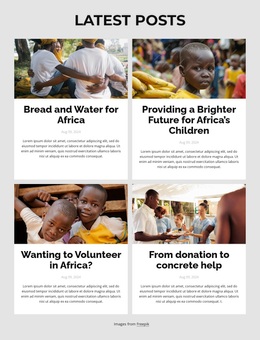


More Templates from Blog Posts Category
-
-
-
-
-
-
-
-
-
-
-
-
-
-
-
-
-
-
-
-
-
Free Website Builder SoftwareDownload
-
-
-
-
-
-
-
-
Other Blog Posts Templates
Flexible Blogger Templates for Different Publishing Styles
Nicepage Blogger templates are editable blog website designs that let you choose a visual starting point for your publication. Compare how several layouts display the same content before settling on one: a quiet personal journal may work best with narrow text previews, while a photo-led publication needs room for larger images. Testing these alternatives helps you find a presentation that fits your stories.
Compare Blogger Templates by Content Style
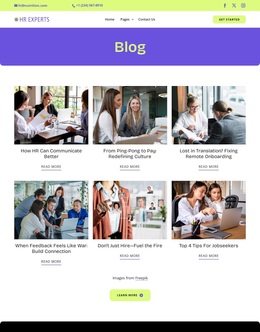
Compare the homepage first: does it lead with one featured story, a dense grid of recent posts, or a chronological feed? Then examine the balance between images and excerpts. A book-review site may need compact covers and legible titles, while a photo journal benefits from larger image areas. These are starting-design choices, not a promise that every option includes a complete multi-page publication.
Identify Useful Layout Alternatives
When comparing designs, look at how each template presents featured stories, recent articles, and supporting information.
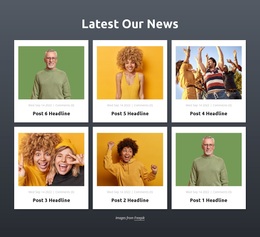
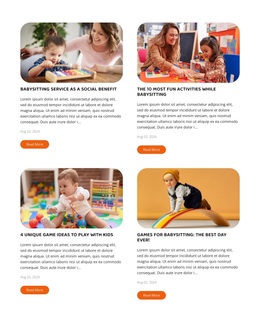
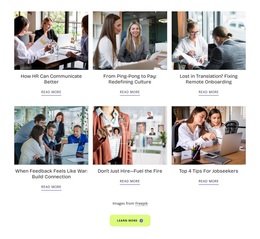
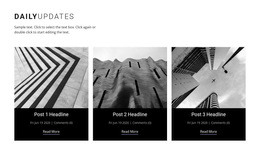
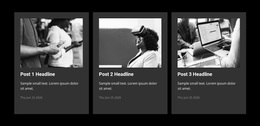
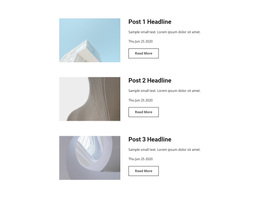
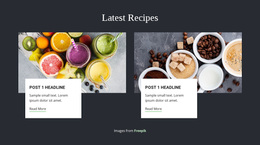
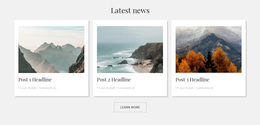
A grid of compact cards can accommodate a varied collection of short updates. Larger article previews may suit bloggers who publish fewer, more detailed stories. A magazine-inspired arrangement can combine several content formats, although it may feel unnecessarily crowded for a small personal journal.
Compare several layouts with similar sample content to understand their differences. This reveals whether a design works because of its structure or simply because of attractive demonstration images.
Choose a Starting Point That Fits Your Blog
Choose the starting design by testing its constraints with realistic content, rather than repeating a general preference for a particular blog topic.
In Nicepage, you can browse Page Designs by subject and use the Add Pages, Blocks & Elements tools to turn a selected layout into a starting point for a blog-oriented page.
These are Nicepage website designs, not ready-to-install Google Blogger XML themes. If you plan to use Google Blogger, check platform compatibility and the available export format before making your choice.
Evaluate Templates With Real Content
Before settling on a design, imagine your actual article headlines, photographs, and excerpts in the available spaces.
Compare three practical details across candidate designs: whether long titles wrap cleanly, whether portrait and landscape images remain usable, and how many previews fit above the fold without feeling crowded. Try the same sample headline and photograph in each candidate.
This page is about choosing among visual alternatives. If you need to evaluate the relationships among a homepage, category archives, and individual article pages, examine complete Blogger Website Templates instead.
The best Blogger templates complement the publication rather than dictate its direction. Compare designs according to your main content type, expected article variety, and preferred reading experience. Select the layout that makes your stories immediately understandable and leaves room for your editorial identity.