The hosting blog Template


Edit Template Offline
2. Create new page and search for id 6515685
Edit Template Online
Create Awesome Websites


Free Nicepage Builder
Keywords
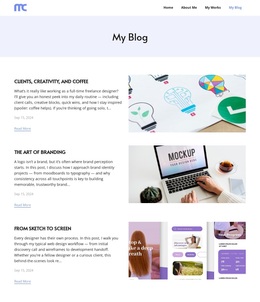
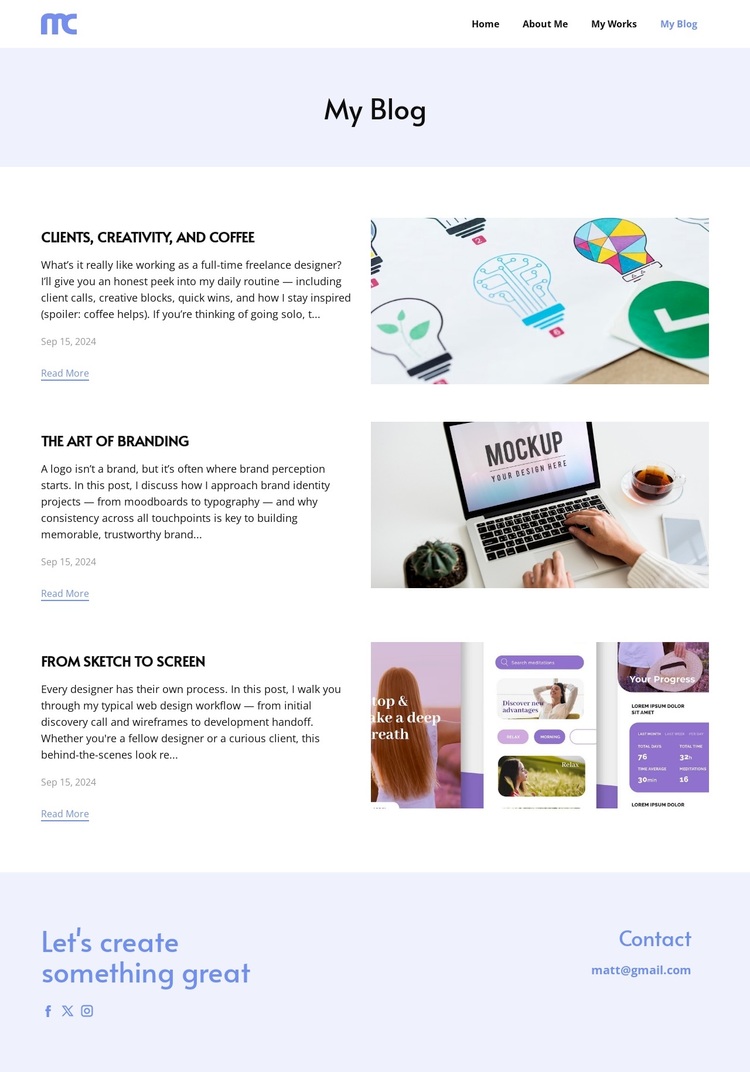
Three Design Topics Give This Blog Layout a Clear Point of View
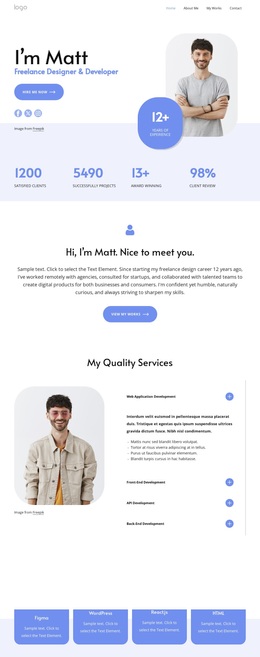
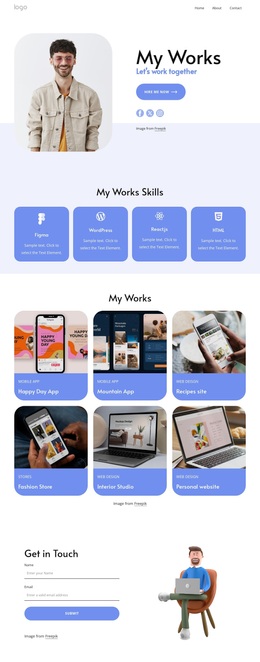
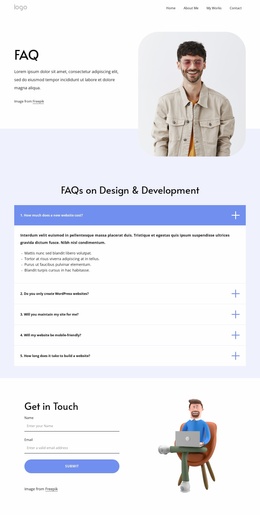
The strongest reason to choose this design is its focused editorial coverage. The three visible posts are not interchangeable placeholders in the structure: they point to freelance relationships, branding ideas, and the workflow that carries design from sketch to screen. That combination gives the page a recognizable subject range for a designer who wants to show both creative thinking and practical process. Images sit beside the written entries, allowing visual work and explanatory content to share the same reading experience.
The rest of the layout supports that point of view without overwhelming it. A compact navigation row connects the blog to Home, About Me, and My Works, so the page reads as part of a personal creative presence rather than an isolated article feed. The pale lavender title band, white content areas, generous spacing, and restrained blue-purple accents keep attention on the editorial material. At the end, the closing message, social links, and email contact make the design relevant to both readers and prospective clients. It is therefore a useful option when the project needs a calm, image-supported blog page with enough personality to introduce a designer’s interests and invite a next conversation.
Customize with Nicepage
Open this ready-made template in the Template Builder and customize it visually in the Nicepage editor. Replace demo content, edit page sections, and adapt the design to your project without rebuilding the template from scratch.
Start With a Ready-Made Template
Choose a Design for a New Page
Use a ready-made template as a starting point instead of creating every page from a blank canvas. When adding a new page in Nicepage, browse available designs, compare different layouts, and choose an option that already fits the general purpose and visual direction of your project.
Browse Different Page Designs
Explore Page Designs using search, thematic categories, Design Sets, and full-page previews. The collection includes layouts for different subjects and page purposes, making it easier to compare alternatives before selecting a design to customize.
Customize the Selected Template
After choosing a design, create the page and continue editing it visually in Nicepage. Replace the demo content, adjust images, typography, colors, sections, and other elements, and adapt the ready-made layout to your own content instead of rebuilding the design from the beginning.
Explore More Design Directions
If the first option does not match your project closely enough, return to the design collection and compare other templates before committing to a layout. This makes the template library useful not only for faster page creation, but also for exploring different visual approaches and finding a suitable starting point for a new project.
This workflow gives you access to a broad collection of ready-made designs that can be selected, compared, and customized according to the needs of each new page or project.