
Posts HTML Templates

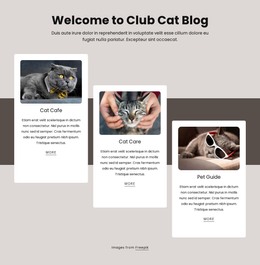
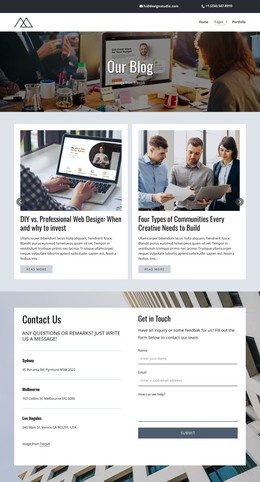

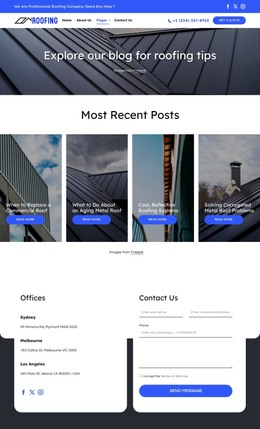

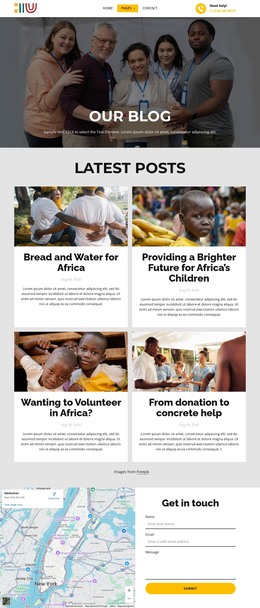












More HTML Templates from Blog Posts Category
-
-

-
-
-
-
-
-
-
-
-
Free Website Builder SoftwareDownload
-
-
-
-
-
-
-
-
-
-
-
-
-
-
-
-
-
-
Other Blog Posts HTML Templates
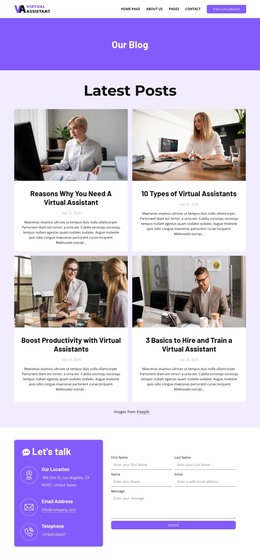
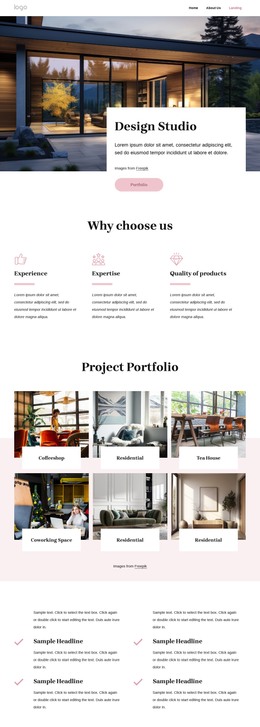
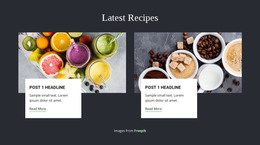
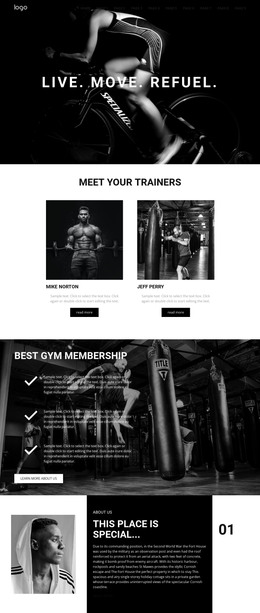
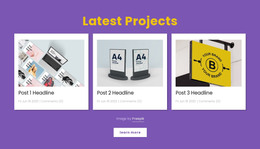
Refined Posts HTML Templates With Organized Content Sections
Post HTML templates offer content creators such as publishers, corporations, schools, and individual authors a starting point to create well-defined pages for their content. Every month, about 70 million posts get published on WordPress.com in over 100 languages. These figures illustrate the need for a robust design and a specific goal for a post page. The news team could use the template to post articles, interviews, and categories.
The corporation would use it to provide news on products, tips, and client experiences. Finally, the educator would utilize the blog posts HTML template to include lesson plans, notifications, and helpful attachments. The semantic HTML post layout could have the following elements: a headline, the author's name, date, cover image, main article, posts related to the one presented, and the comments section.
Clean HTML Structure for Article Pages
An efficient HTML template for posting articles should use logical elements to separate the parts of the post from each other. That way, the browsers, assistive technologies, and search systems would be able to comprehend the web page more efficiently. In addition, it would give a certain structure to the page, which allows users to distinguish the title, author, date of publication, main text, links, and navigation elements easily without looking all around.
Core structural parts of the post archive HTML include:
- Semantic Articles
- Heading Structure
- Post Metadata
- Descriptive Links
Structure plays its role, especially on web resources where content is updated regularly. News websites, company blogs, online magazines, educational web pages, and even personal journals can include dozens of articles. In case the same HTML structure is used for all of the articles, the developers will not have to modify each page individually.
Responsive Content Blocks for Posts and Archives
Since different publishing sites have different target audience members who use different strategies to read articles, different HTML content sections will be needed. For instance, a news portal can put recent posts at the beginning of the page, while a research blog may organize publications according to topics, authors, or dates of publication.
Review these seven elements before downloading:
- Archive Filters
- Page Navigation
- Image Fields
- Article Excerpts
- Related Posts
- Newsletter Forms
- Article Markup
As for scalability, a blog may start with a few posts, but when there are several dozen or hundreds of posts published, then search tools, filters, and pagination become very important. It is also crucial for the responsiveness of HTML content sections that titles, excerpts, photos, and other navigation tools are readable on mobile, tablet, and desktop computers.
Select Your Posts HTML Layout
Get the posts HTML template, put article content in it, and make any necessary changes to the code. Create a post library that will help people get access to the content they need.