1010 Travel & Hotels Joomla Templates

















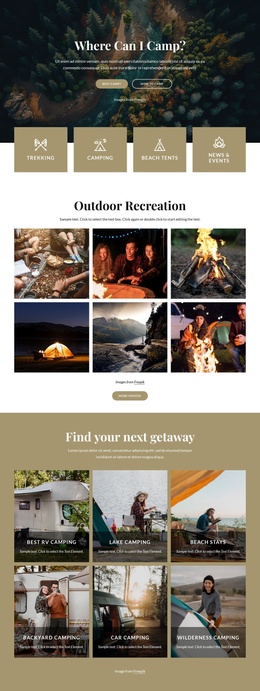

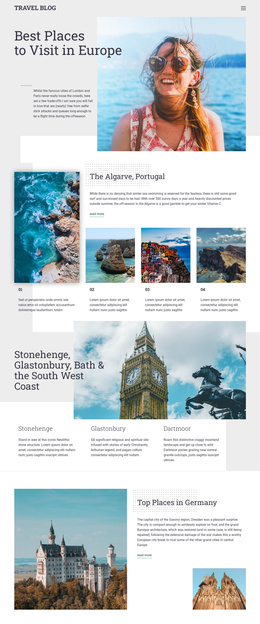
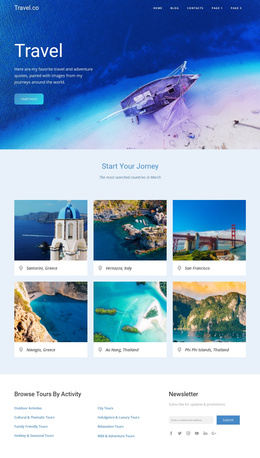
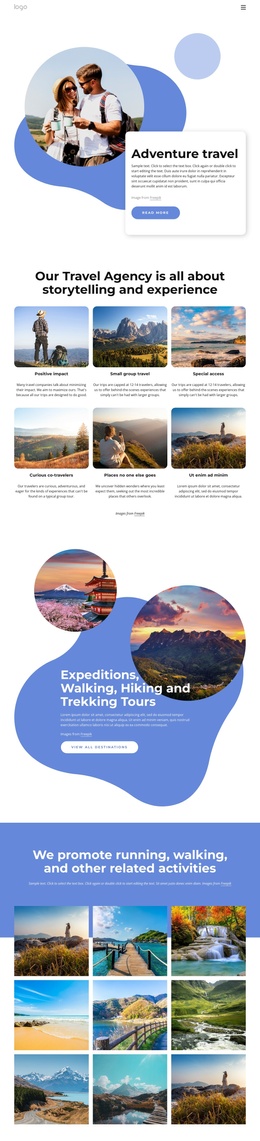


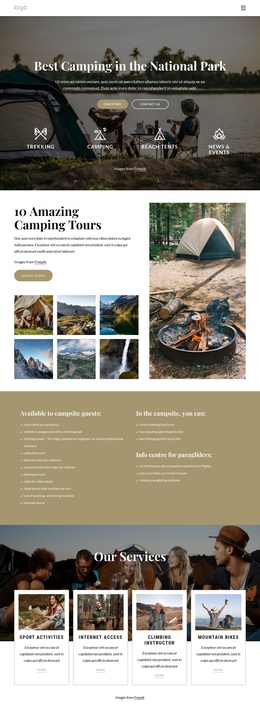
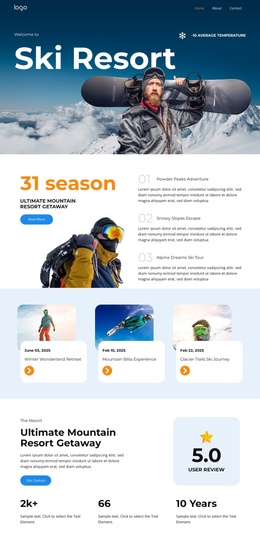
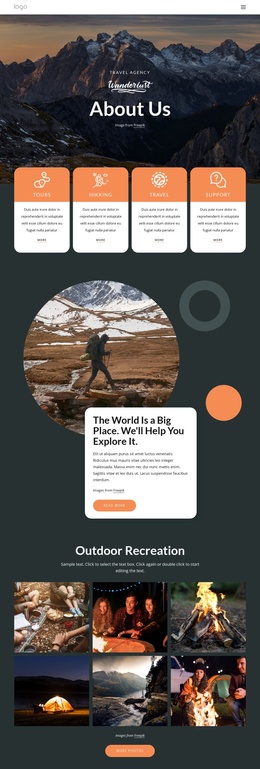
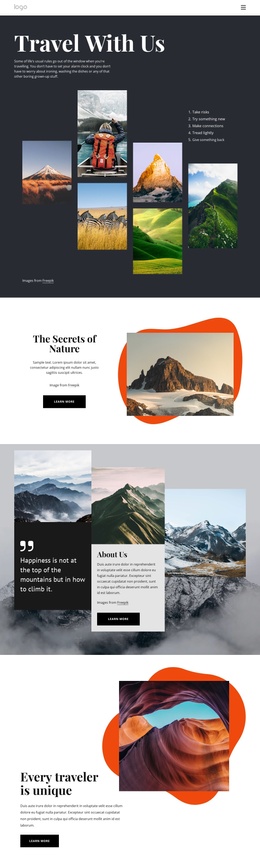

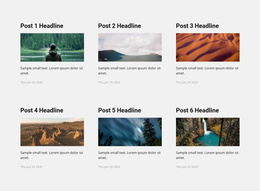
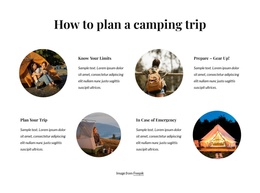
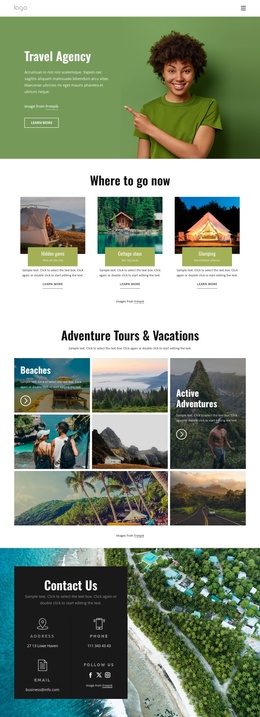
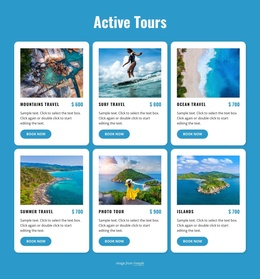
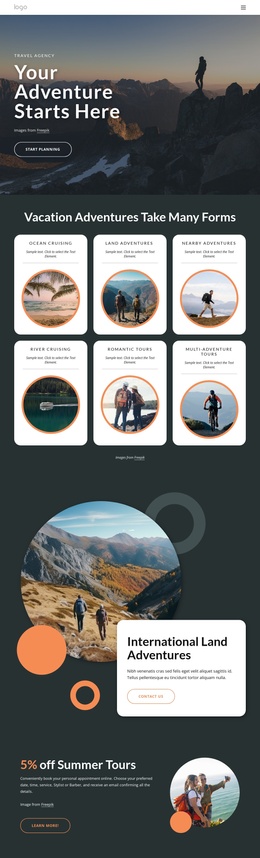

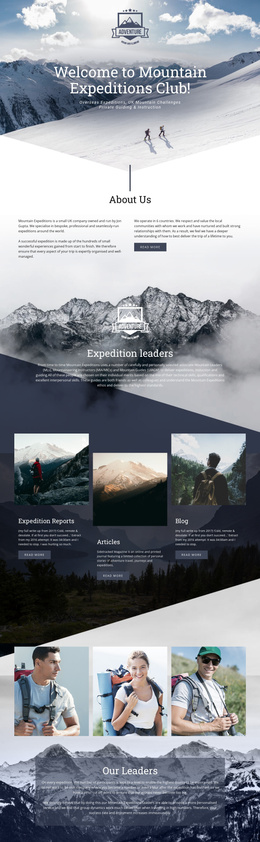

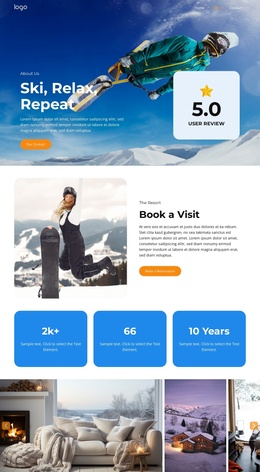

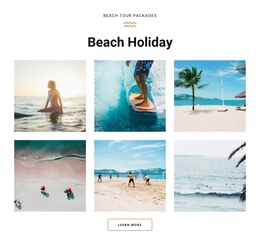
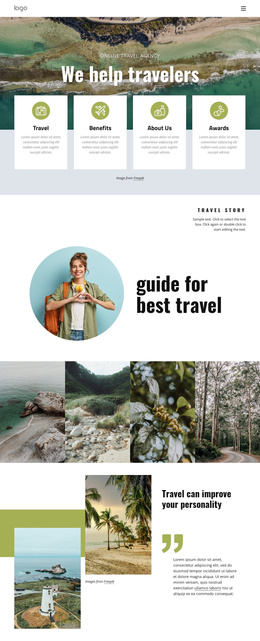

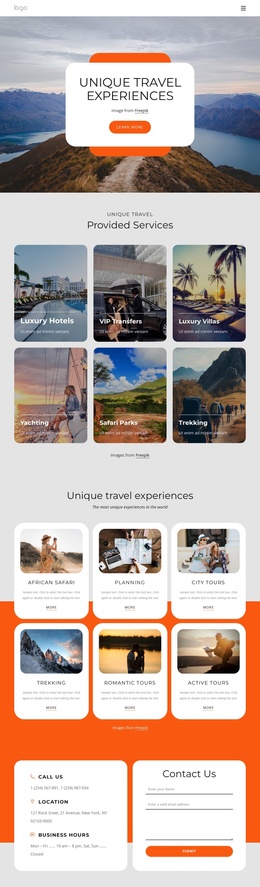
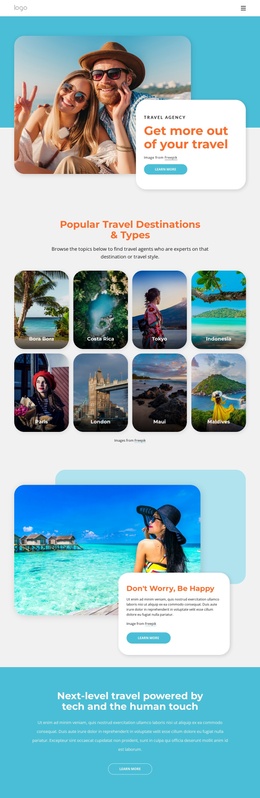
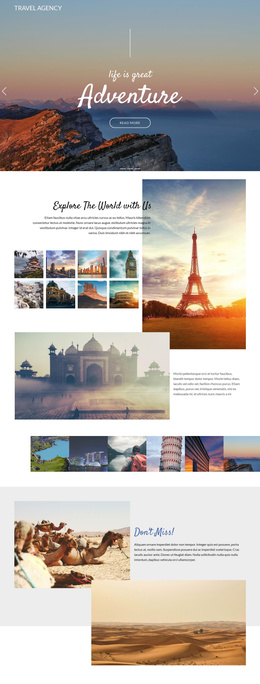
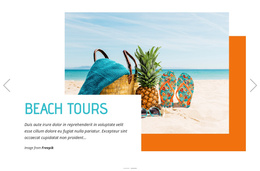
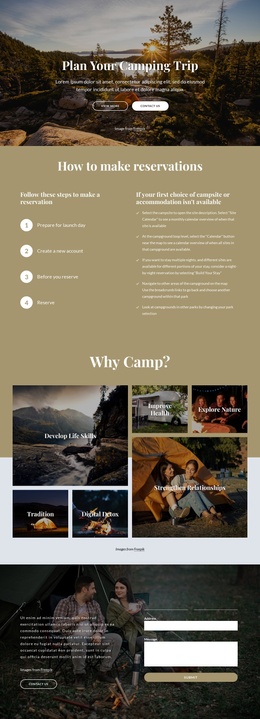
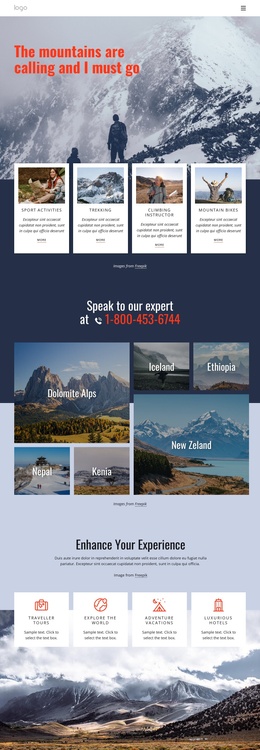
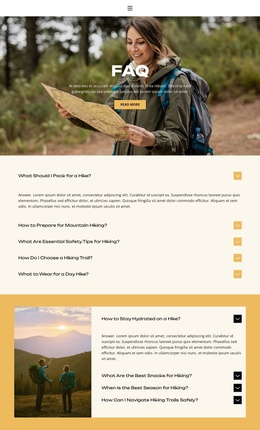
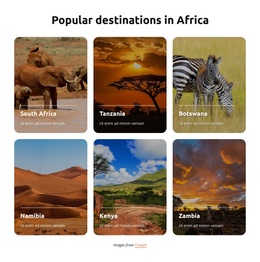

Professional Travel & Hotels Joomla Templates
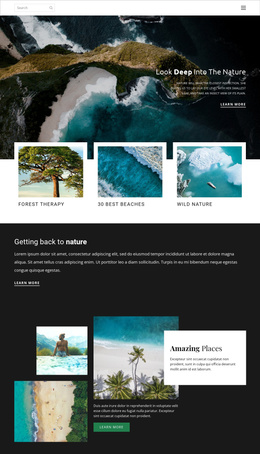
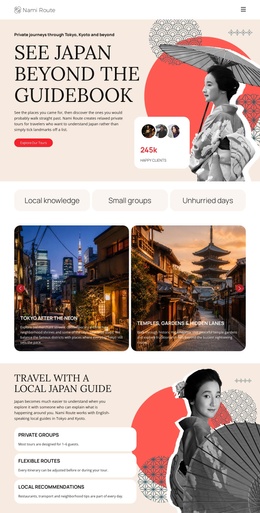
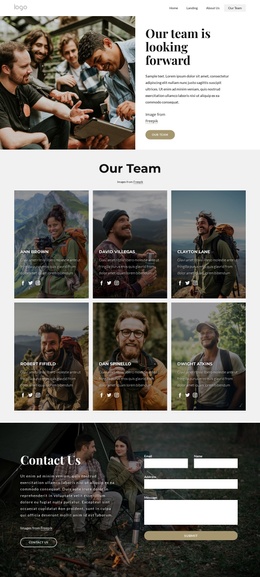
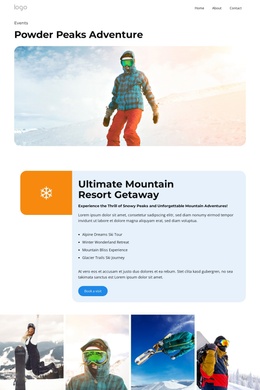
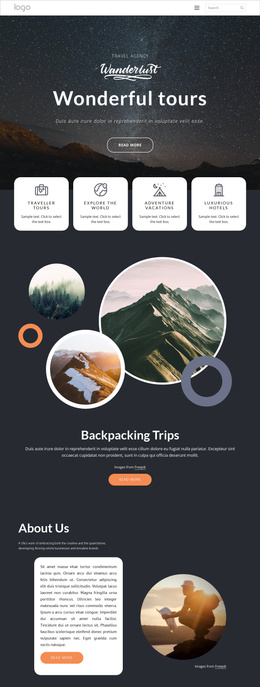
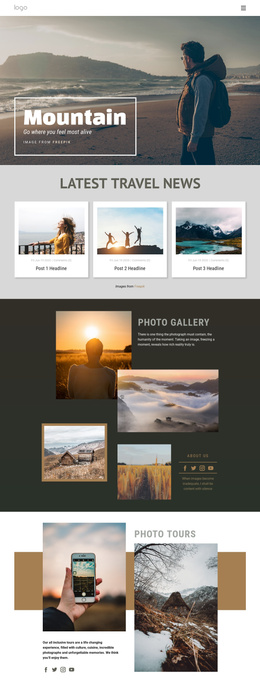
For boutique hotels, tour operators, travel agencies, and guesthouse owners, travel & hotel Joomla templates offer a reliable route to a unified visual style across room pages, destination guides, seasonal offers, and guest information. The Joomla workflow keeps that visual system consistent as content grows.
What Makes a Responsive Travel & Hotel Joomla Template?
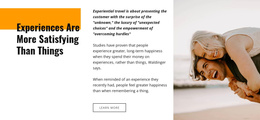
If you manage a hotel Joomla website, clear room presentation matters. If you sell tours, destination structure and inquiry paths matter more. For travel agencies, a travel agency Joomla template needs multilingual content and fast CMS updates. A strong Joomla layout connects these needs with responsive pages, reusable visual blocks, and controlled article styling.
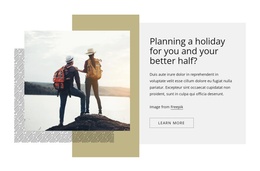
A focused hotel website direction can help you organize accommodation content before you refine the Joomla structure. That hotel Joomla website can then separate room details, amenities, local information, and inquiry paths without losing visual consistency. In Nicepage, choose a design concept, open it in the visual page editor, adapt the layout, then export as a Joomla template or continue with the Nicepage Joomla Extension.
Technical structure
- Nicepage Joomla Extension: edit rich text, images, and responsive layouts directly on Joomla pages while keeping the visual system under control.
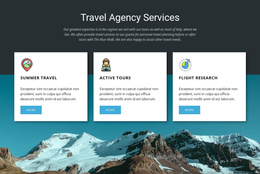
- Responsive grids: use Grid elements in Responsive Modes so room cards, tour summaries, and service panels can stack cleanly on smaller screens.
- Visual module positions: reserve Joomla-driven areas for menus, modules, and content where the CMS needs to stay dynamic.
- Mega Menu support: organize destinations, accommodation types, tours, and travel resources in deeper navigation that can still be managed from Joomla.
Travel and hotel presentation
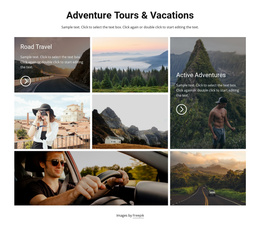
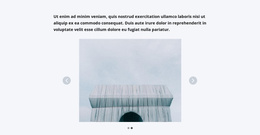
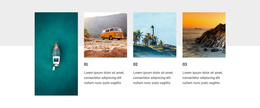
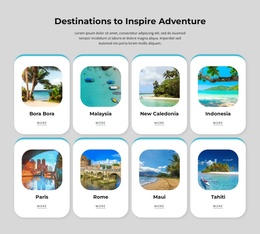
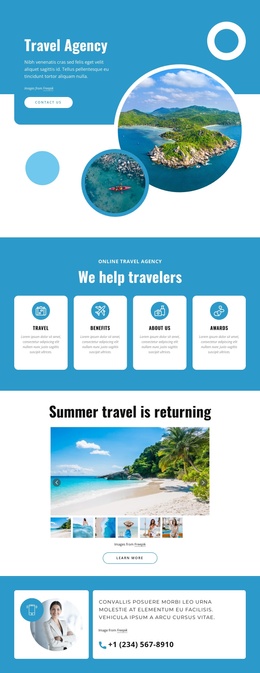
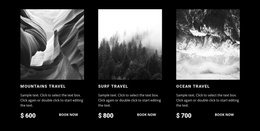
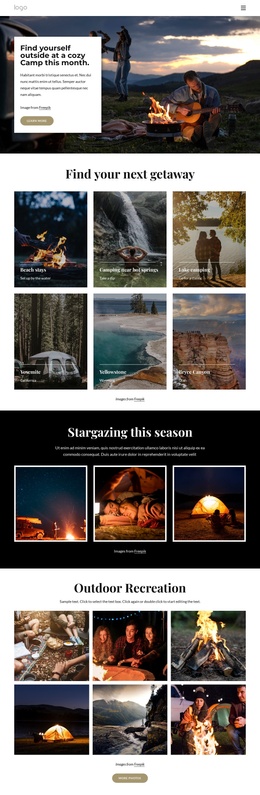
- Gallery Carousel Element: present rooms, resorts, destinations, or tour highlights in a compact visual sequence. The Image Gallery Carousel setup is useful when you want image-led sections without turning the page into a long photo wall.
- Language Element: prepare multilingual text, menus, and buttons for international visitors who need a clear route through the site.
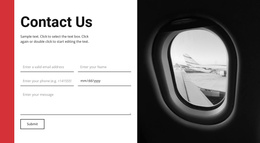
- Multi-Step Contact Form: structure detailed trip or accommodation inquiries when a single short form does not collect enough context.
These features also support the required Joomla-specific core: exporting as a Joomla template, using a drag-and-drop CMS editor, refining article styling, and keeping the content structure practical for staff who update offers after handoff.
Advanced Joomla Workflow for Travel and Hotel Sites
Common Mistake: teams often treat a travel site as a static brochure, then struggle when destinations, room types, articles, and seasonal offers multiply. The Fix: Define CMS responsibilities before export. Shape core layouts in the Desktop App, prepare reusable page structures, then follow the Joomla template and extension installation workflow so editors can manage content inside Joomla without rebuilding the visual concept.
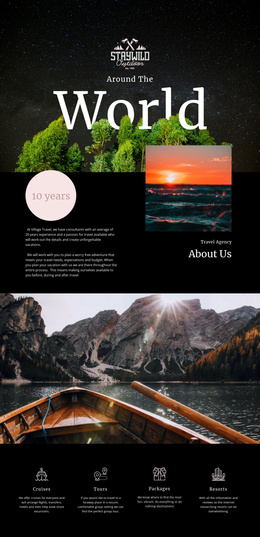
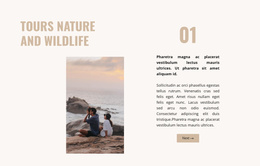
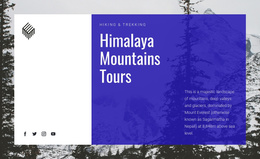
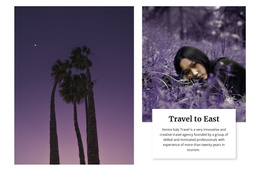
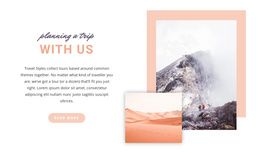
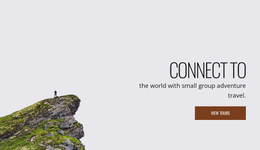
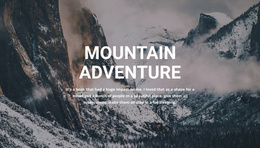
For a Joomla travel website, a travel-focused design direction can support route guides, tour categories, local tips, and editorial pages. Outdoor operators can also draw structure ideas from hiking website concepts when the site needs itinerary sections, equipment notes, route imagery, or inquiry-driven calls to action.
A Joomla travel website should not force every update through a designer. Keep global visual decisions stable, let Joomla handle dynamic content, and use the Nicepage extension where visual page editing adds value. That division makes client handover easier and reduces the chance that routine content edits disturb the layout.
User-friendly Travel & Hotel Joomla Questions
Can I host a travel or hotel Joomla site on a third-party hosting provider?
Yes. Nicepage allows unlimited third-party hosting, and you can use the Nicepage plugin or extension without limits. Your Joomla installation and hosting environment remain separate from Nicepage hosting services.
How does Nicepage handle mobile views for hotel and travel Joomla pages?
Nicepage supports Responsive Modes for Large Screens, Desktops, Laptops, Tablets, and horizontal or vertical phones. You can adjust layouts for each mode, which is useful for room galleries, destination cards, menus, and inquiry sections.
How can I show several hotel rooms or destination images without making the page too long?
Use the Gallery Carousel Element. It lets visitors scroll through several images in one block, which suits room collections, resort facilities, tour highlights, and destination photography.
Can I edit the exported travel Joomla template directly inside Joomla?
You can export a Joomla template from the Desktop Application or Online Builder, but the template itself cannot be edited directly in Joomla. The Nicepage Joomla Extension is used to edit page and article content within the CMS.
Craft a Creative Travel & Hotel Joomla Site
You can start for free and keep full visual control over the project from concept to CMS handoff.
- Pick a travel agency Joomla template or hotel design concept and open it in the Desktop App.
- Refine galleries, menus, article layouts, multilingual content, and responsive views in the visual design canvas.
- Export the Joomla template, install the Nicepage Joomla Extension, and let the CMS team maintain destination, hotel, and service content after deployment.