Unwind in Winter Joomla Template


Edit Template Offline
2. Create new page and search for id 6426018
Edit Template Online
Create Awesome Websites


Free Nicepage Builder
Keywords
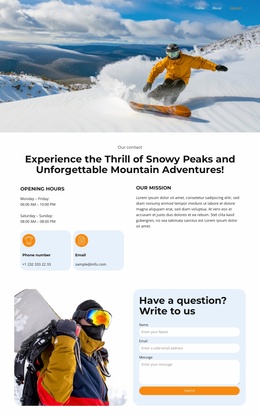
The experience list and contact routes divide the event content clearly
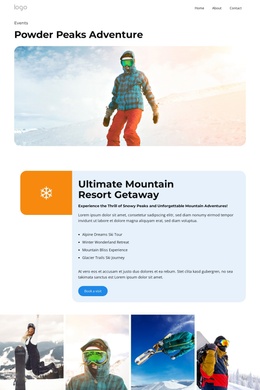
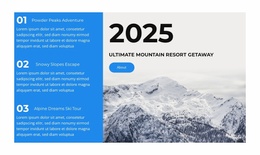
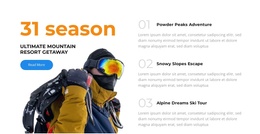
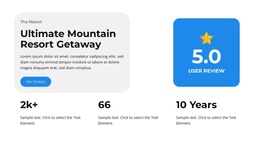
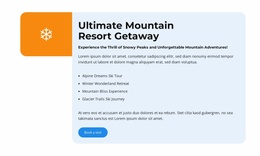
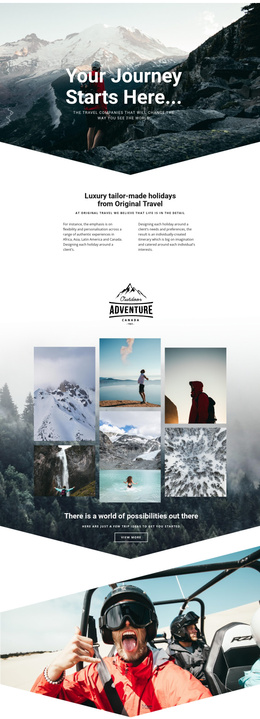
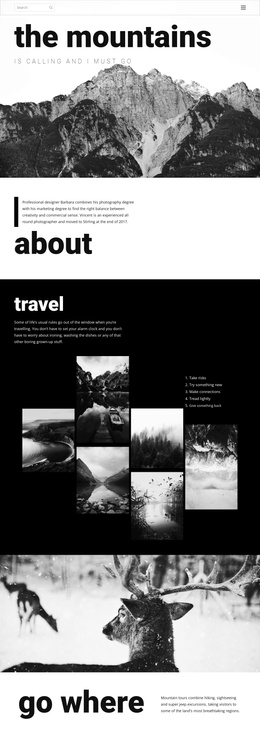
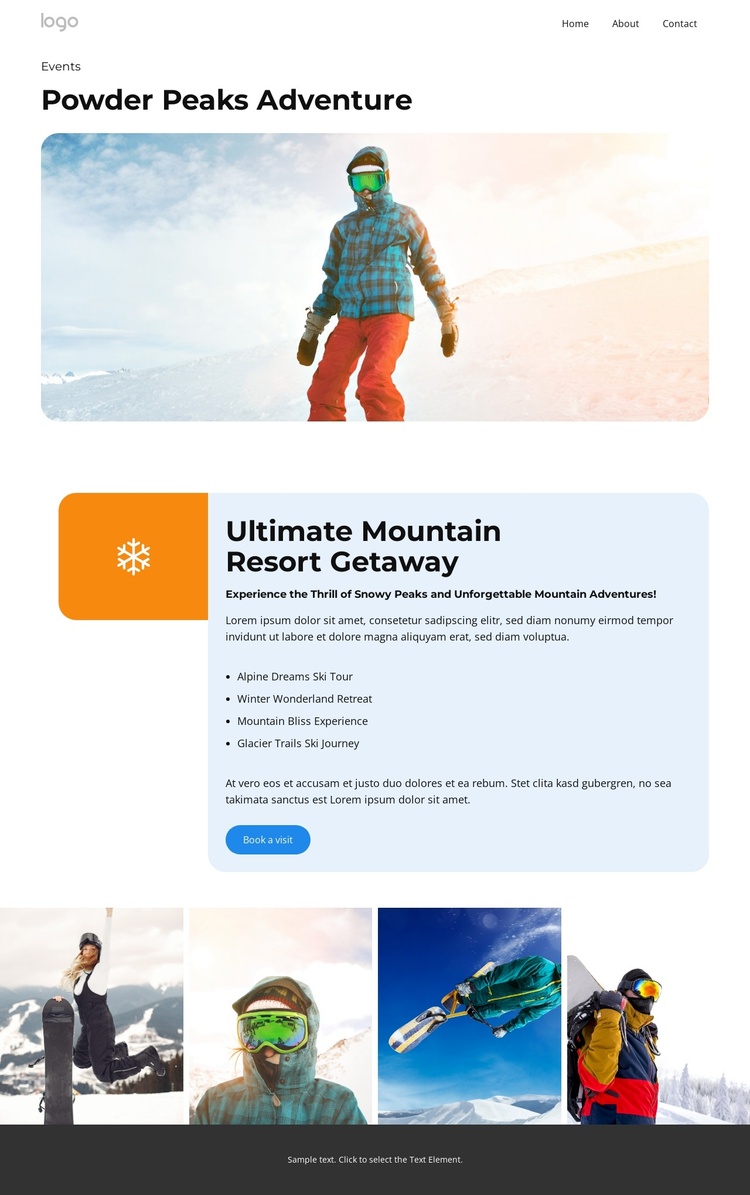
The four named experiences give the page a useful set of structured information areas for a CMS-managed adventure project. Alpine Dreams Ski Tour, Winter Wonderland Retreat, Mountain Bliss Experience, and Glacier Trails Ski Journey are presented together inside the Ultimate Mountain Resort Getaway panel, so recurring event or offering information can remain visually coordinated instead of being scattered across unrelated sections. The Events label and Powder Peaks Adventure heading provide the context that connects those entries to the page’s subject.
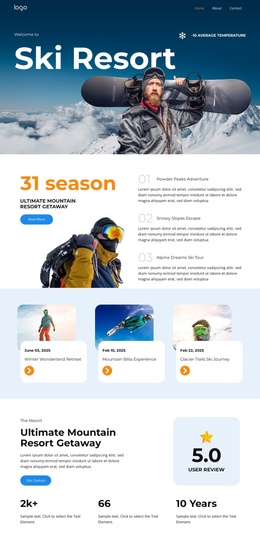
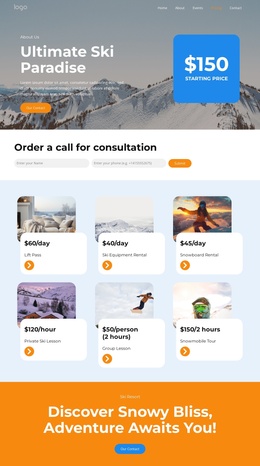
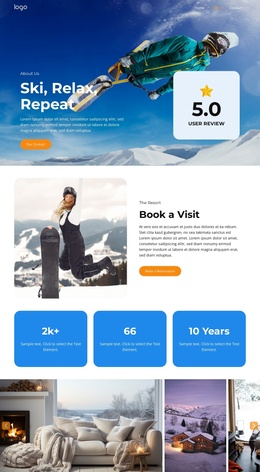
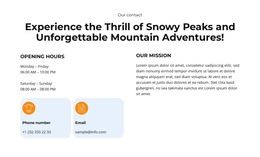
Navigation adds a second layer of organization. Home, About, Events, Pricing, and Contact identify broader destinations, while Our Contact provides a visible communication action. The Book a visit button has a different role: it follows the resort content and offers a direct response path for visitors interested in the experience. The four-image gallery can support the same content structure as a visual showcase for mountain and snow-sport material, although the analysis does not verify a CMS gallery or article system already in place.
For Joomla use, the design therefore offers clearly separated regions for navigation, structured adventure content, visual media, and contact-oriented actions. A Joomla implementation could maintain these relationships while editorial content is organized through the CMS. The template analysis confirms the page regions, not specific Joomla Articles, module Positions, or installation state, so those concepts should remain implementation options rather than existing template facts.
Customize with Nicepage
Open this ready-made template in the Joomla Page Builder and customize it visually in the Nicepage editor. Replace demo content, edit page sections, and adapt the design to your project without rebuilding the template from scratch.
Work With This Template in Joomla
Customize and Install the Joomla Template
Start with this ready-made template instead of building the Joomla design from scratch. Customize its layout, content, typography, images, sections, and other design elements visually in the Nicepage application, then export and install the Joomla Template, Nicepage Extension, and supported content on your Joomla website.
Edit the Template Directly in Joomla
After installation, you can edit the Joomla Template directly in Joomla with the Nicepage Joomla Extension. Customize the Header, Footer, Colors, Fonts, typography, and Page Templates from the Joomla workflow while keeping the site design connected with your CMS content.
Edit Joomla Articles Visually
Use the Nicepage Joomla Extension to open and edit Joomla Articles visually from the Joomla Administrator. Change text, images, sections, layouts, and other page content in the Nicepage editor while continuing to manage the Articles through Joomla.
Joomla Content and Template Integration
Use the customized template together with Joomla Articles, module Positions, menus, forms, Blog Pages, and other supported CMS elements. With the Nicepage Extension used as the Site Style Source, shared design settings can be applied across Joomla Articles while Joomla continues to provide the CMS environment for managing site content.
This workflow combines a ready-made Joomla Template with visual customization, direct template editing in Joomla, and continued content management through the Nicepage Joomla Extension.