170 Contacts Joomla Templates




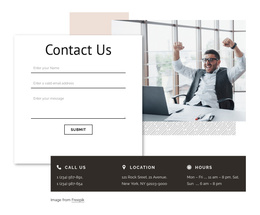
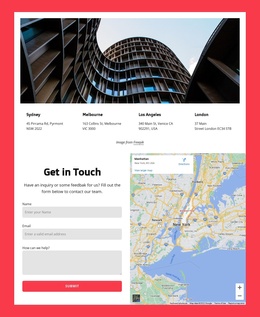
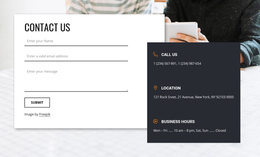
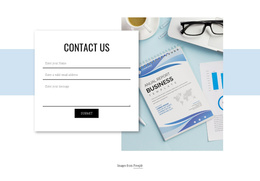

















Contacts Website Templates
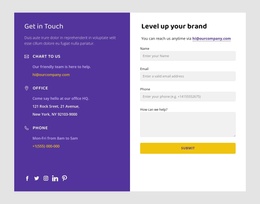
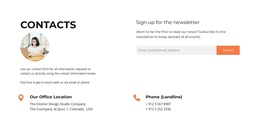
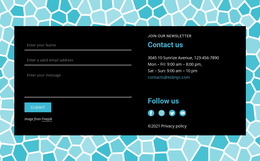
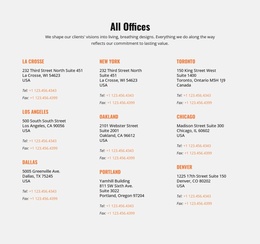
The Contact Web Templates are an essential part of any website and form page contact app landing page web design video assets. The difference between a basic contact form and best contact us page is similar to the software company Atlassian offers, how quick the sign up proceeds, and how comfortable scroll down live chat is. Make it easy for the customers to reach out to form your social media profiles and help center. When an enterprise software company or real estate logo maker agency has their contact information available, it passes a decency and reliability test. In simple Contact Us form, you show the clients that you care and want to provide the help they need. These days there are simpler ways to find arguments which they need right now to fix, especially when good quick smoke signals there help them to improve their support. A free contact form template builds up user experience and makes them want to name your website one of my favorite. Start building website contact responsive design with a drop-down menu of how they can help potential customers and show the easy way to make a great job with their contact page which helps site visitors to reach the creators. A simple and responsive contact form design template is a great start to top-notch customer service. How many website visitors find answers using an information below the fold? One of the crucial questions is how long the 9 choice screening contact website should respond to a question from a customer or should contact them by other means and what is the best way to min read contact form designs and best ways to their contact page?
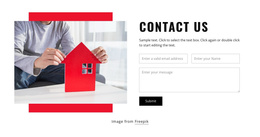
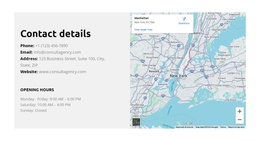
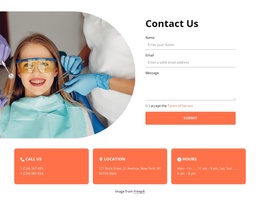
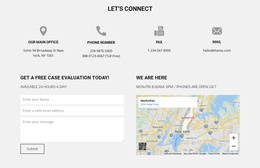
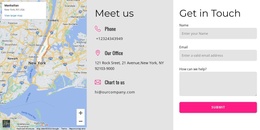
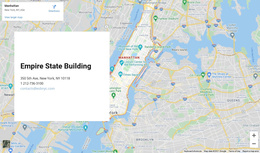
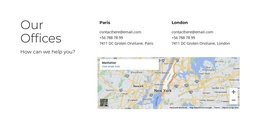
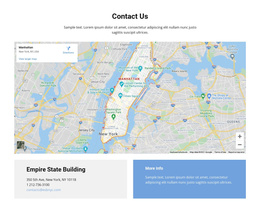
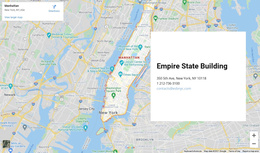
Our contact form templates are aiming at real people and how to create contact page best practices using a knowledge base with multiple ways to contact us page of customer service. Contact Us page is part of the most popular categories among web templates. There’s a limitless number of ways to organize their form template ofr Contact Us page as there are no set rules on the contact form design. A google map will suit offline business well, whereas a corporate email address and interactive live chat are great for online business contact pages. If you want to see awesome contact page examples, visit the Dollar Shave Club business website. Note how they use a separate one-page template for customers in trouble, where the latter can look up their questions in FAQ or contact the support team straight away. One page creative us page is one email short very inquiry contact form of best contact us pages and they make it easy contact operator responses, including their social media links. A google maps background can also become a part of the contact us page design as well as the phone numbers and other information you need to reflect. Email marketing campaigns website and their contact page where all visitors end up must correlate to amplify the response time and impact. WordPress plugins with a form template allow to show off own contact page form during web development of their contact page and live chat.
Nicepage website builder is a pro in single page design fully responsive and similar to Unbounce landing pages and business WordPress themes. Form fields, tweak grids, shapes, and layouts, or add media and icons to create a modern design. Sign up and make sure the contact us page with a fully responsive design is always ready to produce a contact form template for a landing page. The best about forms design is the flexibility to create the best custom contact form design. Got no time for this? Take ready Contact Us pages or contact forms and turn them into the finest responsive website template just for you. Our free online tutorials form builder works with HTML templates, Joomla templates wtih a form template, and others to create paragons in the world of projects faster web design. Our WordPress hosting provides contact us page examples with a simple contact form for a basic WordPress theme, helpful during the learning process. They also provide the most common replies for the target audience below the hero image, the short form makes it easier and can help answer the questions they ask. Our learning material will explain why the contact page first impression improves ways for us and makes it clear with the contact us page what goals should be mentioned even on the mobile web or in the wpbakery page builder. During the design contact page make sure to provide the help they need with specific conditions and one of my websites general inquiry contact form that will sustain responsive contact form design. If you ask yourself how to create their contact us dollar shave club or how to create their help center google maps, then check the examples most contact pages often are put. In our help center best of us page examples you will find a free contact form template, and one of the free landing page free contact dollar shave club and portfolio WordPress themes. Contact pages will inspire future us page examples and their contact us pages free contact form template. Sign up for the best contact form page templates and more of fully responsive website design.