100 Pricing Joomla Templates











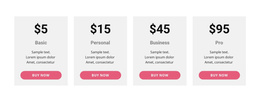
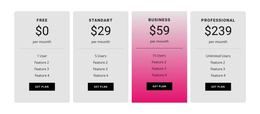
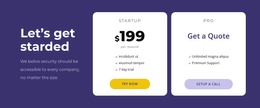
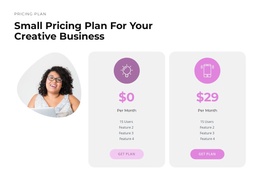







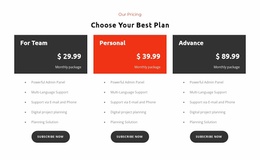
Professional Pricing Joomla Templates for Editable Plan Comparison Sections
Pricing Joomla Templates help present membership fees, subscription levels, and service packages inside Joomla page content. These are editable Pricing Blocks for Joomla projects, not complete Joomla templates. Use them when your CMS-based site already has its own theme but needs a focused area for comparing paid offers.
A well-organized pricing section also makes value differences easier to spot. Each plan follows the same content hierarchy, while price, features, and the next action remain visible. The result is a focused page section rather than a complete Joomla website.
Pricing Content in Joomla Pages Versus Joomla Templates
Choose a ready-made pricing design according to the number of offers and the details each plan must communicate. A Pricing Block belongs in Joomla page content, while the site template controls the broader presentation. This lets you add a useful comparison without replacing the site theme.
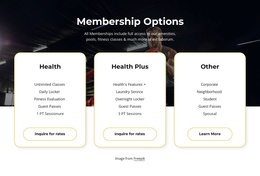
In a membership site, a pricing section might distinguish guest access from monthly member benefits. For a service business, it might compare basic maintenance, priority support, and a tailored package. A software business might display annual and monthly subscription options. Each of these can be maintained as page content within the Joomla publishing workflow.
For a useful Joomla pricing section, prioritize:
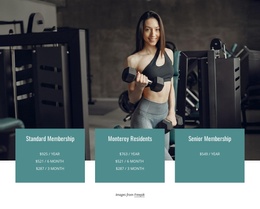
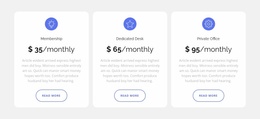
- Membership tiers: access levels, renewal intervals, and included privileges.
- Service packages: deliverables, service limits, and how to request a quotation.
- Subscription offers: billing periods, usage conditions, and registration destinations.
- Editorial fit: a section width and hierarchy that work with the existing Joomla page.
For example, choose membership-tier cards when each level has a short list of privileges, service-package cards when scope varies by offer, or a subscription comparison when billing conditions and usage limits need a closer look. Choose a prepared section around real pricing content, not the greatest number of cards.
Clean Pricing Cards and Comparison Table Layouts
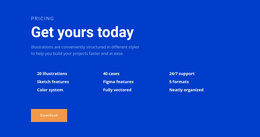
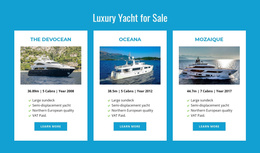
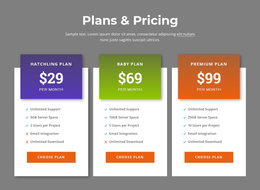
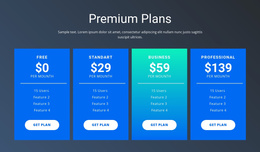
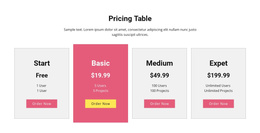
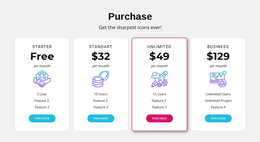
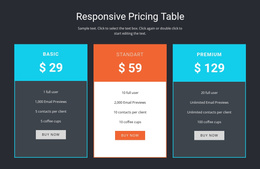
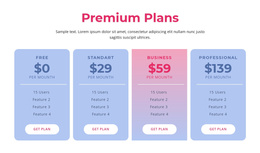
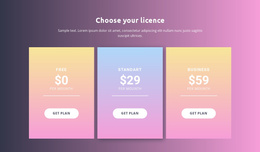
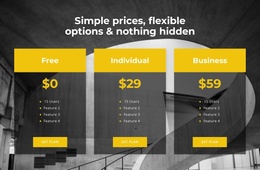
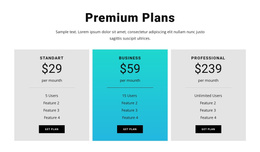
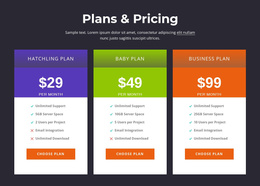
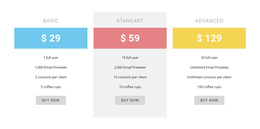
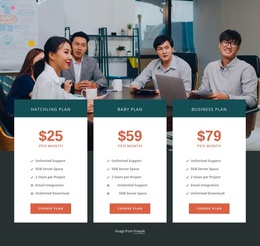
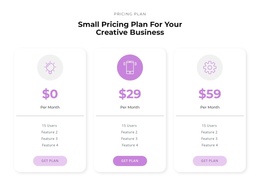
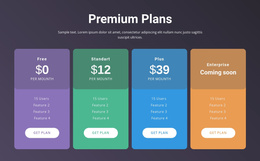
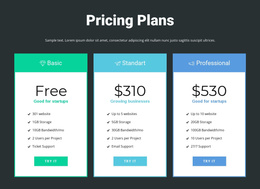
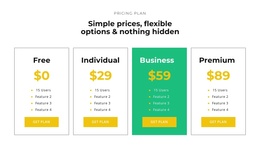
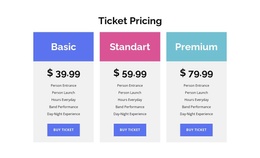
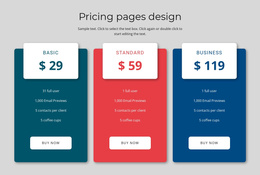
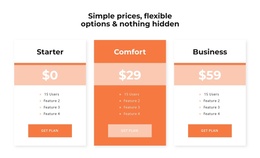
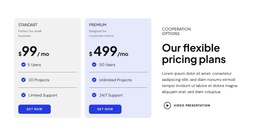
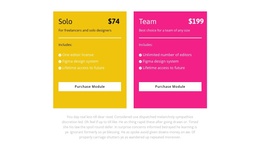
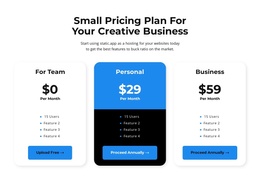
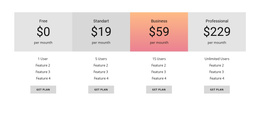
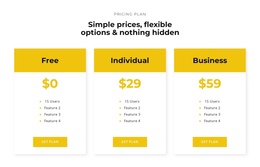
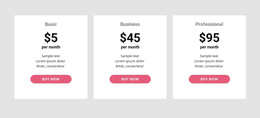
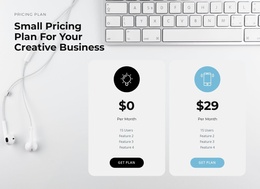
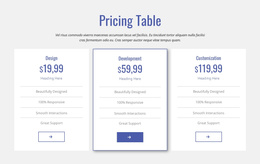
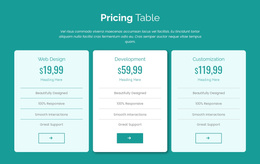
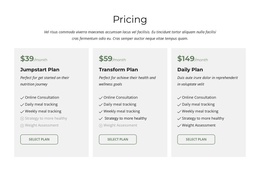
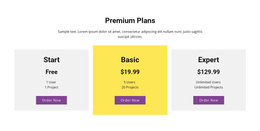
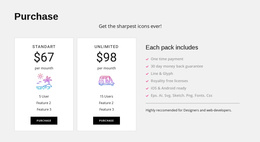
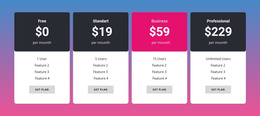
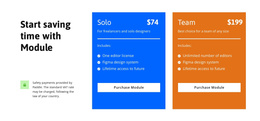
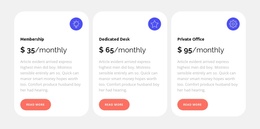
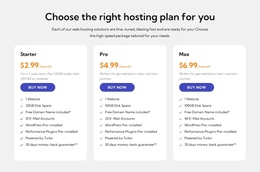
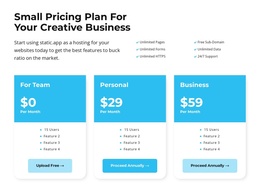
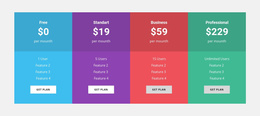
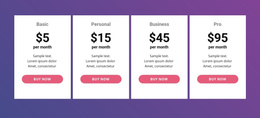
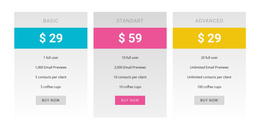
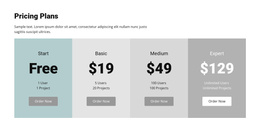
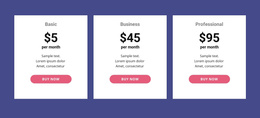
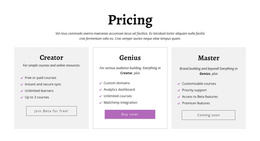
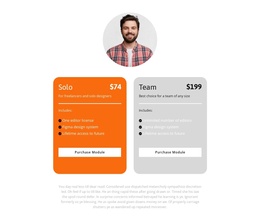
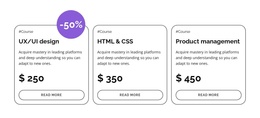
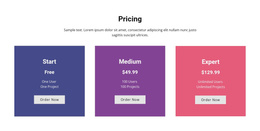
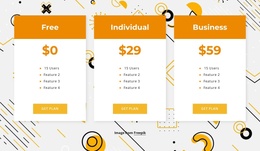
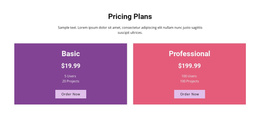
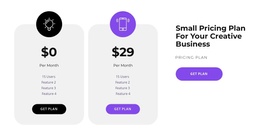
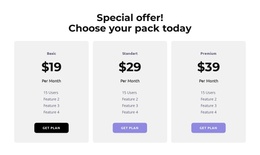
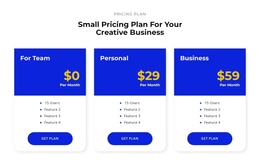
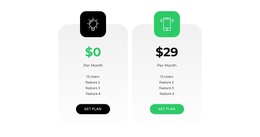
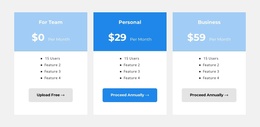
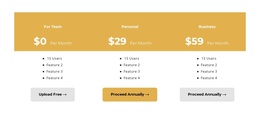
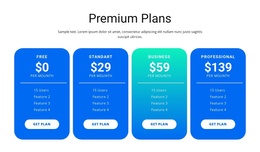
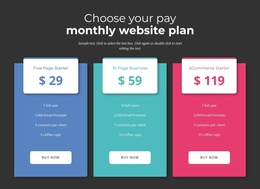
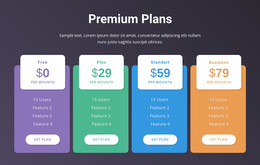
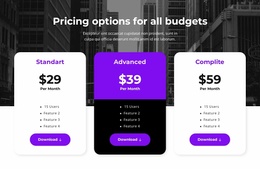
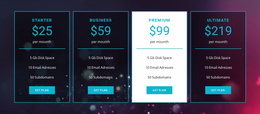
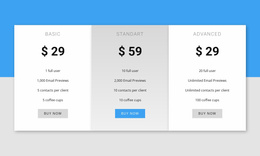
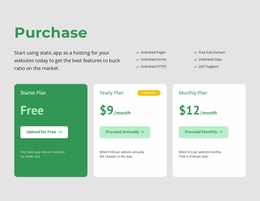
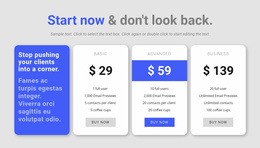
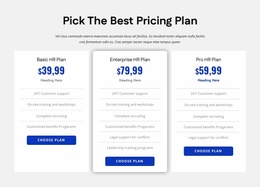
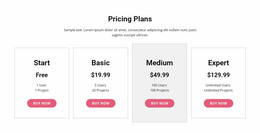
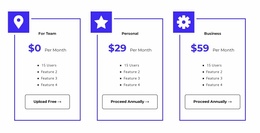
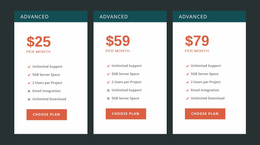
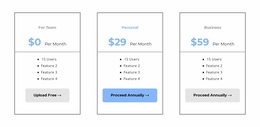
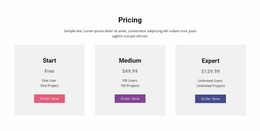
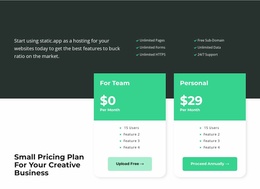
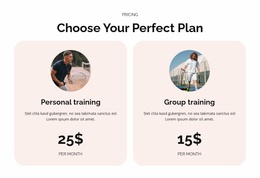
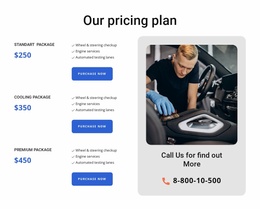
Pricing cards are useful when each offer needs a compact summary. They commonly appear in parallel columns, with the plan name above the price, a short feature list underneath, and a selection button near the bottom.
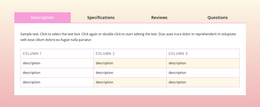
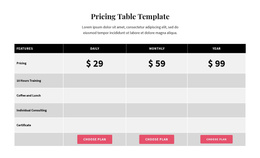
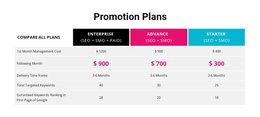
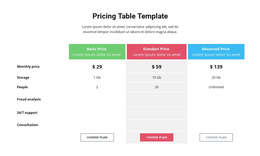
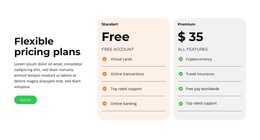
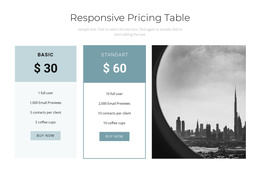
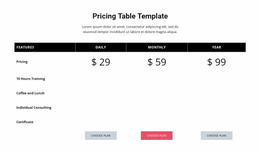
A comparison table works better when differences require closer examination. Features can occupy shared rows, while individual plans appear in separate columns.
The Table Element in Nicepage supports structured rows and columns, making it relevant to pricing-table layouts. The arrangement can then be adapted to the number of offers and the amount of information each plan requires.
When selecting a layout, consider these distinctions:
- Pricing cards emphasize each offer as a separate choice.
- Comparison tables make individual features easier to evaluate across plans.
- Highlighted plans can establish a visual priority when there is a genuine reason to recommend one option.
- Consistent button placement helps visitors locate the next action after comparing offers.
A general comparison section may evaluate products, services, or features without presenting purchase options. A Pricing block is more specific: cost and plan selection are central to its purpose.
Edit and Integrate Pricing Sections in Joomla
The Joomla-specific workflow matters when pricing information belongs inside an existing content-managed project. A pricing block can be placed within a page that introduces subscriptions, service packages, membership options, or other structured offers.
Nicepage provides a Joomla Extension for working with Nicepage-created content in Joomla. The editor allows the section design and its content to be adapted to the project.
A practical workflow is:
- Select a pricing block with enough cards or columns for the available plans.
- Replace sample content with the correct names, amounts, billing terms, and feature details.
- Adjust visual hierarchy so prices, inclusions, and selection buttons are easy to distinguish.
- Review the section in the context of the surrounding Joomla page content.
The goal is to keep a clear link between each price and its corresponding features. This is particularly important when plans have different limits, billing periods, or service conditions.
Nicepage's Joomla Extension supports editing Nicepage-created page content. Theme export and editing follow a separate workflow, so update package details in the pricing section while retaining the wider Joomla design.
Choosing the Right Pricing Structure for Plan Decisions
Different pricing scenarios call for different levels of comparison.
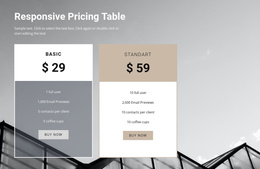
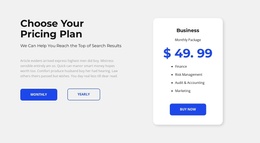
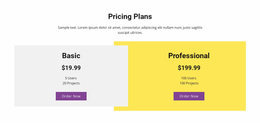
- Two-plan sections can clarify the difference between basic and expanded access.
- Three-tier pricing can present entry-level, intermediate, and advanced options.
- Detailed feature comparisons benefit from table-based organization.
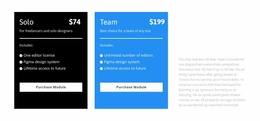
- Fixed-price packages should emphasize scope, deliverables, and total cost.
- Recurring subscriptions need clearly stated billing periods and conditions.
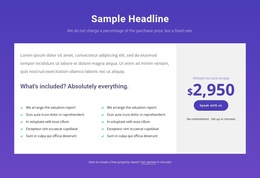
A price-focused section may be sufficient when the main task is displaying an amount or rate. Pricing blocks serve a broader decision: they connect prices to specific plans, included benefits, and selection actions.
Avoid adding unnecessary cards to fill the layout. Fewer, clearly differentiated options are easier to understand than a crowded selection where the differences remain unclear.
Pricing Joomla Templates FAQ
Can I edit a pricing section directly in Joomla?
Yes. The Nicepage Joomla Extension supports editing Nicepage-created page content through the Nicepage editor. You can work on the pricing section as part of the Joomla page. Exported Joomla themes, however, cannot be edited directly inside Joomla.
What information should appear in a pricing card?
A pricing card should normally contain a plan name, price, billing period where applicable, included features, and a clear selection action. Optional labels can emphasize a recommended or featured plan, but the essential information should remain comparable across all cards.
Can I use a table instead of pricing cards?
Yes. Nicepage includes a Table Element that supports arranging content into rows and columns. This is useful when visitors need to compare several plans against the same features or conditions.
How do Pricing sections differ from general Comparison sections?
A Pricing section organizes plans around costs, included features, billing conditions, and selection buttons. A general Comparison section may evaluate alternatives using specifications, characteristics, or other criteria without requiring prices or a purchase-related action.
Adapt a Pricing Section for Your Joomla Project
Start with a block design that matches the number of offers and the detail visitors need to compare. Update the plan information in the Nicepage editor, maintain a consistent pricing-card structure, and integrate the section into the relevant Joomla page.
The finished block should make the cost, value, and next step of each plan easy to understand, without forcing visitors to reconstruct the comparison themselves.