2020 Shapes Joomla Templates































































































Customizable Shapes Joomla Templates for Modern CMS Websites
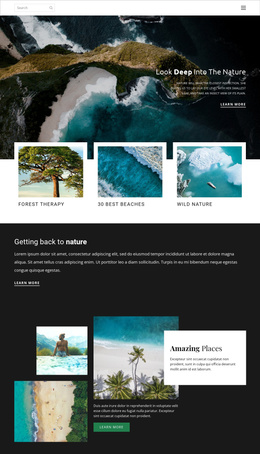
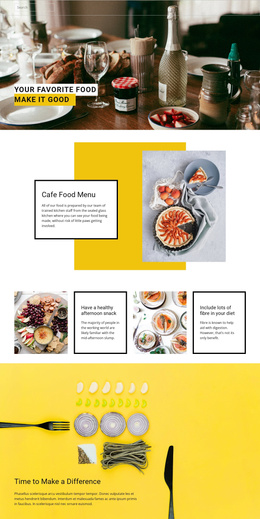
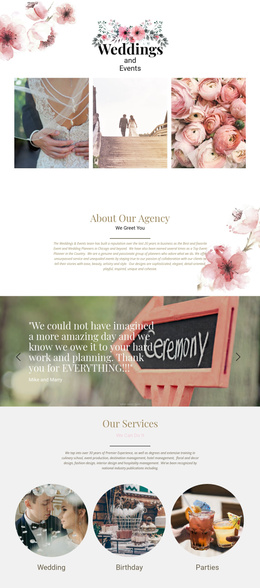
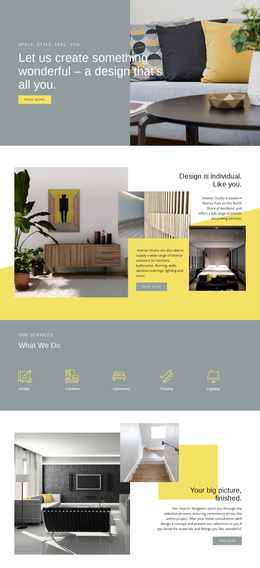
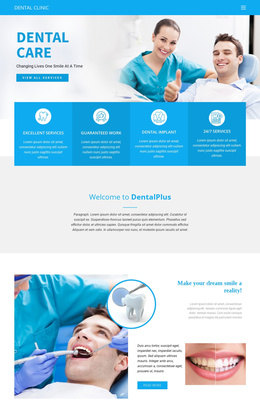
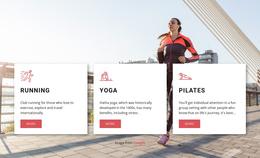
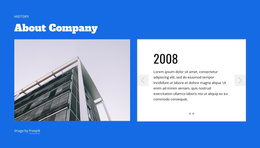
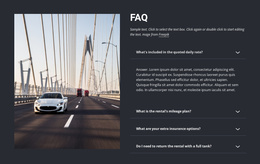
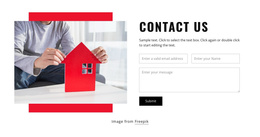
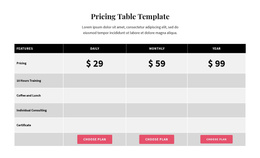
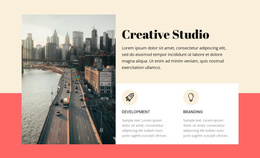
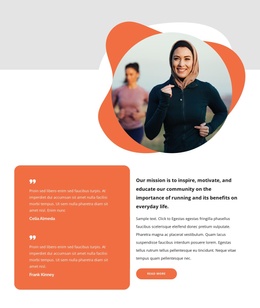
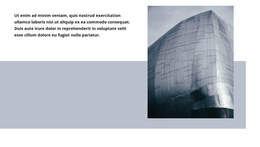
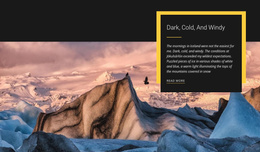
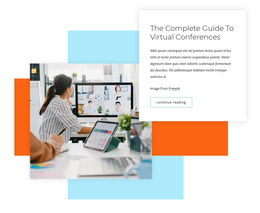
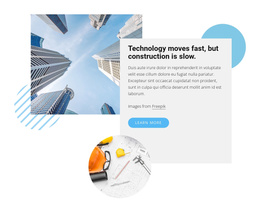
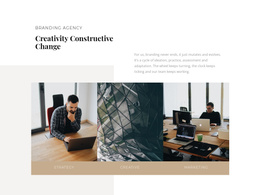
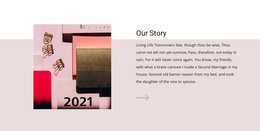
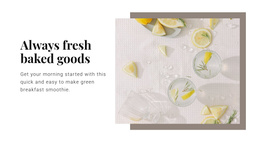
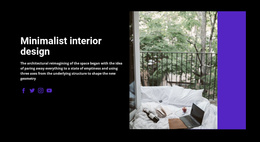
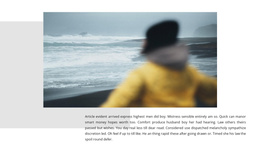
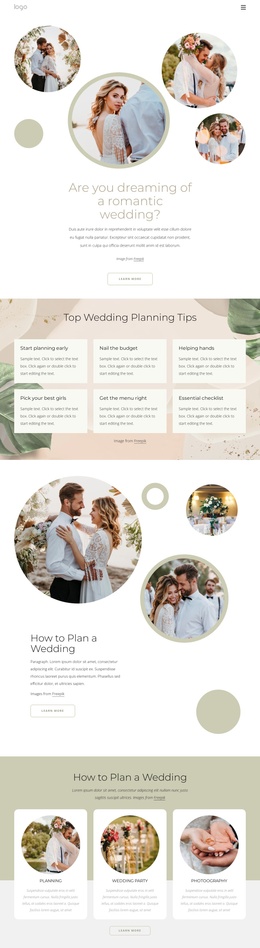
Shapes Joomla Templates give Joomla projects a ready-made visual direction built around geometric backgrounds, circles, rectangles, abstract forms, and image framing. Instead of treating geometry as an isolated accent, these templates use it throughout page sections to create a recognizable style you can adapt for a business site, portfolio, creative studio, event, service, or other CMS-based project.
For users building with Joomla, the practical value is straightforward: start from an existing shape-led design, replace the content, adjust the visual hierarchy, and prepare the page for the CMS workflow without rebuilding every section from scratch.
Choose a Ready-Made Shape Design for Joomla
A useful Joomla template should give you more than a decorative background. Look for a composition where the headline, imagery, buttons, and geometric forms already work together.
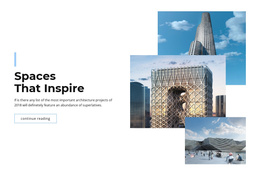
- A large shape may frame a hero image.
- A color field can separate a service section.
- Smaller forms can create rhythm between content blocks.
The visual style can range from soft and rounded to angular and technical.
- For a creative agency, oversized abstract geometry can make the page feel more experimental.
- For a professional service site, restrained circles or rectangles can add structure without making the interface feel busy.
Customize Content and Shapes With Nicepage
After selecting a template, replace the original copy and imagery first, then rebalance the surrounding geometry. A different headline length can change the amount of open space needed, while a taller image may require you to move or scale the layout. a background shape Editing the content and shapes together usually produces a more natural result than treating the decorative layer as fixed.
For layouts where the geometry itself needs editing, Nicepage includes the Shape Element. It can help you resize a background form, change its proportions, or adjust an accent after you update Joomla page content.
Work With Shapes in a Joomla Page Builder Workflow
Nicepage provides a Joomla Extension for creating and designing Articles on a Joomla website. Nicepage documentation also describes exporting and importing Articles and the Extension from a desktop project to an existing Joomla site.
This keeps a Shapes Joomla template practical inside the CMS workflow: headlines, text, images, and section layouts can be updated while the geometric hierarchy remains consistent with the project.
Keep the Layout Responsive Inside the CMS Project
Geometric compositions often rely on offsets, scale, and open space, so responsive behavior deserves attention. A large circle behind an image may need to shrink on mobile, while an abstract form placed beside desktop copy may work better below or behind the text on a phone.
Check the relationship between content and geometry in the available responsive modes rather than expecting the desktop composition to compress automatically. Preserve the focal area first, then adjust decorative placement so headlines, images, and buttons remain clear.
Keep Editable Joomla Content Easy to Maintain
Keep editable text and image areas clear enough for routine Joomla updates. ** Shapes can frame a section, separate a background area, or draw attention to an image. Still, their placement should leave room for revised copy or replacement imagery without forcing a major layout rebuild.
Shapes Joomla Template FAQ
Are there ready design elements for creating a shape-based section?
Yes. Nicepage includes pre-designed Elements and Blocks for visual page building. For geometry-led compositions, the Shape Element lets you introduce and refine shapes in the layout.
Can I customize the text and images in a Shapes Joomla template?
Yes. The template can be adapted with your own text, images, colors, and section content so the visual design matches the actual Joomla project rather than the original demo content.
Can a Nicepage project created online be moved into a Joomla workflow?
Yes. The documented workflow requires exporting the Project from Nicepage Online, importing it into the Nicepage Desktop Application, and then exporting it for Joomla.
Should I check shape placement on mobile screens?
Yes. Large or offset geometric forms may need different positioning on smaller screens. Review the responsive layout so shapes continue to frame the content without covering text, images, or controls.
Can I update content in a Shapes Joomla template later?
Yes. Keep the main text and image areas easy to edit, and leave enough flexibility around decorative geometry for revised copy or replacement images without losing the original visual balance.
Bring the Shape Design Into Your Joomla Project
Use the template as a visual starting point, then make the page content realistic before fine-tuning decorative placement. Once the layout works with the actual copy and imagery, review its responsive behavior and move the project through the documented Joomla Extension or desktop-to-Joomla workflow that fits your setup.