100 Wedding Joomla Templates
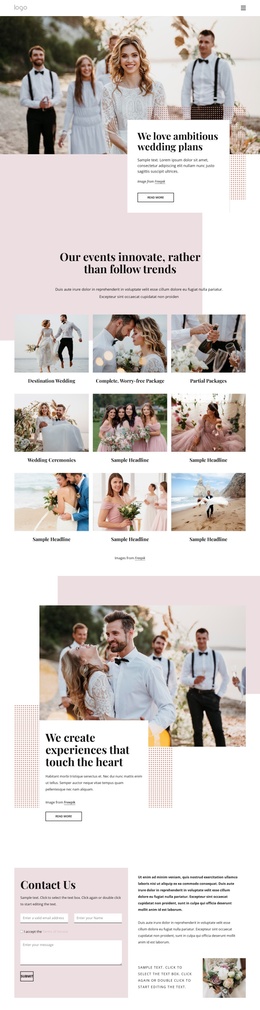
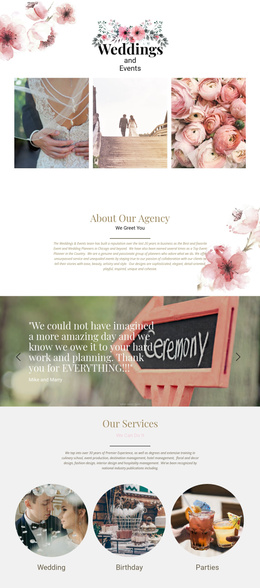
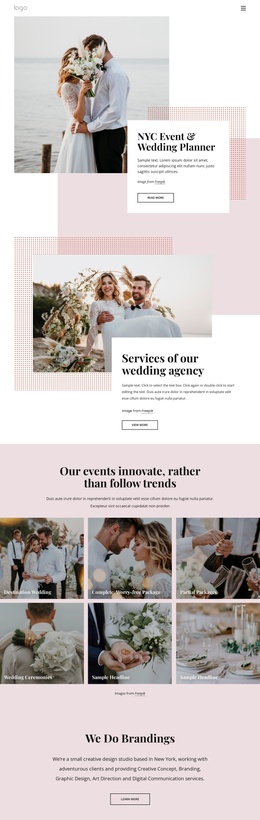
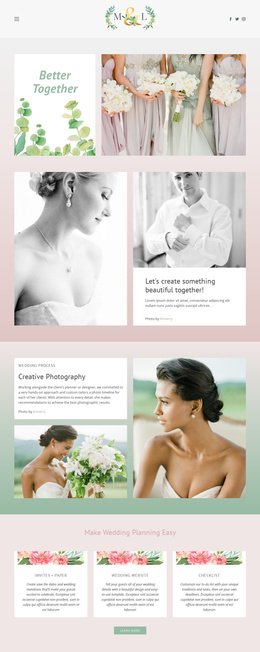
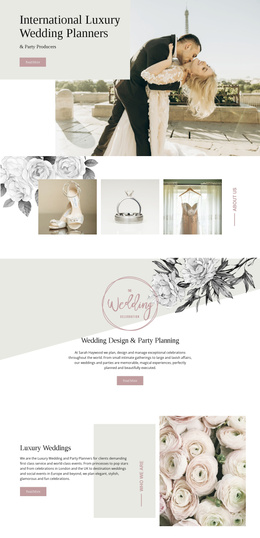
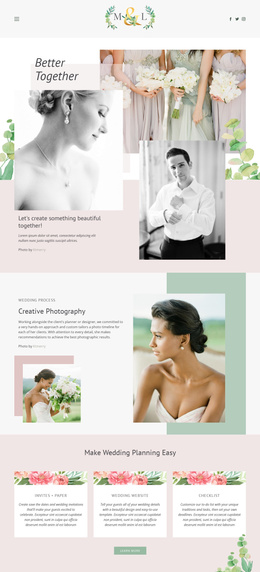


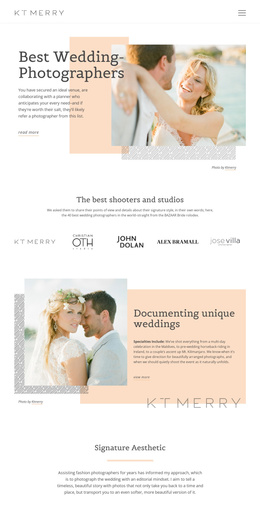
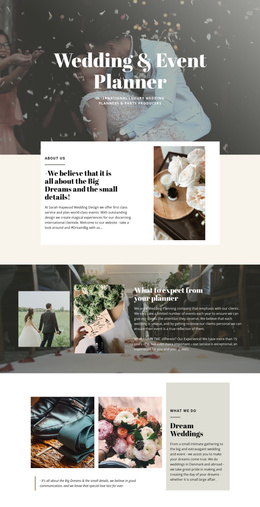



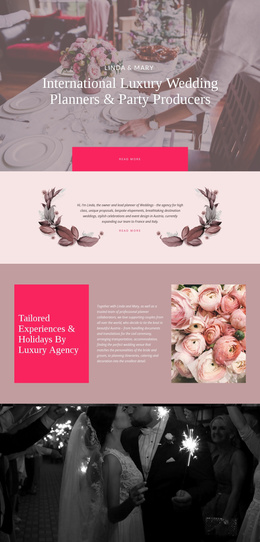

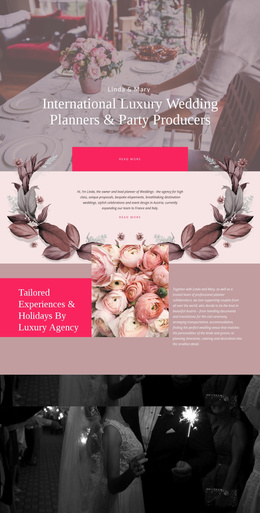
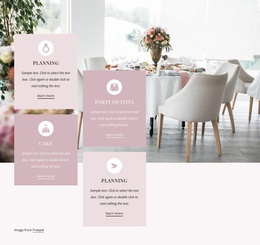
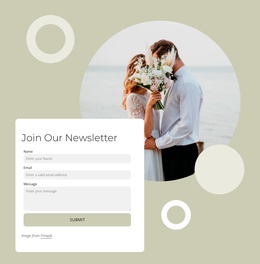












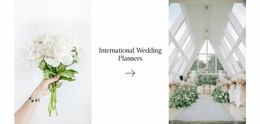
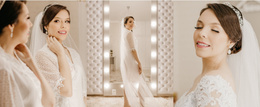
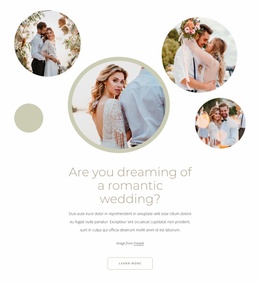
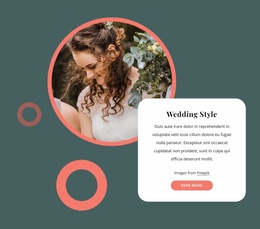



No-Code Wedding Joomla Templates
Shape ceremony pages, organize guest information, and prepare a CMS that wedding teams can update after launch without rebuilding the visual system. Wedding Joomla templates give couples, planners, venues, and photographers a practical way to move from a designed celebration site to editable Joomla content. At the same time, Nicepage keeps layout work inside a visual workflow rather than raw template code.
Who Can Use Professional Wedding Joomla Templates?
These layouts suit wedding projects that need ongoing CMS control:
- Couples who expect schedule or venue updates
- Planners who manage several information pages
- Venues that publish ceremony and reception details
- Photographers who combine articles with visual portfolios
The workflow begins with a design concept, then moves into the Nicepage editor for page and template adjustments. After the Joomla package is prepared, the Nicepage Extension becomes part of the CMS workflow. The official Joomla Extension installation documentation confirms that the Extension can be used to create and design Articles directly on a Joomla website.
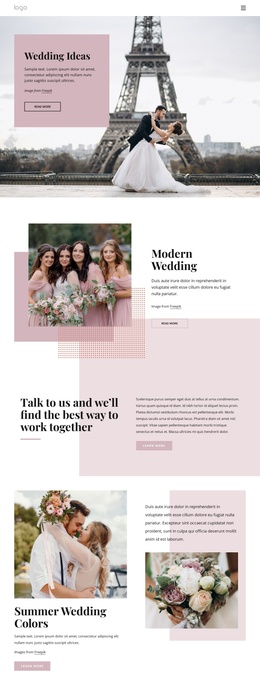
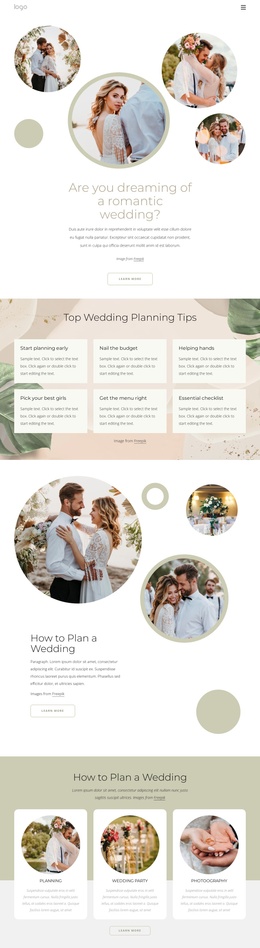
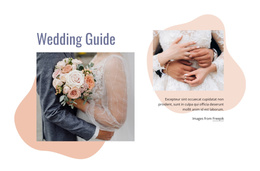
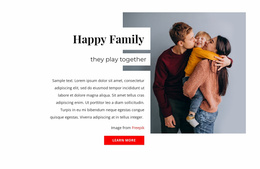
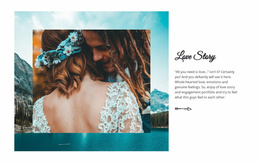
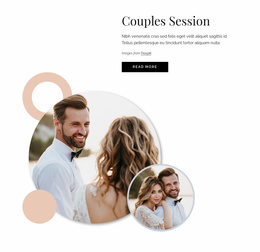
A couple relationship design direction can support story pages and shared milestones, while wedding checklist ideas fit practical sections for schedules, preparations, or guest instructions. These supporting page concepts can share one template system without forcing every Article into the same composition.
Advanced Features for a Wedding Joomla Website
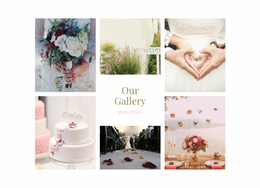
The Joomla Extension supports visual Article creation inside the CMS, which is useful when ceremony details or reception information require later edits. The Widget Area and Position Element can connect designed content to Joomla Positions, while the Image Gallery Element provides wedding photography with a dedicated visual structure. Contact Form Element blocks can handle inquiries or guest-facing forms, and Website Menu navigation can separate the couple story, schedule, venue, gallery, and contact content.
Edit Mobile Views lets designers adjust layouts for smaller screens rather than accepting a single automatic composition across all devices. SEO Page Properties provide control over page titles, descriptions, and related optimization fields. Project Export and Import supports movement between Nicepage project workflows when a design must be transferred or maintained outside the immediate Joomla editing session.
For reusable CMS content, Nicepage documentation explains how to place a Joomla Position inside Article Content. This can be useful when a wedding site needs repeatable Joomla-managed content alongside visually designed Articles, such as venue notices or event-related information that appears in designated positions.
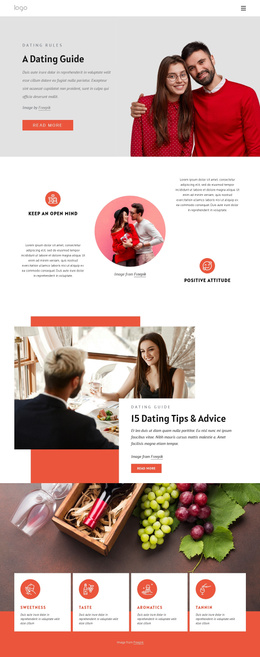
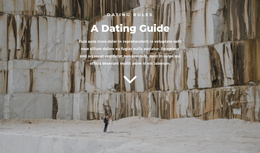
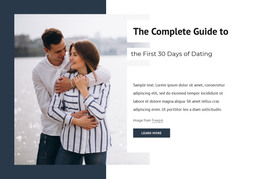
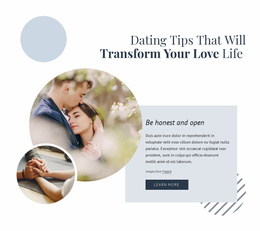
A dating-inspired visual style may also fit couple-introduction sections, especially when portraits and personal copy need a warmer editorial tone. The wedding context should still determine the final colors, typography, photography, and information hierarchy.
Responsive Joomla Workflow for Wedding Content
Common Mistake: treating Joomla as a place to edit every visual decision independently after the original design is finished. The Fix: establish the template structure in Nicepage, use the Joomla Extension for supported Article editing, and reserve Joomla Positions for content that genuinely benefits from CMS placement. This keeps frequently updated ceremony information manageable without fragmenting the site'ss isual identityy
Ready-To-Use Wedding Joomla Questions
Can I work on a wedding Joomla project without an Internet connection?
Nicepage uses online authorization for the Desktop Application and Joomla Extension. If you previously signed in while connected, you can use Nicepage offline, though the template and media libraries will not be available.
Do I need a separate Premium plan for the Joomla Extension?
No. A Nicepage Premium Plan covers the Desktop Application, WordPress Plugin, Joomla Extension, and Online Builder.
How can I organize wedding photographs inside Joomla pages?
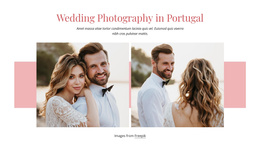
Use the Image Gallery Element to arrange multiple ceremony, venue, engagement, or reception photographs in a dedicated visual gallery. It provides a structured alternative to placing individual images one after another inside a long Article.
Can I edit the exported wedding Joomla template directly inside Joomla?
The Joomla Template can be exported from the Nicepage Desktop Application or Online Builder, but themes and templates are not edited directly inside Joomla. The Nicepage Joomla Extension is used for supported page and Article editing workflows inside the CMS.
Premium Wedding Joomla Workflow From Concept to CMS
A wedding website does not need a long handoff between the designer and the person responsible for event updates. Select a design, open it in the Desktop App or Online Builder, adapt the layouts to the couple and celebration, prepare the Joomla output, and install the required template and Extension workflow. From there, the site can go live with a CMS structure ready for later content changes. Start for free, establish the design system early, and move the project toward launch without turning routine wedding updates into development work.