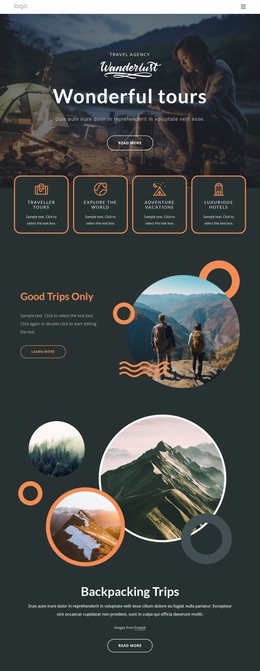
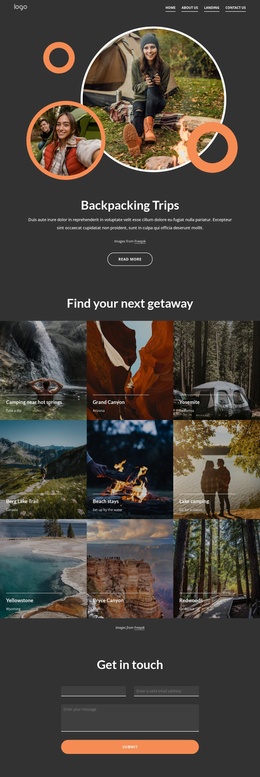
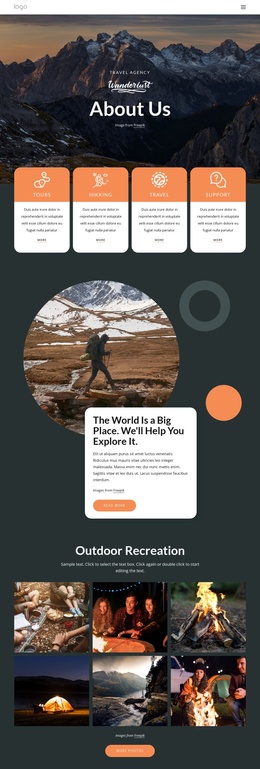
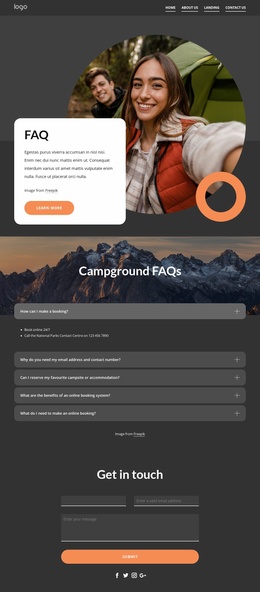
Make your trips truly pleasant experiences Joomla Template


Edit Template Offline
2. Create new page and search for id 5389149
Edit Template Online
Create Awesome Websites


Free Nicepage Builder
Keywords
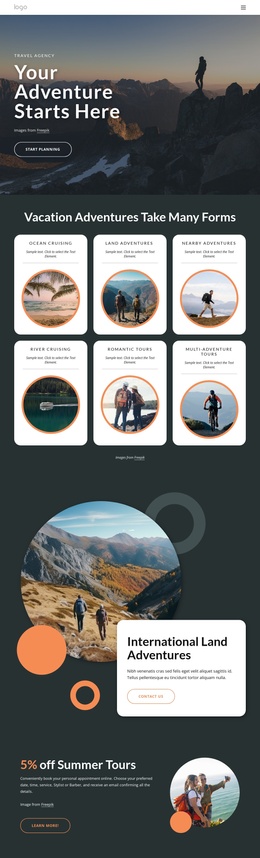
Navigation, contact channels, and inquiry content create clear Joomla regions
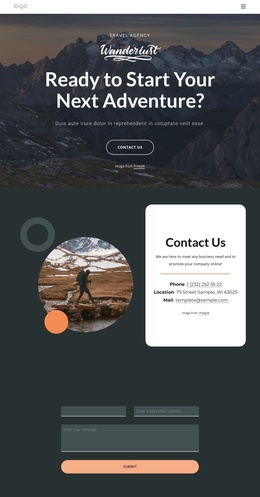
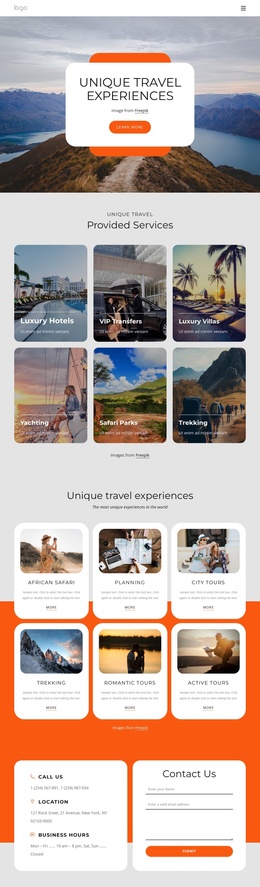
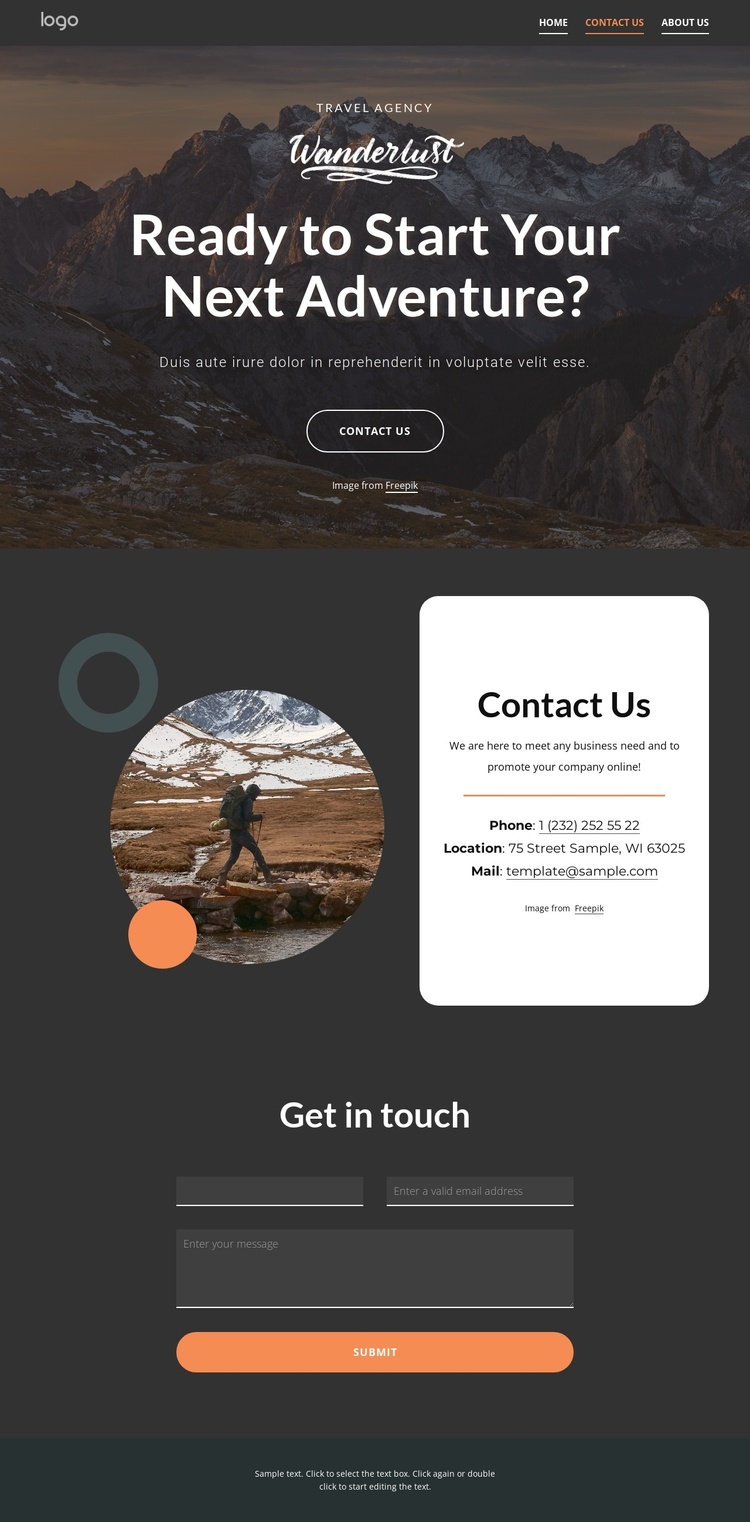
The top navigation divides the page into recognizable site areas before the visitor reaches the contact content. Home, About Us, Landing, and Contact Us links establish a shared route through the design, while the dark header provides a consistent visual boundary. The mountain hero follows with a travel-focused headline and Contact Us button, creating an introductory content region that can be kept distinct from the practical information below.
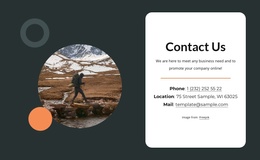
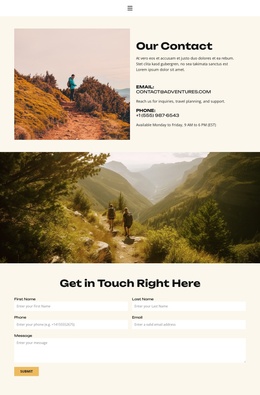
The central contact block is especially suitable for structured CMS content because it separates communication details into a defined white card. Phone, location, and email appear together beside a decorative circular travel image and supporting shapes, allowing those related details to remain visually coordinated as the page is maintained. The following “Get in touch” block supplies a second, clearly defined region for the inquiry form and its full-width Submit control.
These relationships give a Joomla project an organized content pattern: navigation at the top, an introductory travel message, contact information, an inquiry area, and a shared footer line. The design does not require the page to be treated as a generic information listing. Its sections already distinguish presentation from contact data and contact data from visitor response, which helps preserve the intended structure when content is managed through a CMS.
Customize with Nicepage
Open this ready-made template in the Joomla Page Builder and customize it visually in the Nicepage editor. Replace demo content, edit page sections, and adapt the design to your project without rebuilding the template from scratch.
Work With This Template in Joomla
Customize and Install the Joomla Template
Start with this ready-made template instead of building the Joomla design from scratch. Customize its layout, content, typography, images, sections, and other design elements visually in the Nicepage application, then export and install the Joomla Template, Nicepage Extension, and supported content on your Joomla website.
Edit the Template Directly in Joomla
After installation, you can edit the Joomla Template directly in Joomla with the Nicepage Joomla Extension. Customize the Header, Footer, Colors, Fonts, typography, and Page Templates from the Joomla workflow while keeping the site design connected with your CMS content.
Edit Joomla Articles Visually
Use the Nicepage Joomla Extension to open and edit Joomla Articles visually from the Joomla Administrator. Change text, images, sections, layouts, and other page content in the Nicepage editor while continuing to manage the Articles through Joomla.
Joomla Content and Template Integration
Use the customized template together with Joomla Articles, module Positions, menus, forms, Blog Pages, and other supported CMS elements. With the Nicepage Extension used as the Site Style Source, shared design settings can be applied across Joomla Articles while Joomla continues to provide the CMS environment for managing site content.
This workflow combines a ready-made Joomla Template with visual customization, direct template editing in Joomla, and continued content management through the Nicepage Joomla Extension.