620 Contact Form Joomla Templates






















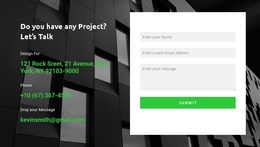


Contact Form Joomla Templates for Joomla Contact Pages
Contact Form Joomla Templates help you choose ready-made inquiry sections that suit a Joomla site's structure. Compare a compact service inquiry, a split contact-page form, or a wider contact section based on available space and the details visitors need to provide.
Joomla's Contacts component manages contact information and views; a Nicepage Contact Form block is a designed inquiry section, not a replacement for that component or an entire Joomla theme.
Compare Contact Form Layouts for Joomla
Several ready-made arrangements suit common Joomla pages:
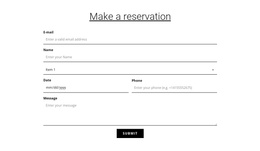
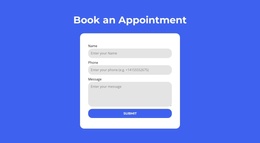
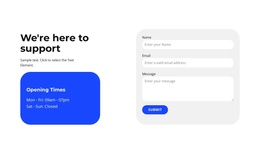
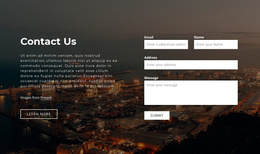
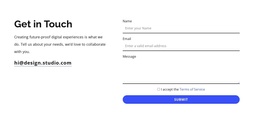
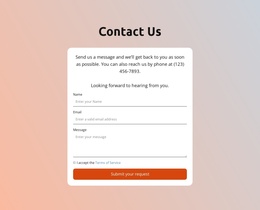
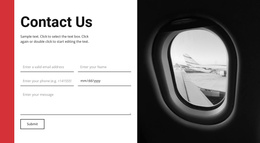
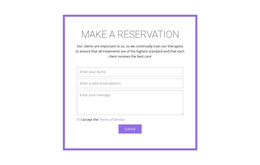
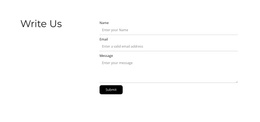
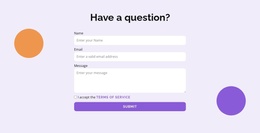
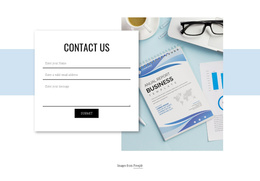
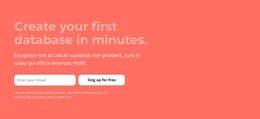
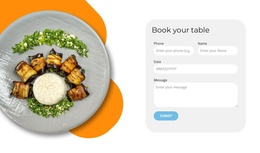
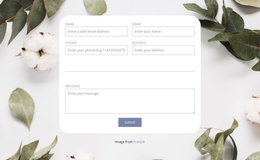
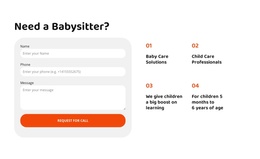
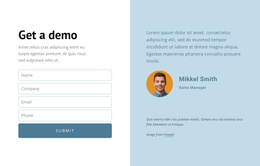
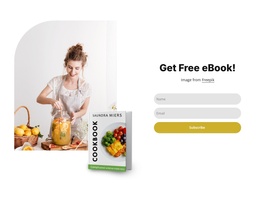
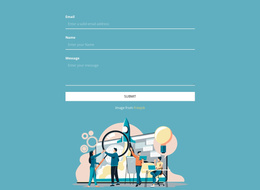
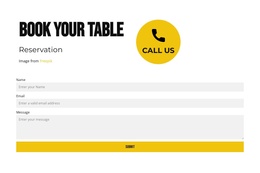
- Compact inquiry block: A short form beneath a service description.
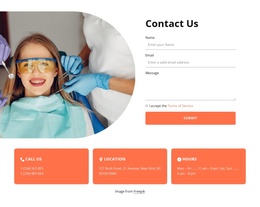
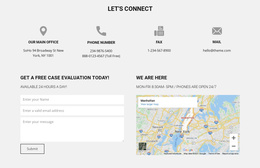
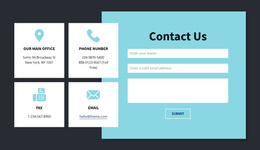
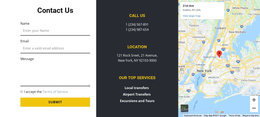
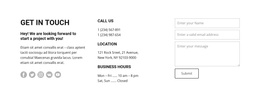
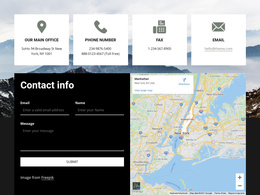
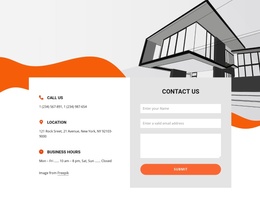
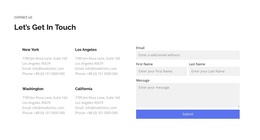
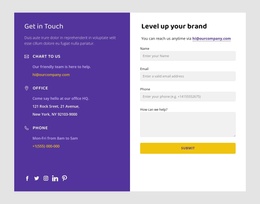
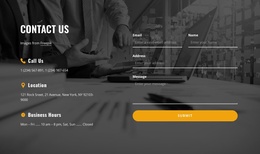
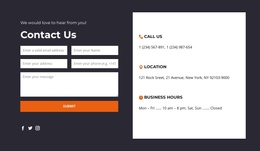
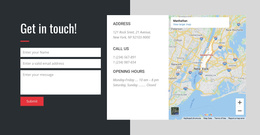
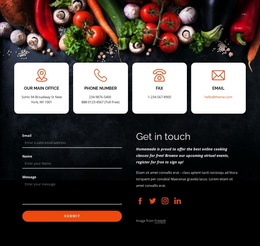
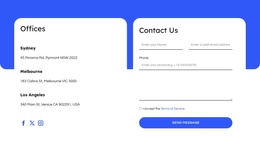
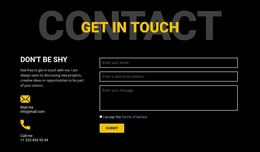
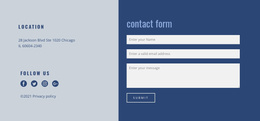
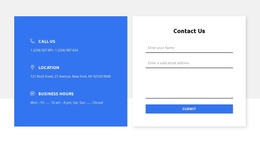
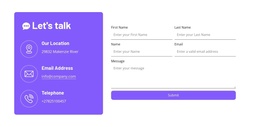
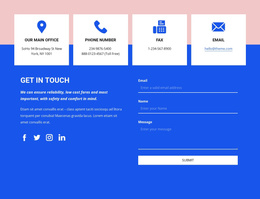
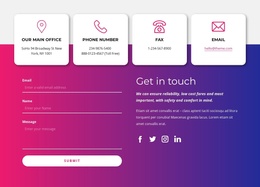
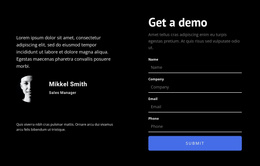
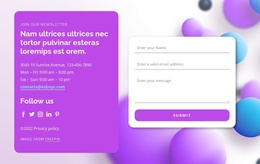
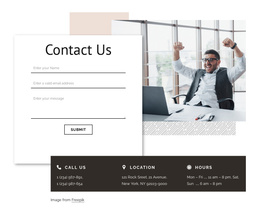
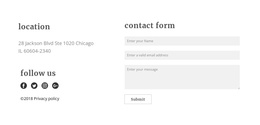
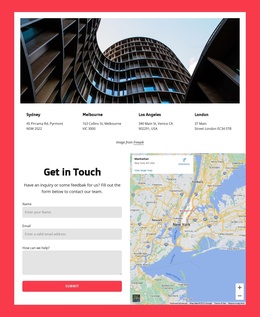
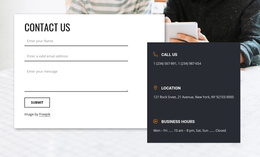
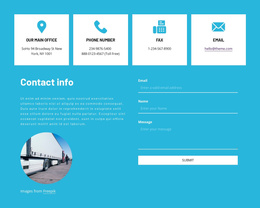
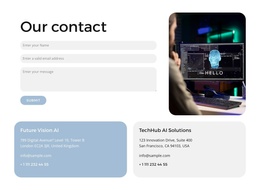
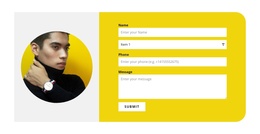
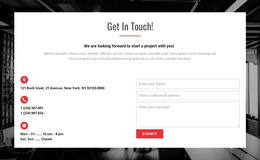
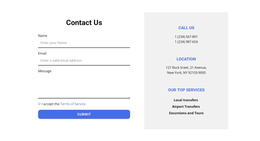
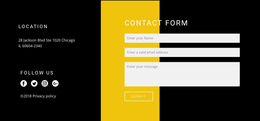
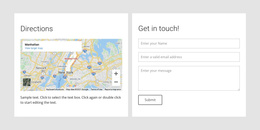
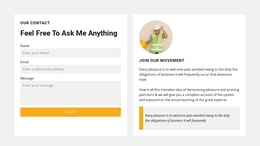
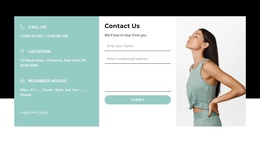
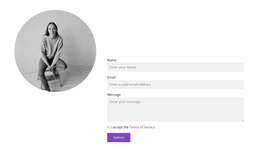
- Contact-page split layout: Organization details on one side and visitor input on the other.
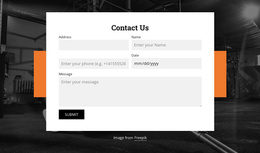
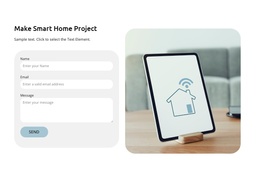
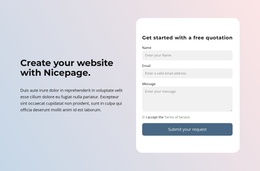
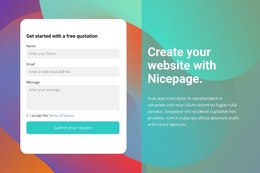
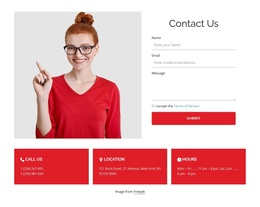
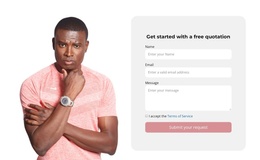
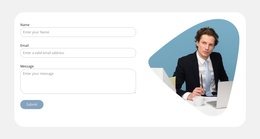
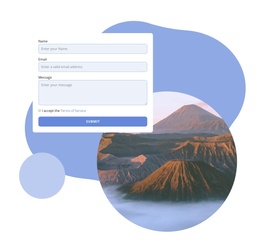
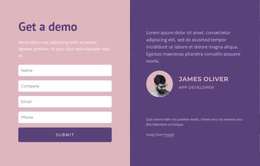
- Quote-request section: Additional project or service details within a larger form.
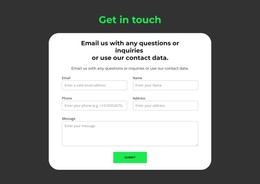
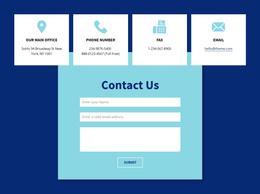
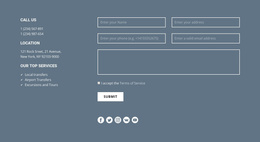
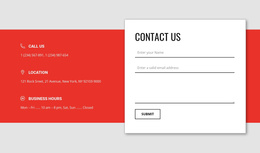
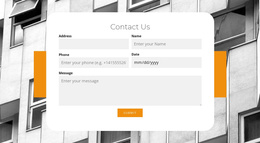
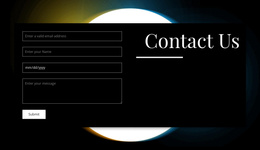
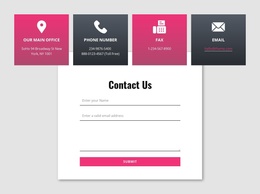
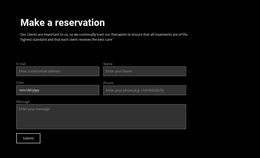
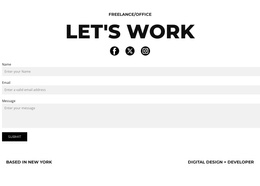
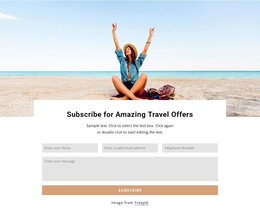
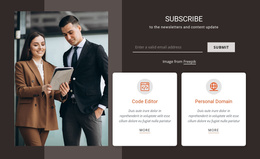
- Full-width contact area: A prominent inquiry section following introductory information.
Compare where the form fits on the Joomla page, whether contact details appear beside it, and how much space the message area needs. Choose a design that already resembles the intended section, then adapt its copy and fields.
Choose a Form Layout Around Joomla Contact Details
If the Joomla page already shows an address, phone number, or opening hours, a split form can place the inquiry alongside those details. If the page is focused on a service, a compact form after the description may be more suitable.
The existing Joomla contact information and the separate inquiry block may coexist. The layout choice is how the two appear together, not how the underlying CMS records are managed.
Adapt a Ready-Made Block Without Confusing Its Role
Nicepage offers a Contact Form element and a Joomla Extension for its supported Joomla workflow. Select a layout for its visual arrangement and field suitability; review separately whether the project's submission method is configured.
A Joomla theme controls the wider presentation, the Joomla Contacts component manages contact-related content, and a Contact Form block provides the input section visitors use to send a message. Keep that distinction in mind, but don't make it the focus when choosing a ready-made layout.
For a more general input task, browse Form layouts. For contact requests, keep the page's action centered on sending a message.
Contact Form Joomla Templates FAQ
Is a Contact Form block a complete Joomla template?
No. It is a designed page section. A Joomla template controls the broader site's appearance, while the contact form focuses on visitor inquiries.
Can the form appear beside Joomla contact details?
Yes. A two-column design can place business information beside an inquiry form, as long as the selected page layout has enough space.
Can I use Nicepage for a Joomla contact section?
Nicepage provides a Joomla Extension and a Contact Form element. You still need to check the form's submission configuration in the intended project.
Which Contact Form Layout Suits a Joomla Contact Page?
A split layout works well when you want contact details visible beside the form. A full-width section can suit a page where submitting an inquiry is the primary action.
Choose a Contact Form for Your Joomla Site
Compare finished layouts by the kind of inquiry and the surrounding Joomla content. Pick a block that fits the contact page or service area, tailor its text and fields, and confirm submission behavior before publication.