Best destinations for couples on a budget Joomla Template


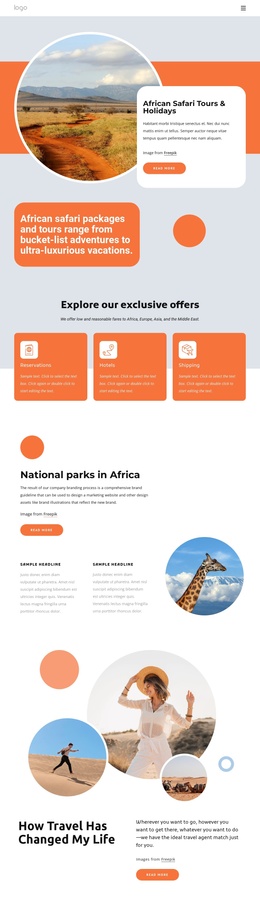
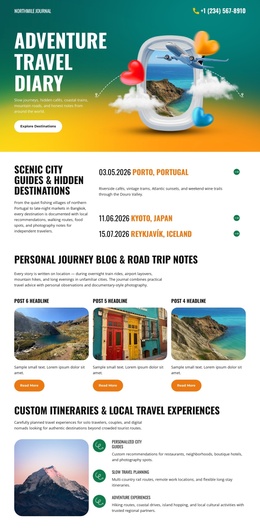
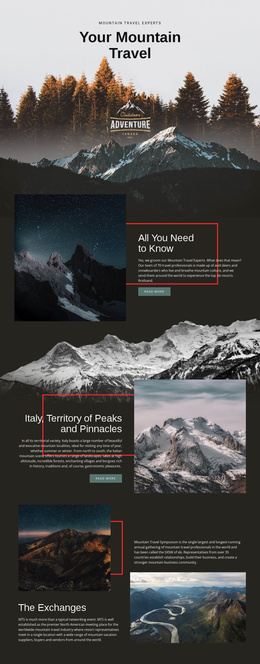
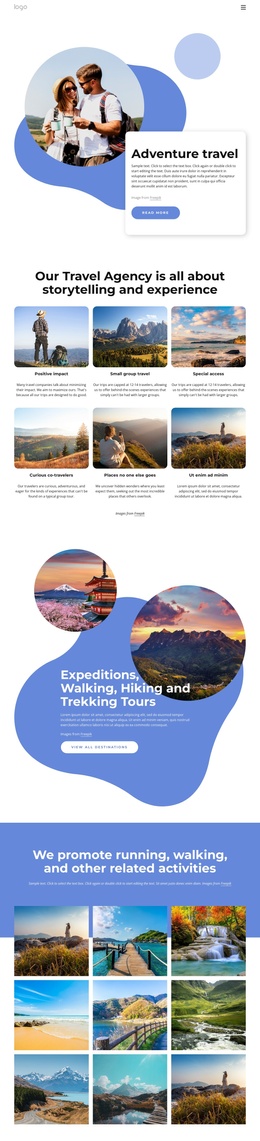
A Framed Travel Introduction for Structured Joomla Content
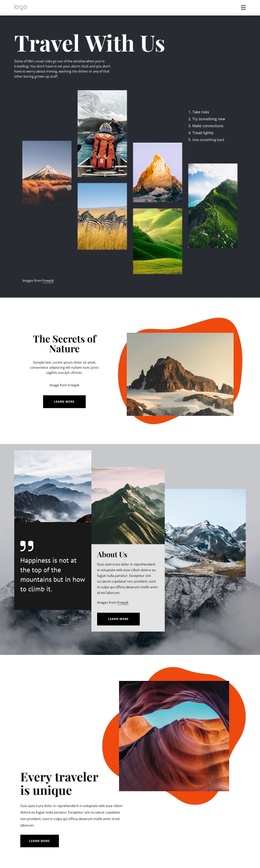
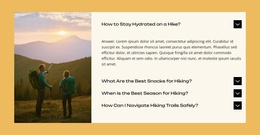
The hikers’ photograph and the heading “Planning a holiday for you and your better half?” give this section a clear introductory role. The image occupies the left side as the visual entry point, while the light gray panel on the right carries one supporting paragraph and the “learn more” action. Together, these areas present a compact holiday-planning message without requiring the section to contain the broader site’s navigation or other page content.
For a Joomla-managed project, this arrangement can work as a structured travel information region within an article-oriented page. The heading establishes the subject, the paragraph provides room for explanatory content, and the outlined button creates a defined follow-up route for visitors who want additional information. The block can therefore support a travel or tourism article section while remaining visually distinct from neighboring content areas.
Three overlapping beige and gray shapes frame the photograph and connect the image treatment to the text panel’s restrained palette. That relationship is useful when the section needs to introduce a destination-planning topic with visual emphasis but limited content density. Joomla can provide the wider content environment, while this reusable section preserves its own image, text, and action hierarchy.
Customize with Nicepage
Open this ready-made template in the Joomla Page Builder and customize it visually in the Nicepage editor. Replace demo content, edit page sections, and adapt the design to your project without rebuilding the template from scratch.
Edit Template Offline
2. Create a new page or select existing
3. Click Add new block, search for id 2326069 and click enter
Edit Template Online
Create Awesome Websites


Free Nicepage Builder
Keywords
Work With This Template in Joomla
Customize and Install the Joomla Template
Start with this ready-made template instead of building the Joomla design from scratch. Customize its layout, content, typography, images, sections, and other design elements visually in the Nicepage application, then export and install the Joomla Template, Nicepage Extension, and supported content on your Joomla website.
Edit the Template Directly in Joomla
After installation, you can edit the Joomla Template directly in Joomla with the Nicepage Joomla Extension. Customize the Header, Footer, Colors, Fonts, typography, and Page Templates from the Joomla workflow while keeping the site design connected with your CMS content.
Edit Joomla Articles Visually
Use the Nicepage Joomla Extension to open and edit Joomla Articles visually from the Joomla Administrator. Change text, images, sections, layouts, and other page content in the Nicepage editor while continuing to manage the Articles through Joomla.
Joomla Content and Template Integration
Use the customized template together with Joomla Articles, module Positions, menus, forms, Blog Pages, and other supported CMS elements. With the Nicepage Extension used as the Site Style Source, shared design settings can be applied across Joomla Articles while Joomla continues to provide the CMS environment for managing site content.
This workflow combines a ready-made Joomla Template with visual customization, direct template editing in Joomla, and continued content management through the Nicepage Joomla Extension.