Beautiful campsites Joomla Template


Edit Template Offline
2. Create new page and search for id 4528555
Edit Template Online
Create Awesome Websites


Free Nicepage Builder
Keywords
Camping Categories and Contact Regions Fit Structured CMS Content
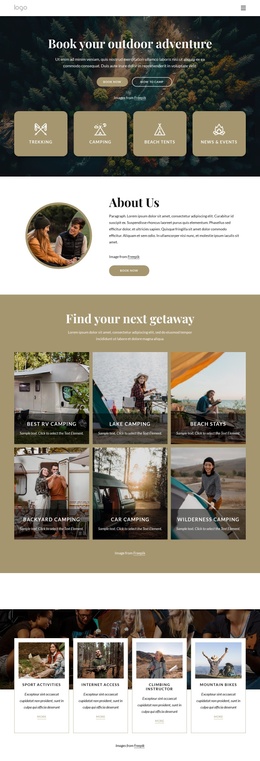
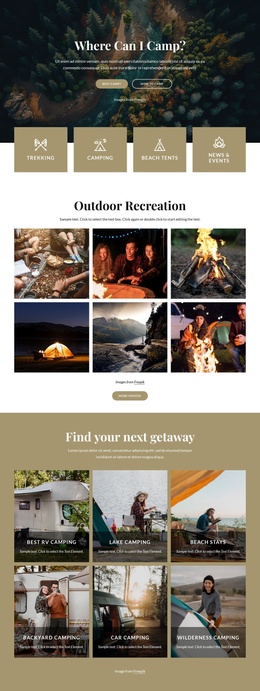
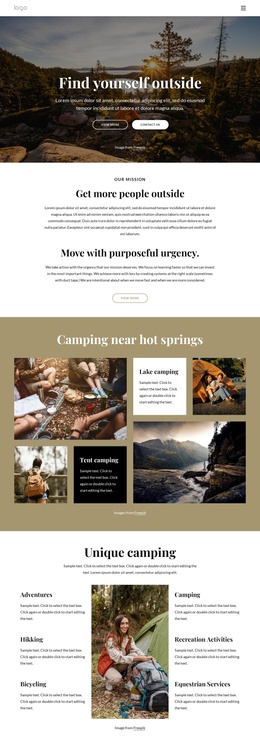
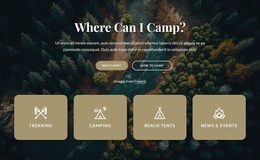
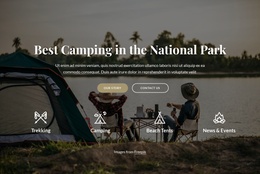
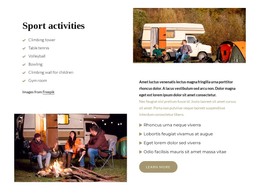
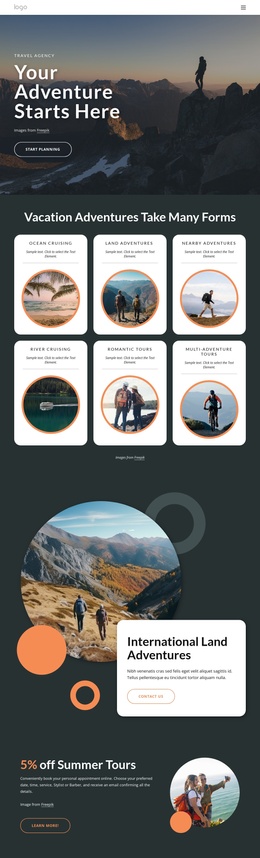
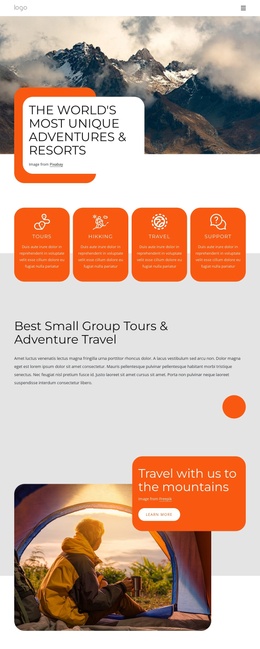
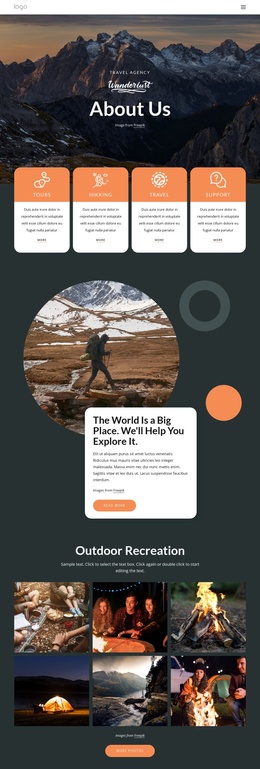
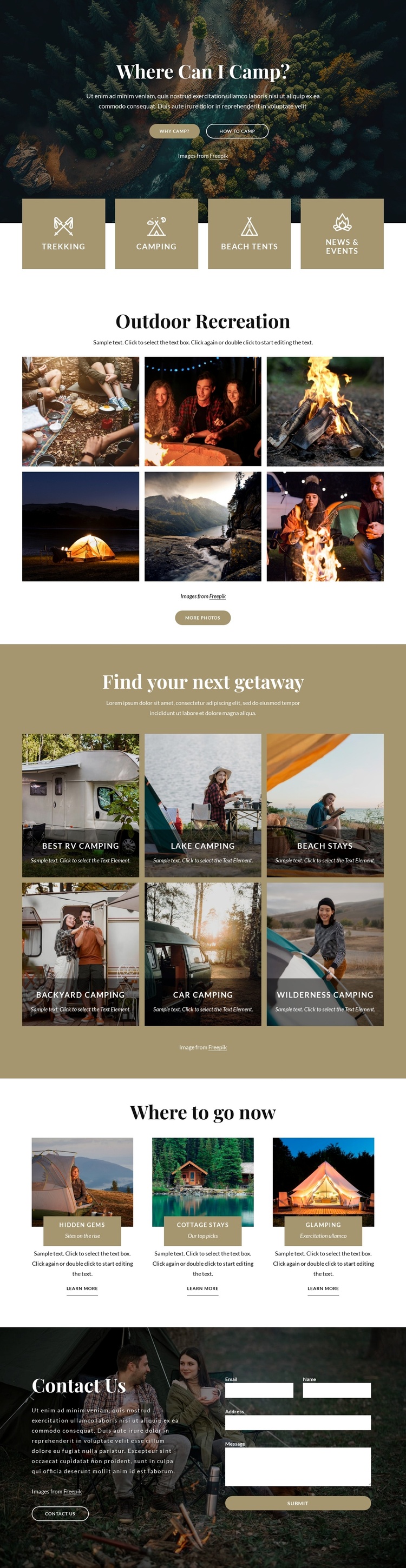
The four activity tiles create a compact first content region beneath the hero. Trekking, Camping, Beach Tents, and News & Events are not presented as one long paragraph; they are separated into equal visual units that can correspond to distinct navigational or informational areas in a CMS-managed site. Their position directly below the “Where Can I Camp?” introduction gives the page an early content index before the larger image sections begin.
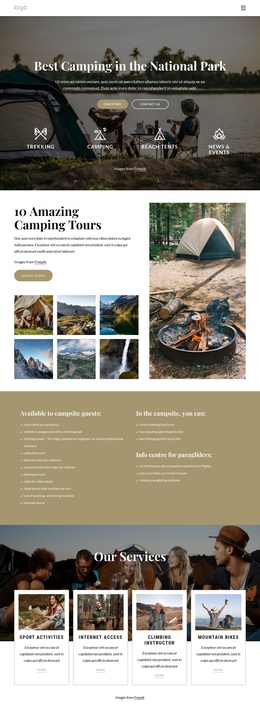
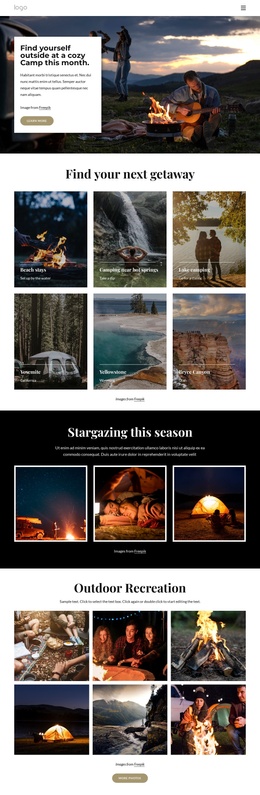
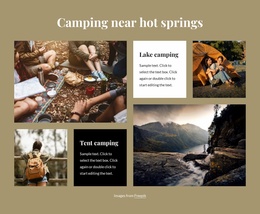
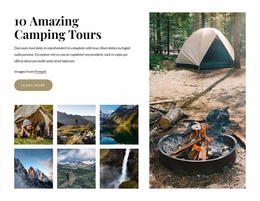
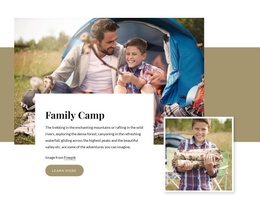
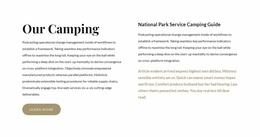
The page then provides two different kinds of structured destination content. The six-image Outdoor Recreation gallery works as a visual collection, while the six getaway cards classify ideas through labels such as Best RV camping, Lake camping, Beach stays, and Wilderness Camping. Below them, the three featured cards add more detailed destination information through an image, title band, supporting label, description, and learn-more action. This separation helps a Joomla-oriented project distinguish broad categories, visual material, and selected recommendations without flattening them into the same content type.
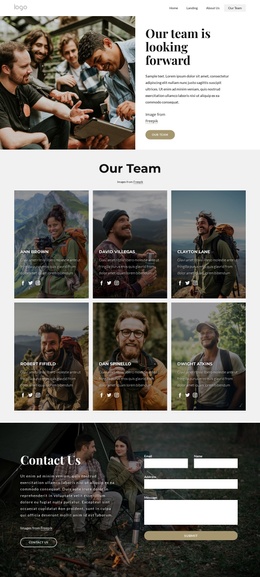
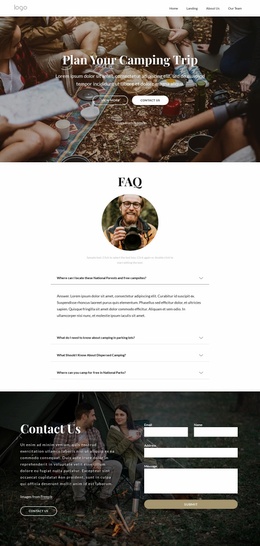
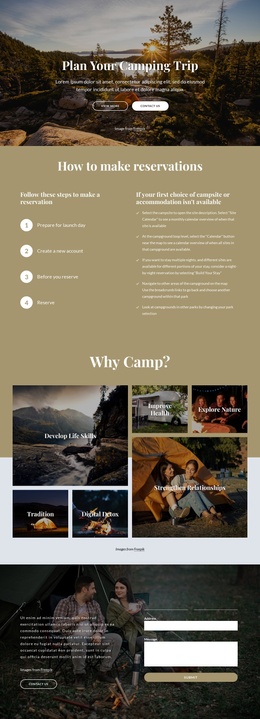
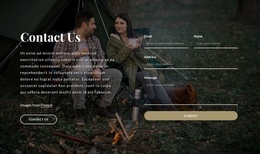
The final Contact Us region adds a reusable communication area to the page. Invitation copy sits beside the inquiry form, giving the structured content a clear place for visitor response after the camping material has been explored. In a Joomla implementation, the design can therefore preserve a coordinated Header-to-content-to-contact presentation while its activity, gallery, destination, and contact information remain organized as separate site regions.
Customize with Nicepage
Open this ready-made template in the Joomla Page Builder and customize it visually in the Nicepage editor. Replace demo content, edit page sections, and adapt the design to your project without rebuilding the template from scratch.
Work With This Template in Joomla
Customize and Install the Joomla Template
Start with this ready-made template instead of building the Joomla design from scratch. Customize its layout, content, typography, images, sections, and other design elements visually in the Nicepage application, then export and install the Joomla Template, Nicepage Extension, and supported content on your Joomla website.
Edit the Template Directly in Joomla
After installation, you can edit the Joomla Template directly in Joomla with the Nicepage Joomla Extension. Customize the Header, Footer, Colors, Fonts, typography, and Page Templates from the Joomla workflow while keeping the site design connected with your CMS content.
Edit Joomla Articles Visually
Use the Nicepage Joomla Extension to open and edit Joomla Articles visually from the Joomla Administrator. Change text, images, sections, layouts, and other page content in the Nicepage editor while continuing to manage the Articles through Joomla.
Joomla Content and Template Integration
Use the customized template together with Joomla Articles, module Positions, menus, forms, Blog Pages, and other supported CMS elements. With the Nicepage Extension used as the Site Style Source, shared design settings can be applied across Joomla Articles while Joomla continues to provide the CMS environment for managing site content.
This workflow combines a ready-made Joomla Template with visual customization, direct template editing in Joomla, and continued content management through the Nicepage Joomla Extension.