Local and specialized travel agency Joomla Template



Edit Template Offline
2. Create new page and search for id 1569141
Edit Template Online
Create Awesome Websites


Free Nicepage Builder
Keywords
Travel Categories Form Clear CMS Content Regions
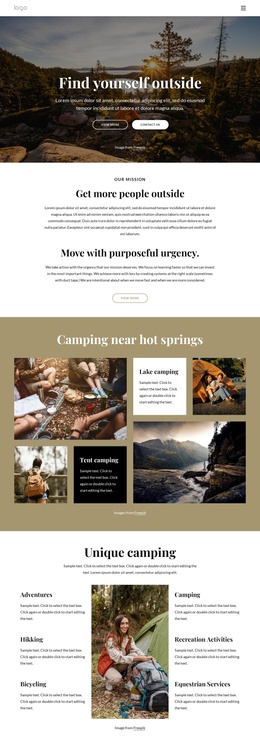
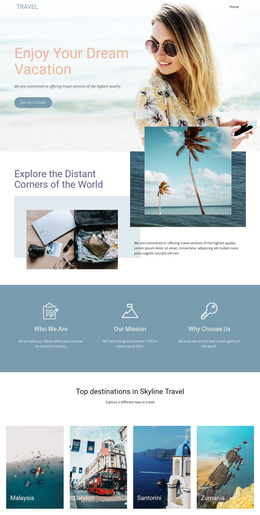
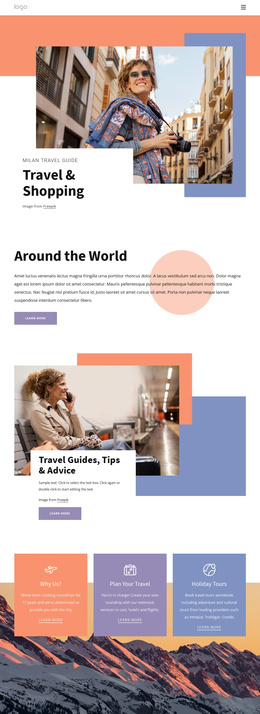
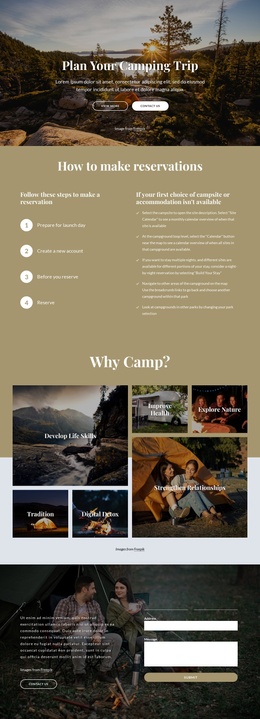
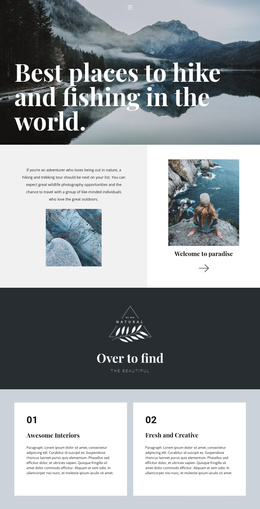
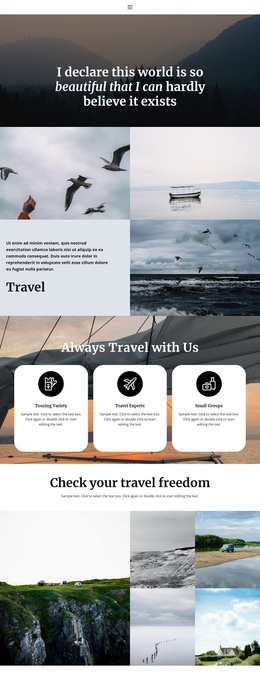
The design divides travel information into regions that can be understood and maintained as organized site content. The opening Travel With Us block establishes the subject with a numbered list and destination imagery, while The Secrets of Nature and Every traveler is unique provide separate informational areas for the travel concept and the individuality of the visitor’s experience. Their split layouts distinguish supporting explanations from the surrounding photographic presentation.
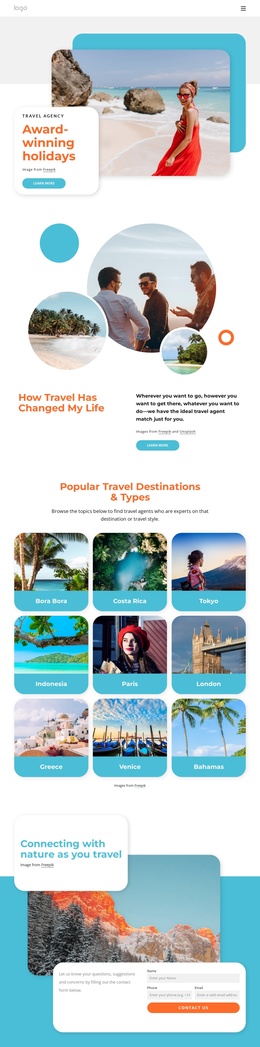
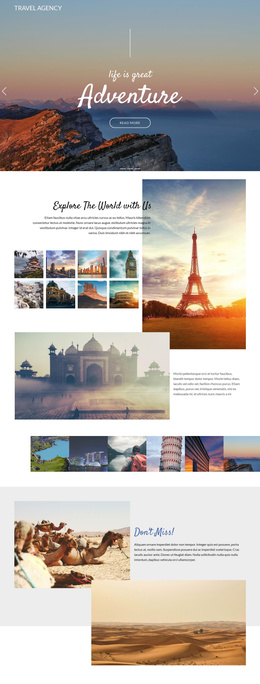
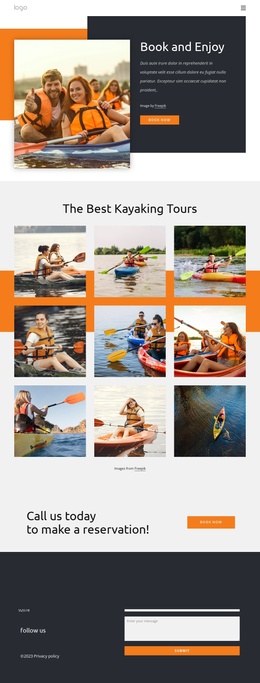
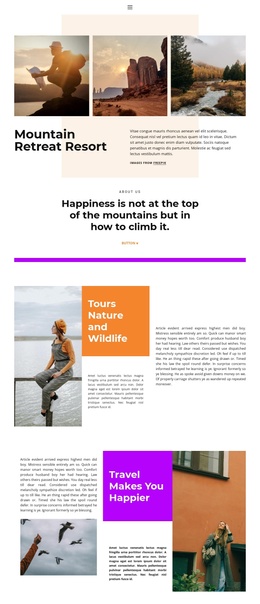
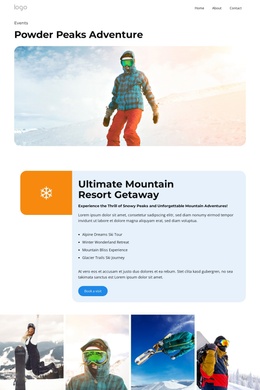
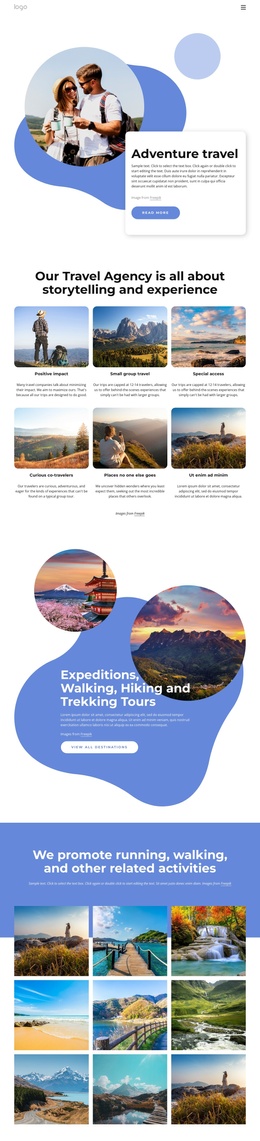
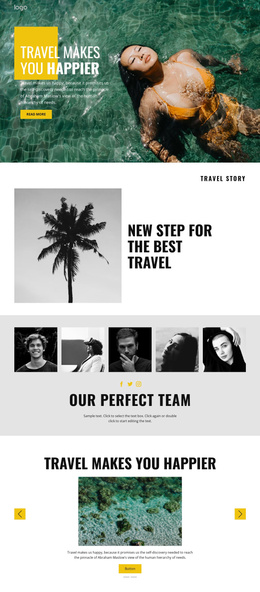
The offer sections are especially suitable for recurring structured content. The overlapping cards introduce Nature Tours and Exclusive deals as related categories, while the later Travel Deals and Promotions block separates Explore The World, Traveler Tours, and Adventure Vacations into three repeated units. In a Joomla project, these areas could represent coordinated content regions for destinations, tour groupings, or promotional information without claiming that Joomla Articles or categories already exist in the template.
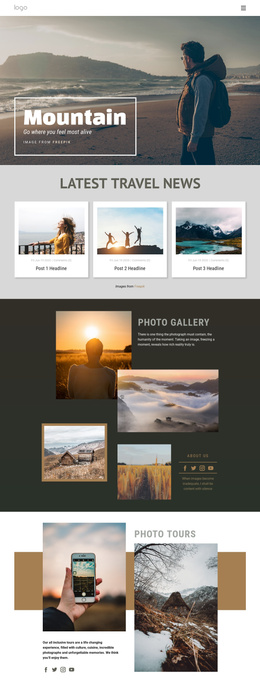
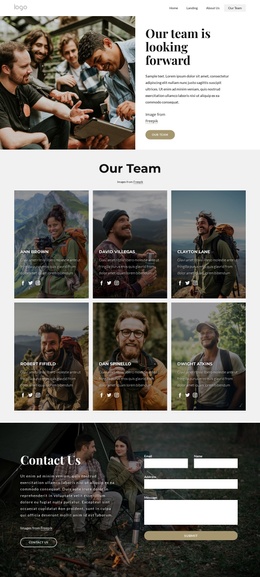
The shared visual sequence also gives navigation a clear context. Visitors can move from the introductory travel message through nature and About Us information to the offer display and finally to the Travel With Us contact panel. That closing area combines contact details, a circular landscape image, social icons, and a footer, making it a natural shared site region. Joomla content can therefore be mapped to the design’s existing informational divisions while the mountain imagery, orange accents, and editorial hierarchy remain recognizable.
Customize with Nicepage
Open this ready-made template in the Joomla Page Builder and customize it visually in the Nicepage editor. Replace demo content, edit page sections, and adapt the design to your project without rebuilding the template from scratch.
Work With This Template in Joomla
Customize and Install the Joomla Template
Start with this ready-made template instead of building the Joomla design from scratch. Customize its layout, content, typography, images, sections, and other design elements visually in the Nicepage application, then export and install the Joomla Template, Nicepage Extension, and supported content on your Joomla website.
Edit the Template Directly in Joomla
After installation, you can edit the Joomla Template directly in Joomla with the Nicepage Joomla Extension. Customize the Header, Footer, Colors, Fonts, typography, and Page Templates from the Joomla workflow while keeping the site design connected with your CMS content.
Edit Joomla Articles Visually
Use the Nicepage Joomla Extension to open and edit Joomla Articles visually from the Joomla Administrator. Change text, images, sections, layouts, and other page content in the Nicepage editor while continuing to manage the Articles through Joomla.
Joomla Content and Template Integration
Use the customized template together with Joomla Articles, module Positions, menus, forms, Blog Pages, and other supported CMS elements. With the Nicepage Extension used as the Site Style Source, shared design settings can be applied across Joomla Articles while Joomla continues to provide the CMS environment for managing site content.
This workflow combines a ready-made Joomla Template with visual customization, direct template editing in Joomla, and continued content management through the Nicepage Joomla Extension.