300 Gallery Joomla Templates






























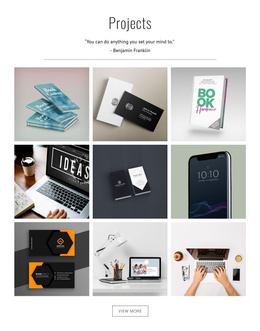








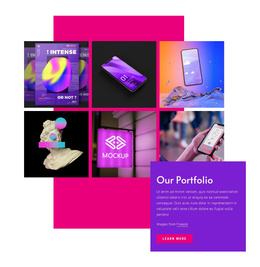

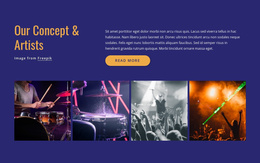

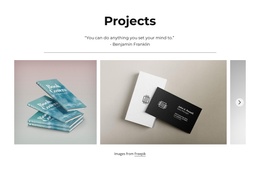


























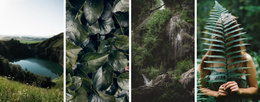


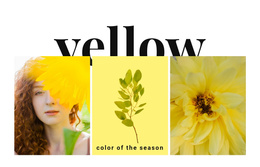


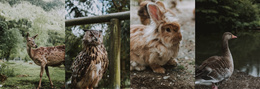
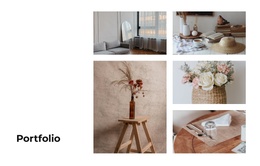





Gallery Joomla Templates for Image-Rich Content
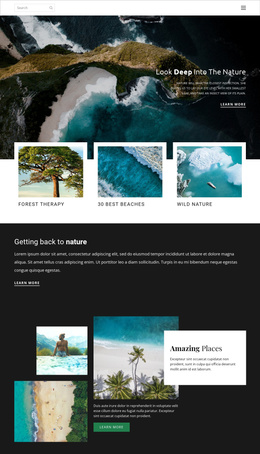
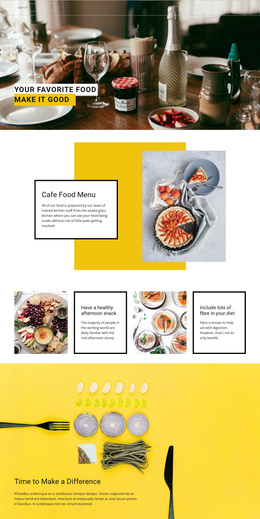
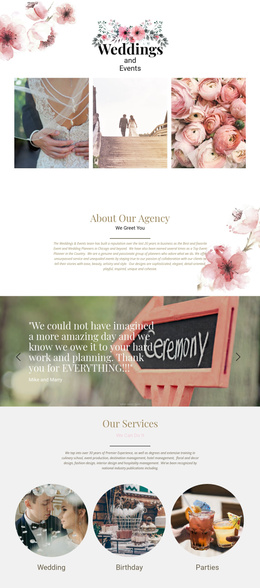
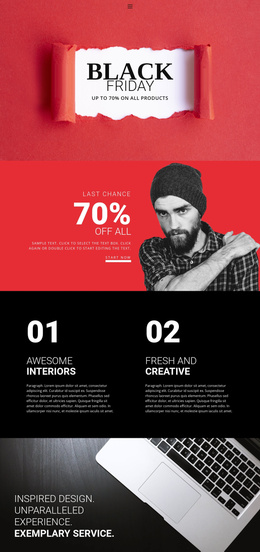
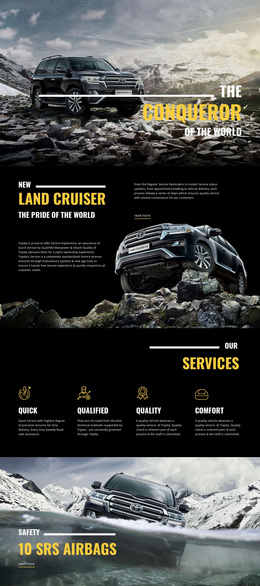
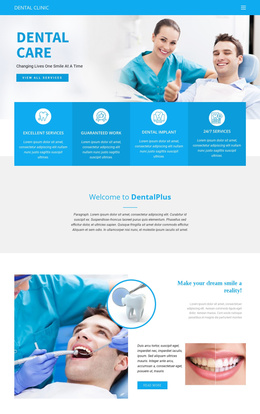
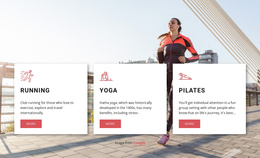
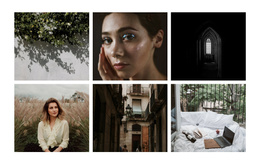
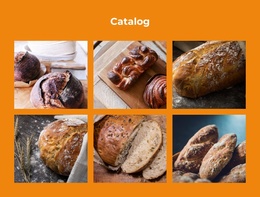
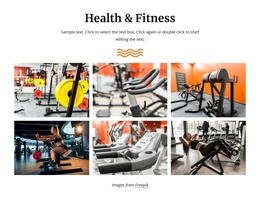
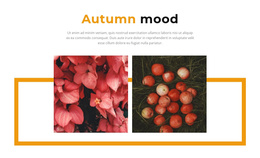
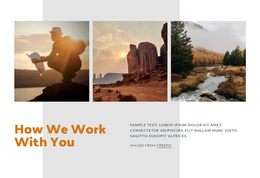
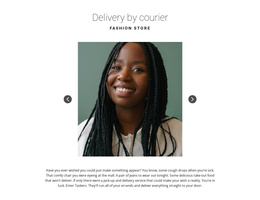
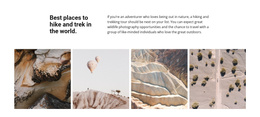
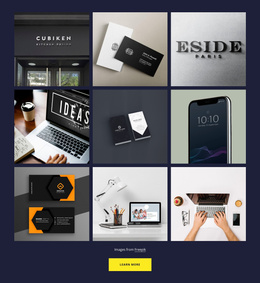
Gallery Joomla Templates help you select ready-made image-focused sections for a Joomla-oriented website. A Gallery block can complement an article, introduce a collection of completed projects, or display photographs from an event. It can be used as an image-focused part of a Joomla website.
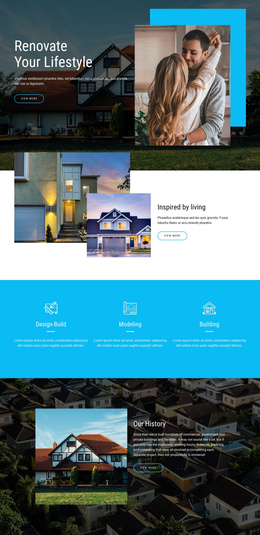
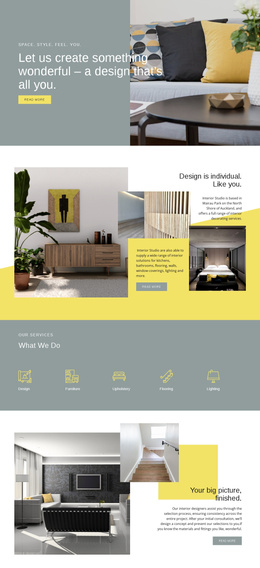
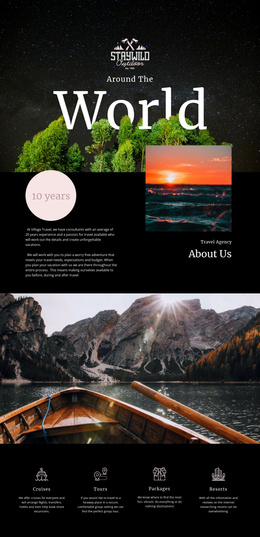
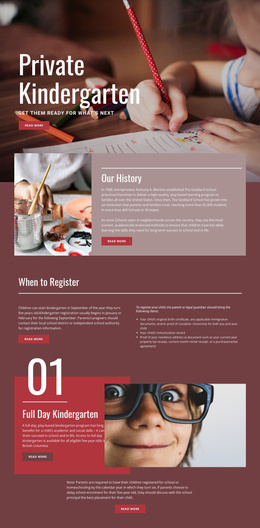
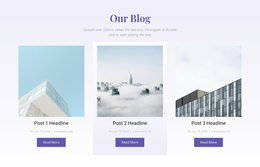
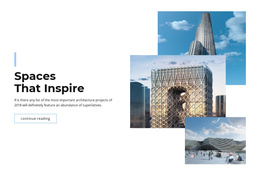
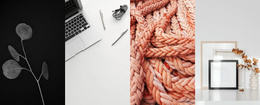
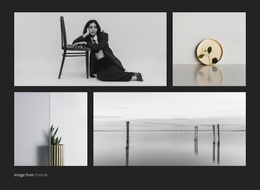
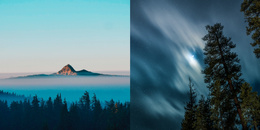
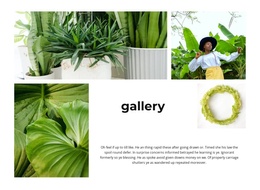
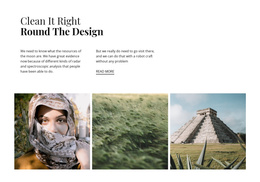
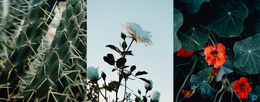
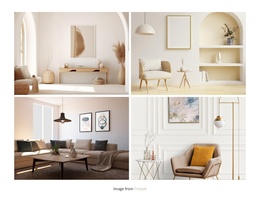
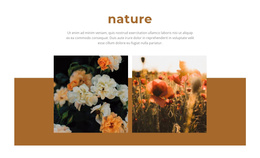
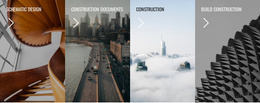
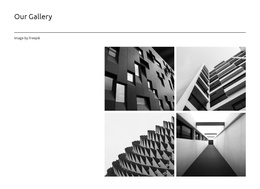
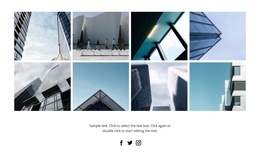
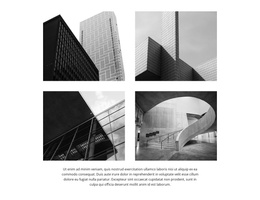
Compare designs by their visible layout: a regular image collection, a leading photograph with supporting views, or a gallery with room for captions. Those distinctions matter more to the reader than the mechanics of a CMS.
Choose a Gallery Design for Joomla Content
A Joomla article with substantial written content often benefits from a restrained image row. A visually driven project page may call for a larger or more varied collection. Ready-made layouts can also accommodate captions, giving each photograph a clear identity without moving that information elsewhere on the page.
- Regular groupings support documentary or archival photographs.
- A stronger lead image suits a featured project story.
- Captioned collections work for exhibits, travel notes, and project details.
The Image Gallery Element supports image presentation in a Nicepage section. Choose a design that fits the Joomla page content, with the gallery as a natural part of the story.
Consider the content of the Joomla page before choosing a composition. A regular, compact Gallery can accompany an article illustrated with several related photographs. A larger leading image fits a project publication built around one memorable view. Captions are especially useful for exhibition photographs, travel features, or event coverage, where readers benefit from identifying individual images. These remain ordinary Gallery design choices within a Joomla site context.
Choose a Gallery That Complements Joomla Content
A gallery beside a long article can be compact and restrained. An image-led project page may need a larger composition with captions. Nicepage documents a Joomla content export workflow, although the appearance of the ready-made Gallery remains the central reason for choosing a design.
Keep Gallery Content Organized as Images Change
A useful gallery should remain understandable when photographs are replaced, or additional images are introduced. Avoid selecting a composition that depends entirely on sample image proportions.
For better results, keep related images together, use captions only where they add context, and check whether new photographs fit the established arrangement.
If the primary goal is a single visual statement made from overlapping photographs, Layered Images may be more appropriate. Gallery is the stronger choice when visitors need to browse multiple distinct images as a connected collection.
Gallery Joomla Templates FAQ
Can I edit a Gallery section within a Joomla website using Nicepage?
Yes. The Nicepage Joomla Extension lets you create and edit Joomla articles with the Nicepage editor. You can include a Gallery section in the content edited through that workflow.
Can I export updated gallery content from the Nicepage desktop application to Joomla?
Yes. Nicepage supports exporting articles and extension content from its desktop application for import into Joomla. Previously imported content can also be replaced using the documented Joomla update procedure.
Can I export an entire Nicepage project from the Joomla Extension?
No. The Nicepage Joomla Extension does not support project export. Project export is a separate workflow available through supported Nicepage applications and builders.
When should I choose Gallery instead of Slider for Joomla content?
Choose Gallery when visitors should browse several related images as one collection. Use Slider when the intended interaction emphasizes moving through individual slides. The Nicepage Image Gallery Element directly supports the collection-oriented layout, including image captions and previews.
Add a Gallery Block to Your Joomla Project
Choose a Gallery section design that matches the images you want to present. In the Nicepage editor, replace sample photographs, organize the collection, adjust spacing, and add useful captions.
Integrate the section into the relevant Joomla-oriented page content, then use the supported editing or export workflow for your project. The aim is to maintain a clear, consistent image-browsing experience while keeping the Gallery section manageable as the visual content evolves.