We offer hiking tours Joomla Template



Edit Template Offline
2. Create new page and search for id 3826456
Edit Template Online
Create Awesome Websites


Free Nicepage Builder
Keywords
Activities, destinations, and contact regions form a Joomla-ready content map
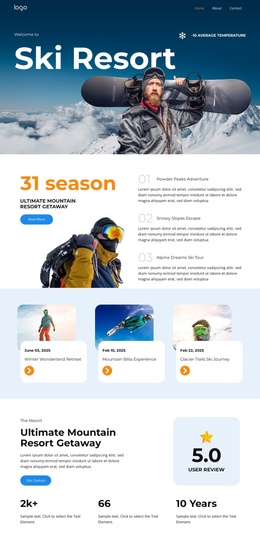
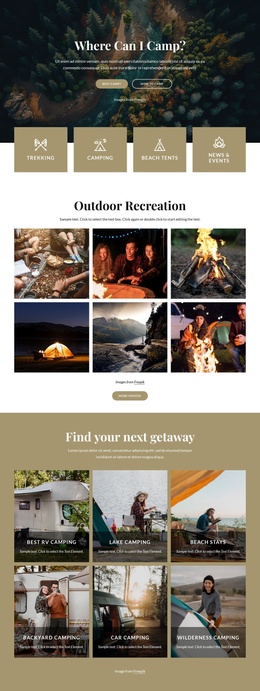
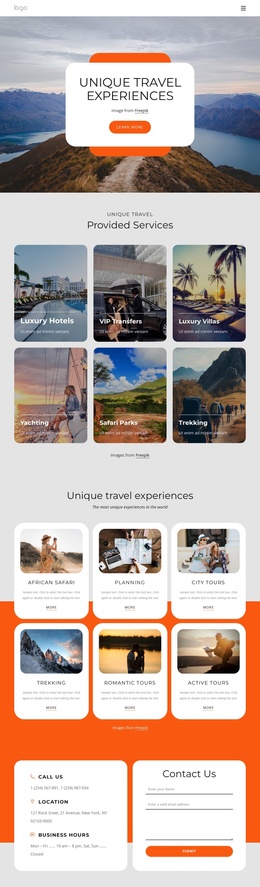
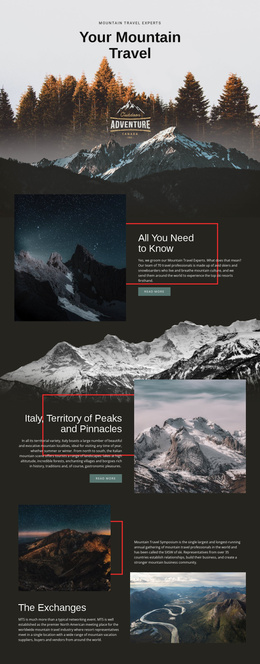
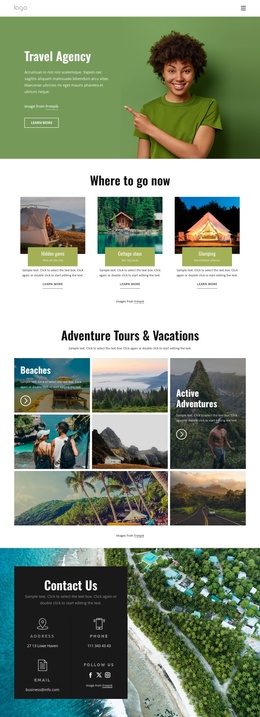
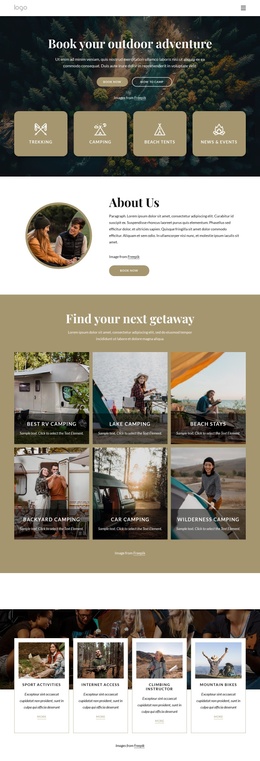
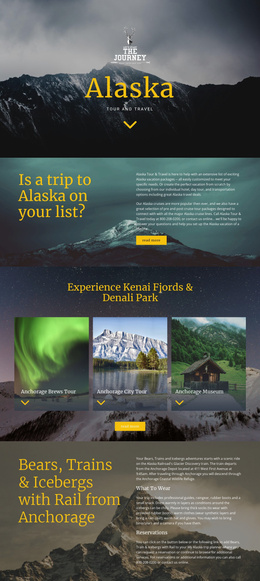
The activity section gives the page an immediately recognizable set of structured travel topics. Sport Activities, Trekking, Climbing, and Mountain Bikes appear as four related cards, making them suitable content areas for presenting distinct adventure categories while retaining a common visual treatment. Further down, the six destination tiles—Dolomite Alps, Iceland, Ethiopia, New Zealand, Nepal, and Kenia—organize geographic content into a separate gallery region rather than mixing locations into the activity cards.
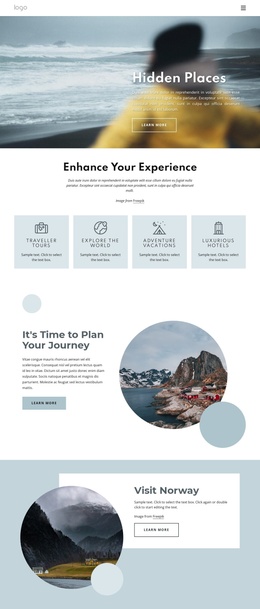
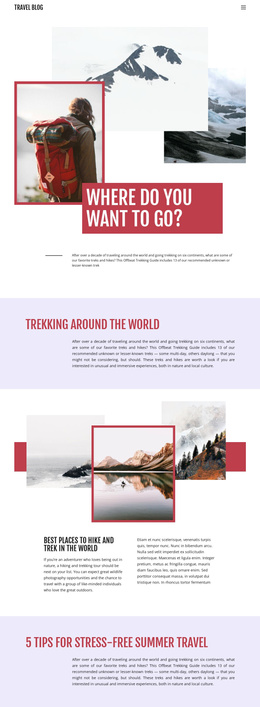
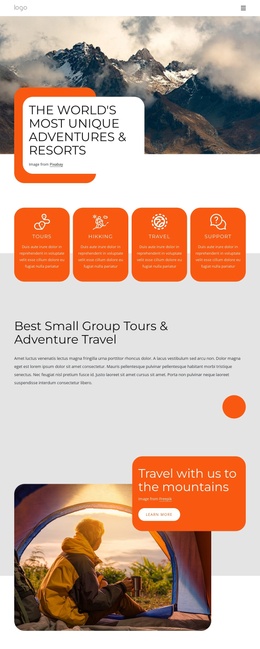
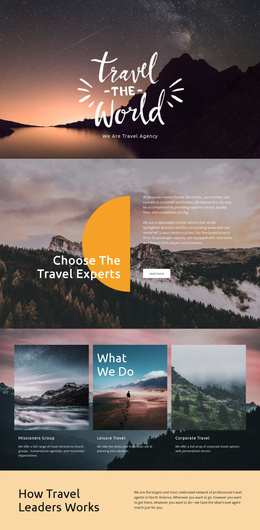
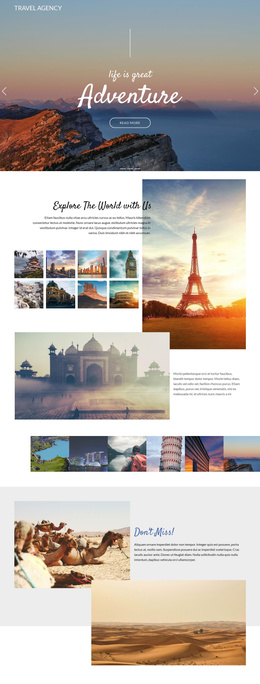
Other sections divide the site message into additional editorial regions. Traveler Tools, Explore the World, Adventure Vacations, and Luxurious Hotels describe supporting parts of the experience, while the Why Us block combines service explanation with three testimonial-style cards. Deals & Discounts and the North Expeditions introduction then provide promotional and organizational context. This separation makes the design easier to interpret as coordinated CMS-managed content rather than one uninterrupted text area.
The navigation and contact regions provide the framework around those topics. A compact top navigation introduces the page, an expert phone prompt offers an early contact route, and the closing Contact Us form supplies a more detailed inquiry point. The separate email signup can serve a different communication purpose. In a Joomla project, these distinct regions provide a practical content hierarchy while the shared visual system keeps activities, destinations, and contact information connected.
Customize with Nicepage
Open this ready-made template in the Joomla Page Builder and customize it visually in the Nicepage editor. Replace demo content, edit page sections, and adapt the design to your project without rebuilding the template from scratch.
Work With This Template in Joomla
Customize and Install the Joomla Template
Start with this ready-made template instead of building the Joomla design from scratch. Customize its layout, content, typography, images, sections, and other design elements visually in the Nicepage application, then export and install the Joomla Template, Nicepage Extension, and supported content on your Joomla website.
Edit the Template Directly in Joomla
After installation, you can edit the Joomla Template directly in Joomla with the Nicepage Joomla Extension. Customize the Header, Footer, Colors, Fonts, typography, and Page Templates from the Joomla workflow while keeping the site design connected with your CMS content.
Edit Joomla Articles Visually
Use the Nicepage Joomla Extension to open and edit Joomla Articles visually from the Joomla Administrator. Change text, images, sections, layouts, and other page content in the Nicepage editor while continuing to manage the Articles through Joomla.
Joomla Content and Template Integration
Use the customized template together with Joomla Articles, module Positions, menus, forms, Blog Pages, and other supported CMS elements. With the Nicepage Extension used as the Site Style Source, shared design settings can be applied across Joomla Articles while Joomla continues to provide the CMS environment for managing site content.
This workflow combines a ready-made Joomla Template with visual customization, direct template editing in Joomla, and continued content management through the Nicepage Joomla Extension.