Luxury small-group travel experience Joomla Template


Edit Template Offline
2. Create new page and search for id 5894829
Edit Template Online
Create Awesome Websites


Free Nicepage Builder
Keywords
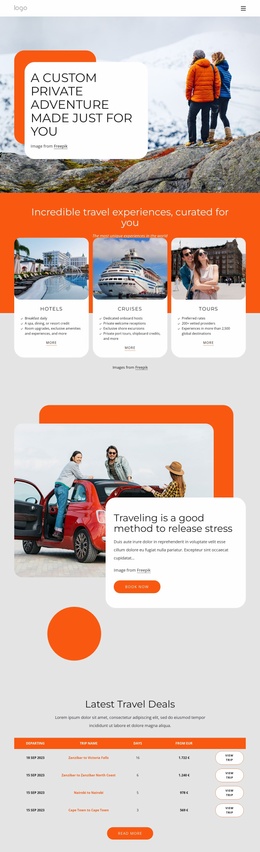
Service categories and contact regions suit structured travel content
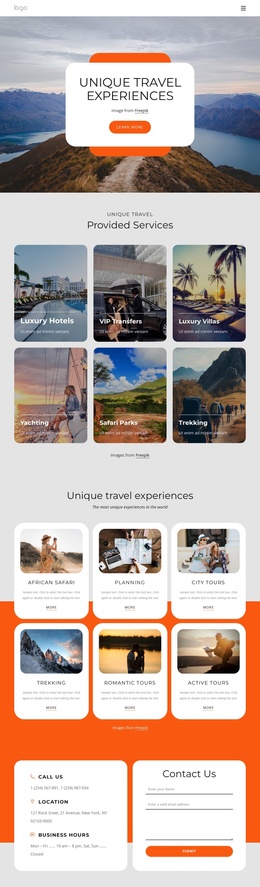
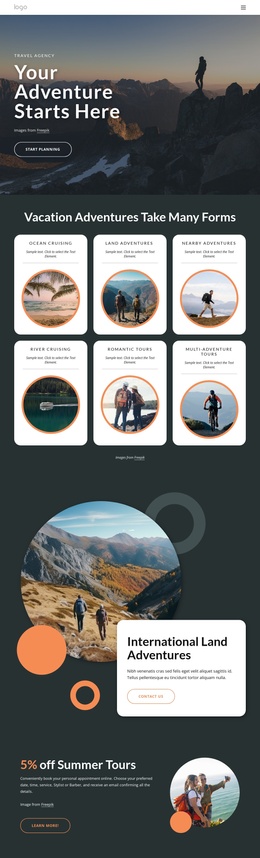
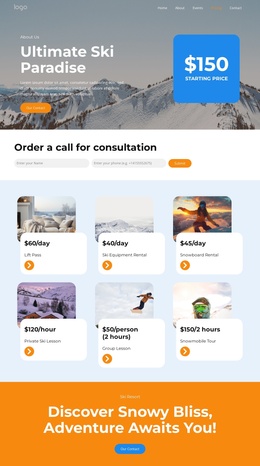
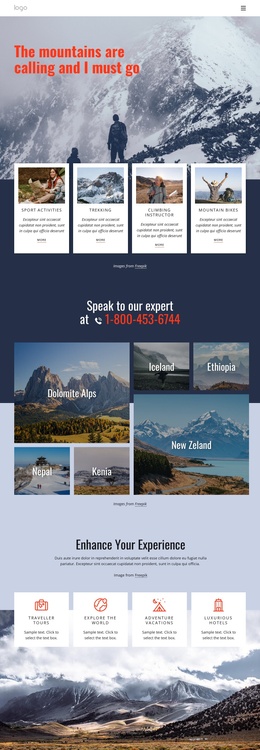
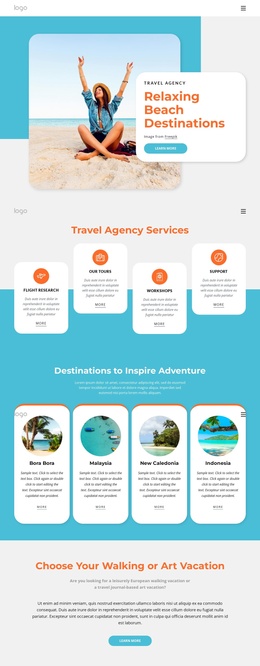
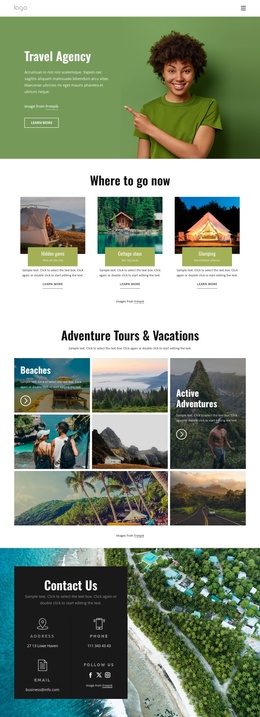
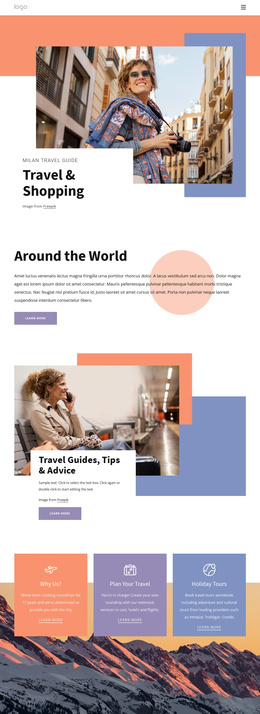
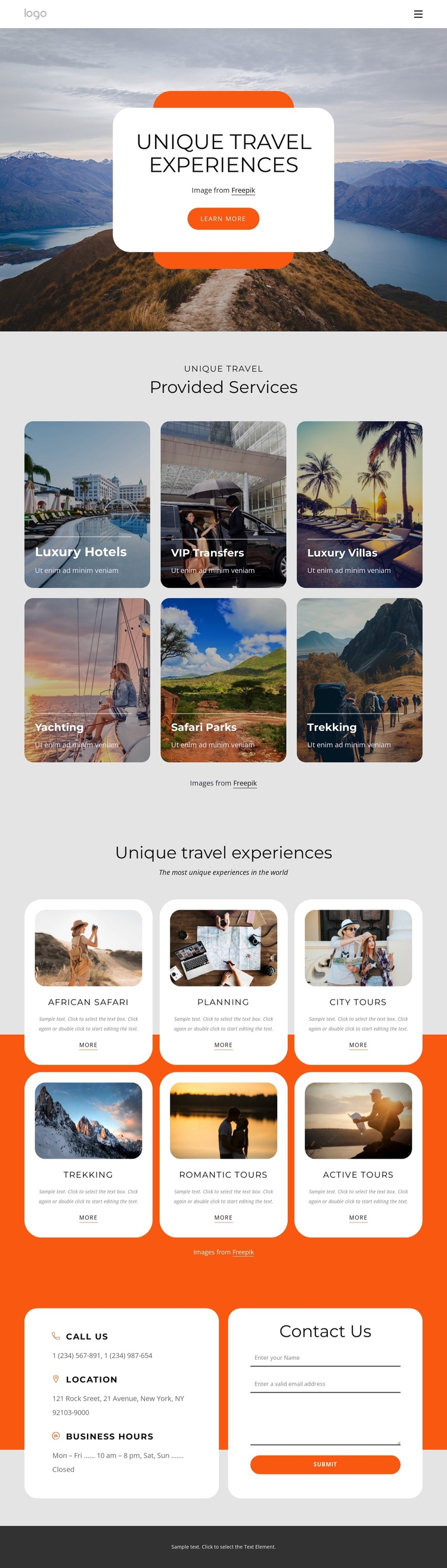
The six Provided Services tiles give the design a clear set of structured information areas. Luxury Hotels, VIP Transfers, Luxury Villas, Yachting, Safari Parks, and Trekking are presented as separate visual categories, so a travel site can keep related offerings distinct while maintaining one shared page style. The navigation links for Home and About Us add a broader site context around those content regions without changing the page’s travel focus.
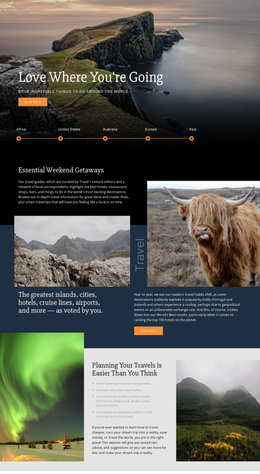
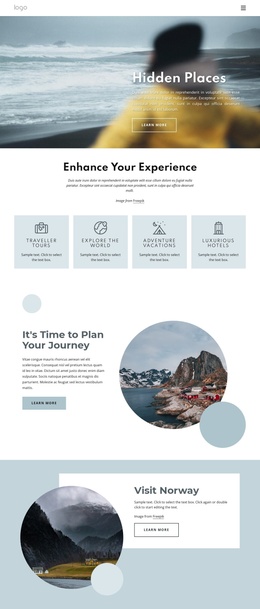
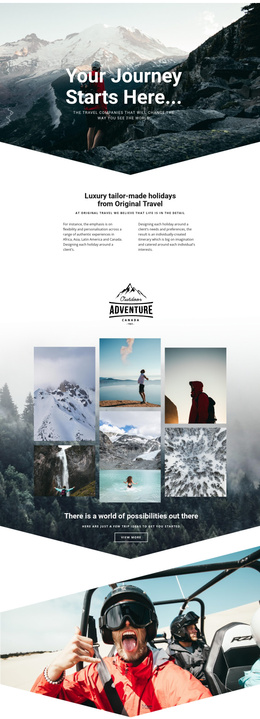
The six featured-experience cards provide a second layer of organized information. African Safari, Planning, City Tours, Trekking, Romantic tours, and Active Tours each combine an image, title, description, and action link. This repeated arrangement is useful for a CMS-managed travel site because recurring informational areas can remain visually coordinated while their content is maintained as separate entries or sections. The design does not prove that Joomla Articles or modules already exist; it shows a structure that can accommodate managed travel content.
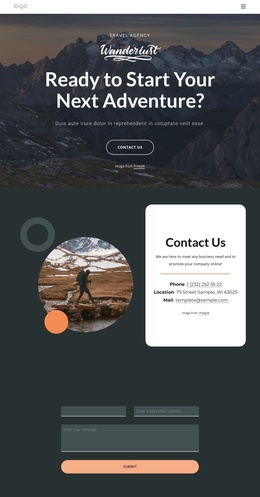
The closing contact block gives the page a defined communication region. Phone, location, and business-hours information occupy one rounded panel, while the name, email, and message form occupies another. Together with the shared navigation and dark footer, these regions provide a coherent Joomla-oriented content layout without requiring a claim about a particular installation or editing workflow.
Customize with Nicepage
Open this ready-made template in the Joomla Page Builder and customize it visually in the Nicepage editor. Replace demo content, edit page sections, and adapt the design to your project without rebuilding the template from scratch.
Work With This Template in Joomla
Customize and Install the Joomla Template
Start with this ready-made template instead of building the Joomla design from scratch. Customize its layout, content, typography, images, sections, and other design elements visually in the Nicepage application, then export and install the Joomla Template, Nicepage Extension, and supported content on your Joomla website.
Edit the Template Directly in Joomla
After installation, you can edit the Joomla Template directly in Joomla with the Nicepage Joomla Extension. Customize the Header, Footer, Colors, Fonts, typography, and Page Templates from the Joomla workflow while keeping the site design connected with your CMS content.
Edit Joomla Articles Visually
Use the Nicepage Joomla Extension to open and edit Joomla Articles visually from the Joomla Administrator. Change text, images, sections, layouts, and other page content in the Nicepage editor while continuing to manage the Articles through Joomla.
Joomla Content and Template Integration
Use the customized template together with Joomla Articles, module Positions, menus, forms, Blog Pages, and other supported CMS elements. With the Nicepage Extension used as the Site Style Source, shared design settings can be applied across Joomla Articles while Joomla continues to provide the CMS environment for managing site content.
This workflow combines a ready-made Joomla Template with visual customization, direct template editing in Joomla, and continued content management through the Nicepage Joomla Extension.