Blog Posts Joomla Templates
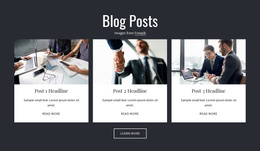
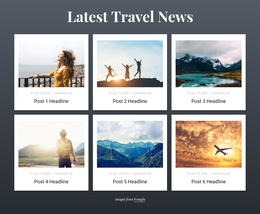
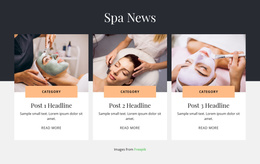
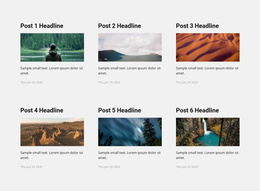
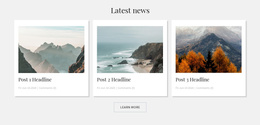
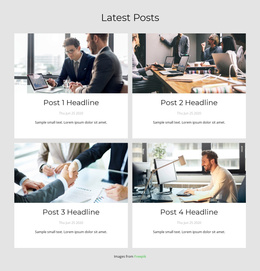
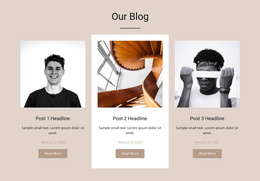
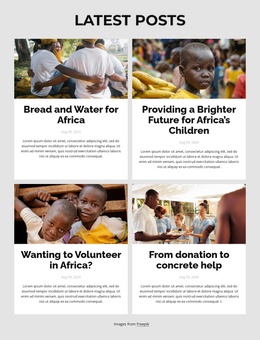

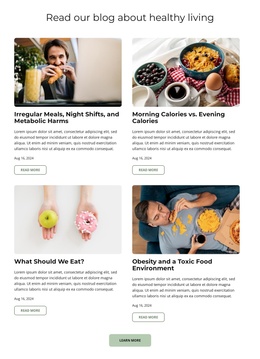



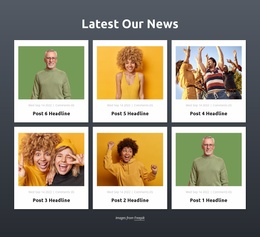
Professional Blog Posts Joomla Templates for CMS Article Feeds
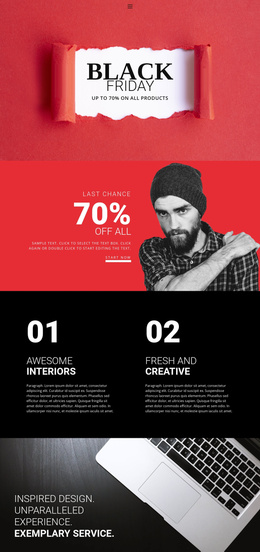
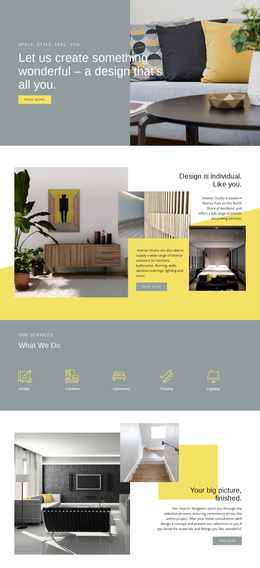
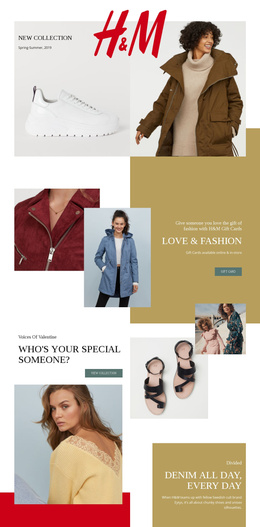
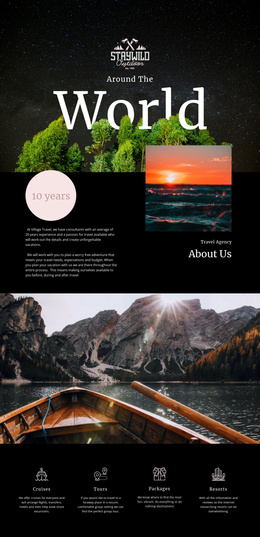
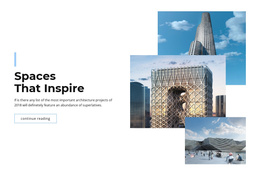
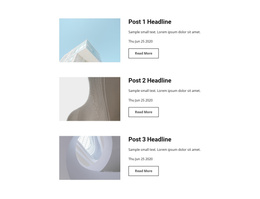
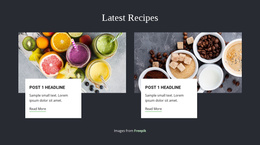
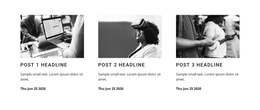
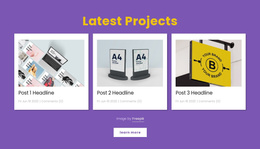
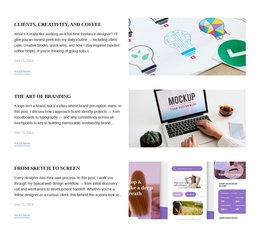
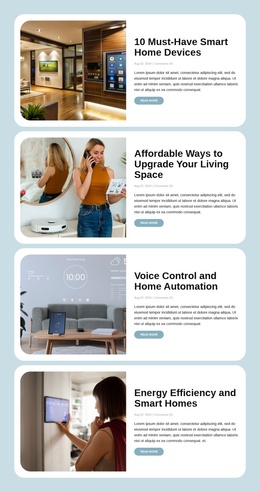
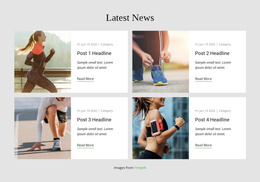
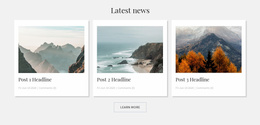
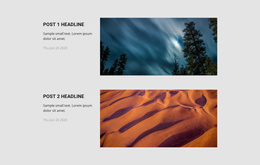
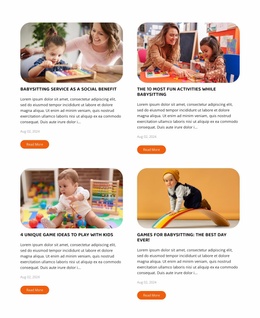
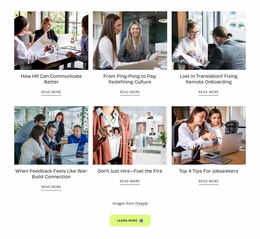
A Blog Posts section lets visitors quickly browse published articles without opening each story individually. Blog Posts Joomla Templates provide layouts for displaying article titles, featured images, excerpts, and publication details as recurring editorial entries. Within a Joomla project, these sections can present recent news or articles from a selected category, connecting readers to content managed through the CMS.
How Do Blog Posts Sections Display Joomla Articles?
A Blog Posts section organizes published articles into a readable feed of previews. Each entry represents an individual story, while the section brings several articles together for browsing.
In Joomla, this approach is useful for recent updates, category-specific news, featured articles, and supporting editorial content. A visitor can compare headlines, check publication details, and follow an article link without searching through unrelated page elements.
Unlike a general Grid, which arranges different content types in rows or columns, Blog Posts is designed specifically for editorial publishing. Its recurring entries represent articles with identifiable subjects, publication context, and paths to further reading.
Essential Content for a Clean Joomla Blog Listing
For a Joomla News or Events feed, check the category label, publication date, and excerpt alongside each article title. These details help readers tell routine updates from featured stories without opening every post. Make sure the preview’s category and destination match the actual Joomla articles returned by the selected filter.
Match the Joomla Template to Categories and Featured Stories
Think first about what the Joomla visitor needs to find. A news-oriented homepage might show the latest stories across the site, while a department page may need only the articles in one category. A featured story can sit above the feed, with routine updates listed below; make editorial priority clear before choosing an arrangement.
With the Nicepage Joomla Extension, you can insert the Blog Posts Element into a Joomla article and select relevant CMS content. The Property Panel offers controls for rows, columns, spacing, and filtering, including category-based selection. For example, an association website could place a compact Events feed on one page and a larger News collection on another.
A Joomla website template and a Blog Posts section are not interchangeable. The template governs the broader site presentation and page experience. The Blog Posts Element is the article-listing area within that experience; it doesn't supply the entire Joomla site.
Before choosing a design, compare how it handles:
- Category focus: can visitors tell which group of articles they are browsing?
- Featured content: is a lead story distinct from routine updates?
- Long titles: do they wrap without confusing the reading order?
The Desktop Application also supports Joomla-oriented export workflows. The Joomla Extension itself is for editing within Joomla, not exporting the project.
For additional context, explore blog layouts.
Selecting an Article Feed for Different Content Needs
A useful post-listing layout should reflect how visitors browse the articles.
For frequently updated news, compact previews make it easier to scan several headlines. Image-led cards work better when featured visuals help identify stories. Category-specific feeds narrow the editorial focus and prevent unrelated articles from competing for attention.
The placement matters as well. A homepage can highlight recent publications, while an article page can include a smaller section that directs visitors to additional reading.
Individual post layouts serve a different purpose: presenting article content in greater detail. A Blog Posts section instead helps visitors choose their next story.
Frequently Asked Questions About Blog Posts Joomla Templates
Can I display Joomla articles inside a Nicepage Blog Posts section?
Yes. The Nicepage Joomla Extension allows you to add the Blog Posts Element to a Joomla article and display published articles from a selected category.
Can I filter which articles appear in the section?
Yes. The Blog Posts Element supports filtering by recent posts, categories, and tags. This helps keep the listing focused on relevant editorial content.
Can I display article dates and categories?
Yes. Publication metadata can include dates and categories. These details help visitors identify when articles were published and understand their editorial grouping.
Can I export a Nicepage project from the Joomla Extension?
No. The Nicepage Joomla Extension does not support project export. Joomla-oriented exports are available through the Nicepage Desktop Application and supported Online Builder workflows.
What should I check before publishing this Blog Posts section?
Open a few article links, review real headline lengths, and check the layout on a narrow screen. Confirm that every preview leads to the intended complete story.
Add a Blog Posts Section to Your Joomla Project
Choose a Blog Posts layout that suits your editorial content and adjust its article previews in the Nicepage editor. Use the Joomla Extension to place the section within a Joomla article, select the relevant content category, and review how headlines, excerpts, and publication details appear together. A focused listing helps visitors move from browsing the feed to reading individual stories.