Camping in National Park Joomla Template



Edit Template Offline
2. Create new page and search for id 2625204
Edit Template Online
Create Awesome Websites


Free Nicepage Builder
Keywords
Service, Guide, and Contact Regions for Structured CMS Content
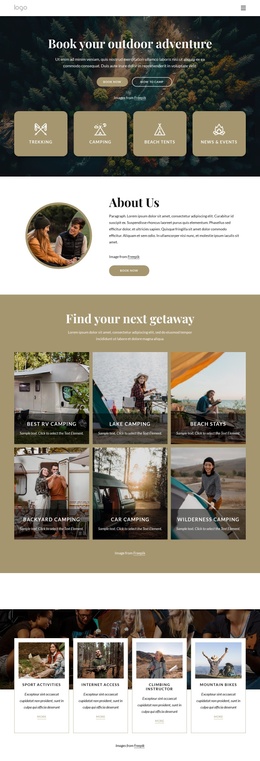
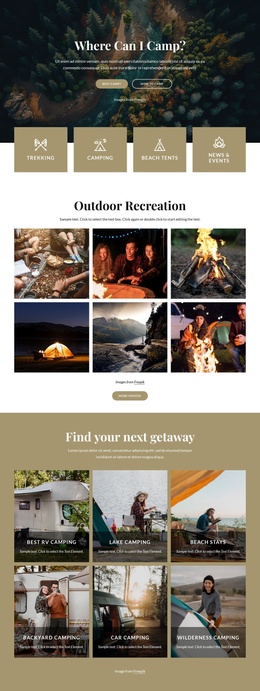
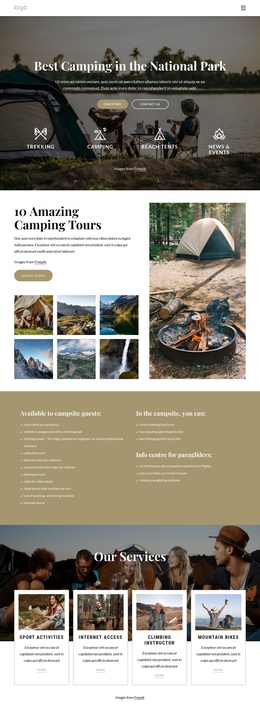
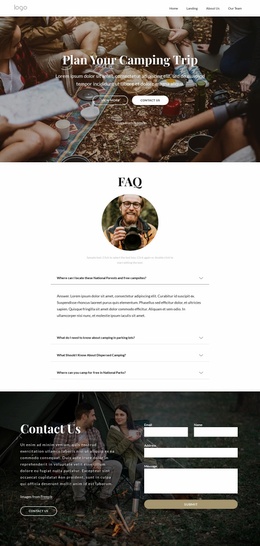
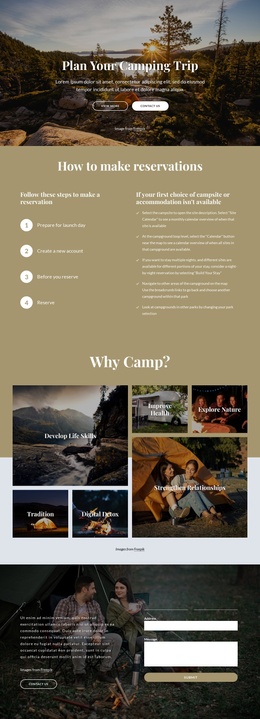
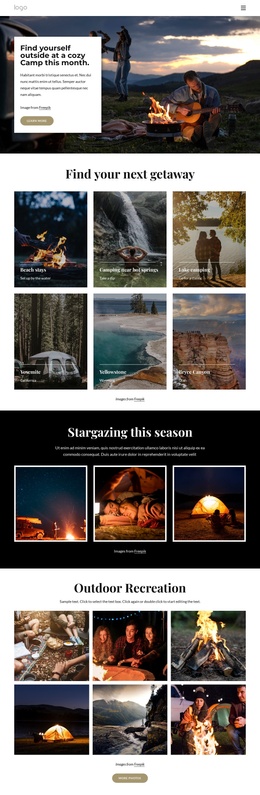
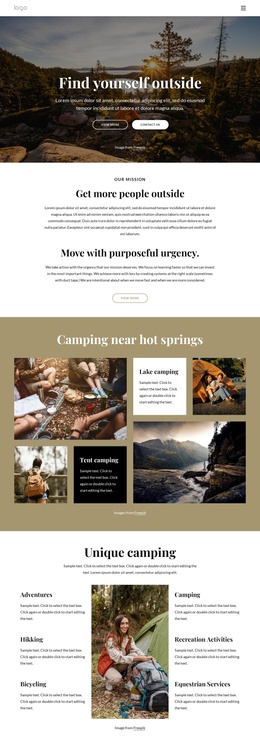
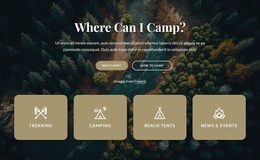
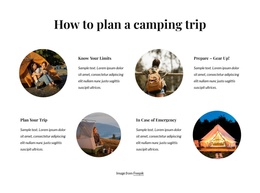
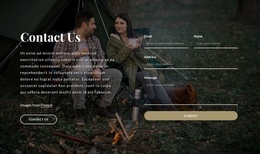
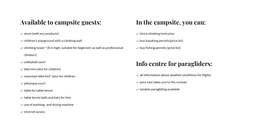
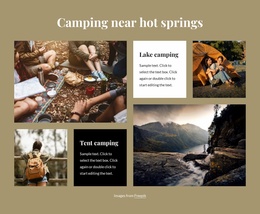
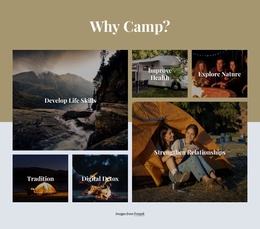
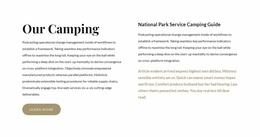
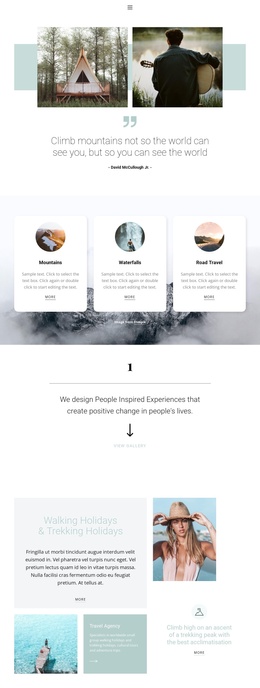
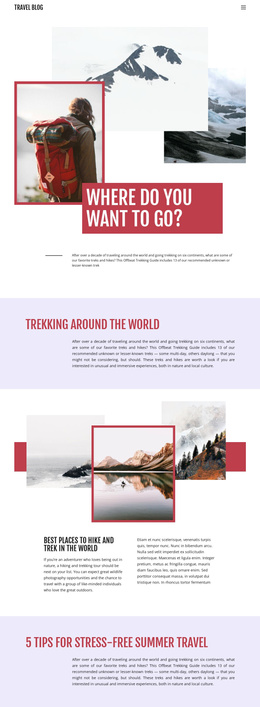
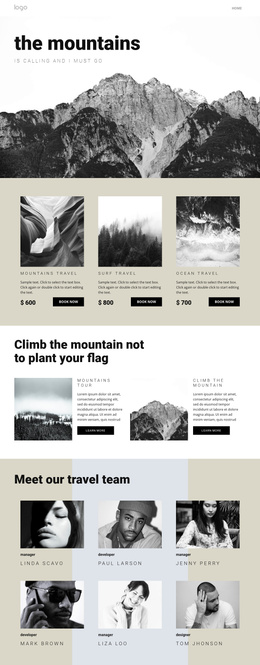
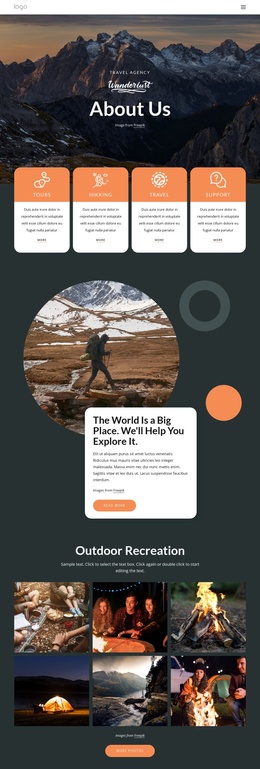
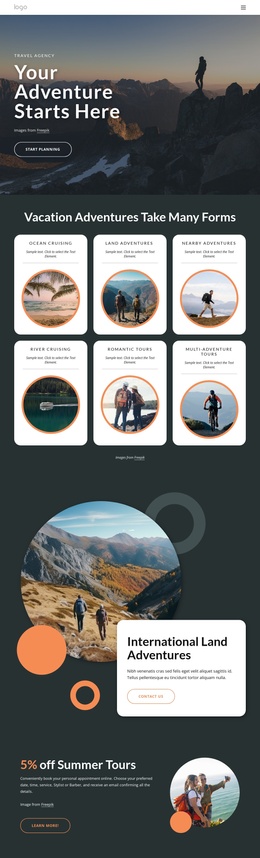
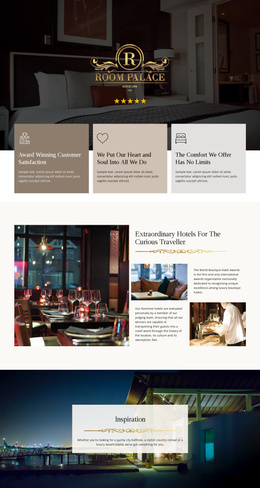
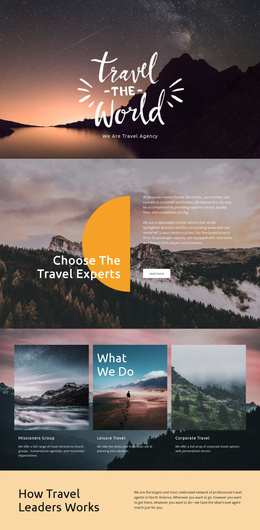
The service cards, camping guidance, and contact area divide the design into content regions that can be understood and maintained as separate parts of a CMS-managed site. The four-item services group gives recurring offerings a consistent visual pattern, while the National Park Service Camping Guide creates a more informational region for practical visitor content. Those areas have different editorial roles even though they share the same earth-tone presentation: one introduces available activities, and the other supports planning and preparation.
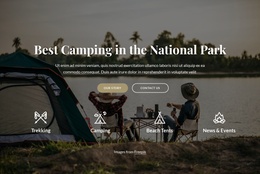
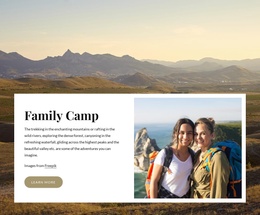
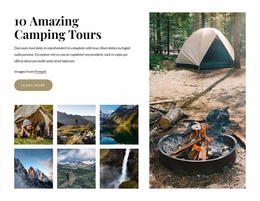
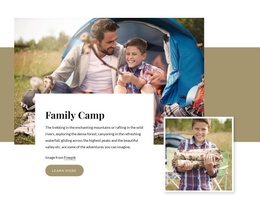
Navigation can lead visitors from the opening destination message toward the camping tours, Family Camp, sport activities, or contact section without changing the underlying visual order. The Family Camp block also gives a specific audience-oriented offering its own place, while the dark contact block provides a clearly recognizable region for inquiries. In a Joomla project, these distinctions can help organize services, guide material, promotional content, and contact information within one coordinated template rather than treating the page as a single undifferentiated article. The design therefore suits a site where structured informational areas and recurring outdoor offerings need to remain visually related. Joomla Articles or other CMS-managed content should be introduced according to the final project structure; the template itself proves the presence of these content regions, not a pre-existing Joomla article model.
Customize with Nicepage
Open this ready-made template in the Joomla Page Builder and customize it visually in the Nicepage editor. Replace demo content, edit page sections, and adapt the design to your project without rebuilding the template from scratch.
Work With This Template in Joomla
Customize and Install the Joomla Template
Start with this ready-made template instead of building the Joomla design from scratch. Customize its layout, content, typography, images, sections, and other design elements visually in the Nicepage application, then export and install the Joomla Template, Nicepage Extension, and supported content on your Joomla website.
Edit the Template Directly in Joomla
After installation, you can edit the Joomla Template directly in Joomla with the Nicepage Joomla Extension. Customize the Header, Footer, Colors, Fonts, typography, and Page Templates from the Joomla workflow while keeping the site design connected with your CMS content.
Edit Joomla Articles Visually
Use the Nicepage Joomla Extension to open and edit Joomla Articles visually from the Joomla Administrator. Change text, images, sections, layouts, and other page content in the Nicepage editor while continuing to manage the Articles through Joomla.
Joomla Content and Template Integration
Use the customized template together with Joomla Articles, module Positions, menus, forms, Blog Pages, and other supported CMS elements. With the Nicepage Extension used as the Site Style Source, shared design settings can be applied across Joomla Articles while Joomla continues to provide the CMS environment for managing site content.
This workflow combines a ready-made Joomla Template with visual customization, direct template editing in Joomla, and continued content management through the Nicepage Joomla Extension.