520 Technology Joomla Templates



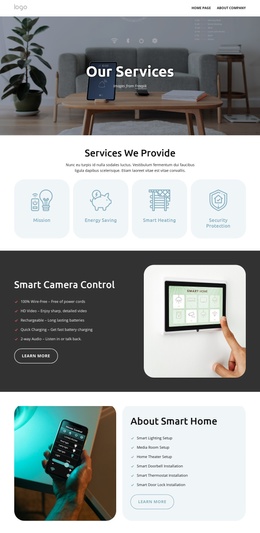
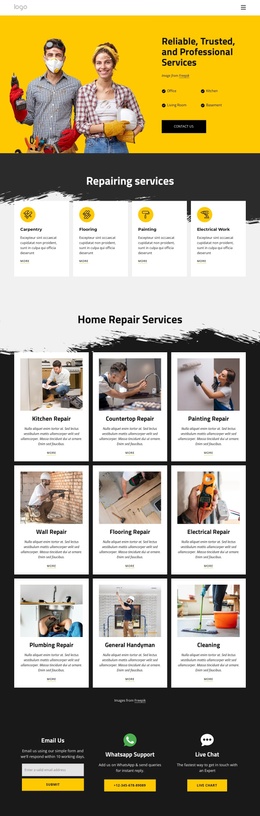
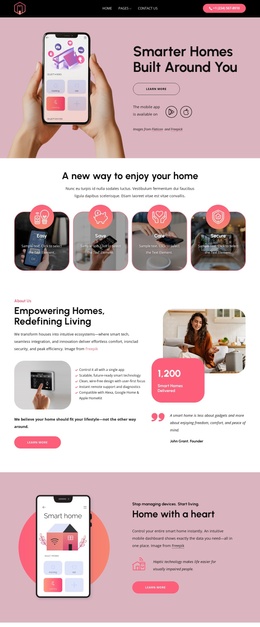


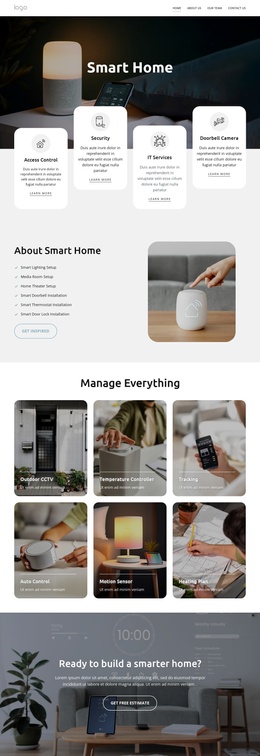
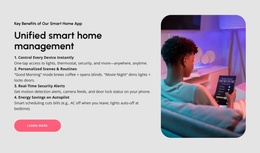
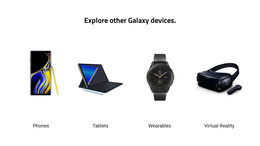

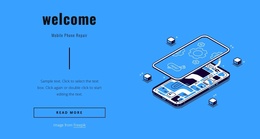
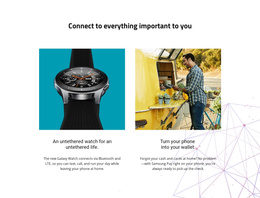
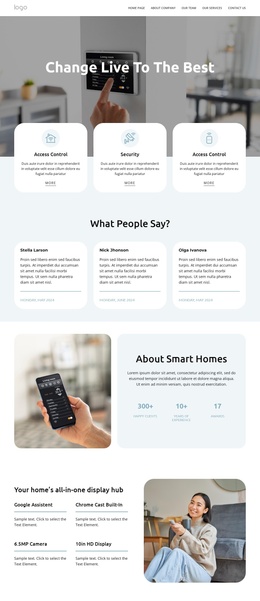
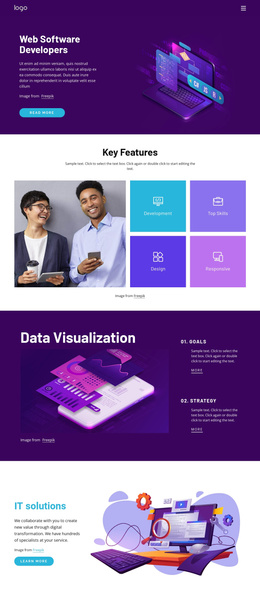



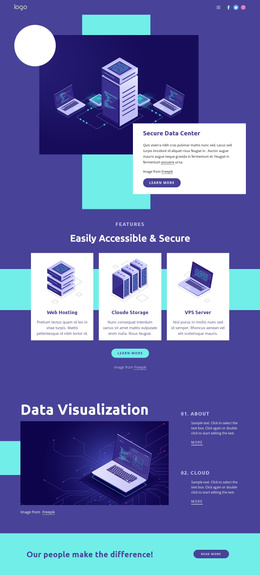


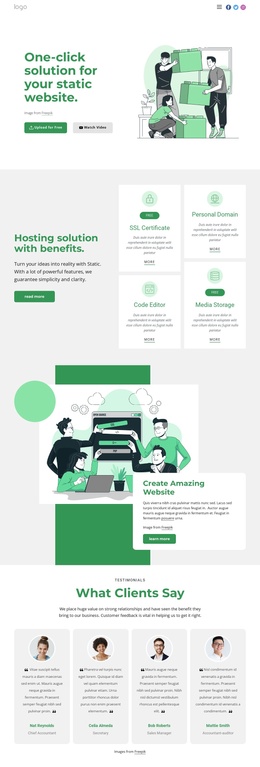
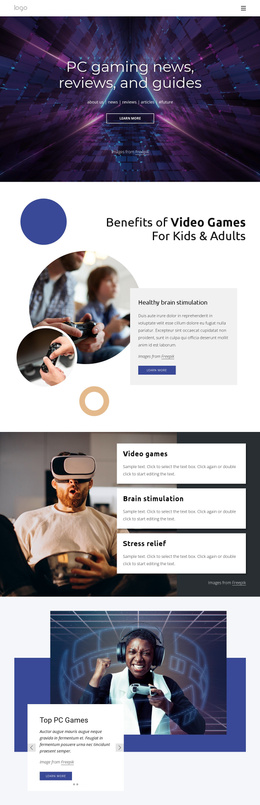


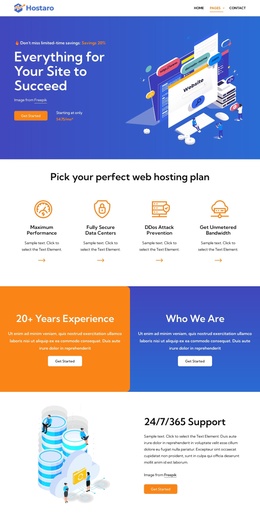
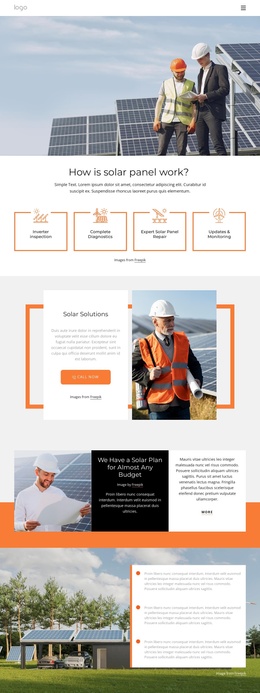





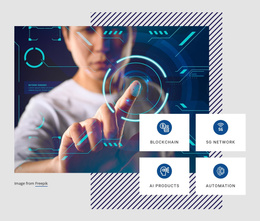

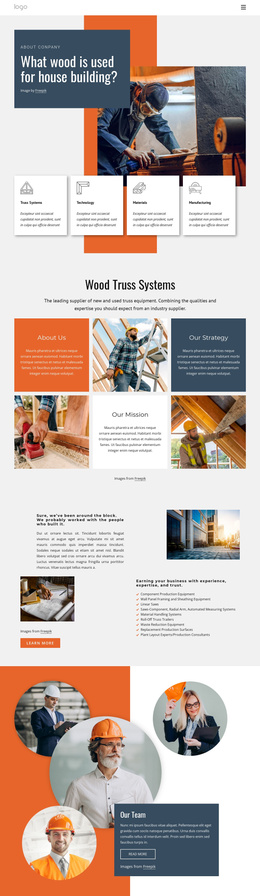



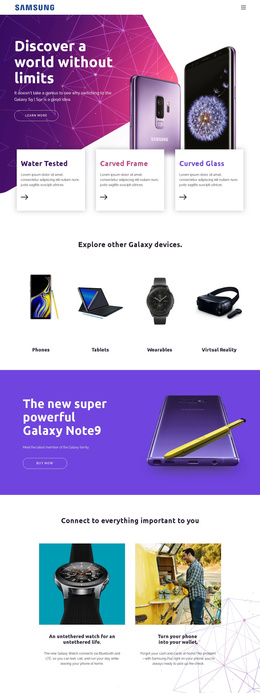
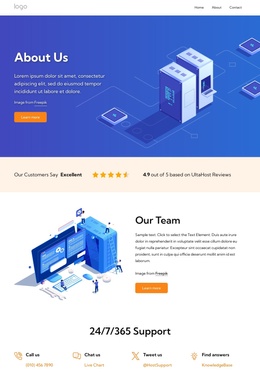
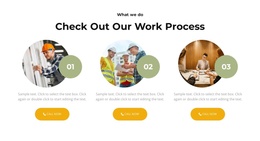
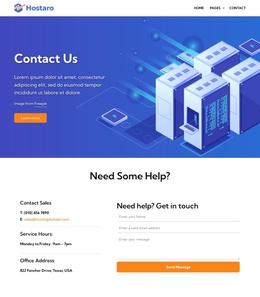


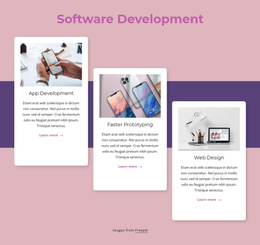
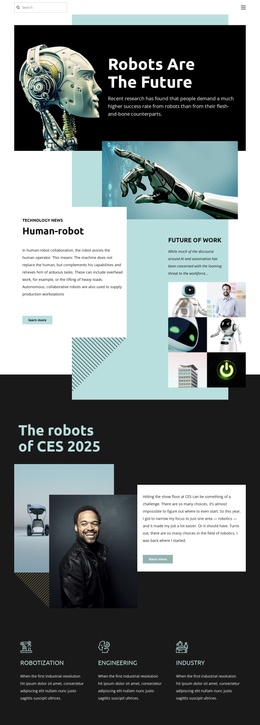


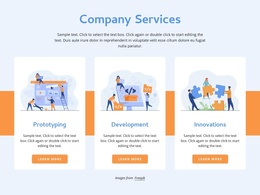



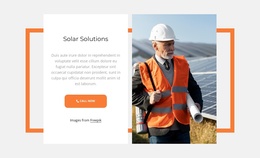


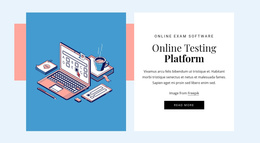



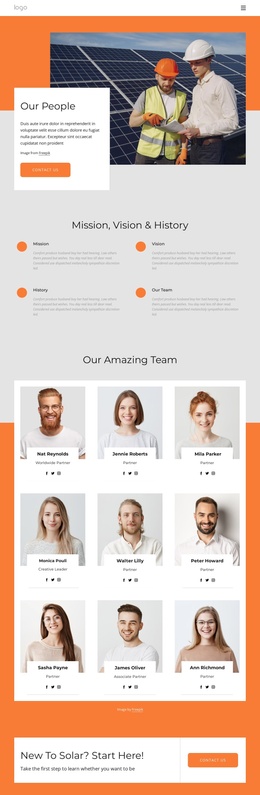
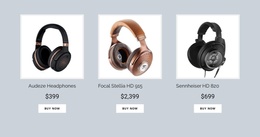









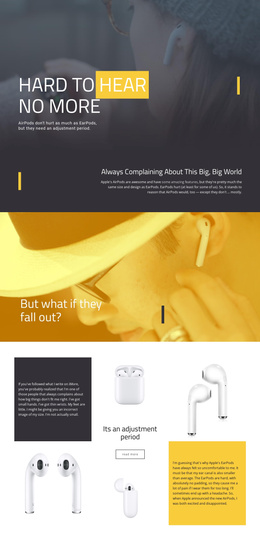
Responsive Technology Joomla Templates for Digital Products and IT Brands
For SaaS teams, IT consultancies, app studios, and electronics brands, technology Joomla templates offer a clear path to a unified visual style across product pages, service sections, articles, and support content. The Joomla workflow keeps updates practical, while Nicepage gives design teams direct control over page structure and responsive presentation.
Who Can Use Professional Technology Joomla Themes?
Technology-focused Joomla layouts suit a range of product and service models.
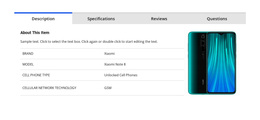
SaaS teams: explain platforms and product value. IT consultancies: structure services and case studies. App studios: present interfaces and releases. Device brands: organize specifications, media, and support content without losing visual consistency.
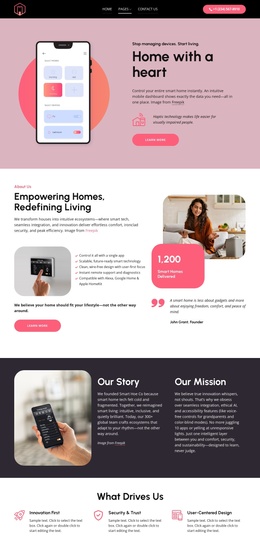
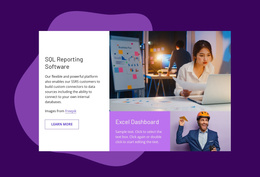
Product overviews, integrations, release notes, pricing explanations, and trust sections need a shared structure. For interface-led projects, a dashboard design direction can frame admin panels, analytics previews, or account-focused screens inside a broader Joomla site.
Nicepage supports a CMS-oriented path: choose a design concept, open it in the visual page editor, adapt layouts, and prepare the Joomla template for the target site. The Joomla Extension also lets you work on responsive Joomla pages and articles directly in the CMS.
Advanced Features for a Technology Joomla Website
A strong technology site needs reusable visual logic and precise mobile control.
- Joomla Extension: Compose responsive pages with rich text, images, and layouts directly on a Joomla website.
- Responsive Modes: Review Large Screens, Desktops, Laptops, Tablets, and phone views, then edit each mode separately with the Responsive Modes controls.
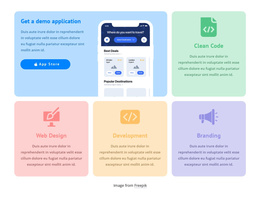
- Grid Repeater: repeat one card structure across software features, integrations, services, or devices while changing each item's text and image.
- Blog Templates: keep technology articles visually consistent through Blog and Post template styling for Joomla content.
- Freehand Drag-And-Drop: position screenshots, diagrams, text blocks, and calls to action with visual control and no code.
- SEO Page Properties: add Title, Description, Keywords, and Canonical settings where needed.
- Mobile Views: tune cells, sizes, and element placement for smaller screens.
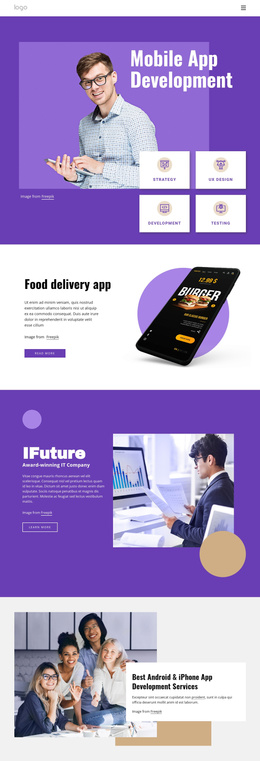
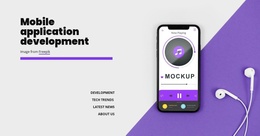
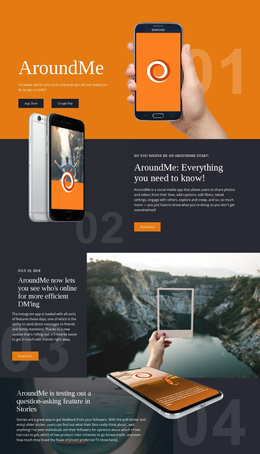
For an app-first offer, connect screenshots and feature sections with a mobile product presentation. Keep those blocks concise on phones and move secondary details below the primary product message.
Flexible Joomla Workflow for Product Teams
A practical CMS workflow separates visual preparation from daily content work. Shape the design in the Desktop App or Online Builder, export the Joomla template, install the required assets, and use the extension to edit supported pages and articles. The official Joomla Extension installation instructions provide the setup reference for that stage.
Do: keep product pages, article styling, headers, and footers aligned with one visual system. Don't: treat the Joomla Extension as a direct theme editor. You can export Joomla themes from the Desktop Application or the Online Builder, but you can't edit them directly in Joomla.
A software company may separate platform capabilities, integrations, customer cases, and technical articles; a hardware brand may prioritize specifications, product families, and support. If the audience includes developers, a React-focused visual concept can support a more code-oriented product story without changing the Joomla workflow behind the site.
User-Friendly Technology Joomla FAQ
Can I adjust a technology Joomla site for different screen sizes?
Yes. Nicepage supports Responsive Modes for Large Screens, Desktops, Laptops, Tablets, and horizontal or vertical phones. You can edit the layout for each mode separately when a technology page needs different spacing, sizing, or content emphasis on mobile.
Can I work on a Joomla technology site without an Internet connection?
The Nicepage Desktop Application and Joomla Extension use online authorization. If you signed in previously while connected, you can work offline, but template and media libraries are unavailable until the connection returns.
How can I keep software feature cards consistent across a large product page?
Use the Grid Repeater Element. Design one item, then reuse its element structure, styling, and positioning across other items. Replace text and images for individual features, integrations, plans, or devices while the visual pattern stays consistent.
Can I edit a Nicepage Joomla theme directly inside Joomla?
No. You can export the Joomla Theme from the Desktop Application or Online Builder, but Nicepage does not support direct theme editing inside Joomla. The Joomla Extension is for editing supported pages and articles, not for direct theme modification.
Take Your Technology Joomla Site Live with Creative Control
Ready to turn a technology concept into a working Joomla presence?
1. Select a design direction and open it in Nicepage.
2. Refine product sections, responsive views, articles, and brand styling in the visual design canvas.
3. Export for Joomla, install the template and extension, then manage supported content through the CMS.
You can start for free, test the visual workflow, and decide how far the project needs to go before deployment.