Product List Joomla Templates
-
-

-
-
-
-
-
-
-
-
-
-
-
-
-
-
-
-
-
-
-
-
-
-
-
-
-
-
-
-
-
-
-
-
-
-
-
-
-
-
Free Website Builder SoftwareDownload
-
-
-
-
-
-
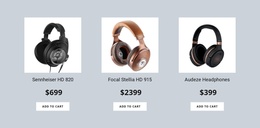
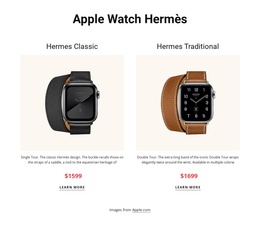
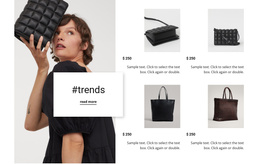
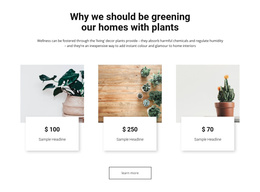


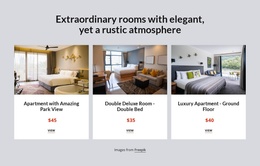
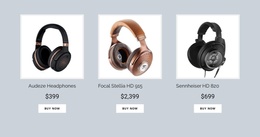
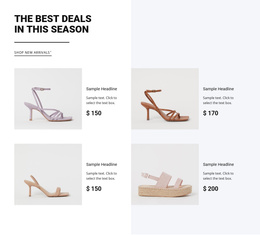
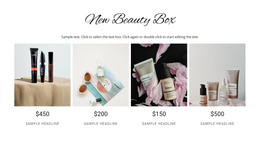
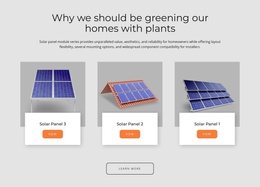
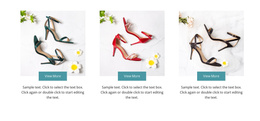
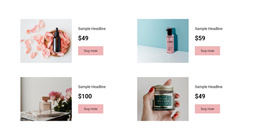
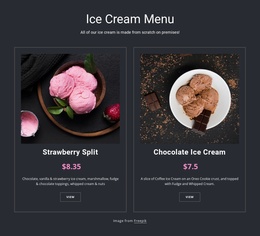

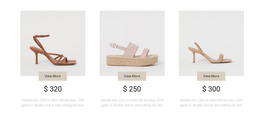

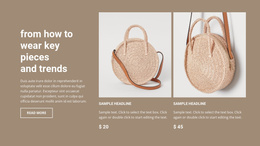

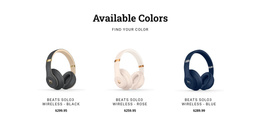
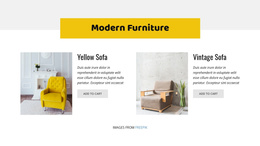
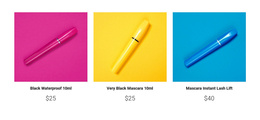
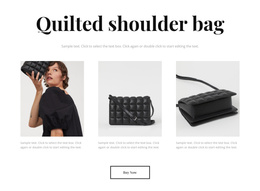
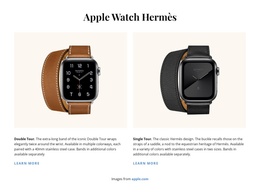
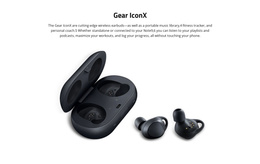


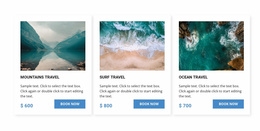
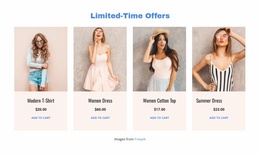
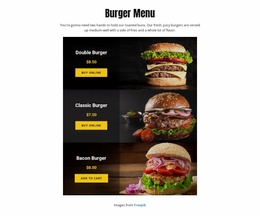
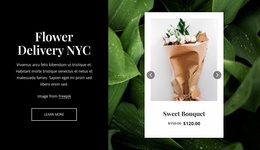
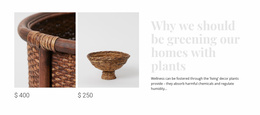
Responsive Product List Joomla Templates for Joomla Catalog Integration
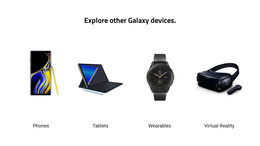
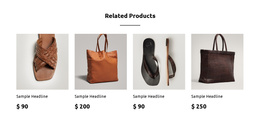
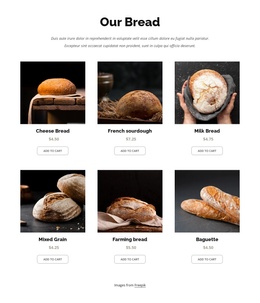
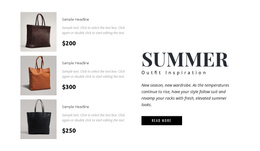
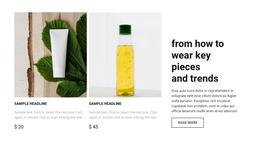
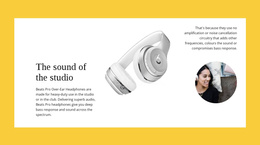
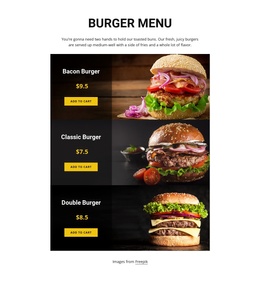
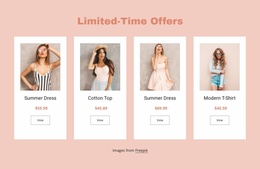
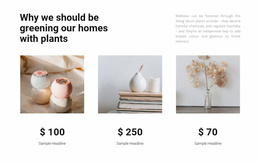
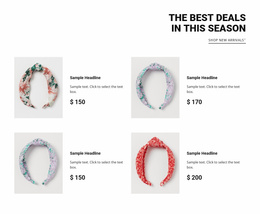
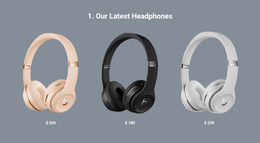
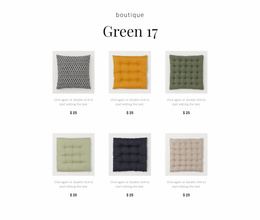
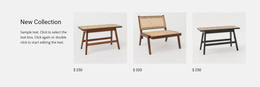
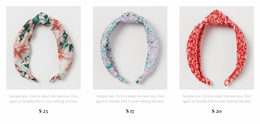
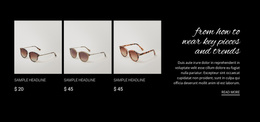
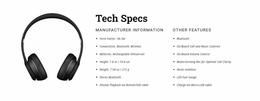
Product List Joomla Templates organize multiple products into browsable sections where visitors can compare images, names, prices, and short descriptions. Rather than presenting an entire store, these layouts provide a focused merchandise collection that can fit into a Joomla page, supporting product discovery without overwhelming the surrounding content.
How Does a Product List Section Help Visitors Browse Merchandise?
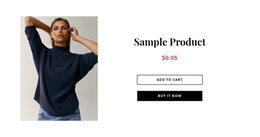
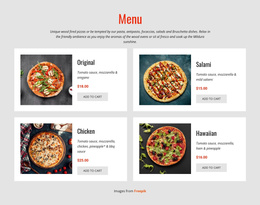
A Product List section displays several products through repeated merchandising entries, making essential information available at a glance. Consistent product images, titles, prices, and short descriptions help shoppers recognize relevant items before moving to individual product details. In a Joomla project, this section can introduce a catalog or highlight a selected collection.
The same structure can serve different placements: a featured merchandise area near the top of a homepage, a related-products collection, a category introduction, or a compact product selection within an article.
Clean Product Card Layouts for Catalog Browsing
Effective product listing layouts depend on the relationships between repeated items. Each card should give visitors enough information to distinguish one product from another without reproducing an entire product detail page.
A useful product card structure includes:
- Product image: Provides a recognizable visual reference for each item.
- Product title: Identifies the merchandise clearly and consistently.
- Price and short text: Supply basic comparison information without lengthy descriptions.
- Product action: Offers a route to details or a shopping action when configured.
Card dimensions, image placement, and text hierarchy influence how easily visitors can scan the collection. When each entry follows the same visual pattern, differences between products become more apparent.
Nicepage provides a Product List Element for displaying products inside page blocks. Its repeated items support product-specific content, and adding an element to one item can apply that element across the list.
Using Product List Sections in a Joomla Workflow
For a Joomla store, begin by deciding where the products come from. A hand-curated collection inside an ordinary page and a VirtueMart catalog page are not interchangeable. The first is a Product List Element placed in a block; the second uses the Product List Page Template to present catalog content from the supported CMS source.
A practical VirtueMart setup follows this sequence:
- Prepare the catalog: Create or check product records, images, prices, and categories in VirtueMart.
- Choose the display: Use the Product List Page Template for a catalog view, or configure a Product List Element for a selected collection inside a page.
- Select the source: Where the supported integration allows it, choose CMS products rather than editor-managed sample items.
- Adjust the presentation: Set the product arrangement and check the destination of each product action.
- Transfer the theme: Complete the applicable Nicepage Desktop export and Joomla import steps, then verify the actual store page.
This distinction matters for a VirtueMart store: displaying a hand-picked collection is not the same as configuring a shop category. The Product List Element documentation covers the element controls; the Product List Page Template guide covers catalog-page setup and Joomla-specific editing restrictions.
Check the editing boundary before launch. Nicepage Joomla theme templates are maintained in the Desktop Application, not edited directly within Joomla. A change to the catalog-page template therefore follows the supported export/import workflow.
Choosing Between a Product List and Product Details Section
A shopper who opens a category expects multiple VirtueMart products, not a detailed sales page for one item. Use a catalog page template for that category-level task. Use a Product List Element when a Joomla page needs only a highlighted collection, such as three seasonal products below a promotion.
Product Details belongs at the next stage, after a visitor selects an item. For broader e-commerce layouts, check that the collection leads to the intended product destination rather than duplicating detailed descriptions inside every card.
Frequently Asked Questions About Product List Joomla Templates
Can I use a Nicepage Product List in a Joomla project?
Yes. Nicepage supports Product List elements in Joomla-oriented projects. The Product List Element is available to Pro and Ultimate Plan users for WordPress and Joomla, according to Nicepage documentation.
Can Nicepage work with VirtueMart products?
Yes. Nicepage supports Joomla VirtueMart workflows, including a Product List Page Template that can display VirtueMart catalog products. A regular Product List block and a catalog page template have different roles.
What should I prioritize when customizing product cards?
Start with the product image, title, and price. Keep repeated items visually consistent, use short descriptions only where they help comparison, and make the next product action clear. Nicepage's Product List Element provides the product-specific structure for these entries.
Can I edit a Nicepage Joomla theme directly inside Joomla?
No. Nicepage documentation states that its Joomla theme templates cannot be edited directly inside Joomla. Theme modifications are made through the Nicepage Desktop Application, followed by the relevant export and import workflow.
Adapt a Product Collection for Your Joomla Project
Select a Product List design that fits the number of products and the information shoppers need to compare. Open it in the Nicepage editor, adjust the cards and their content, then integrate the section into your Joomla project using the supported workflow. Keep the product collection focused on browsing; reserve full catalog management and individual product details for their appropriate components.