350 Nature Joomla Templates











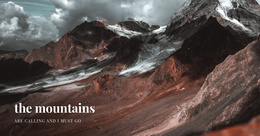
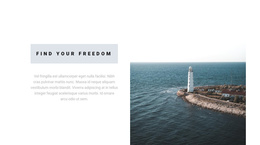


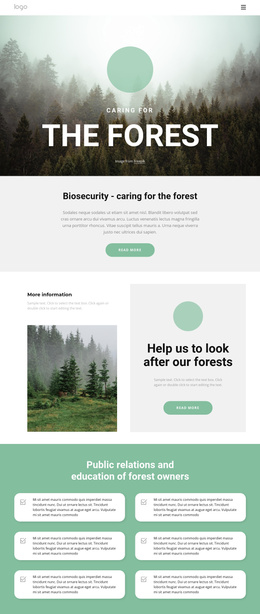

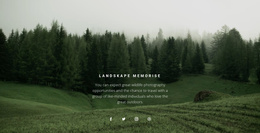
































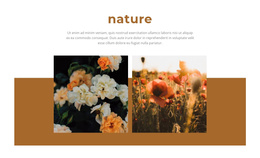






Professional Nature Joomla Templates for Environmental Websites
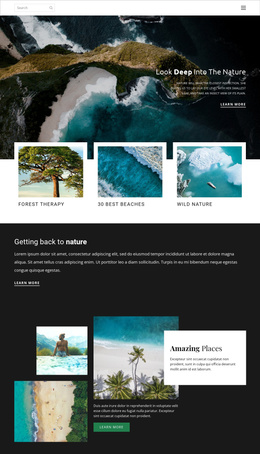
A coherent conservation portal and safe client handover define a successful Nature Joomla project. The right nature Joomla templates give environmental groups, mountain guides, botanical organizations, and outdoor clubs a controlled way to present articles, field updates, galleries, and project information while the CMS remains practical for later content edits.
Who Gets the Best Results from Nature Joomla Templates?
Conservation teams: organize campaigns, field reports, and habitat updates. Eco-tour operators: pair destination articles with landscape media and route details. Botanical groups and outdoor clubs: maintain species pages, activity news, and contact paths within a single CMS, while Nicepage controls the visual structure.
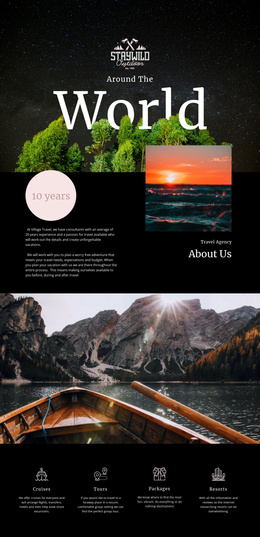
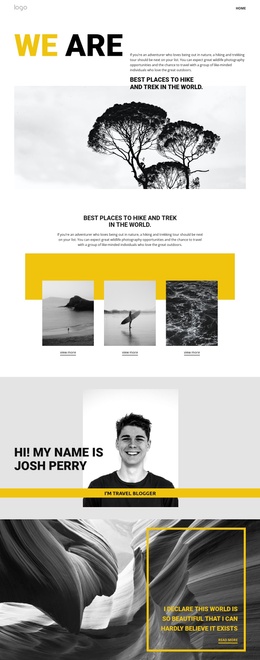
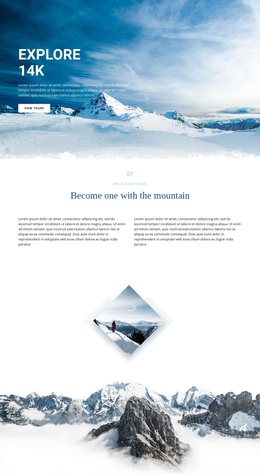
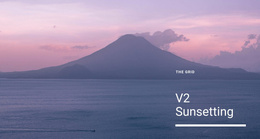
A Joomla nature website works particularly well when multiple contributors need to update content without redesigning each page. A mountain lodge, trail association, or alpine conservation group can use mountain website ideas to define hero imagery and destination content, then adapt that direction to articles, menus, and repeat project pages.
The key CMS distinction is workflow. Choose a design, open the visual page editor, refine the layout, then export the Joomla template and install the Nicepage Extension. Article content can continue inside Joomla through the extension, while theme-level design follows the Nicepage export workflow.
No-code Features for Environmental Joomla Sites
The feature set should strengthen Joomla rather than merely repeat what the CMS already does:
- Joomla Extension lets editors work on responsive Joomla articles with rich text, images, and layouts directly in the CMS.
- Widget Area and Position Element place Joomla modules in designated positions, useful for trail notices, project navigation, or supporting conservation information.
- Grid Repeater Element establishes one repeated card style for reserves, species programs, volunteer projects, or park services while each item keeps its own text and image.
- Edit Mobile Views lets teams inspect and adjust desktop, laptop, tablet, and phone layouts separately.
- Mega Menu in WordPress and Joomla preserves richer navigation after export and content import, while Menu Items remain editable from the CMS administration.
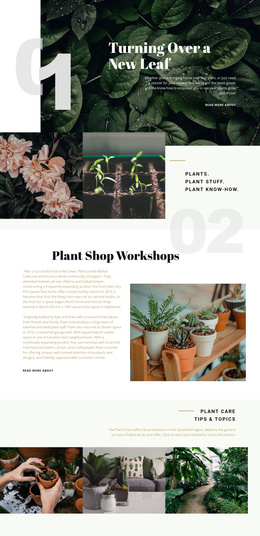
For an environmental Joomla site, botanical sections can draw direction from plants website references for species collections, garden projects, and educational content. These tools also help a Joomla nature website support strong imagery and structured editorial updates without turning every article revision into a layout task.
Once the visual direction is approved, the Joomla template and article installation workflow covers the template-plus-extension package used for a Joomla site. This keeps the design handoff distinct from day-to-day article edits.
High-performance Joomla Administration for Nature Content
Keep theme-level decisions separate from routine editorial work, reserve module positions for alerts or contextual content, and give each conservation section a clear content role. The Joomla Extension supports editing articles within the CMS, while the exported template follows the Nicepage update workflow. For CMS-managed notices, the custom Position in a Joomla article workflow connects a Position Element with a Joomla position.
Mobile-friendly Nature Joomla Questions
Does one Nicepage Premium Plan cover the Joomla tools for a nature website?
Yes. A Nicepage Premium Plan covers the Desktop Application, WordPress Plugin, Joomla Extension, and Online Builder.
Can my team work offline with the Nicepage Joomla Extension?
The Joomla Extension uses online authorization. If you previously signed in with an Internet connection, you can use Nicepage offline, but the template and media libraries will not be available while offline.
Can I edit an exported Nicepage Joomla template directly inside Joomla?
No. Nicepage Joomla themes or templates are exported from the Desktop Application or Online Builder, and the theme itself cannot be edited directly in Joomla. The Nicepage Extension is used to edit Joomla articles.
How can I place park alerts or conservation modules inside a nature Joomla article?
Use the Widget Area and Position Element. It lets you add Joomla modules through positions in the page or article layout so that CMS-managed information can appear inside the visual structure.
Ready-to-use Nature Joomla Workflow
Ready to manage an environmental Joomla site without relying on a developer for every visual update? Start for free, keep the CMS workflow clear, and move from design choice to an installed Joomla package under your team's control.
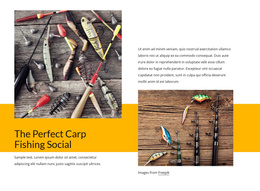
- Choose a nature design or a focused fishing website direction and open it in the Desktop App.
- Adjust article layouts, imagery, module positions, navigation, and responsive views for the project.
- Export the Joomla template and extension, install them in Joomla, and use the extension for ongoing article content.