930 Food & Restaurant Joomla Templates
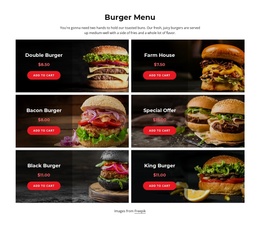
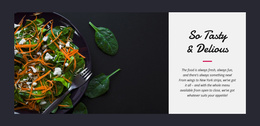

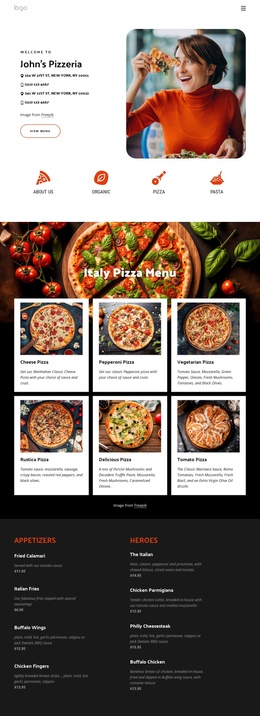
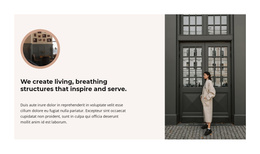
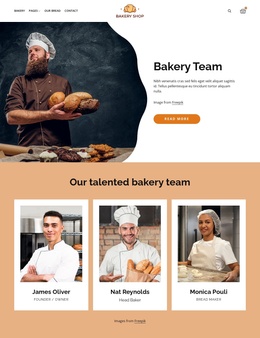

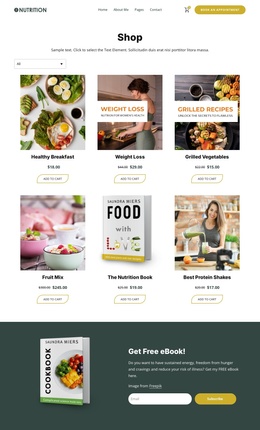
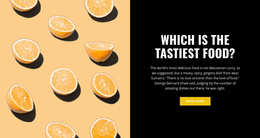




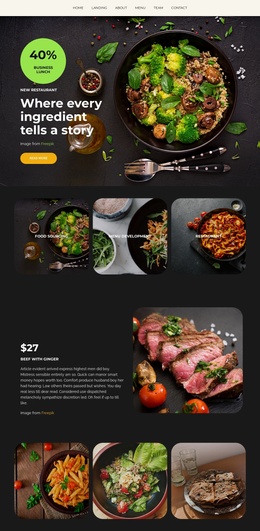
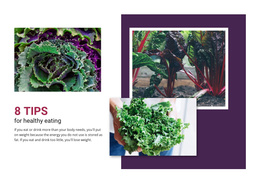
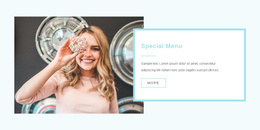
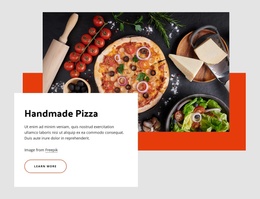


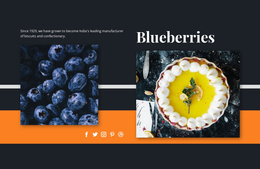
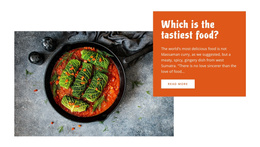
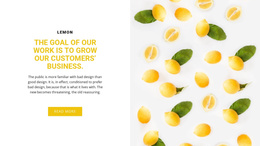
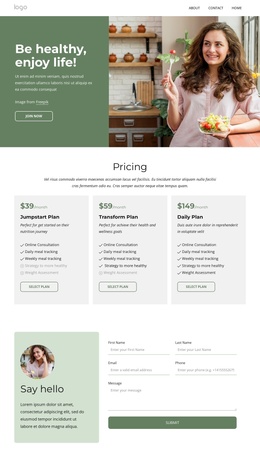
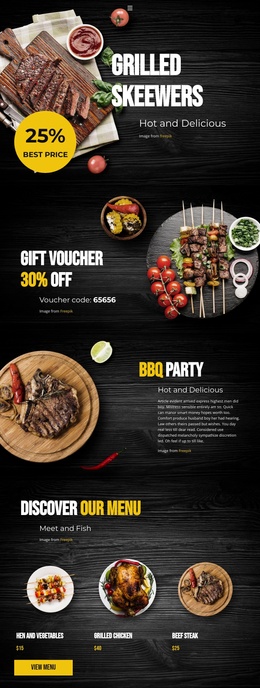
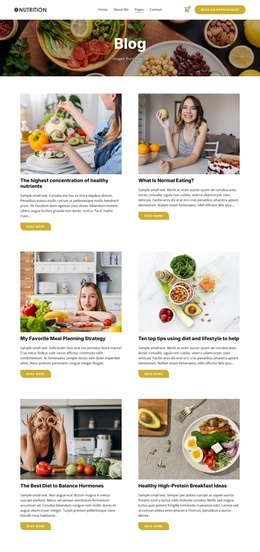
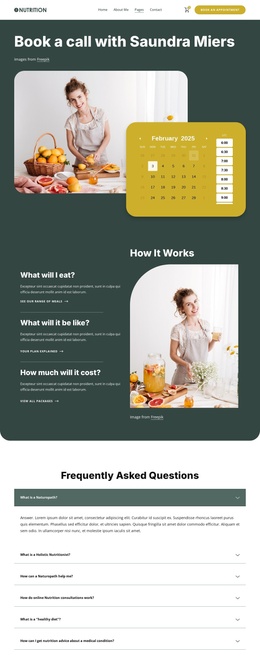
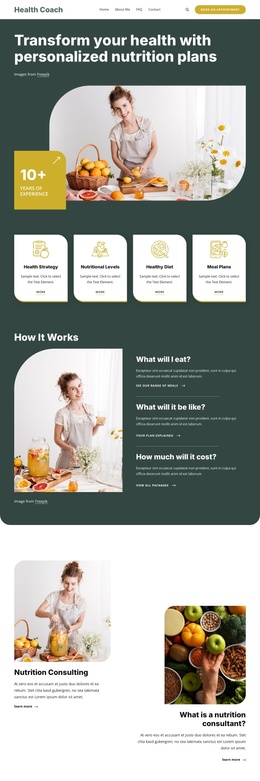
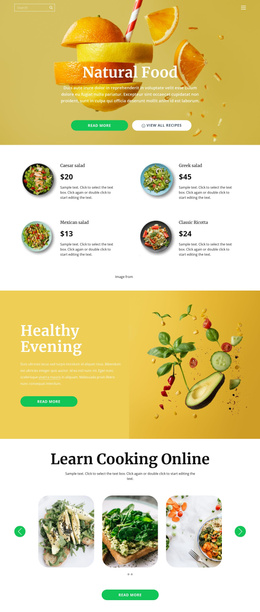

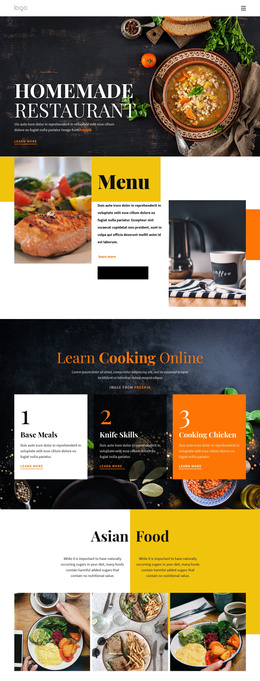
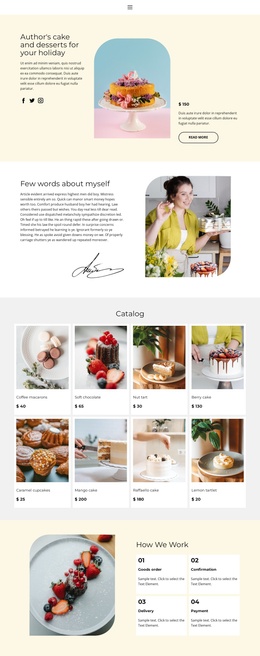
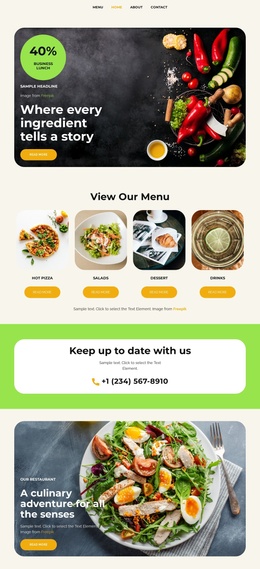
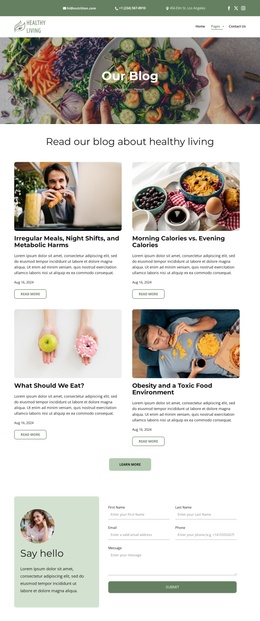
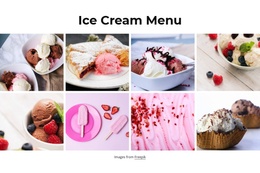
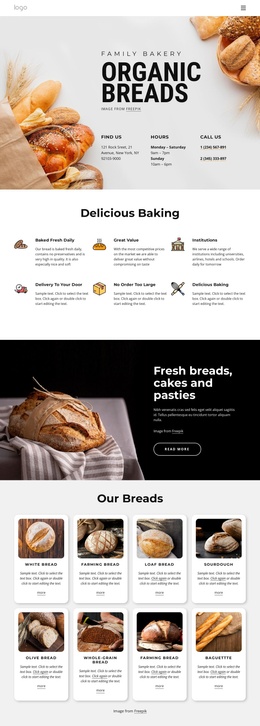
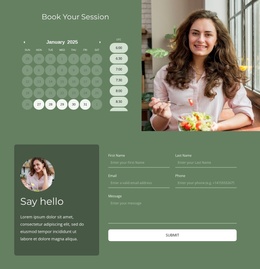
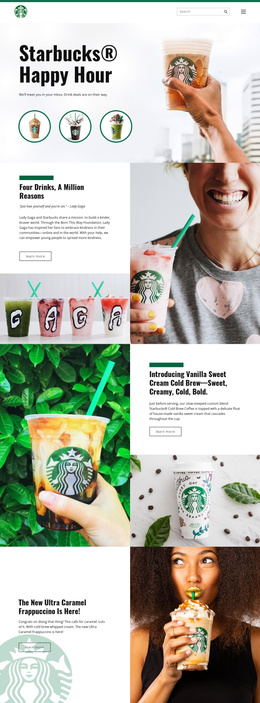
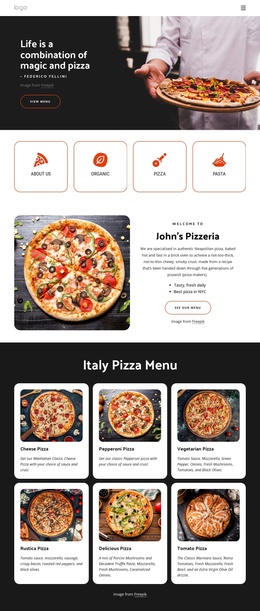
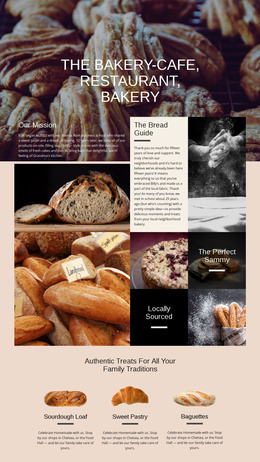
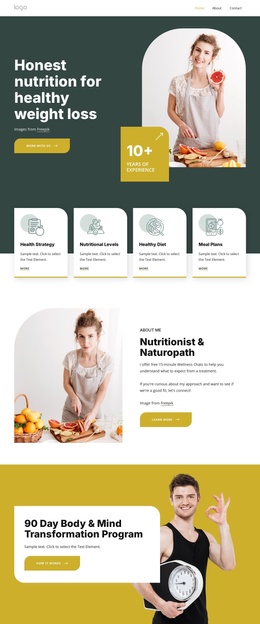
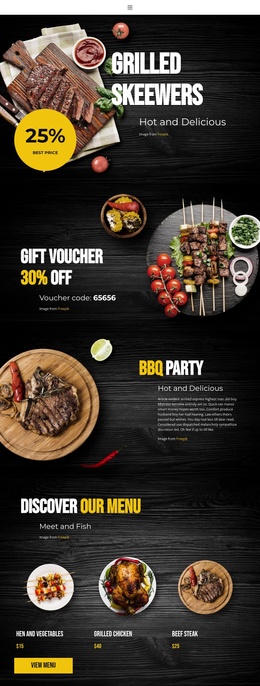
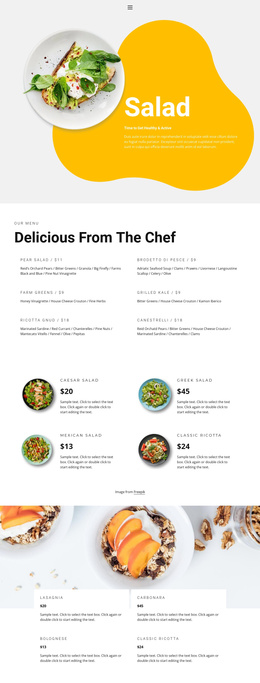
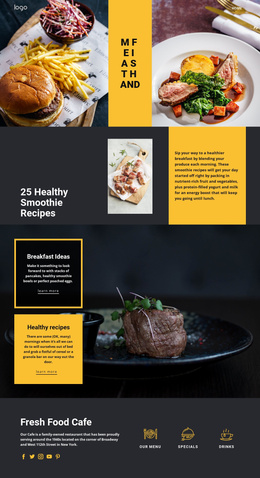
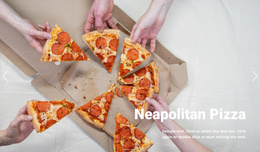
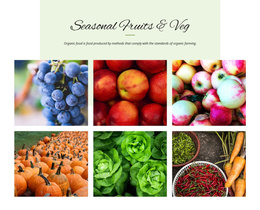

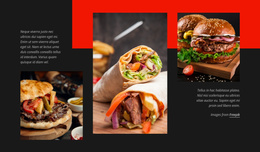
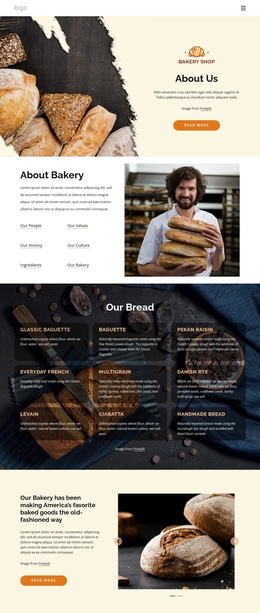
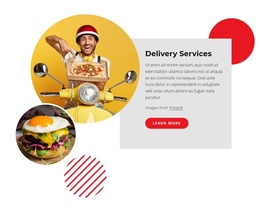
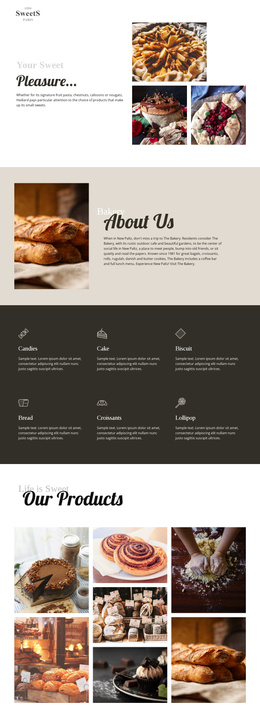
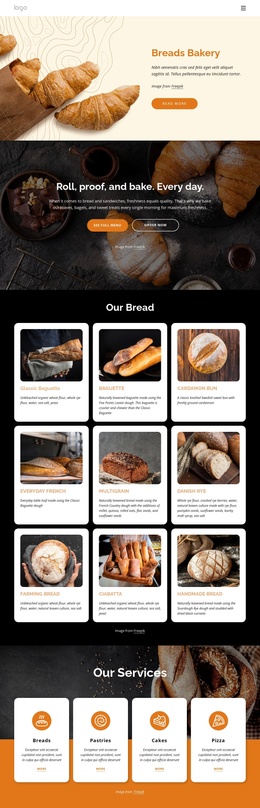
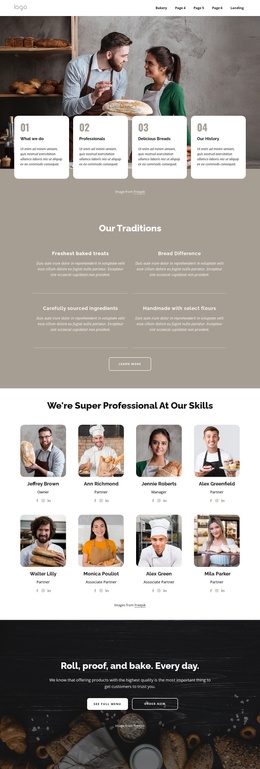
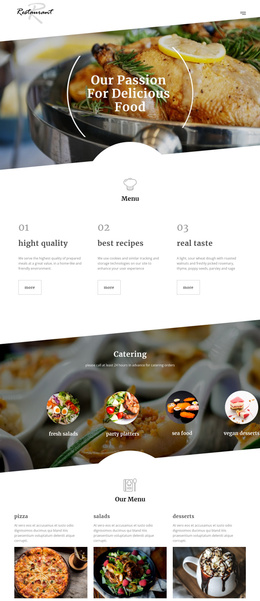
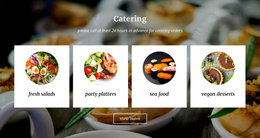
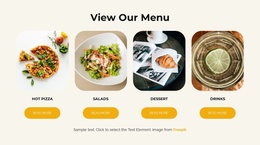

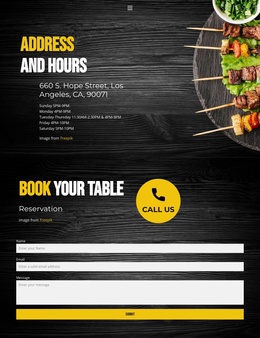

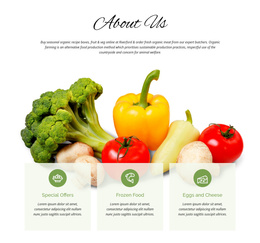
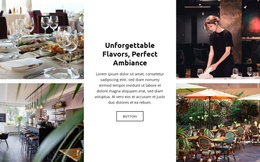
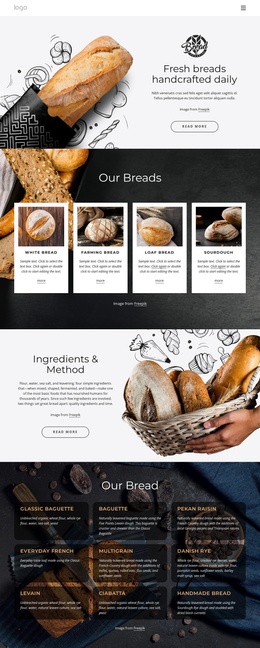
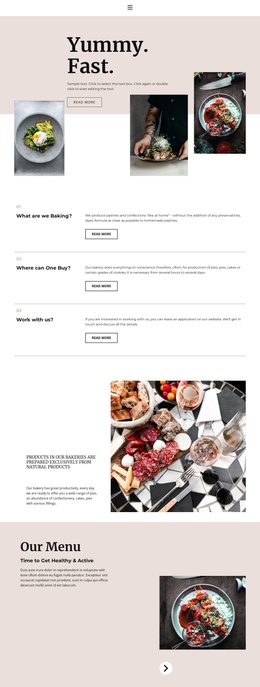

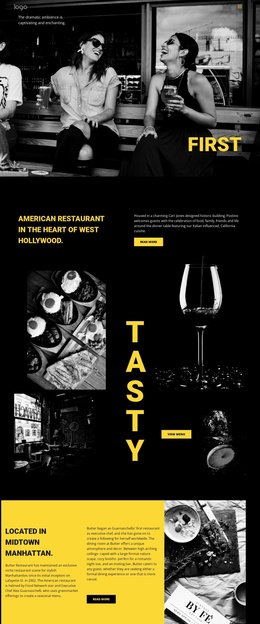
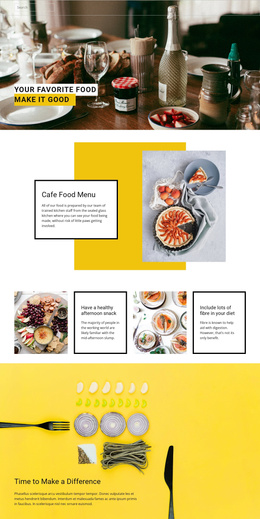
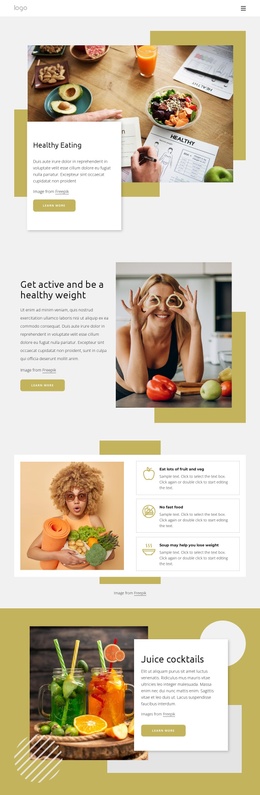
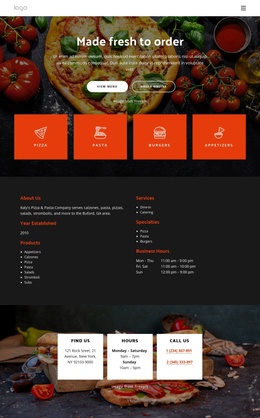
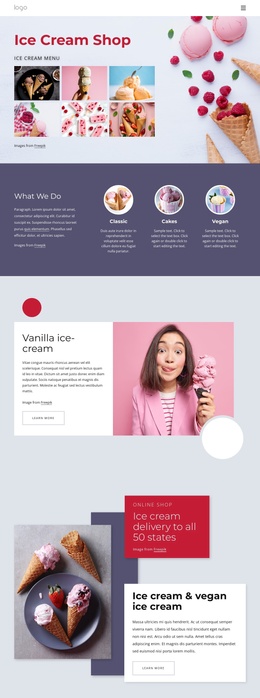
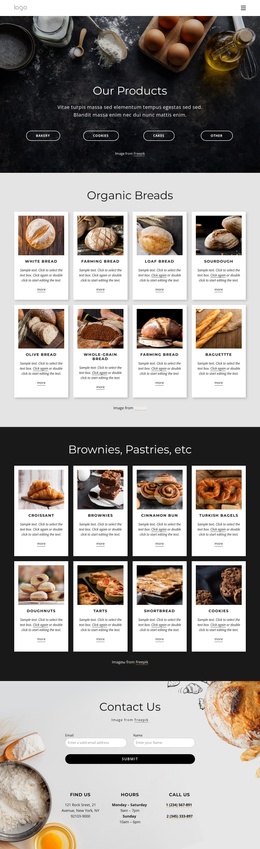
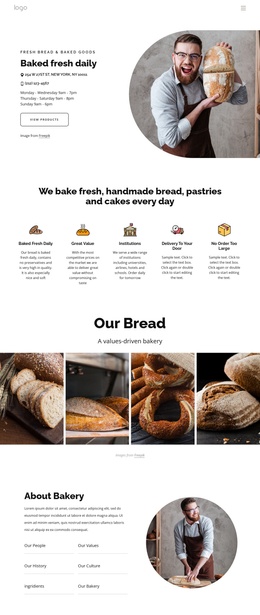
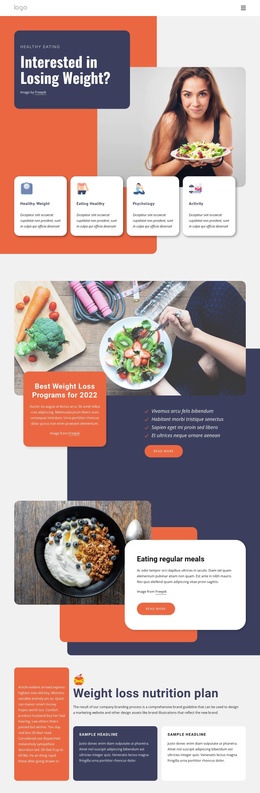
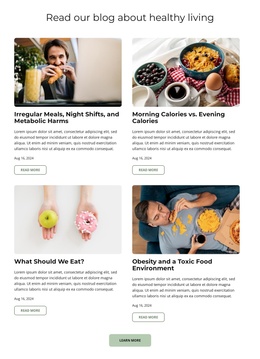

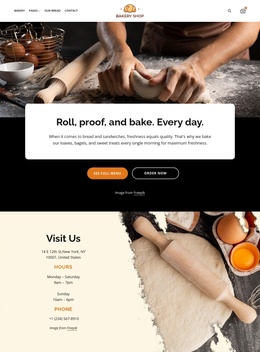
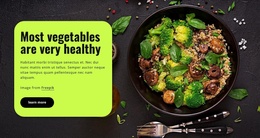
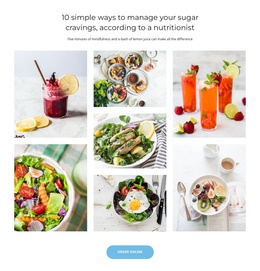
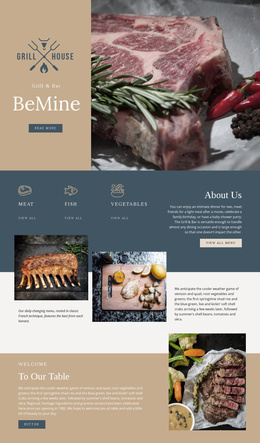
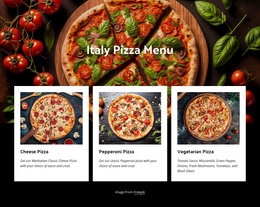
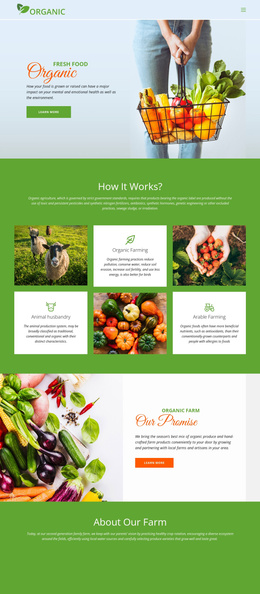
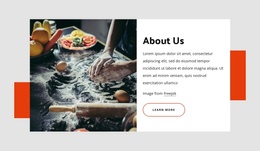
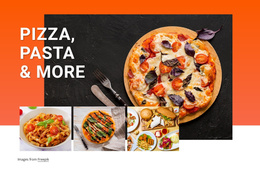
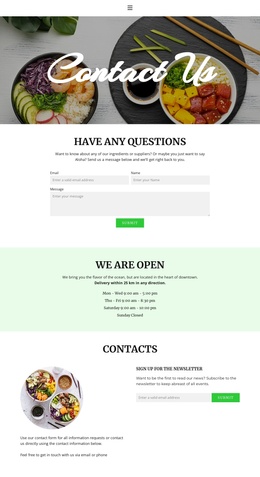
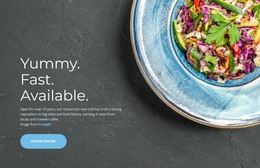
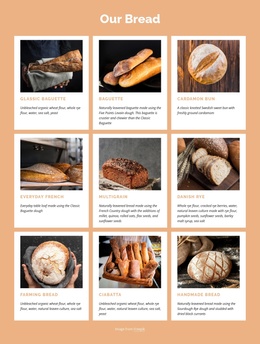
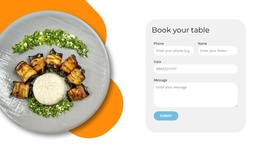
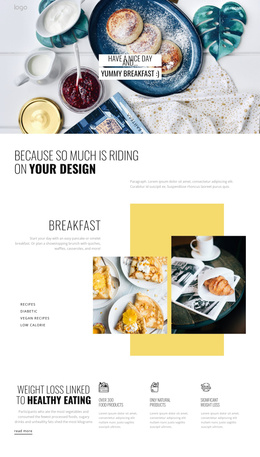
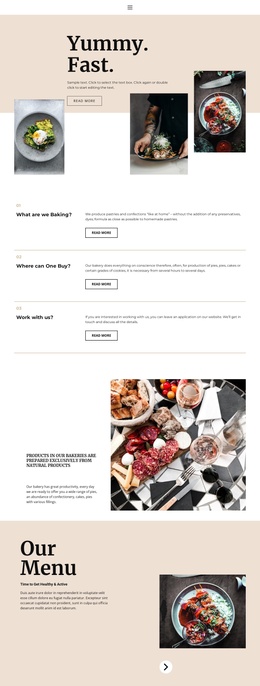
Customizable Food & Restaurant Joomla Templates
Food & restaurant Joomla templates give restaurants, supermarkets, wineries, and specialty producers a consistent way to manage menus, promotions, articles, imagery, and customer inquiries inside a CMS workflow. Nicepage adds visual control to that structure, so teams can preserve a unified brand style while content changes over time.
How to Create a Fully Responsive Restaurant Joomla Website?
If a restaurant needs frequently updated menu stories, Joomla Articles provide a practical content route. For a supermarket, structured navigation helps visitors reach departments and offers. A winery may need product stories and editorial pages, while fruit producers can combine seasonal information with contact-driven content. Nicepage adds visual layout control around these CMS scenarios.
The workflow starts in the Nicepage application: choose a design direction, adjust page and theme layouts, prepare responsive views, then export the Joomla Template, Extension, and Articles for installation on the CMS. The documented Joomla application workflow covers this connection between the Desktop Application and Joomla Extension.
A food retailer can organize broader content around supermarket website concepts, while beverage-focused businesses can give editorial and product stories a clearer visual direction through wine-related layouts. These internal design directions support the category without replacing Joomla's CMS role.
Drag-And-Drop Features for Culinary Joomla Projects
Nicepage enhances Joomla by adding visual layout controls around CMS content, rather than limiting the project to standard article presentation.
- Joomla Extension workflow connects Nicepage-designed content with the CMS environment.
- Joomla Template export carries the site's visual framework into the Joomla installation.
- Article styling gives food stories, chef news, promotions, and editorial content a designed presentation.
- Responsive Modes let teams refine restaurant pages for desktop, tablet, and phone views.
- Search Element integration can use Joomla's built-in CMS search features for larger content collections.
- Mega Menu layouts can organize extensive navigation for restaurant groups, food retailers, or multi-section culinary sites.
- Contact Forms can route inquiries and email notifications from catering, venue, wholesale, or general contact pages.
A producer with several seasonal ranges can also connect informational sections with fruit-focused website layouts, while keeping the CMS structure available for future articles and updates.
Advanced Joomla Administration for Restaurant Content
Common Mistake: teams often separate the visual template from the CMS content workflow so sharply that new Articles no longer feel connected to the original restaurant brand. The Fix: treat the Nicepage Template, Joomla Extension, typography, header, footer, and Article presentation as one design system. Keep staff changes within predictable content areas and reserve structural edits for the visual editor.
Nicepage documentation also describes a direct Joomla styling workflow in which the Extension can act as the Style Source for site Articles. The template editing workflow inside Joomla is therefore useful when the project requires CMS-side visual adjustments rather than a complete redesign in another tool.
For food businesses, this distinction matters. Staff may need to update a seasonal menu article, replace an event notice, or add a chef story without changing the site's core visual hierarchy. A controlled CMS workflow makes those routine edits easier to separate from larger layout decisions.
Multipurpose Joomla Questions for Food Businesses
Which CMS and eCommerce technologies does Nicepage support for restaurant projects?
Nicepage supports WordPress, WooCommerce, Joomla, and VirtueMart. It does not provide an API for additional CMS technologies. For a Joomla restaurant project, Joomla and VirtueMart are the supported CMS and eCommerce route.
Can restaurant contact forms connect with marketing or CRM workflows?
Yes. Nicepage Contact Form elements support standard submission routing, email notifications, and integrations with external CRM and mailing services, which can suit catering inquiries, event requests, wholesale leads, or restaurant mailing lists.
Can a large food Joomla site use richer navigation than a basic menu?
Yes. Nicepage provides Mega Menu layouts with flexible columns, menu items, styling controls, and Joomla integration. This can help restaurants with several locations or food businesses with many content sections organize navigation more clearly.
Can I export a Nicepage project from the Joomla Extension?
No. According to the supplied Nicepage FAQ knowledge base, the Joomla Extension does not support project export. Plan the project workflow so the appropriate Nicepage source remains available for work that requires project-level transfer.
No-Code Control for Your Joomla Restaurant Site
A Joomla food project should not force restaurant staff to choose between CMS flexibility and visual consistency. Select an appropriate concept, refine its menu, articles, navigation, and responsive structure in Nicepage, then move the Joomla Template and Extension into the CMS workflow. Start for free to shape the visual direction before the project reaches production.