Table Joomla Templates
-
-

-
-
-
-
-
-
-
-
-
-
-
-
-
-
-
-
-
-
-
-
-
-
-
-
-
-
-
-
-
-
-
-
-
-
-
-
-
-
-
Free Website Builder SoftwareDownload
-
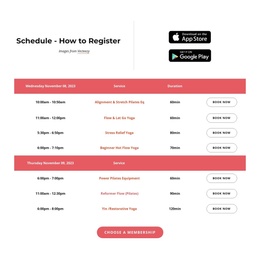
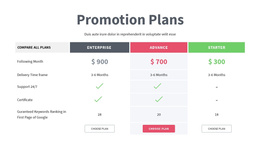
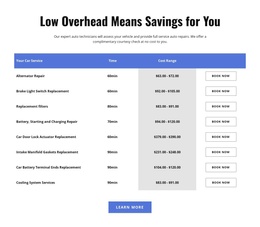
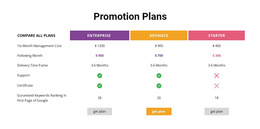
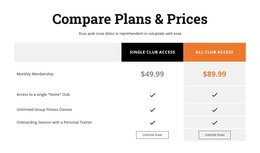

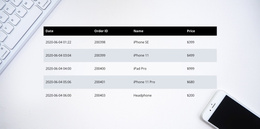
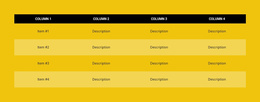
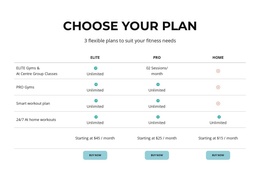
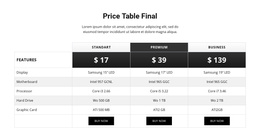
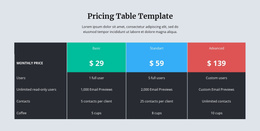
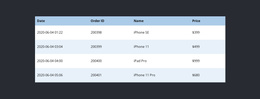
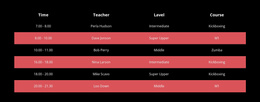

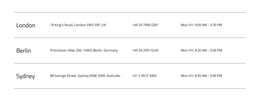
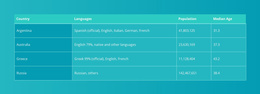
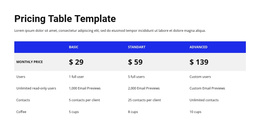
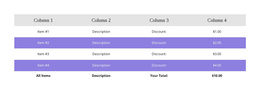
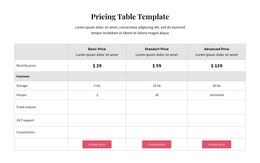
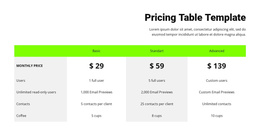
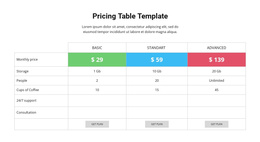
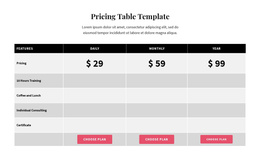
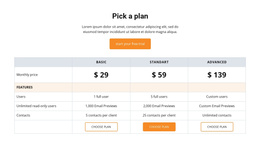
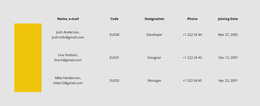
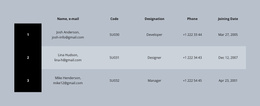

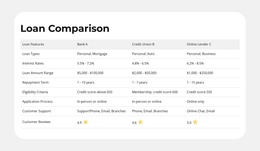
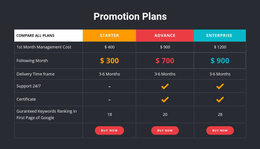
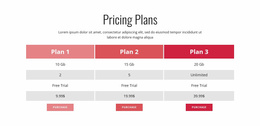
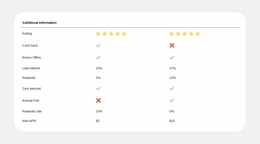
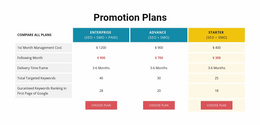
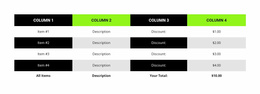
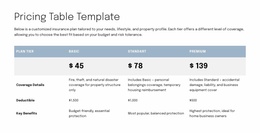
Professional Table Joomla Templates for Structured Data Editing in Joomla
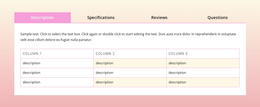
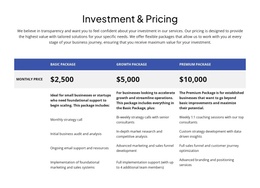
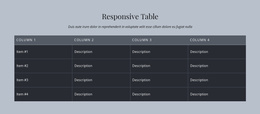
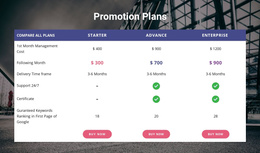
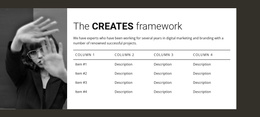
Table Joomla Templates offer ready-made ways to present schedules, specifications, and reference information within a Nicepage-oriented Joomla project. A table can form a useful section of a Joomla page while borrowing its colors, heading style, and spacing from the surrounding template.
Rather than assembling the presentation from separate content boxes, choose a Table design with an appropriate width and visual density. The priority is a section that fits the Joomla page and remains straightforward to update when the underlying facts change.
Choose a Ready-Made Table for Joomla Content
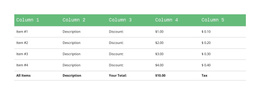
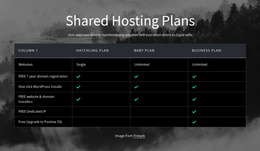
Ready-made Table sections can match several Joomla content structures. A schedule with steady row spacing suits an informational page; a compact reference table can sit within a narrow article area. Longer articles may benefit from an understated list of comparable facts, while a broad product or service comparison needs a wider section and clearer column headings.
When browsing designs, compare:
- Available content width in the Joomla page or article layout.
- Row density and column proportions for the actual records.
- Header styling that suits the page's typography.
- Narrow-screen readability for longer comparisons.
Choose a prepared Table design that fits the Joomla content area rather than treating every page as a full-width data display.
Match a Ready-Made Table to the Joomla Page
Choose a finished Table section that already complements the Joomla page. Subtle horizontal separators can suit a reference article, while stronger header backgrounds may work for a substantial comparison. Compact layouts are often more appropriate than broad tables within narrow content columns.
The Table Element allows focused visual changes to colors, dimensions, and headings after selection. Wide sections can scroll horizontally in responsive layouts. Selection comes first; adjustments help the chosen design feel at home in the Joomla project.
Use Table Templates in a Nicepage Joomla Project
Nicepage supports Joomla projects through its Joomla Extension. A selected Table section can be used in Nicepage-created or imported Joomla content. Articles originally built in Joomla's default editor do not automatically become editable in Nicepage. Keep this compatibility point in mind when choosing a design for an existing page; detailed editing steps are secondary to the ready-made section's suitability.
Keep the Joomla Section Focused on Reference Information
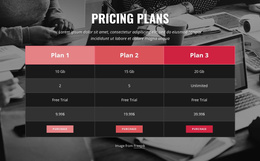
A Table suits specifications, timetables, and other facts that need consistent comparison. Independent promotional cards are usually better served by a Grid, while paid package selection is a Pricing task. The Table block's strength in Joomla content is clear factual reference, not broad promotional presentation.
Table Joomla Templates FAQ
Can I edit a Table section directly in Joomla?
Yes, when the section belongs to Nicepage content supported by the Joomla Extension. You can edit Nicepage-created or imported articles using the Nicepage editor. Articles created solely with Joomla's default editor cannot be opened in Nicepage automatically.
Can I change the number of rows and columns in a Nicepage table?
Yes. The Nicepage Table Element supports adding, removing, resizing, and moving rows and columns. You can also adjust individual cell properties and apply different formatting to table headers and rows.
How do Nicepage tables behave on mobile screens?
If a table is wider than the available screen space, Nicepage supports horizontal scrolling in responsive modes. This helps preserve the relationship between columns when the content cannot fit into a narrow viewport.
Can I use the same Nicepage Premium Plan for the Joomla Extension and Desktop Application?
Yes. Nicepage Premium Plans cover the Desktop Application, Joomla Extension, WordPress Plugin, and Online Builder. Available features and services depend on the plan you select.
Add a Structured Table to Your Joomla Content
Start with the information visitors need to compare, then select a Table block with an appropriate row-and-column arrangement. In the Nicepage editor, refine the headings, cell values, alignment, and visual separation before integrating the section into your Joomla project.
The goal is a clear, maintainable reference section that makes factual information easier to read and compare without turning a simple table into an unnecessarily complex layout.