Book flights, vacation packages, tours Joomla Template



Edit Template Offline
2. Create new page and search for id 4029724
Edit Template Online
Create Awesome Websites


Free Nicepage Builder
Keywords
Tour Categories and Contact Regions Create Clear Joomla Content Areas
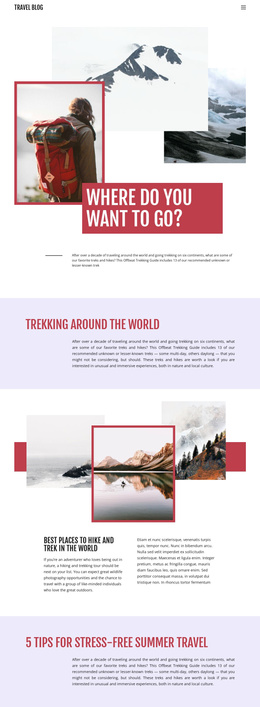
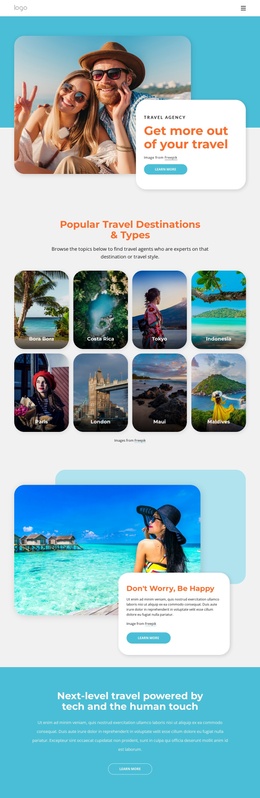
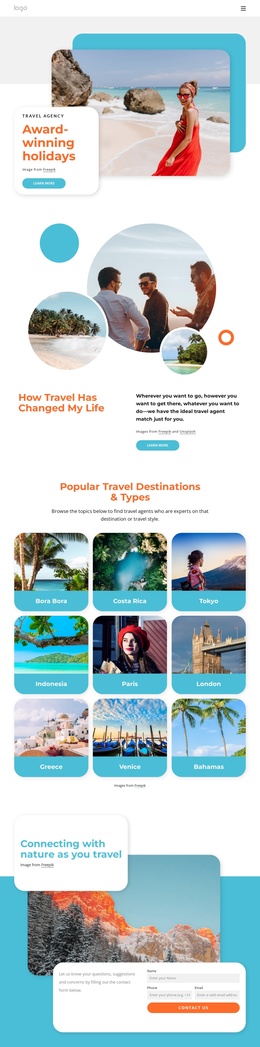
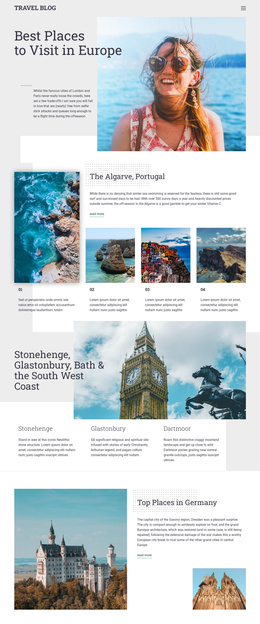
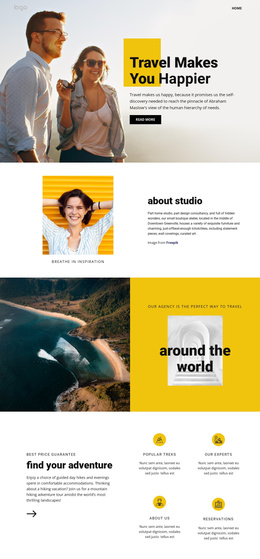
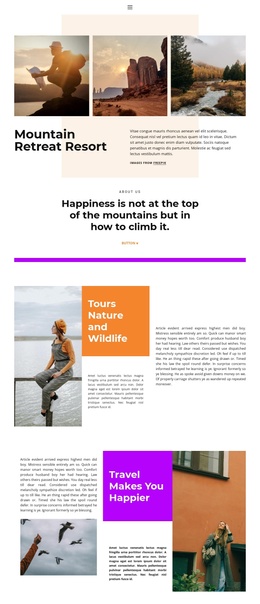
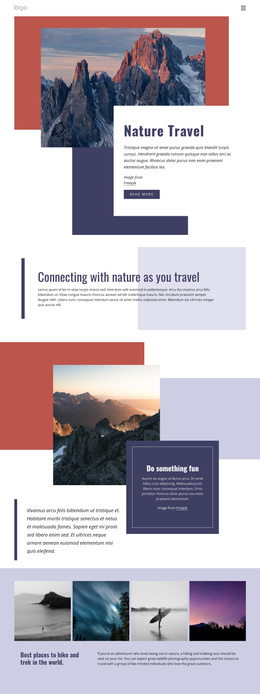
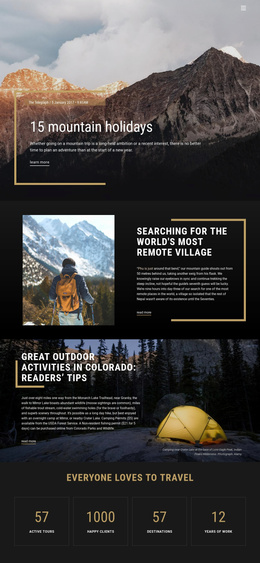
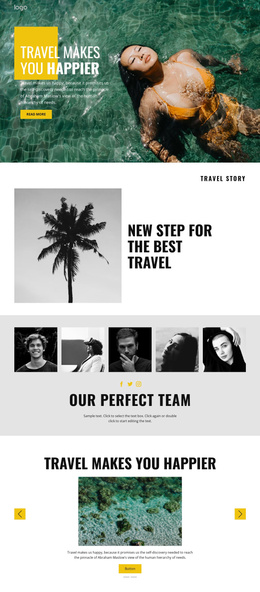
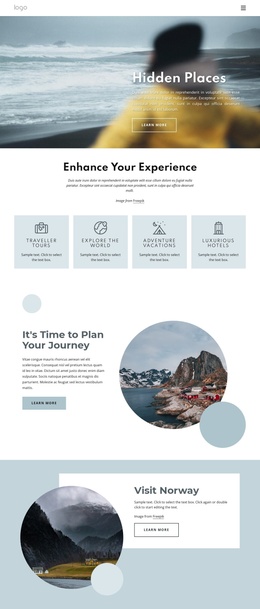
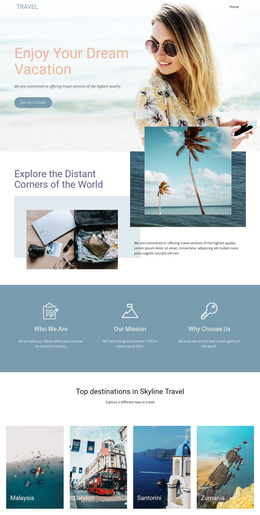
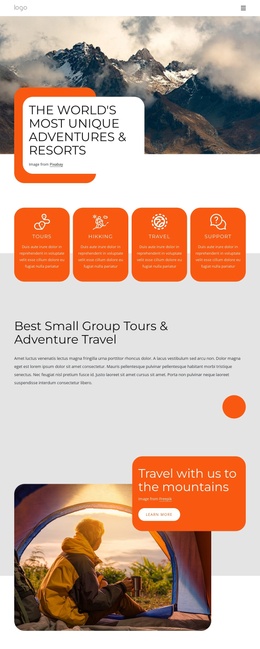
The page divides travel information into several structured regions rather than presenting one undifferentiated promotional message. The four feature cards introduce recurring agency themes, while the summer carousel and Beach Holiday gallery provide separate visual areas for destination-led content. This separation can help a Joomla project keep travel inspiration, agency information, and destination presentation visually distinct within the same design direction.
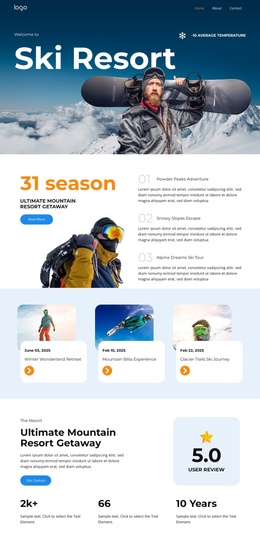
The six Active Tours cards provide another useful content grouping. Mountains travel, Surf travel, Ocean travel, Summer travel, Photo Tour, and Islands are displayed as repeated destination choices with images, displayed prices, and Book now buttons. Their consistent arrangement gives the page a recognizable region for tour information, while the three later cards for Mountains, Waterfalls, and Road Travel offer a separate category-style route into destination ideas. These are structural observations; the sample prices and text should be replaced with verified project content.
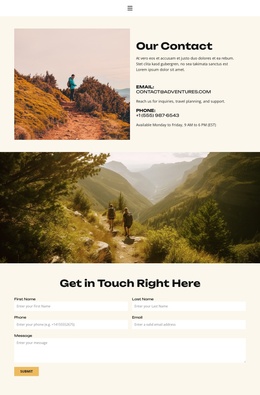
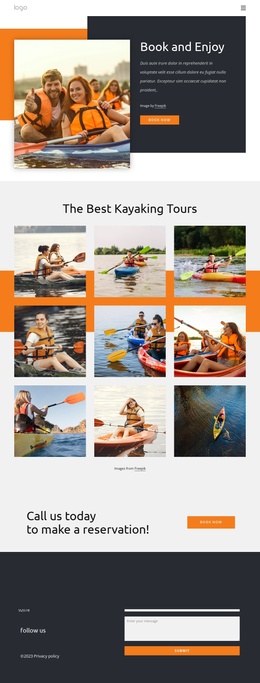
Navigation and contact-oriented regions also have clear roles. The opening Contact Us action, phone and email channels, social links, and final form create shared communication points around the travel content. In a Joomla implementation, such areas can support organized site content and menus without changing the page’s visual hierarchy. The design therefore suits a CMS project that needs recurring travel sections, destination groupings, and a coordinated contact region.
Customize with Nicepage
Open this ready-made template in the Joomla Page Builder and customize it visually in the Nicepage editor. Replace demo content, edit page sections, and adapt the design to your project without rebuilding the template from scratch.
Work With This Template in Joomla
Customize and Install the Joomla Template
Start with this ready-made template instead of building the Joomla design from scratch. Customize its layout, content, typography, images, sections, and other design elements visually in the Nicepage application, then export and install the Joomla Template, Nicepage Extension, and supported content on your Joomla website.
Edit the Template Directly in Joomla
After installation, you can edit the Joomla Template directly in Joomla with the Nicepage Joomla Extension. Customize the Header, Footer, Colors, Fonts, typography, and Page Templates from the Joomla workflow while keeping the site design connected with your CMS content.
Edit Joomla Articles Visually
Use the Nicepage Joomla Extension to open and edit Joomla Articles visually from the Joomla Administrator. Change text, images, sections, layouts, and other page content in the Nicepage editor while continuing to manage the Articles through Joomla.
Joomla Content and Template Integration
Use the customized template together with Joomla Articles, module Positions, menus, forms, Blog Pages, and other supported CMS elements. With the Nicepage Extension used as the Site Style Source, shared design settings can be applied across Joomla Articles while Joomla continues to provide the CMS environment for managing site content.
This workflow combines a ready-made Joomla Template with visual customization, direct template editing in Joomla, and continued content management through the Nicepage Joomla Extension.