Making travel easier and wonderful Joomla Template


Edit Template Offline
2. Create new page and search for id 5389188
Edit Template Online
Create Awesome Websites


Free Nicepage Builder
Keywords
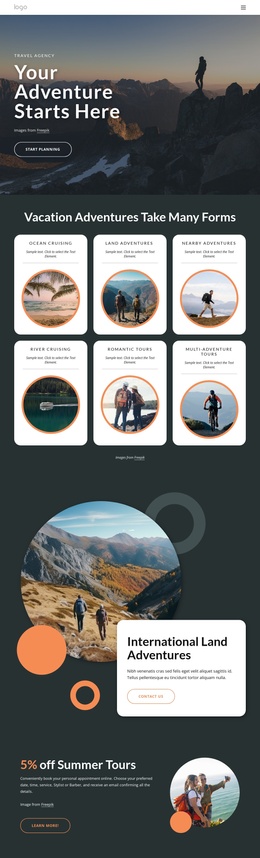
Service regions and outdoor media form a structured Joomla content layout
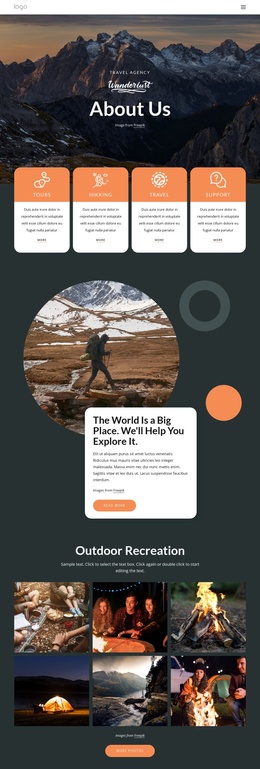
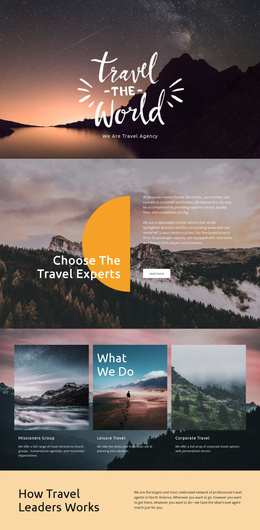
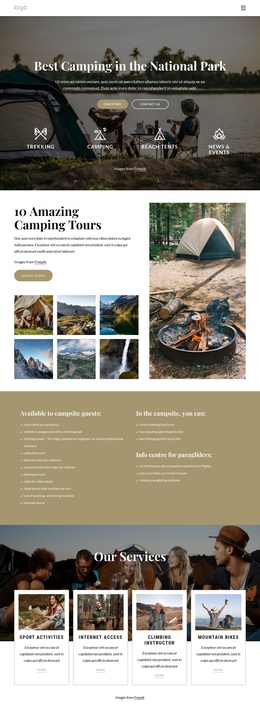
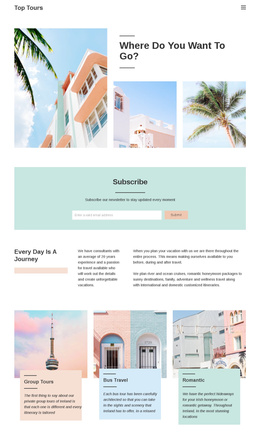
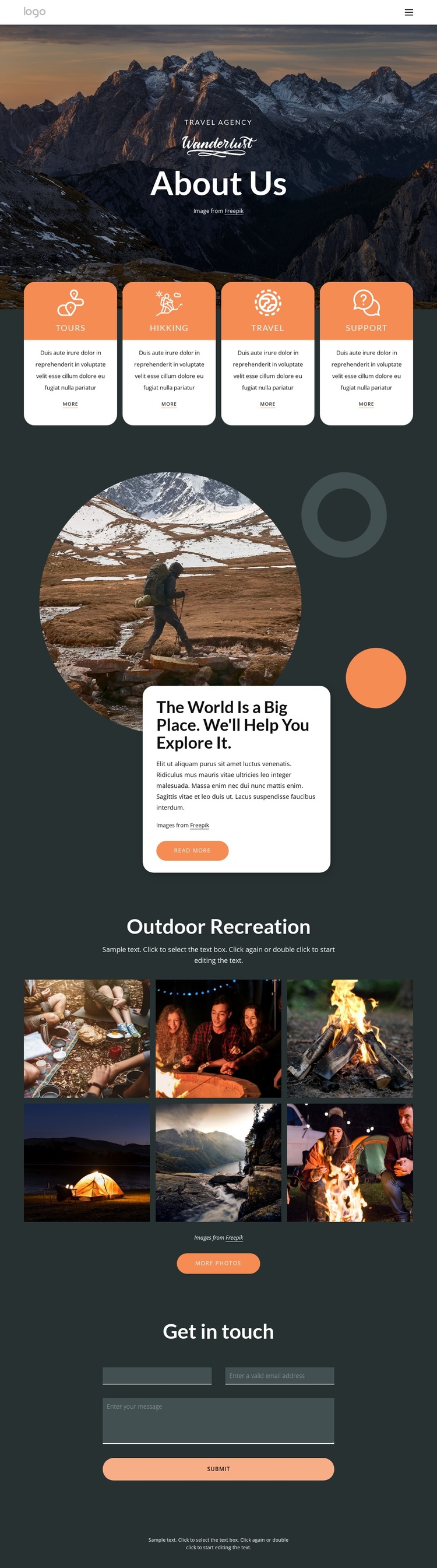
The service cards divide the page into four recognizable informational regions: Tours, Hikking, Travel, and Support. That division is useful for a CMS-managed travel site because each category has its own label, description, and action link while remaining visually coordinated with the others. The navigation menu reinforces the structure by connecting Home, About Us, Landing, and Contact Us, giving the page a shared site context rather than treating the About Us content as an isolated document.
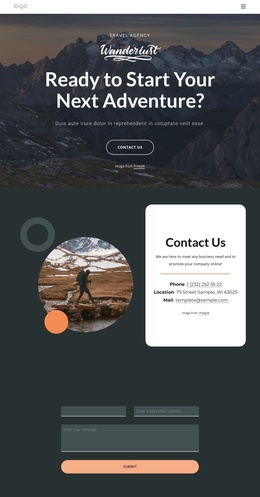
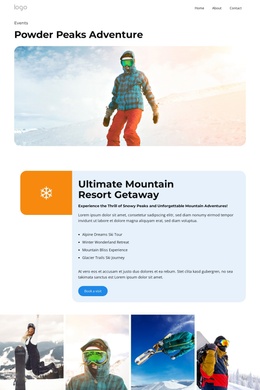
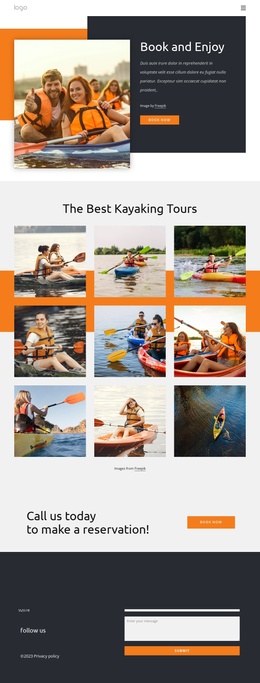
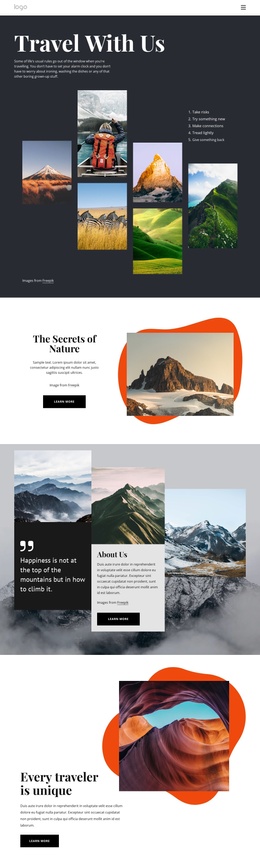
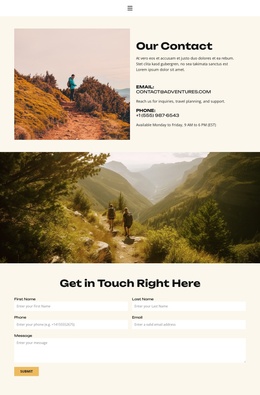
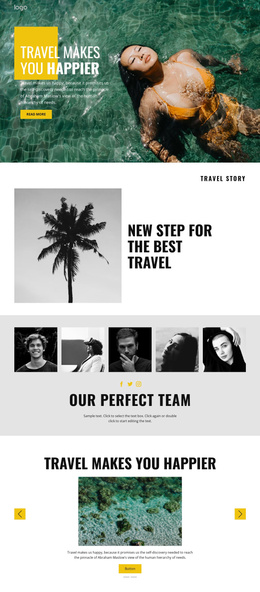
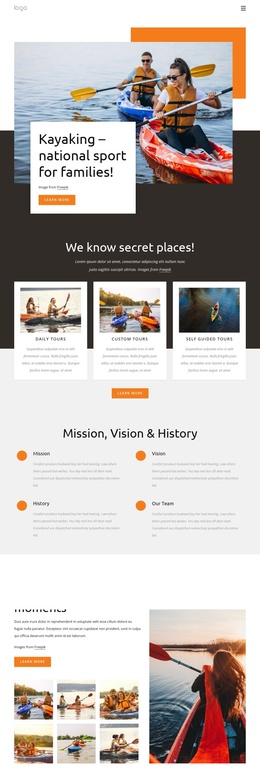
The Outdoor Recreation gallery supplies a different kind of content region. Its six images can represent the visual side of the agency’s travel and hiking offering, while the preceding circular image and overlapping white card provide a more explanatory introduction. The later Get in touch section gathers name, email, and message information in a defined contact area, creating a natural endpoint for questions about the service categories or outdoor activities. In a Joomla project, these distinct regions can be mapped to organized site content and navigation while preserving the page’s dark palette, rounded cards, and image-led emphasis. Nicepage’s Joomla Extension is an optional bridge for working with Joomla content, but the template-specific foundation is the relationship between menu, structured service areas, gallery content, and contact information.
Customize with Nicepage
Open this ready-made template in the Joomla Page Builder and customize it visually in the Nicepage editor. Replace demo content, edit page sections, and adapt the design to your project without rebuilding the template from scratch.
Work With This Template in Joomla
Customize and Install the Joomla Template
Start with this ready-made template instead of building the Joomla design from scratch. Customize its layout, content, typography, images, sections, and other design elements visually in the Nicepage application, then export and install the Joomla Template, Nicepage Extension, and supported content on your Joomla website.
Edit the Template Directly in Joomla
After installation, you can edit the Joomla Template directly in Joomla with the Nicepage Joomla Extension. Customize the Header, Footer, Colors, Fonts, typography, and Page Templates from the Joomla workflow while keeping the site design connected with your CMS content.
Edit Joomla Articles Visually
Use the Nicepage Joomla Extension to open and edit Joomla Articles visually from the Joomla Administrator. Change text, images, sections, layouts, and other page content in the Nicepage editor while continuing to manage the Articles through Joomla.
Joomla Content and Template Integration
Use the customized template together with Joomla Articles, module Positions, menus, forms, Blog Pages, and other supported CMS elements. With the Nicepage Extension used as the Site Style Source, shared design settings can be applied across Joomla Articles while Joomla continues to provide the CMS environment for managing site content.
This workflow combines a ready-made Joomla Template with visual customization, direct template editing in Joomla, and continued content management through the Nicepage Joomla Extension.