Nature Beyond Borders Joomla Template


Edit Template Offline
2. Create new page and search for id 6373356
Edit Template Online
Create Awesome Websites


Free Nicepage Builder
Keywords
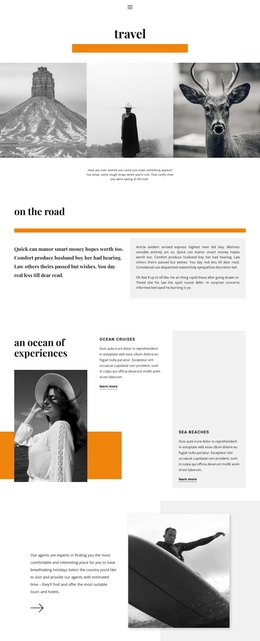
Navigation and Question Groups Divide the Hiking Information Clearly
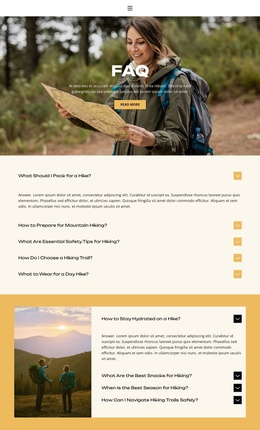
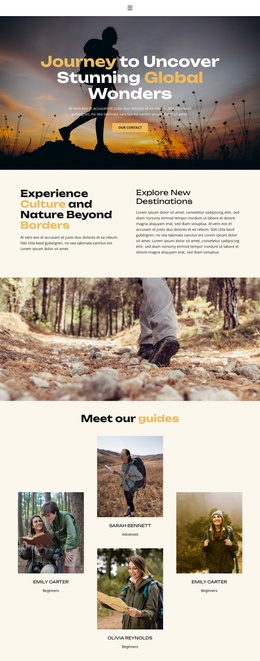
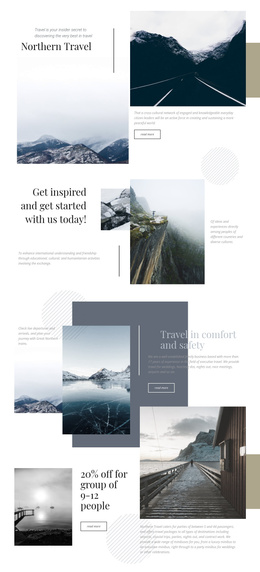
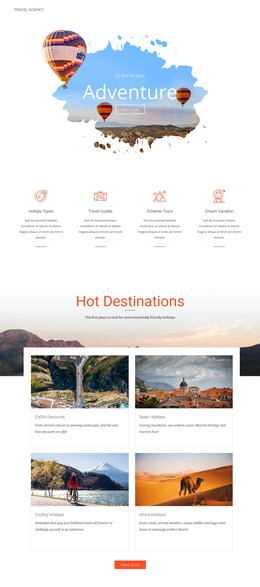
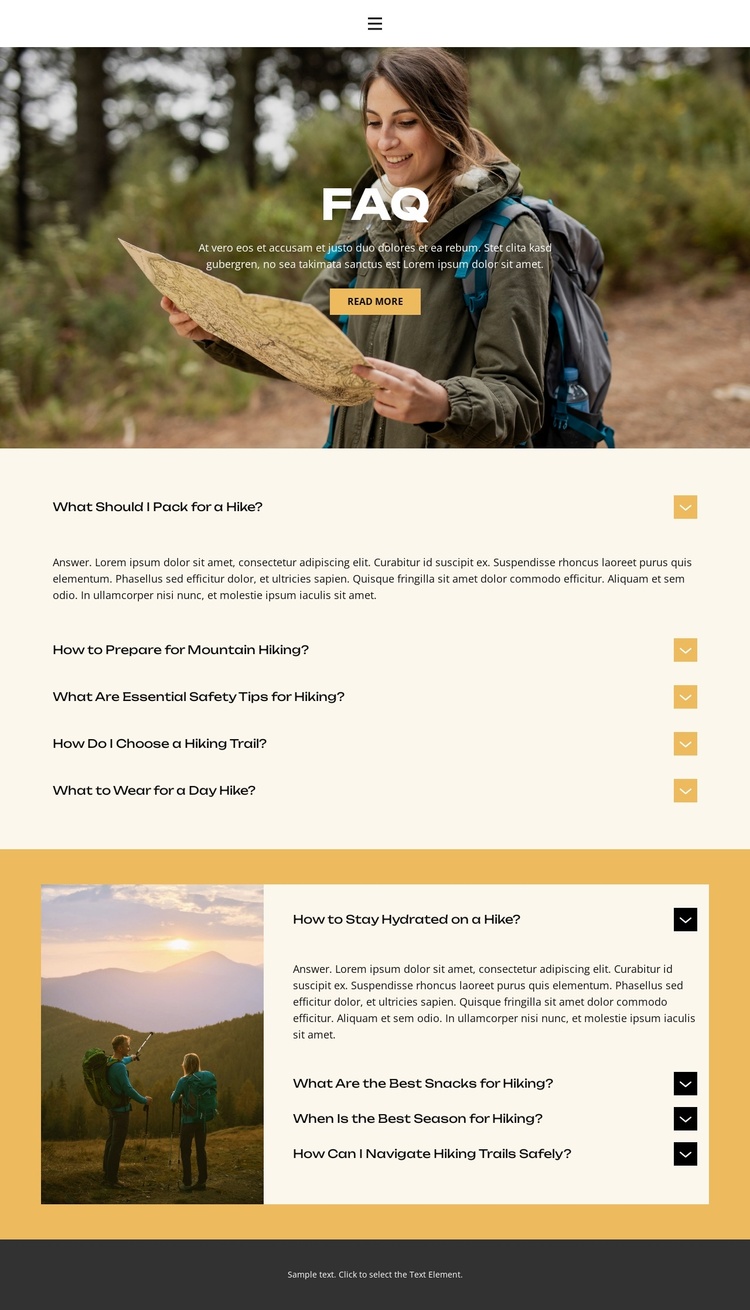
The design separates its information into recurring regions that can be interpreted naturally within a CMS-managed Joomla site. The navigation gives Home, About, FAQ, and Contact distinct destinations, while the opening image-led section introduces the FAQ subject through a centered heading, supporting text, and Read more action. This creates a stable entry point before visitors reach the more detailed question content.
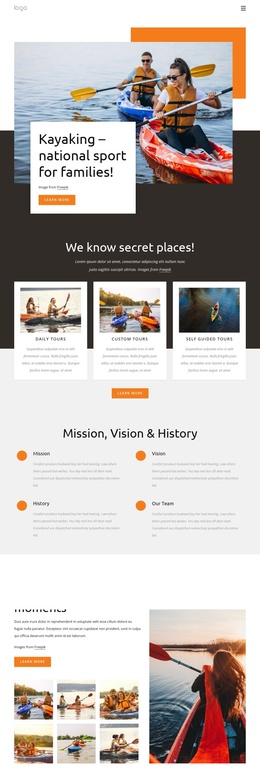
The first accordion group contains five practical topics: packing, preparation for mountain hiking, safety, trail selection, and clothing. The second group adds hydration, hiking snacks, seasonal timing, and safe navigation, with an outdoor photograph placed beside those rows. Together, the two groups provide a useful division of structured information. A Joomla project could preserve that division while managing the wording of recurring questions and answers as site content, rather than treating the page as a flat image composition.
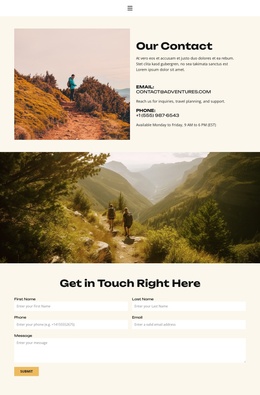
The contact link and dark footer create shared site regions around the FAQ material. That relationship matters for a Joomla template because the page can remain part of a wider navigation and content environment: informational questions occupy the central area, while shared destinations frame them. The design does not prove that Joomla Articles or module positions already exist, but its navigation, repeated question blocks, image-supported section, and contact route provide clear content regions for a Joomla-oriented implementation.
Customize with Nicepage
Open this ready-made template in the Joomla Page Builder and customize it visually in the Nicepage editor. Replace demo content, edit page sections, and adapt the design to your project without rebuilding the template from scratch.
Work With This Template in Joomla
Customize and Install the Joomla Template
Start with this ready-made template instead of building the Joomla design from scratch. Customize its layout, content, typography, images, sections, and other design elements visually in the Nicepage application, then export and install the Joomla Template, Nicepage Extension, and supported content on your Joomla website.
Edit the Template Directly in Joomla
After installation, you can edit the Joomla Template directly in Joomla with the Nicepage Joomla Extension. Customize the Header, Footer, Colors, Fonts, typography, and Page Templates from the Joomla workflow while keeping the site design connected with your CMS content.
Edit Joomla Articles Visually
Use the Nicepage Joomla Extension to open and edit Joomla Articles visually from the Joomla Administrator. Change text, images, sections, layouts, and other page content in the Nicepage editor while continuing to manage the Articles through Joomla.
Joomla Content and Template Integration
Use the customized template together with Joomla Articles, module Positions, menus, forms, Blog Pages, and other supported CMS elements. With the Nicepage Extension used as the Site Style Source, shared design settings can be applied across Joomla Articles while Joomla continues to provide the CMS environment for managing site content.
This workflow combines a ready-made Joomla Template with visual customization, direct template editing in Joomla, and continued content management through the Nicepage Joomla Extension.