Plan your camping trip Joomla Template


Edit Template Offline
2. Create new page and search for id 4536951
Edit Template Online
Create Awesome Websites


Free Nicepage Builder
Keywords
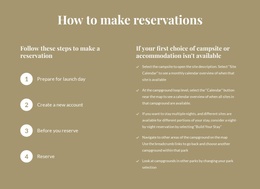
Reservation Steps and Reusable Camping Content Regions
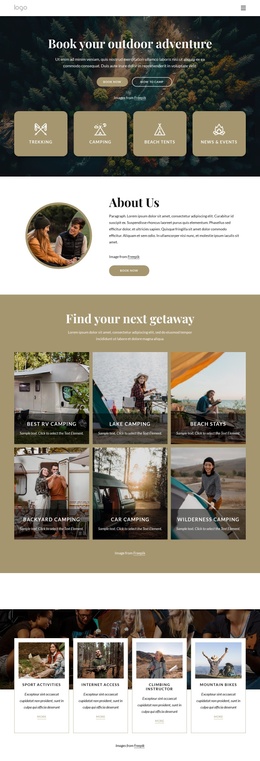
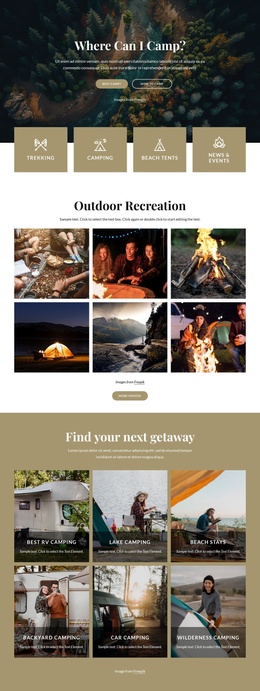
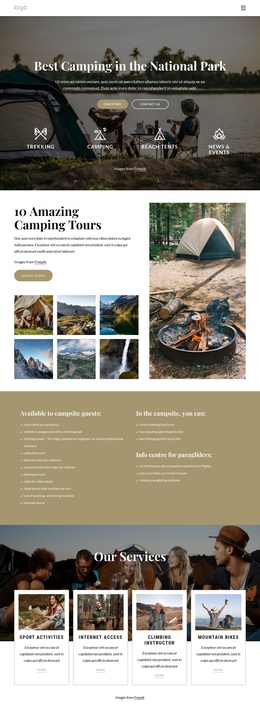
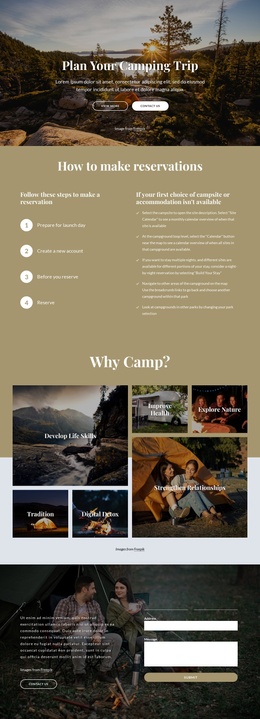
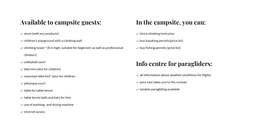
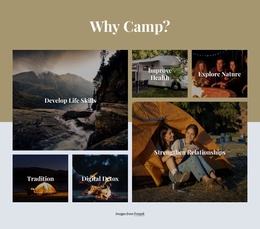
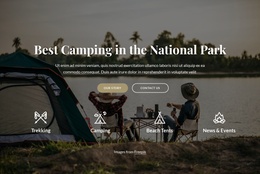
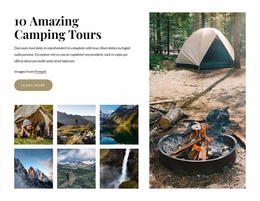
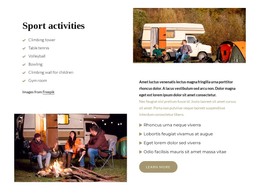
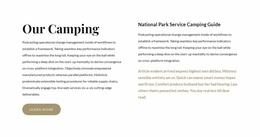
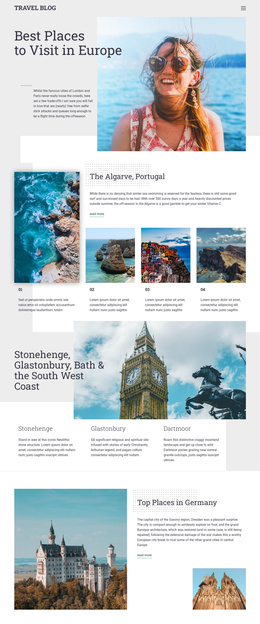
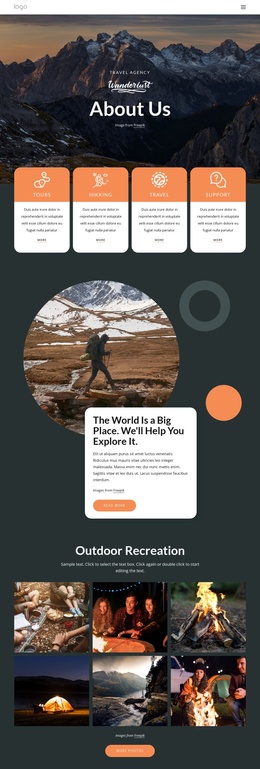
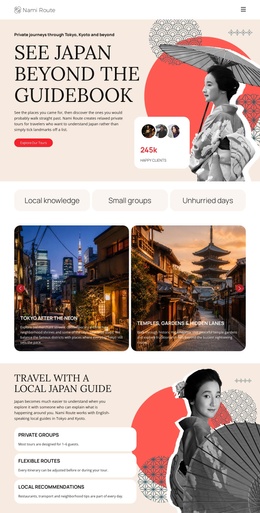
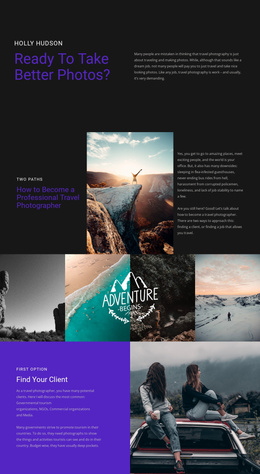
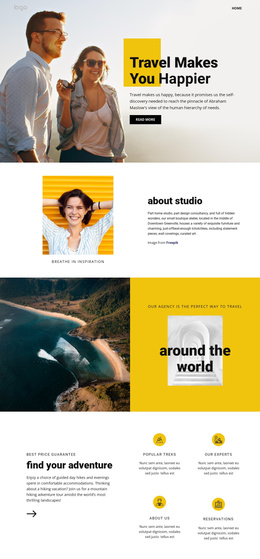
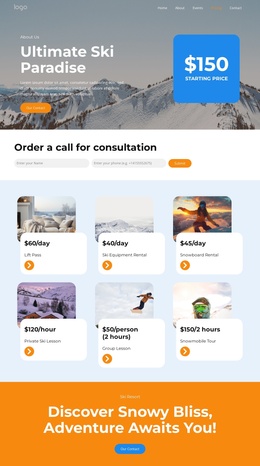
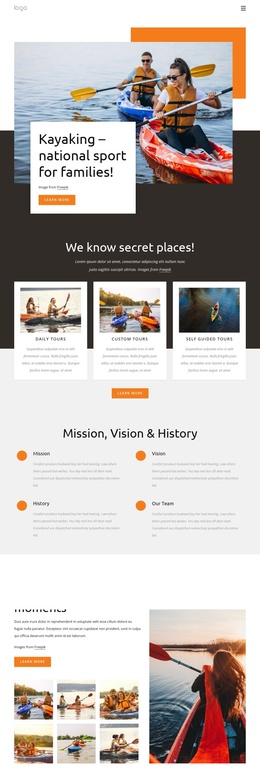
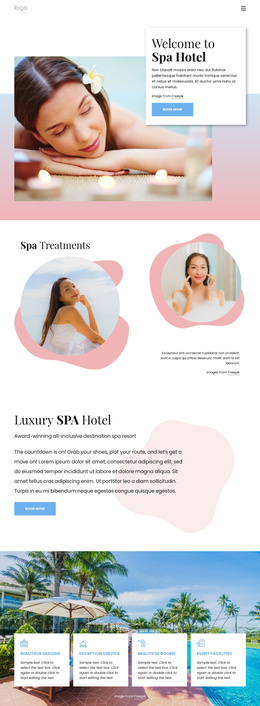
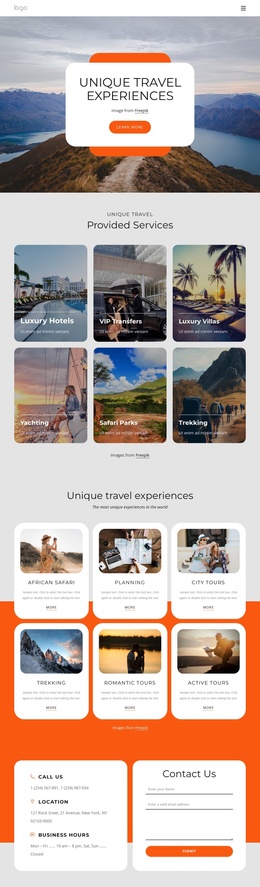
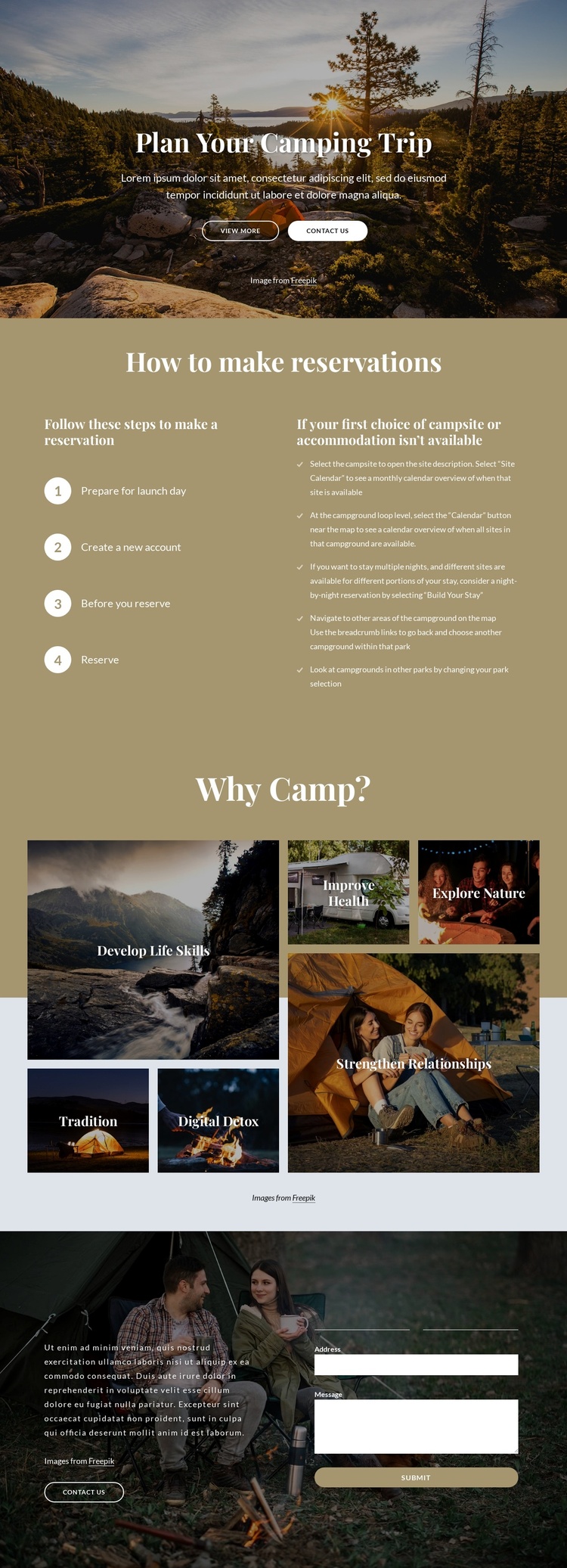
The reservation section divides the page’s practical information into two related regions: four numbered steps explain the process, while adjacent guidance addresses availability and alternative campsite or accommodation choices. That separation gives structured content a clear place within a CMS-managed camping page. The six labeled image tiles provide another repeatable region, with each tile presenting a distinct subject such as Explore Nature, Improve Health, or Digital Detox alongside its image.
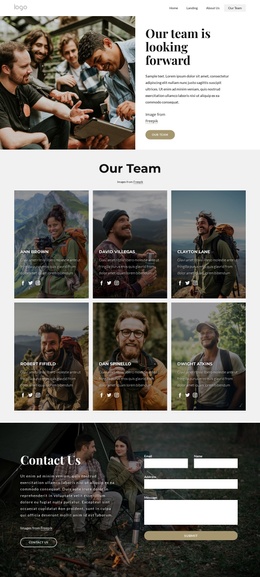
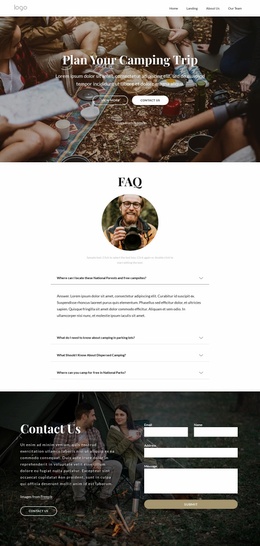
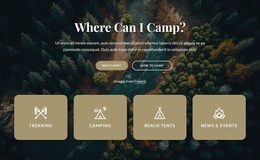
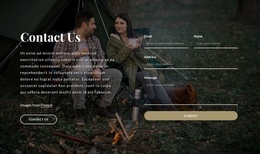
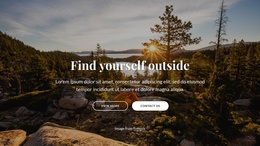
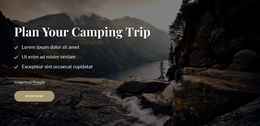
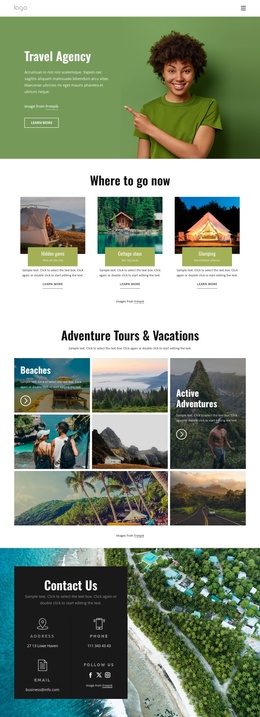
Navigation and contact content can remain connected to these regions through the shared page design. The hero’s View More and Contact Us actions introduce the page and point toward further information or inquiry, while the closing two-column Contact Us section gathers name, email, address, and message details. In a Joomla project, the design therefore offers recognizable areas for maintaining reservation guidance, recurring camping topics, and contact information without treating placeholder text or sample details as verified business data. The visual arrangement keeps those regions coordinated: instructional content has its own focused section, the benefits use an image grid, and the form has a darker photographic setting. This makes the template a useful Joomla-oriented foundation for structured outdoor recreation content while leaving the actual reservation and availability information to be supplied by the site owner.
Customize with Nicepage
Open this ready-made template in the Joomla Page Builder and customize it visually in the Nicepage editor. Replace demo content, edit page sections, and adapt the design to your project without rebuilding the template from scratch.
Work With This Template in Joomla
Customize and Install the Joomla Template
Start with this ready-made template instead of building the Joomla design from scratch. Customize its layout, content, typography, images, sections, and other design elements visually in the Nicepage application, then export and install the Joomla Template, Nicepage Extension, and supported content on your Joomla website.
Edit the Template Directly in Joomla
After installation, you can edit the Joomla Template directly in Joomla with the Nicepage Joomla Extension. Customize the Header, Footer, Colors, Fonts, typography, and Page Templates from the Joomla workflow while keeping the site design connected with your CMS content.
Edit Joomla Articles Visually
Use the Nicepage Joomla Extension to open and edit Joomla Articles visually from the Joomla Administrator. Change text, images, sections, layouts, and other page content in the Nicepage editor while continuing to manage the Articles through Joomla.
Joomla Content and Template Integration
Use the customized template together with Joomla Articles, module Positions, menus, forms, Blog Pages, and other supported CMS elements. With the Nicepage Extension used as the Site Style Source, shared design settings can be applied across Joomla Articles while Joomla continues to provide the CMS environment for managing site content.
This workflow combines a ready-made Joomla Template with visual customization, direct template editing in Joomla, and continued content management through the Nicepage Joomla Extension.