110 Slider Joomla Templates





















































































Slider Joomla Templates for Featured Content Sections
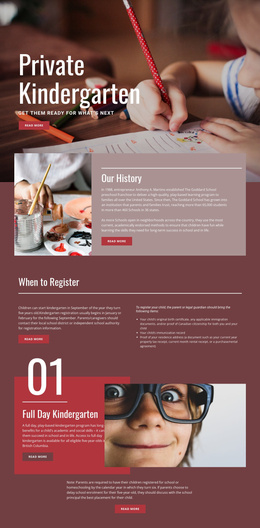
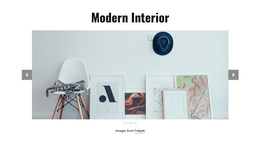
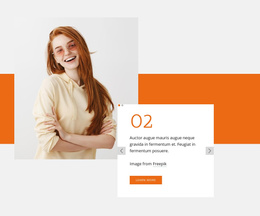
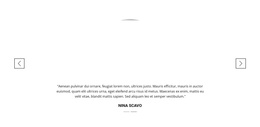
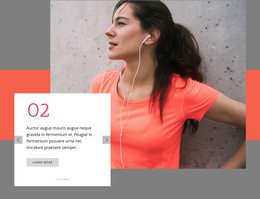
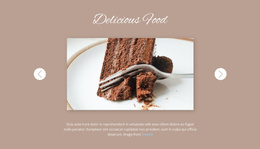
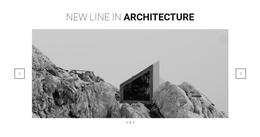
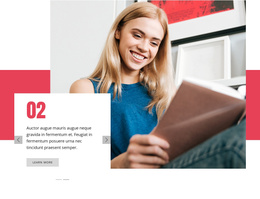
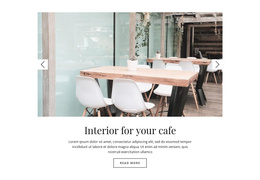
Slider Joomla Templates offer ready-made slide designs for Joomla-oriented pages, including image-led showcases, compact announcements, product features, and testimonial sequences. Choose a layout according to the content you want to feature and the room available on the page. A design with generous imagery suits a portfolio, while one with readable text areas can introduce services or customer feedback.
These are adaptable Slider sections for supported Nicepage Joomla projects. The category is about selecting a suitable design, not purchasing a separate Joomla slider extension or an entire Joomla website.
Explore Slide Designs for Joomla Content
Different messages call for different ready-made arrangements:
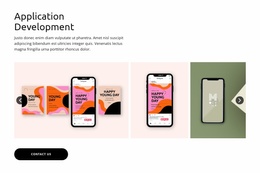
- Image-led slides draw attention to work samples, collections, or destinations.
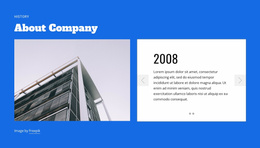
- Text-focused slides give quotations and announcements room to breathe.
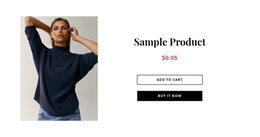
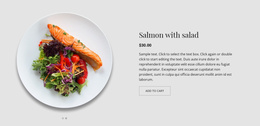
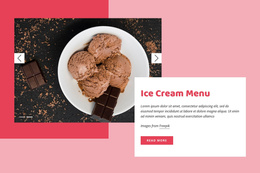
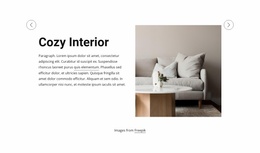
- Product highlights pair a picture with a concise benefit or offer.
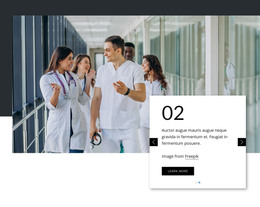
- Mixed-content slides combine supporting text and a relevant action.
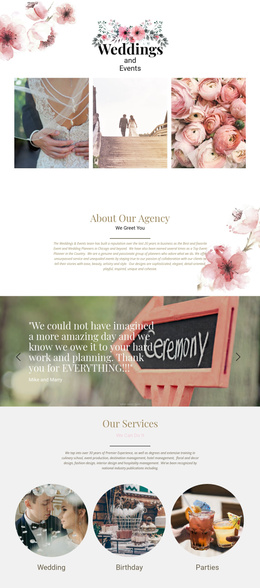
Look at the sample slides as a set, not only the opening image. A testimonial layout should remain readable when a quotation is longer; a showcase should accommodate pictures with different focal points. The best starting design already reflects these needs.
Compare Navigation and Presentation
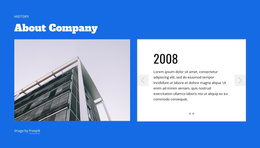
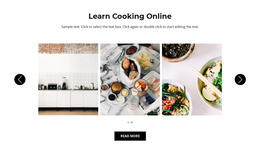
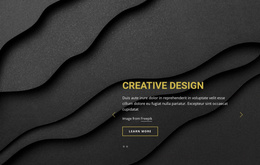
Some slider layouts place arrows beside the content, while others use controls within the visual area. Indicators can make the number of featured items clearer. These differences matter when choosing a template with busy photographs or prominent buttons. Visible controls and an uncluttered headline area generally make a stronger starting point than elaborate decoration.
The Slider Element supports content combinations and navigation settings in Nicepage. Its editing options allow a selected ready-made design to be adapted after the layout has been chosen. For a smaller Joomla content area, consider a bounded slider rather than a visually dominant full-width treatment.
Find a Layout That Fits the Joomla Page
An editorial site may need a featured-article sequence with short summaries. A service page can use slides to introduce individual offerings, while a company page may give testimonials a dedicated compact section. Match the intended page role, content volume, and visual weight before changing the template's sample content.
Nicepage supports a Joomla application and extension workflow, described in the Nicepage Joomla guide. The relevant distinction is platform compatibility: the design remains a Slider section within a supported project, not a standalone module.
Slider Joomla Templates FAQ
Which slider layout is suitable for a Joomla services page?
Choose a ready-made design with concise text areas and room for an action on each featured service. A highly image-led option may suit a portfolio better.
Are these complete Joomla themes?
No. They are Slider section designs intended for use within supported Nicepage Joomla projects.
Can the selected design use different slide content?
Yes. Nicepage supports images, text, buttons, and other elements in a Slider, so you can adapt a layout that fits your content.
Choose a Joomla Slider Design in Nicepage
Browse the available arrangements for a section whose sample content resembles your own. Prioritize a strong match in slide proportions and content emphasis; visual editing can then refine the selected layout for the Joomla page.