1000 Architecture & Building Joomla Templates




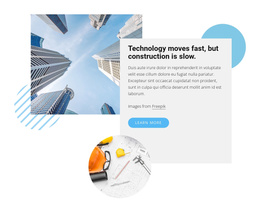

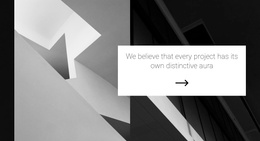


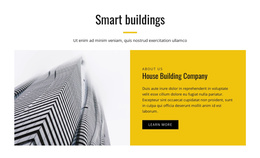
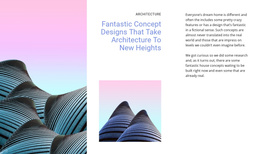





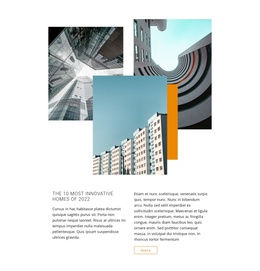




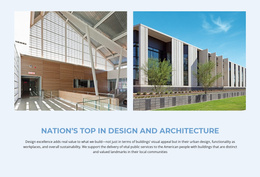


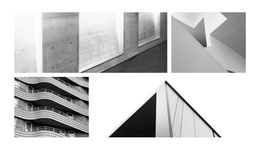
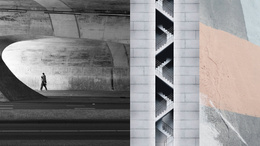



















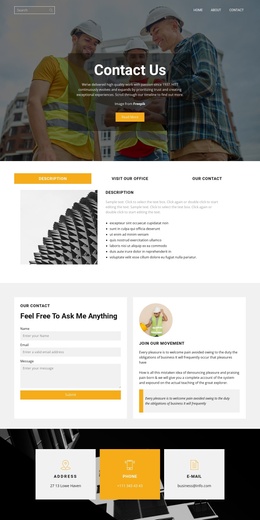

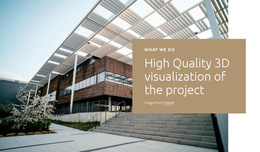
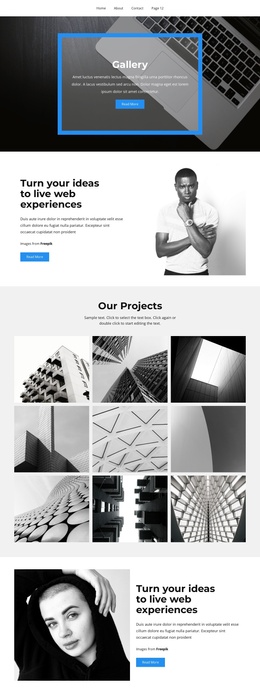
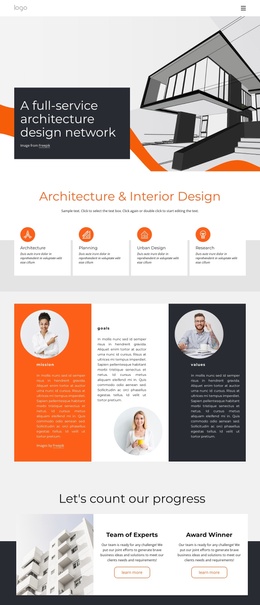

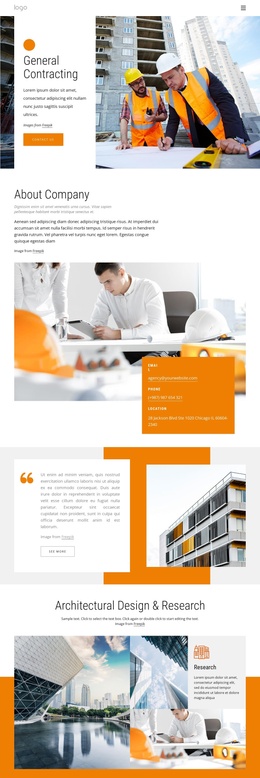
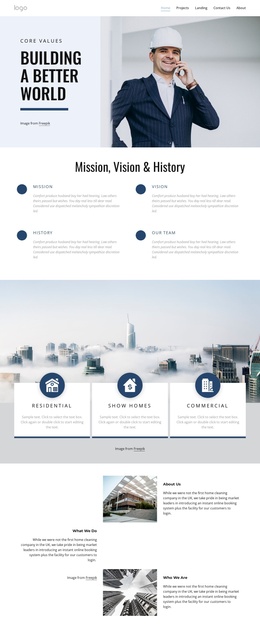

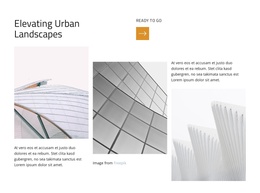
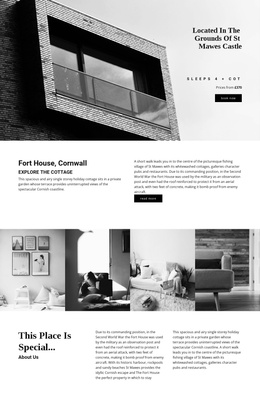







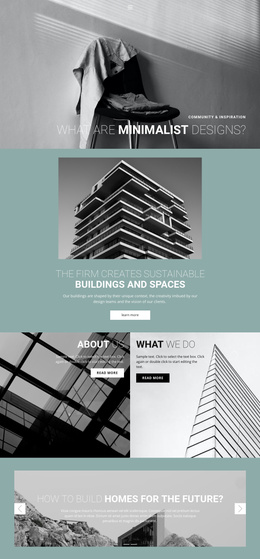



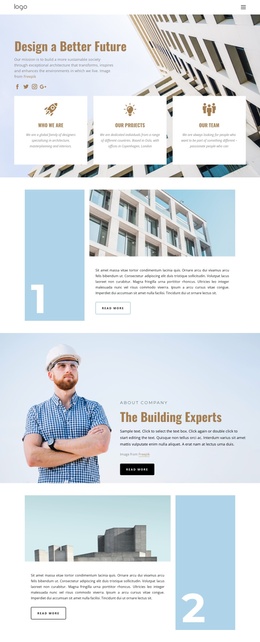

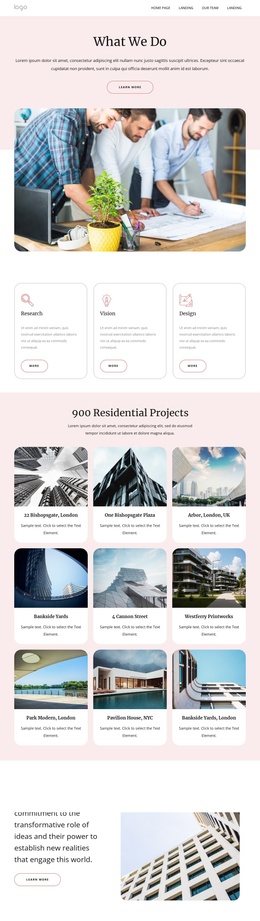
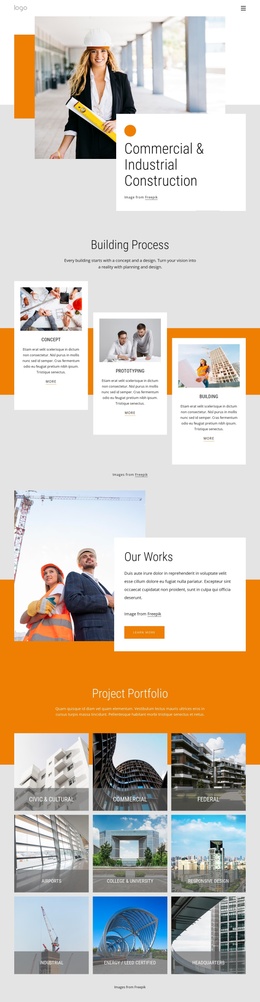



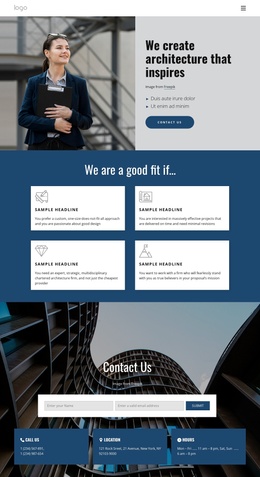

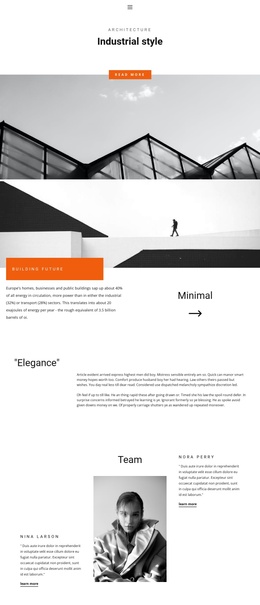

Professional Architecture & Building Joomla Templates
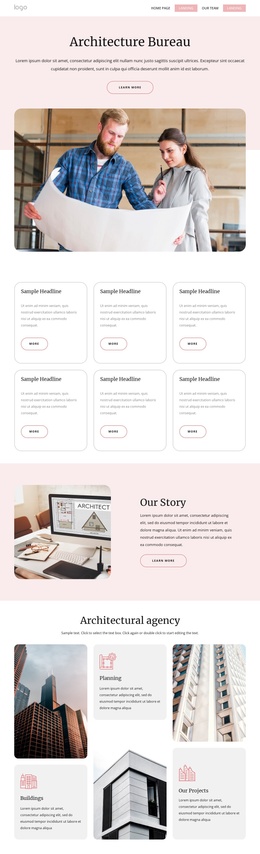
Architecture & building Joomla templates are most useful when Joomla is expected to remain the working CMS after launch. Instead of treating the site as a set of fixed portfolio pages, the template can define how Joomla Articles, shared theme styles, menus, modules, blog content, and recurring project updates appear across the site. For an architecture practice, that means the design can remain recognizable while editors continue to add projects, news, awards, technical notes, and service content through Joomla.
Build the Architecture Site Around Joomla Content
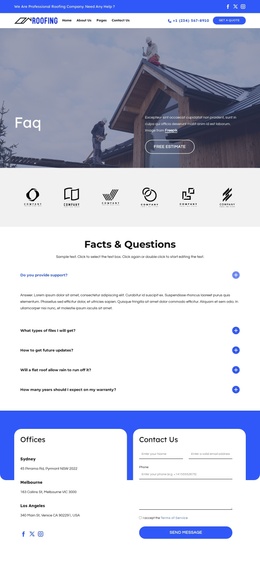
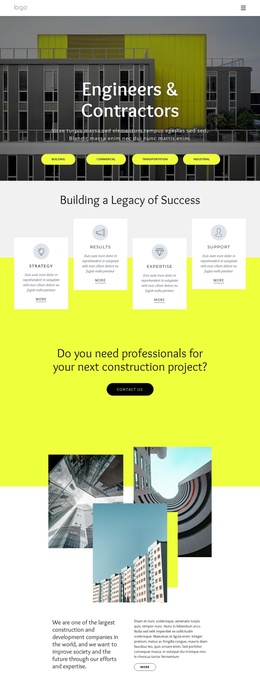
Start by deciding what belongs in Joomla rather than designing every project as an isolated composition. Articles can hold project narratives, service descriptions, news, and studio updates; categories can separate residential, commercial, public, or research work; and module positions can reserve stable areas for navigation, banners, calls to action, or supporting information. For contractor-led sites, construction-focused page ideas can help define the content that those Joomla sections need to support.
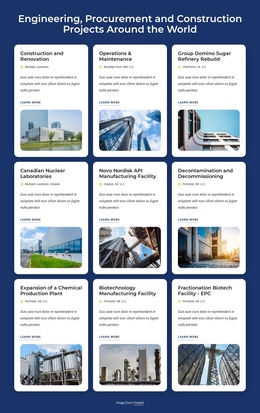
The important distinction is that the visual layer and the CMS workflow should reinforce each other. A project detail may use a strong image-led composition, but editors still need a repeatable way to publish the next case study. Engineering practices can apply the same principle to technical articles and capability pages, using engineer-focused layouts as a reference for denser service information.
Joomla-Specific Tools for Architecture Websites
Articles, styles, and recurring content
- Nicepage Joomla Extension: edit Nicepage pages and article content inside Joomla instead of treating the CMS as a separate publishing step.
- Site Style / Style Source workflow: when the Nicepage Extension is installed and used as the Style Source for Articles, the site can keep shared visual rules while Joomla remains the place where article content is managed.
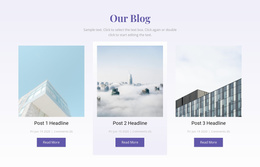
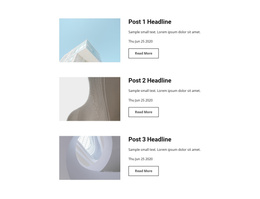
- Blog and Post Page Templates: define how recurring article-based content such as studio news, awards, project updates, or journal entries is presented instead of rebuilding those layouts for every post.
- Theme Settings: maintain shared colors, fonts, typography, Header, Menu, and Footer across Joomla content.
Modules and Administration
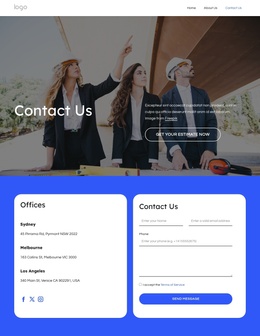
Joomla modules are useful for content that should appear in stable site areas rather than within an article. Nicepage supports visual module positions, and the Joomla Positions in Nicepage Extension workflow connects those positions with the page design. This is especially useful for menus, banners, contact blocks, notices, or other output that Joomla administrators may need to change independently.
Permissions also matter on a site that will be maintained by several people. Keep routine article updates separate from broader design changes, and decide which editors should work with content, which should manage Joomla modules, and who is responsible for site-wide styling. That gives the architecture team a clearer publishing process without turning every update into a redesign request.
Plan a Joomla Workflow Before Adding More Project Pages
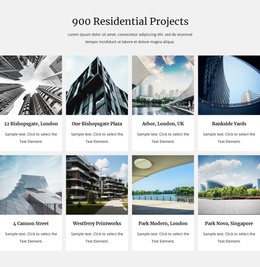
A common architecture-site problem is not a shortage of layouts but a lack of publishing rules. Define which project information belongs in Articles, which supporting content belongs in modules, how categories are used, and which visual settings are shared globally. Then test the structure with several different project types before scaling it. For urban or civic portfolios, city-focused design ideas can help test whether the same Joomla workflow works for large images, project facts, contextual text, and recurring updates.
Joomla Administration Questions for Architecture Sites
Can I edit a Nicepage architecture template directly in Joomla?
Yes, when the Nicepage Joomla Extension is installed and configured for the site. Nicepage can be used directly in Joomla for page and article design, and the Extension can be set as the Style Source for Articles so Joomla content follows the Nicepage site styling. This is different from simply exporting a static theme and leaving all future design work outside the CMS.
What should be stored as Joomla Articles on an architecture site?
Use Articles for content that will be created or updated repeatedly: project case studies, studio news, awards, technical notes, service explanations, and similar editorial material. This keeps recurring content inside the CMS while the surrounding design remains consistent.
When are Joomla module positions useful for an architecture website?
Use module positions for content that needs a defined placement outside the main article body, such as navigation, banners, calls to action, contact information, or reusable supporting blocks. Stable positions make those elements easier to administer across different Joomla pages.
How can I keep article-based project updates consistent with the rest of the site?
Define the shared Site Style, typography, header, footer, and article or post presentation before publishing many case studies. Editors can then concentrate on project text and images instead of manually recreating the visual rules for each article.
Configure the Joomla Site for Ongoing Architecture Publishing
Before launch, test the site as an editor would: create a project Article, place supporting modules, check the selected Style Source, review the blog or post presentation, and confirm who can change content versus site-wide design. Once that Joomla workflow is clear, add the real portfolio, services, and studio material and use the CMS for the updates it is meant to handle.