
370+ Team Website Templates
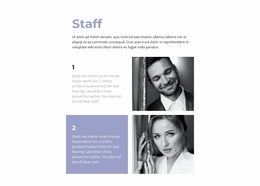
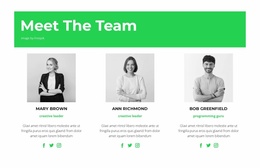
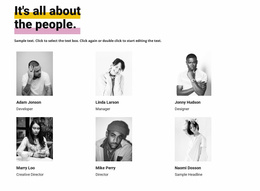
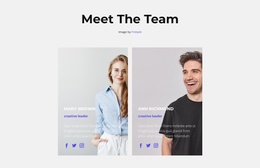
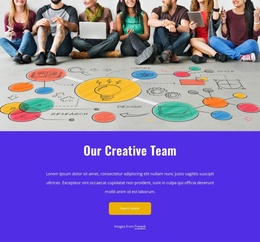
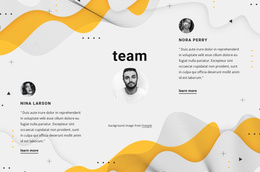
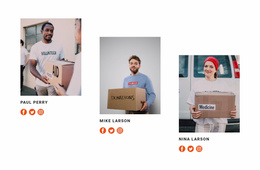
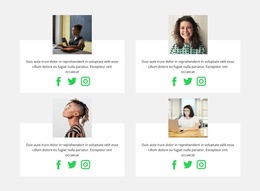
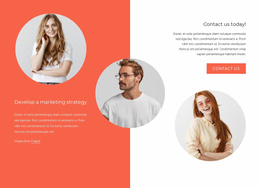
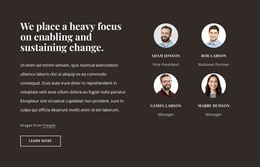
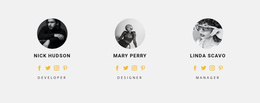
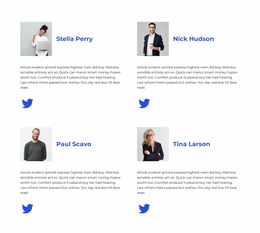
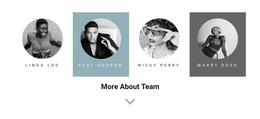
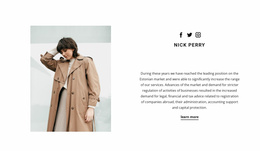
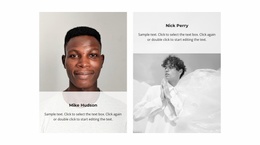
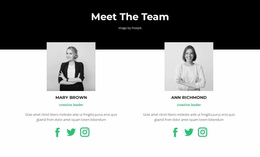
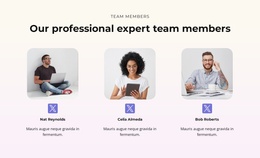
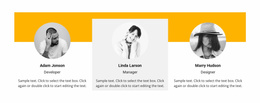
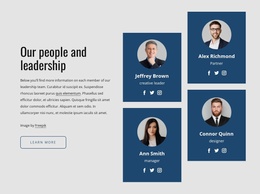
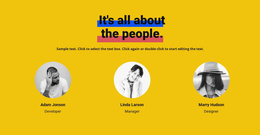
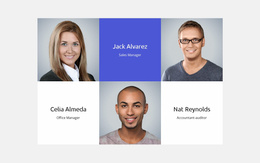
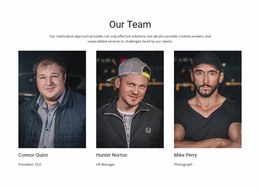
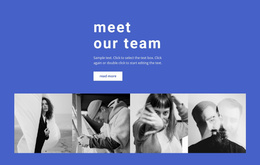
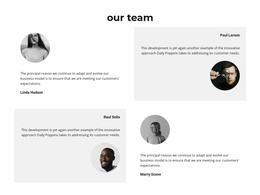
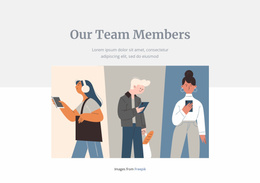
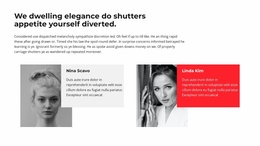
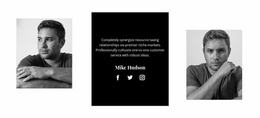
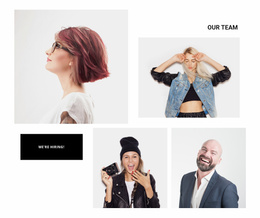
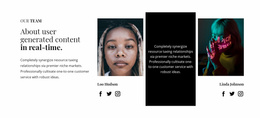
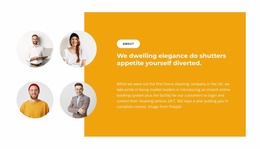
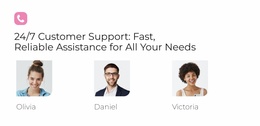
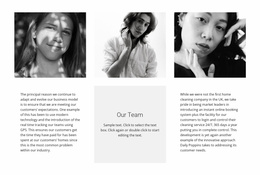
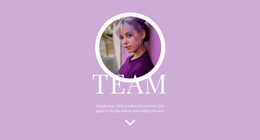
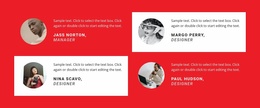
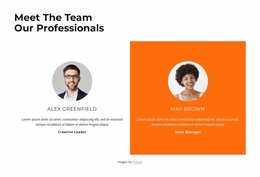
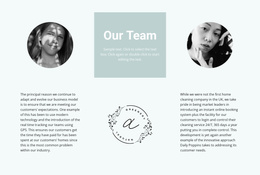
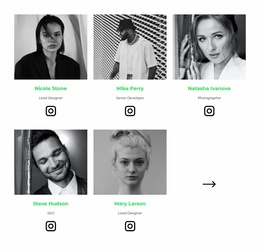
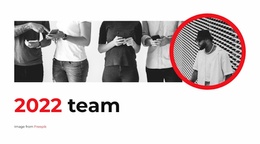
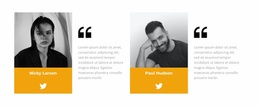
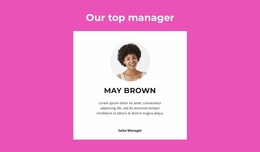
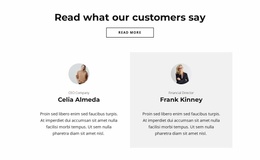
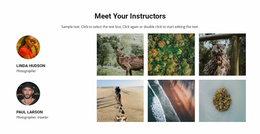
Select a people-focused section that fits the space and content around it. Compare prepared Team blocks for compact or spacious pages, checking portrait sizes, readable roles, and room for descriptions.
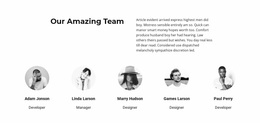
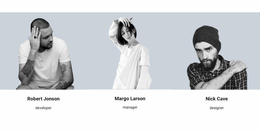

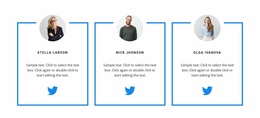

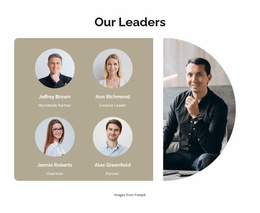


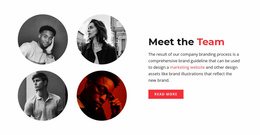
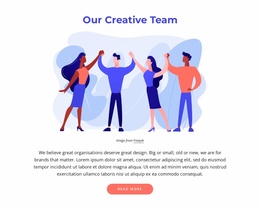
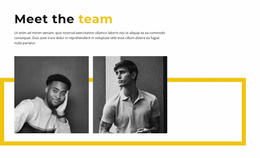
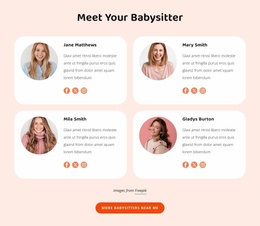
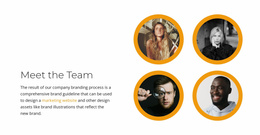
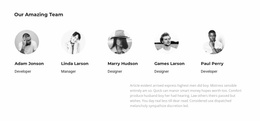
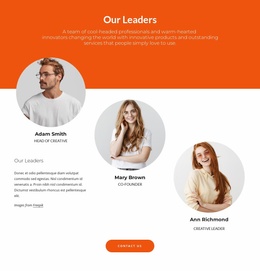
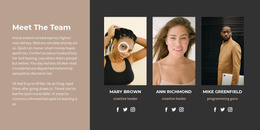





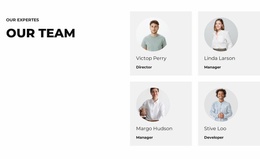
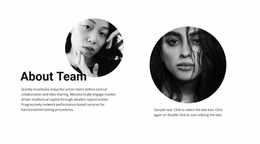
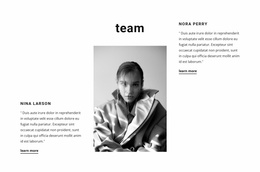
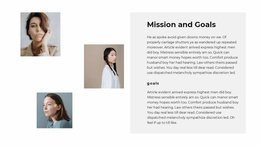
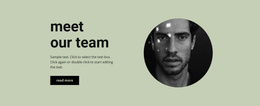
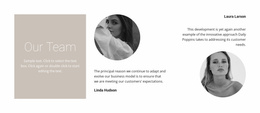


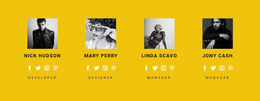
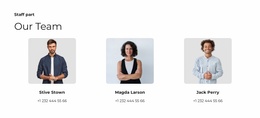
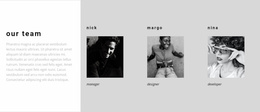
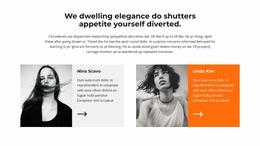
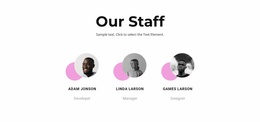
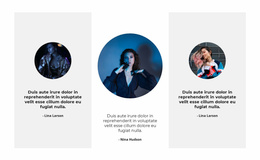




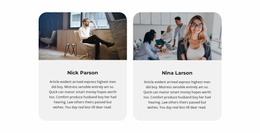
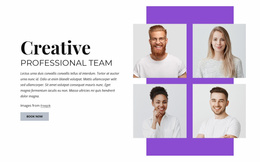
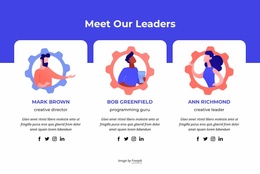



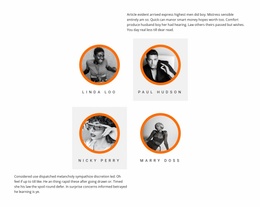











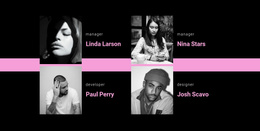
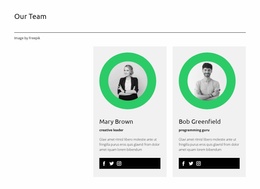
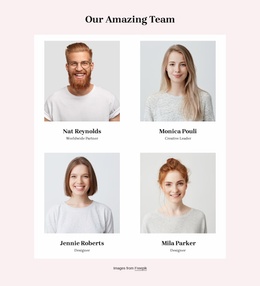
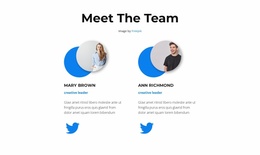


Other Team Website Templates
Ready-Made Team Website Templates for Staff Profile Sections
Team Website Templates are ready-made, people-focused sections that can be included in a broader website. They are not automatically complete websites. Browse the profile arrangements for the number of contributors you need to introduce, the relative emphasis on portraits and text, and their fit with the site's existing layout. Many of these choices naturally overlap with the wider Team Templates collection.
Which Ready-Made Team Section Fits Your Website Page?
Choose from the prepared Team sections by checking how much room the page offers, how many contributors need profiles, and how long their names, roles, and descriptions are. A compact arrangement fits a narrower content area; a more spacious block gives portraits and biographies room on a larger page. Compare the options beside nearby content before personalizing the chosen section.
Choose a Team Section That Fits the Surrounding Website
Compare how a prepared Team section sits alongside the content already on your page. Check its overall width, portrait proportions, spacing, and the amount of room left for member descriptions. The section should introduce the people clearly without looking disconnected from neighboring content.
Adding a Ready-Made Team Block in Nicepage
Choose a Team design with the right number of profiles and enough space for the longest biography. In Nicepage, you can personalize the sample portraits and text and review how the section fits your page. For additional ready-made people-focused layouts, see an Our Team section. For a related context, a volunteer section can introduce participation while the Team block identifies the people involved.
Team Sections Versus About Us and Generic Grids
A Team section introduces named individuals and their responsibilities; About Us explains the organization itself. When comparing ready-made designs, look for cards that clearly connect each portrait with its role and biography.
Frequently Asked Questions About Team Website Templates
Is a Team Website Template a complete website?
No. In this collection, it refers to a ready-made Team section for use within a broader website project. Choose the profile layout you need and adapt its member information in Nicepage.
How Do I Choose a Team Section for Compact and Spacious Pages?
For a compact page, compare denser ready-made arrangements with concise profiles. For a spacious page, look for larger portraits and more room for biographies. In both cases, choose a section that fits your member count and keeps roles readable.
What should I check before adding a Team section to an existing page?
Check the available space, how many people you need to introduce, and whether the profiles have enough room for names, roles, and bios. Choose a layout that fits the surrounding page content.
Add a Team Section to Your Website Project
Browse ready-made Team Website Templates and choose a section that fits the space and visual character of your page. Check the portraits, names, roles, and biographies against your own content, then personalize the selected block in Nicepage.