Meet the best Website Template


A Reusable Team Area for a Broader Website Project
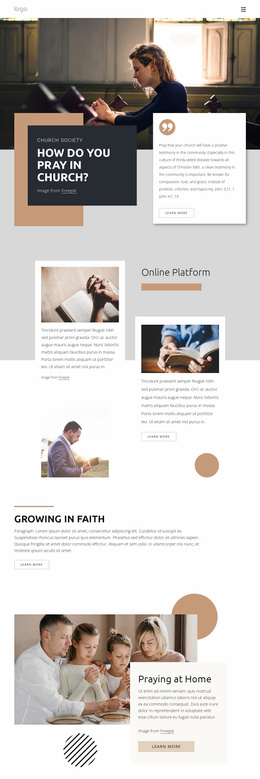
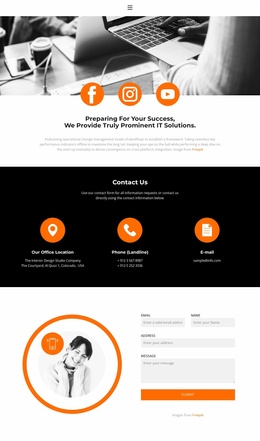
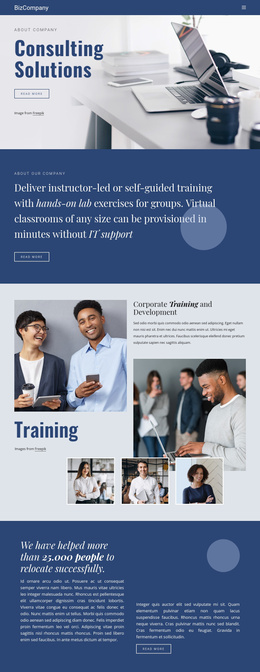
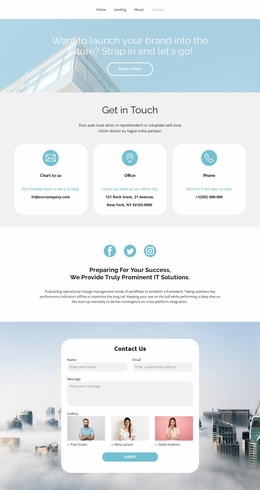
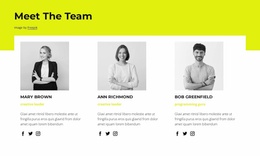
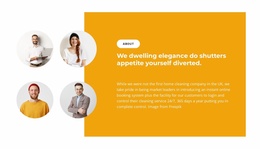
The block defines one stable content area for a broader website project: a team introduction with the “Meet the Team” heading, supporting paragraph, inline text link, and four circular portrait images. The text sits on the left, while the portraits form a repeated two-by-two group on the right. Orange borders give the images a shared treatment that can help this section remain recognizable when reused or coordinated with related content.
Within a larger website template, the block could provide the people-focused part of a business or agency presentation. Other sections would still be responsible for the introduction, services, brand information, portfolio, or contact path. Keeping those responsibilities separate allows this section to remain concise instead of expanding into a complete site structure. The static interaction also makes it straightforward to place between other content areas without requiring a special presentation sequence.
Its reusable value comes from the combination of clear purpose and bounded layout. The left panel carries the explanation, the portrait group supplies a compact visual overview, and the whitespace keeps the two roles from competing. A broader project can coordinate typography, orange accents, image treatment, and spacing with neighboring sections while preserving this block’s specific team role. The result is a dependable site section rather than a claim that the block contains the surrounding pages or website architecture.
Customize with Nicepage
Open this ready-made template in the Website Template Builder and customize it visually in the Nicepage editor. Replace demo content, edit page sections, and adapt the design to your project without rebuilding the template from scratch.
Edit Template Offline
2. Create a new page or select existing
3. Click Add new block, search for id 996046 and click enter
Edit Template Online
Create Awesome Websites


Free Nicepage Builder
Keywords
Use This Block in a Broader Website Template Project
Treat the Block as One Reusable Site Section
A website project is assembled from multiple pages and sections. The analyzed block provides one reusable content area—such as services, About, testimonials, pricing, gallery, team, or contact—while the rest of the site supplies other page-level functions.
Coordinate the Section With Other Pages
Use the Pages panel to manage the pages of the broader project. The block can remain one consistent section pattern while related pages add deeper information or different content without implying that the Block ID itself contains those pages.
Expand With Matching Designs
When additional pages or sections are needed, Page Design Sets can help locate matching Page and Block Designs. This can extend the visual direction around the existing block while keeping the site's other content areas separate.
This workflow treats the block as a reusable building unit inside a larger Website Template project, not as a complete website foundation on its own.