
Selling Html Code Examples
Sales teams can keep product offers, prices, and purchase prompts easy to edit while developers handle only the code that needs technical control. Custom markup and HTML export make that separation practical for selling projects.
-

-

-
-
-
-
-
Customize Any TemplateDownload
-
-
-














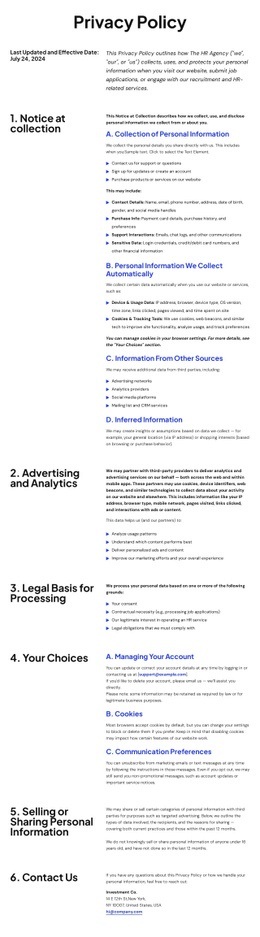


More Website & HTML Templates for Selling


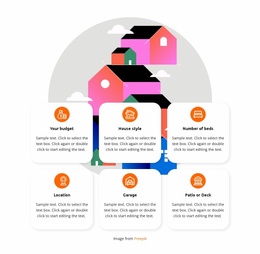







More Html Code Examples from Sale Category














































Other Sale Html Code Examples
Selling HTML Code for Reusable Site Sections
Selling HTML code means shipping something a buyer can drop into a project and understand within minutes. Usually, the product is a set of self-contained blocks: a pricing table, a lead form, a hero section. The money follows from confidence. A buyer wants the block to behave in their project the same way it did in your demo, and that expectation shapes every decision you make while building it.
What Goes Into a Sellable Markup Block
Semantic structure is the first thing an experienced buyer checks. The heading order should make sense when the block is read on its own, and interactive elements should reflect the roles they actually perform. Content that a buyer will edit, such as prices or form labels, needs to be in obvious places rather than six levels down.
A block is ready for someone else when it passes a short check:
- Every element has a clear role in the document outline;
- Class and ID names describe the component, not the project it came from;
- Text, images, and links can be swapped without touching the structure;
- Form fields carry proper labels, names, and types.
Dependencies the Buyer Cannot Guess
A pricing table that quietly needs an external script is a support ticket waiting to happen. Anything the block pulls in from outside should be included in a short list the buyer sees before purchase, with versions and sources named. An embed, an iframe, or a third-party widget can all be fine, as long as no one discovers them after the sale.
Portability follows from the same discipline. Move the files to another host, open them, and see what breaks. Absolute URLs pointing at your own domain, inline handlers, and hardcoded asset paths are the usual suspects. Nicepage covers both ends of that work: the HTML Element documentation explains how your own markup is inserted, and a finished project exports for hosting on any server you choose.
Leave Notes Before You Package Anything
Write the notes while you build, not the night before you publish. For each custom insert, record what it does, where it lives, and whether it can be removed safely. Two paragraphs and a comment in the source usually beat a long file no one opens.
Then package it the way you would want to receive it: source files, a working demo, and a note about known limits. A buyer who finds the answer in your own notes comes back for the next block. Complaints rarely come from plain markup; they come from surprises.