
Purchase Html Code Examples
When a store needs custom implementation, purchase markup must remain understandable beyond the visual layout. Clear code structure helps developers adjust product details, pricing, reassurance content, and transaction controls without confusing their roles.




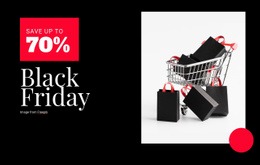
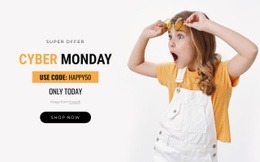
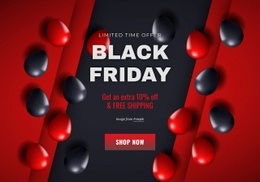
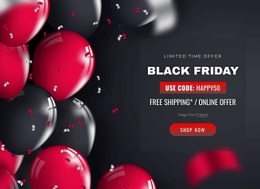













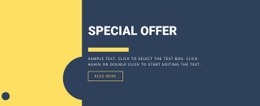






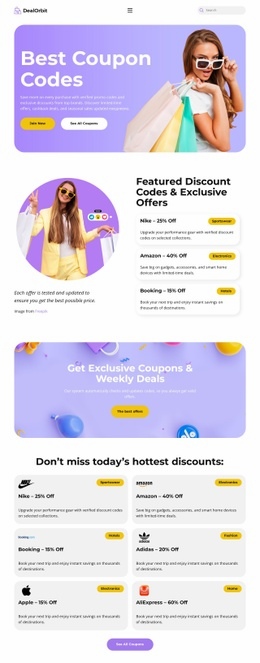





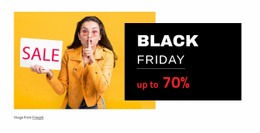

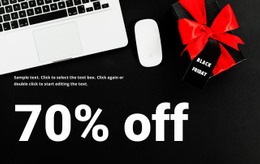

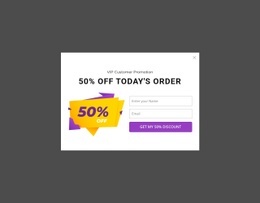
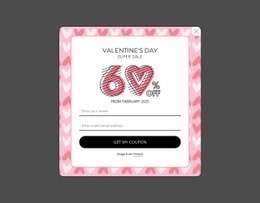



















Other Sale Html Code Examples
Flexible Purchase HTML Code
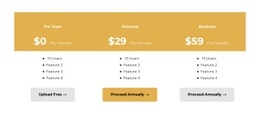
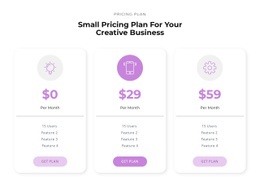
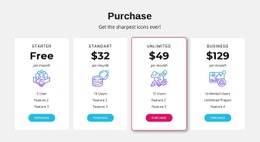
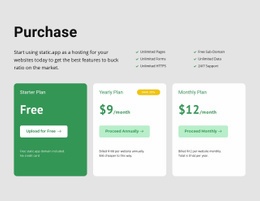
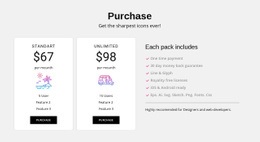
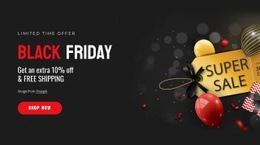
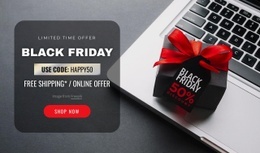
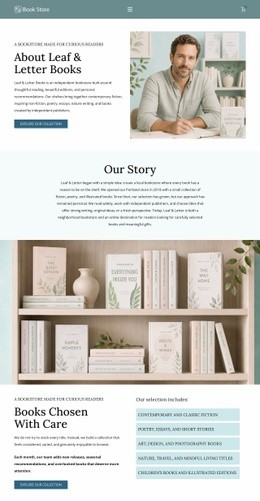
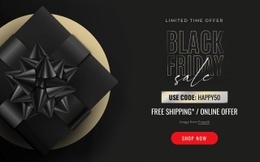
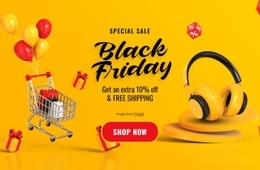
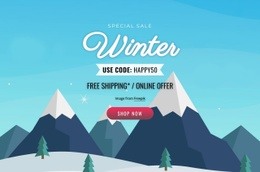
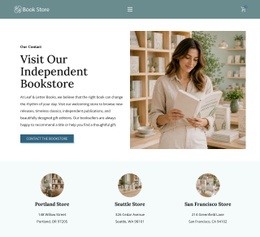
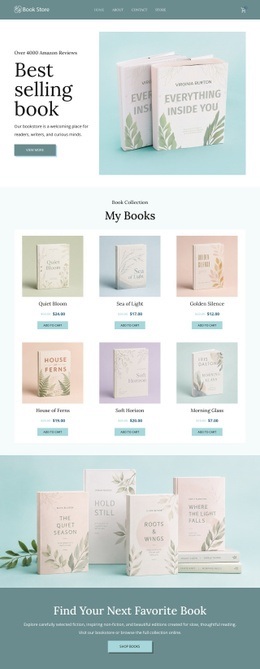
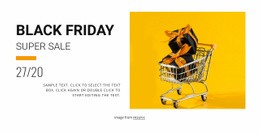
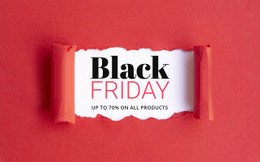
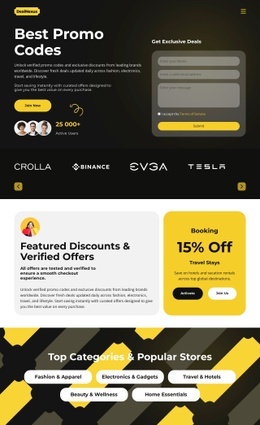
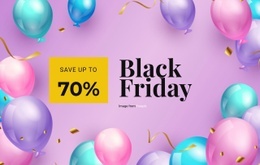
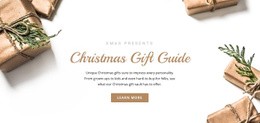
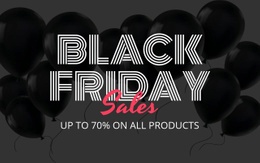
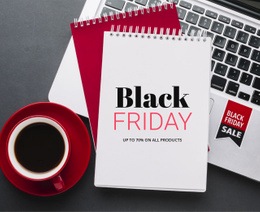
Purchase HTML code examples are small, finished blocks that you can open, edit, and reuse in your own shop. Examples include a purchase options section with two plans side by side and a sale banner promising half off. Some go further, like a bookstore grid with a buy button under every cover. You swap the demo product for yours and keep the markup that already holds everything together.
Discounts and Sold-Out Items in Markup
An example is only worth copying if its markup can follow the offer through ordinary changes. Before you paste one into a project, check that it can handle these situations:
- an available item and a sold-out one, where the button gives way to a short notice;
- a regular price and a sale price that keeps the old amount beside it;
- a single option and a full set of sizes or plans;
- one unit per order and a quantity field for buyers who want several.
Inside a well-built block, the product details, the price element, and the controls each sit in their own wrapper. That lets you move the button above the description or duplicate the whole card for a second product. Keep the price and the button out of deep decorative nesting, since you will edit those two parts most often.
Where the Buy Button Belongs
Nicepage documentation for the Payment Button Element states that the element can allow payments on sites created with Nicepage. In a code example, that button does real work inside the block. You update its label, connect it to the right product, and keep it next to the price it refers to.
Variants show how much an example can take. Say you start with a simple block for one ebook and later add a print edition. The markup then needs a small option area between the price and the button, plus a second price line if the editions cost different amounts. A good example leaves room for that change: add two elements and leave the rest of the section alone.
Examples That Age Well
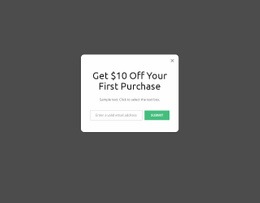
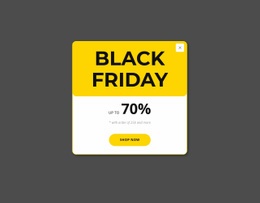
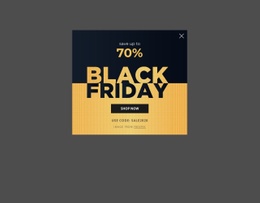
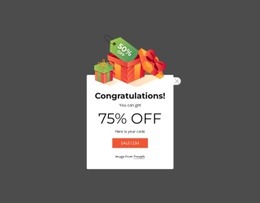
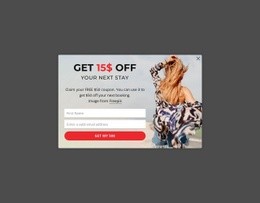
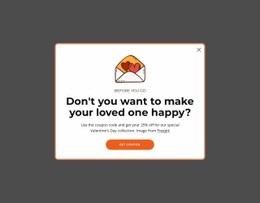
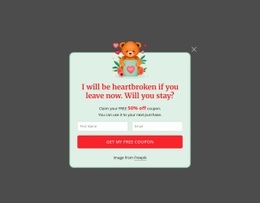
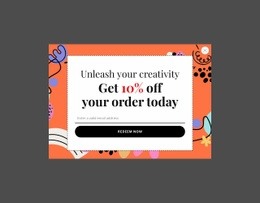
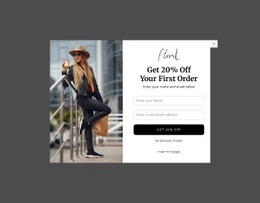
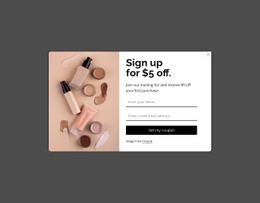
The examples that last are the ones you can read at a glance. Look for a price that sits on a single line and a button with its own wrapper. If the sale label can also be deleted without breaking the card, the block will survive many rounds of edits. A first-purchase popup passes the same test when its discount text and close icon are easy to find. Offers change far more often than layouts, so readable blocks pay off long after launch.