The most common problems Website Template


A Reusable FAQ Pattern for a Broader Rental Site
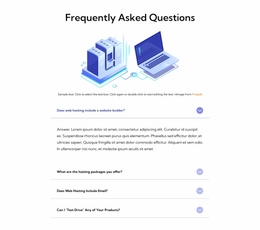
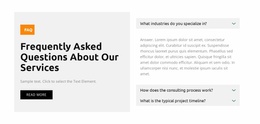
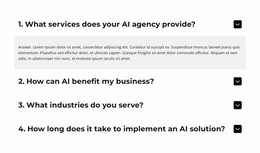
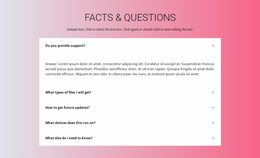
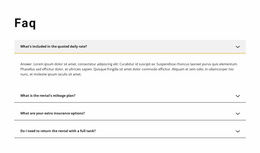
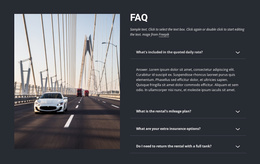
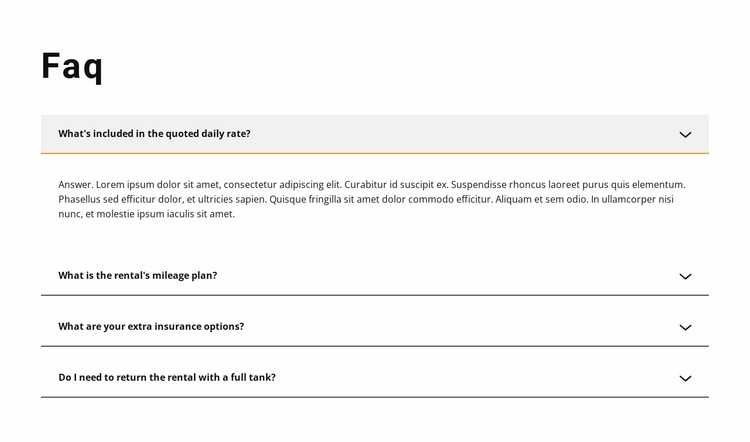
The block provides a stable content pattern for one recurring website area: rental questions and answers. Its four items address what the quoted daily rate includes, how the mileage plan works, which extra insurance options are available, and whether the vehicle must return with a full tank. This focused subject range makes the section suitable for coordination with other content areas that explain vehicles, offers, policies, or contact options.
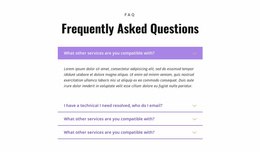
The single-column accordion keeps the pattern reusable. Each question occupies a consistent full-width row, with a chevron on the right and an answer panel that opens beneath the selected item. The first answer is expanded in the supplied state, showing how the section can provide detail without displaying all responses at once. Dark dividers preserve separation, while the gray active fill and yellow accent identify the current topic against the white background.
Inside a broader Website Template project, this block can remain a recognizable FAQ section while related pages or blocks handle deeper rental information and response actions. Its value is the repeatable relationship between heading, question rows, controls, and compact answers. The surrounding project can coordinate colors and typography with it, but the block retains its own clear responsibility for practical rental explanations.
Customize with Nicepage
Open this ready-made template in the Website Template Builder and customize it visually in the Nicepage editor. Replace demo content, edit page sections, and adapt the design to your project without rebuilding the template from scratch.
Edit Template Offline
2. Create a new page or select existing
3. Click Add new block, search for id 387950 and click enter
Edit Template Online
Create Awesome Websites


Free Nicepage Builder
Keywords
Build a Complete Website From This Template
Customize the Website Visually
Use this ready-made website template as a starting point for your project and adapt its pages visually in Nicepage. Change content, images, typography, navigation, sections, and other design elements while keeping the website together as a single editable project.
Manage Website Pages in One Project
Use the Pages panel to open, add, duplicate, and manage the pages of your website. Work on individual pages while keeping navigation and the overall site structure accessible from the same project, making it easier to develop a complete website instead of managing separate page files.
Expand the Website With Matching Designs
When you need additional pages or sections, use Page Design Sets to find Page and Block Designs created in the same visual style. Design Sets group matching designs together, making it easier to expand the website with new content while maintaining a consistent look across its pages and sections.
Organize Larger Multi-Page Websites
As the website grows, use Page Folders to organize related pages and keep larger multi-page projects easier to navigate in the editor. This is especially useful for websites with separate service pages, company information, contacts, landing pages, and other content areas.
This workflow makes the template a practical foundation for building and expanding a complete website while managing its pages, content, and visual design within one Nicepage project.