
Stores HTML Templates
Retail catalogs need consistent product cards, readable prices, clear categories, and a clear path to the cart. These store HTML templates provide structured sections for merchandise that can remain manageable as inventory grows.














































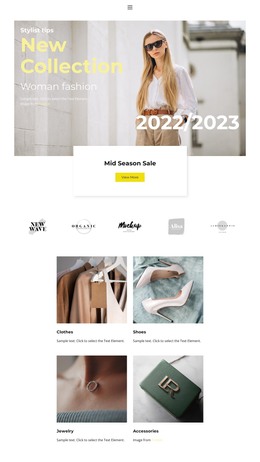





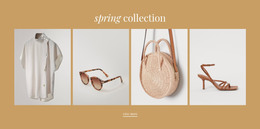



















Other Shop Page HTML Templates
Structured Stores HTML Templates for Online Shops and Catalogs
A store's HTML template is a ready storefront waiting for merchandise: featured collections at the entrance, listings to browse, and product blocks built for real names and prices. Some go all the way to checkout; others stop at the catalog, which suits a shop that takes phone orders.
Pages to Check Before Choosing One
The screens a listing includes come first:
- A storefront that merchandises: featured products, a seasonal collection, a sale block;
- Category or collection listings, with filters or pagination if inventory needs them;
- A product page with space for description, variants, and photography;
- Cart and checkout screens, if you take payment on the site.
Twenty products in two collections need far less than a mixed catalog of several hundred. Nicepage supports product grids, shopping carts, and checkout pages without code, and the Product List Element documentation explains how to adjust the layout and product count in a catalog block.
Real Merchandise Versus Demo Content
Demo content carries short names and round prices, and real inventory rarely cooperates. Load your worst case into the preview and see what gives:
- A long product name wrapping onto three lines above a discounted price;
- A sale badge covering the corner of an image;
- A swatch row or size selector pushing the button down;
- Twelve near-identical items in a row, where only the title separates them.
Merchandise decides density. A fashion grid runs large photographs, short names, and a hover image, since the picture sells the piece. Electronics need model numbers and capacity options, so the card wants more room and usually a different template. Home goods land in between, where sizes, materials, and collection names each want a line.
Growth is the other test. The image, title, and price should maintain the same relationship as in the catalog triples.
Collections, Filters, and Small Screens
Stores are used in two ways. Visual catalogs are browsed, so collections and promotional areas carry the weight, while a mixed inventory is searched, where categories and filtering matter more than another hero image.
Pull the demo narrow and watch that machinery, not the cards. Category menus collapse, filters slide behind a toggle, and variant selectors push the buy action off the first screen. Nicepage also provides a Shopping Cart Icon Element for the header, which shows how many products have been added and allows users to proceed to checkout.
So work down the axes in order. Catalog size and the text each item carries come first, then navigation depth and filtering. The right stores HTML template is the one whose catalog structure, product presentation, and shopping features fit your merchandise.