
Speaker HTML Templates
Event organizers need to quickly assess expertise, session topics, credibility, and contact details. A speaker HTML template turns those essentials into reusable, responsive sections that can support conference profiles, keynote pages, and independent speaker sites.


















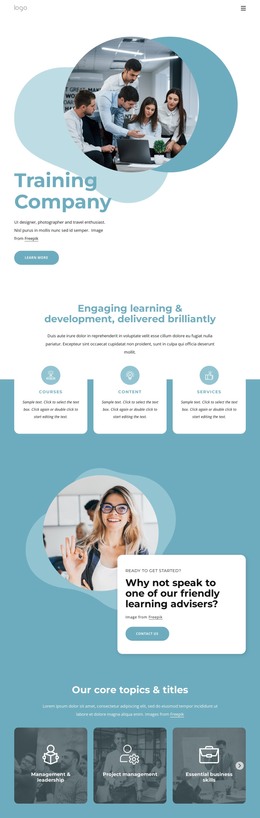

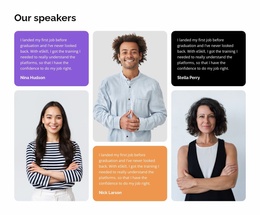



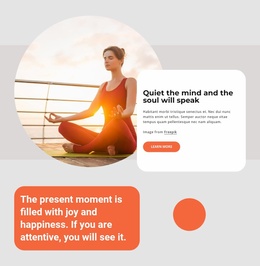
More HTML Templates from Team Page Category
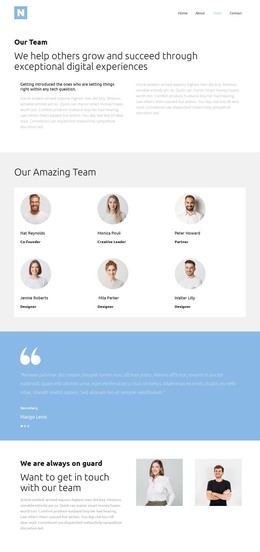
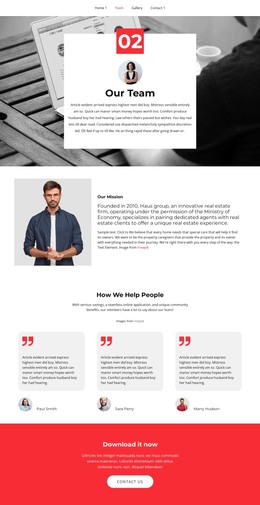
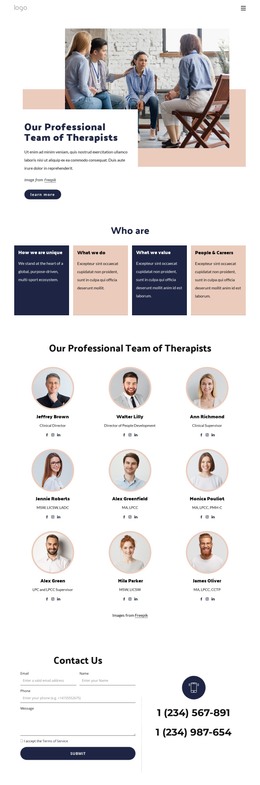
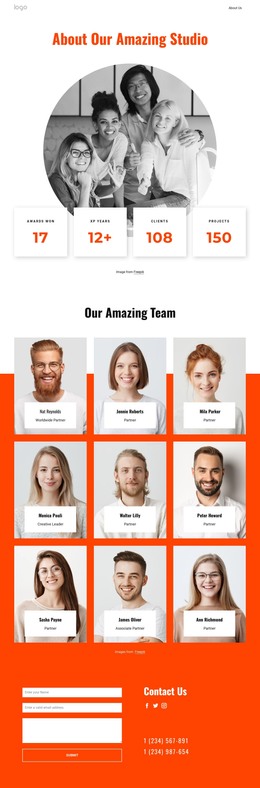
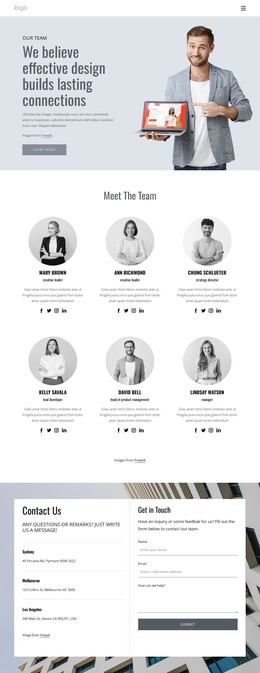
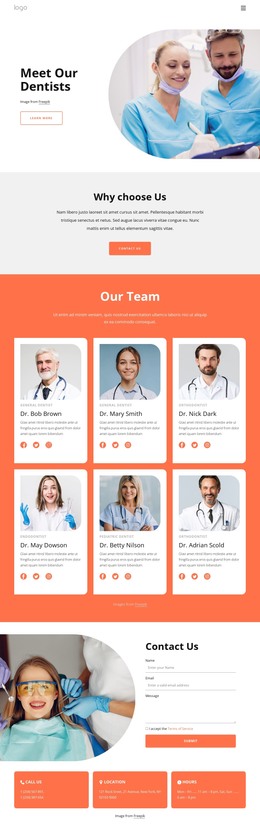
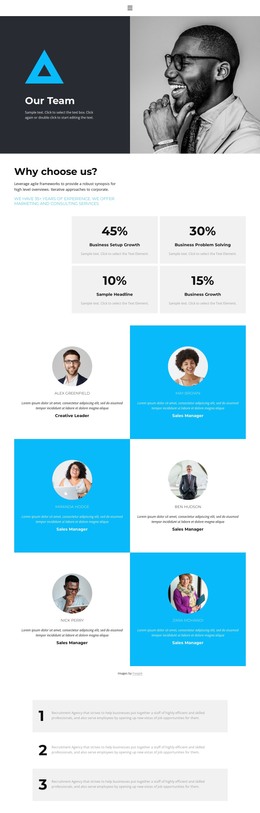
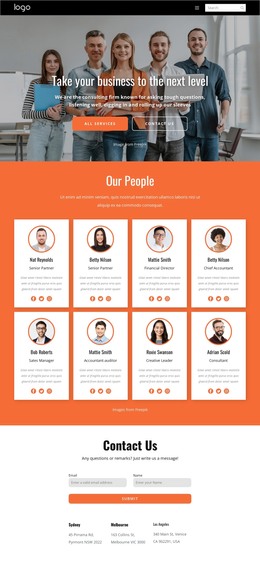
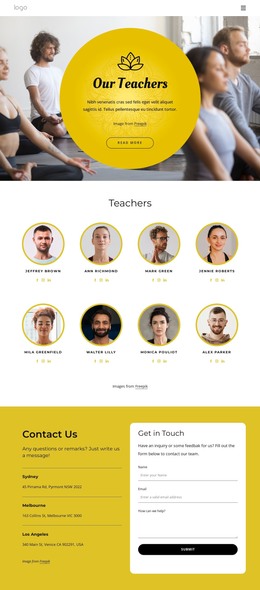
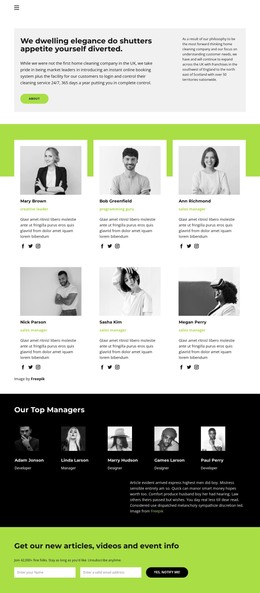
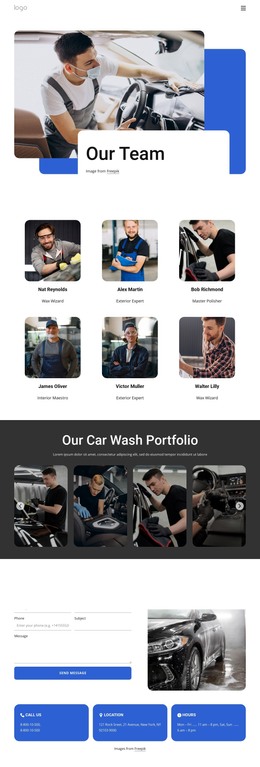
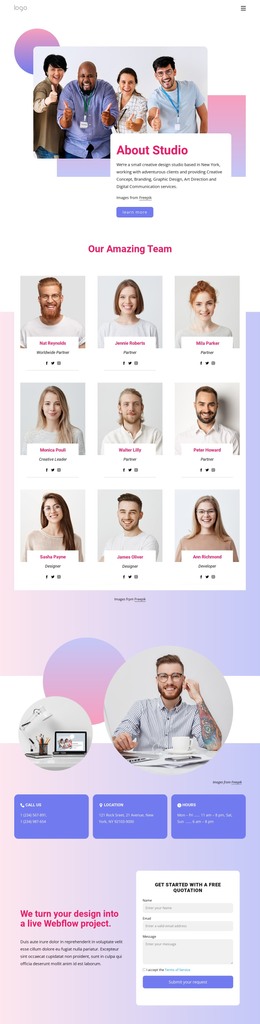

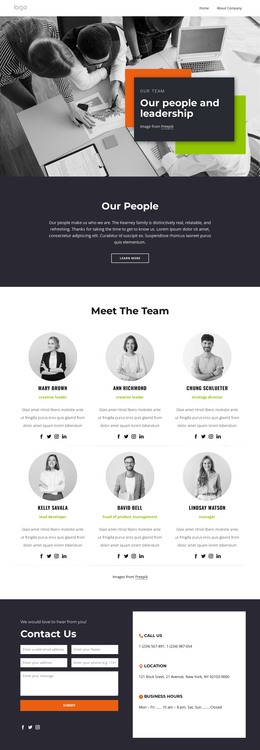
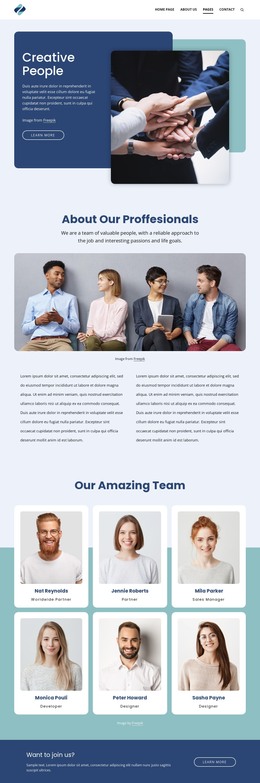
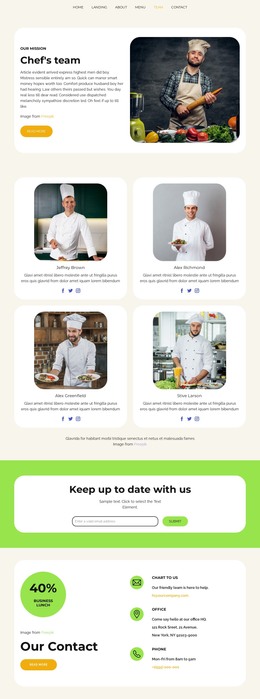
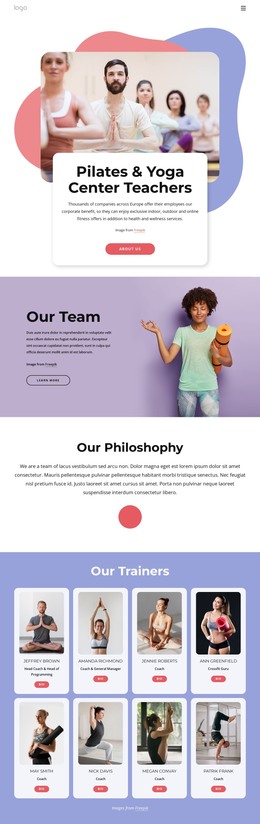
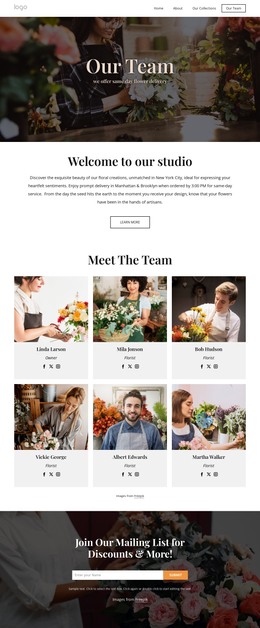
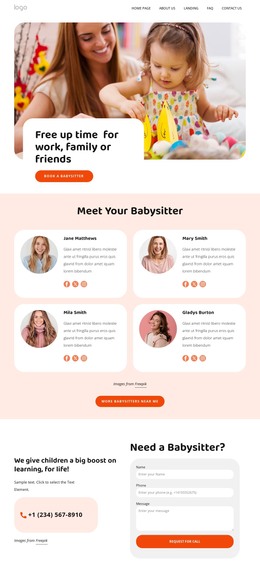
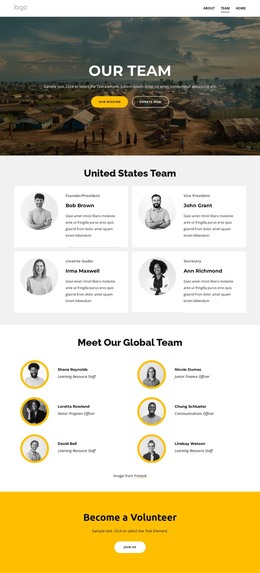
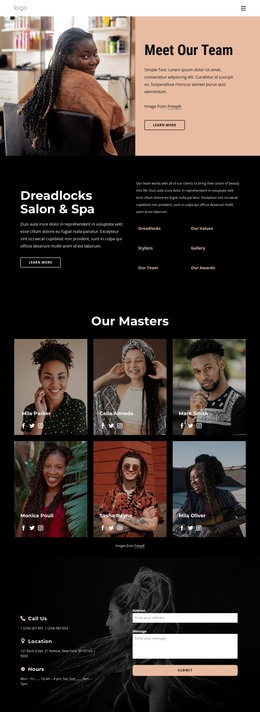

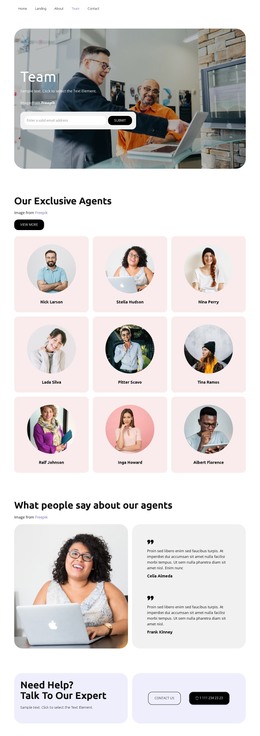
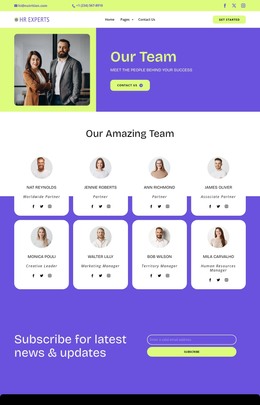
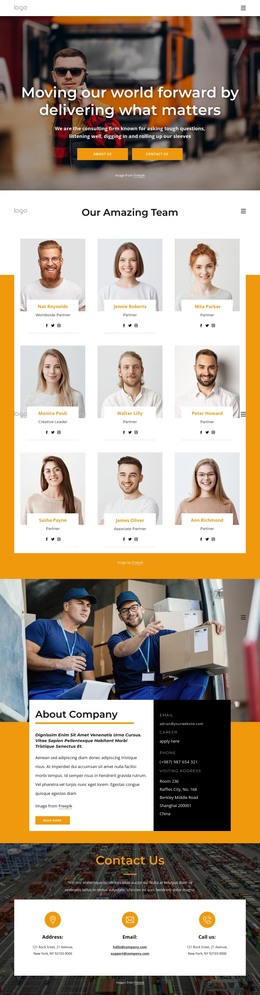
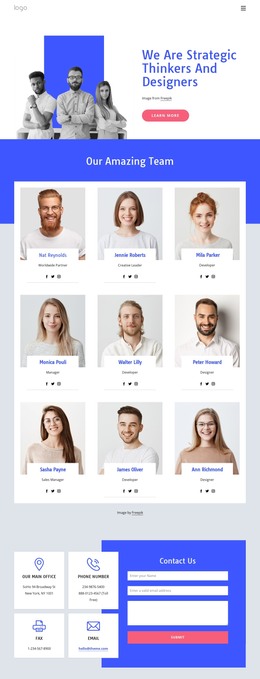
Other Team Page HTML Templates
Responsive Speaker HTML Templates
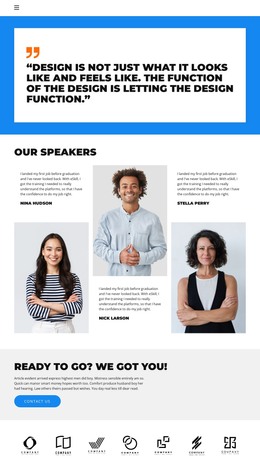
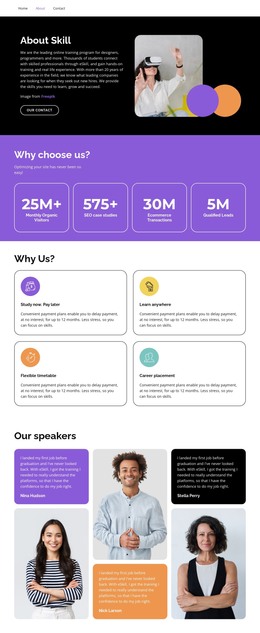
Speaker HTML Templates give you a profile already divided into working sections, so you can start by adding your own material. In most of them, the introduction, the talk descriptions, and the inquiry area already sit in an order that makes sense to someone booking a speaker. You can move a block higher, remove one you have nothing for, or duplicate a topic section when a new keynote joins your lineup. Once the content is in place, the profile exports as HTML files that you or a developer can keep editing by hand.
Sections Most Speaker Profiles Need
Speaker templates in the catalog vary a lot, and when comparing them, it helps to look for a few specific blocks:
- an opening area where your name and speaking specialty appear before anyone scrolls;
- topic blocks with space for each talk's title, a summary, and its format;
- a proof section for past events and feedback from organizers;
- an inquiry block that asks about the date and audience of the event.
Topic blocks deserve the closest look. If you give conference keynotes and also train company teams, a copied topic block can hold the workshop, so both offers sit side by side.
Biography Length and Video Reels
Event hosts usually need two versions of your bio. A short paragraph is read aloud before you walk on stage, and a longer one is included in the event program. Templates that pair a brief intro near the top with a fuller section further down spare organizers from trimming your text. The longer part has room for your background and the people who will recognize you.
A speaker reel often does more than any paragraph, because it shows how you handle a room. If a template includes a media block, the best spot for it is right after the talk descriptions. An organizer can then read about a session and watch you deliver something close to it.
From Inquiry Form to Your Own Server
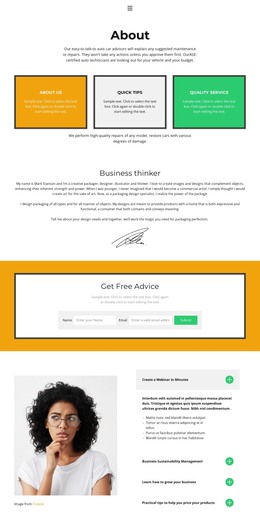
A good inquiry block asks for the information you need to prepare a quote, such as the event date, format, and expected audience. Nicepage Contact Form elements support several submission options, including email notifications. Organizers often open speaker profiles on a phone, and Nicepage Responsive Modes let you check that the inquiry block stays within easy reach there.
You can upload the exported files to any hosting you already use. When you compare speaker templates, count the sections you would actually fill. A template that matches your mix of talks, proof, and booking details needs little beyond new text and photos, which is the surest sign it fits.