
Framework HTML Templates
Framework sites must make components, setup steps, examples, and reference content easy to navigate. A ready-made HTML structure gives developer-focused pages reusable sections and responsive markup without requiring you to build the presentation layer from scratch.























More HTML Templates from Technology Category























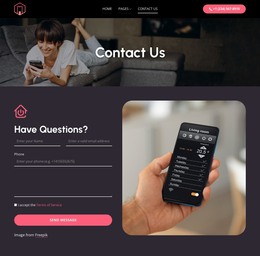
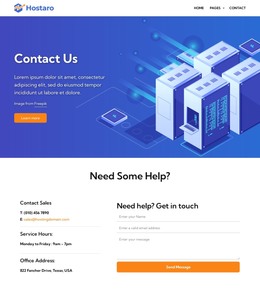
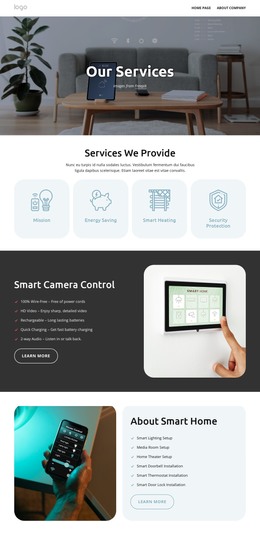
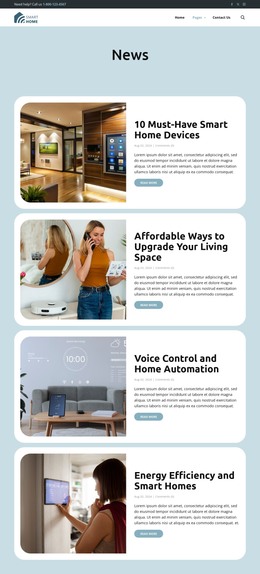





Other Technology HTML Templates
Clean Framework HTML Templates for Agile and Business Strategy Sites
Framework HTML Templates provide a working front end for a site that explains a method, model, or way of working. Each design comes as a prepared HTML structure with its sections already in place, so most of the effort goes into your content. The category leans toward agile delivery, consulting, and corporate management, with a smaller share for technology products.
Projects Built Around Methodology
Most frameworks exist because someone wants to explain a repeatable way of doing things. The designs here fit several kinds of projects:
- Agile and Scrum teams describing sprint roles, ceremonies, and release cycles
- Consulting firms presenting a proprietary strategy model to prospective clients
- Corporate programs built around time management, quality control, or governance
- Software products that need a short feature overview with sample code
People rarely read methodology content from top to bottom. Visitors usually jump to the stage that worries them most, so each section must make sense on its own.
Turning Stages Into Reusable Sections
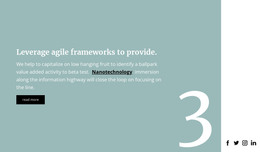
A framework has phases, pillars, or levels, and threaders need to see how one leads to the next. The catalog includes blocks with oversized digits and text in two- or three-column layouts, where the numbering provides the sequence.
Since the structure is plain HTML, you can copy a section built for the first phase for subsequent phases with identical spacing and heading levels. The layouts are responsive, so on a phone the columns stack and the stages still read in order.
Ready blocks typically cover the common parts of such a site, such as an overview, a stage breakdown, and a question form. Hand coding is then left for elements only your framework has, for example, an interactive maturity assessment.
Exported Code You Can Keep Editing
You customize the design visually in Nicepage and then export it as an HTML site. The Export HTML Website documentation explains that step, and the exported package holds the files needed to publish on your own hosting. After that, you can open the source in any code editor or pass it to a developer for extension.
That is the practical gap between an HTML template and a visual mockup of a framework site. You get pages a browser can open right away, and you can make later changes either in Nicepage or directly in the code.
When comparing designs, check whether the sections match your framework's shape and whether the stage blocks can hold your longest descriptions. A template that asks only for small additions around your unique parts is usually the stronger base.