
Date HTML Templates
Dates need context to be useful. Structured HTML templates can separate events, appointment availability, schedules, and time slots while keeping repeated entries consistent and easier to update.
-
-

-
-
-
-
-
Free Website Builder SoftwareDownload
-
-
-
-
-
-
-
-
-
-
-
-
-
-
-
-
-
-
-
-















More HTML Templates from Counter Category
















Other Counter HTML Templates
Clean Date HTML Templates
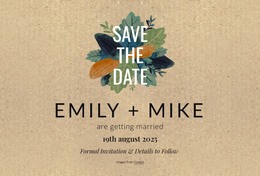
Date HTML templates provide prebuilt page and section layouts for event dates, timetables, and booking slots. A month calendar, an event list, and a booking area may all show dates, yet each uses a different content structure. The right choice depends on how many dates you have, whether visitors read or pick them, and how much information each one includes.
Layout Types Worth Recognizing
Most designs in this category draw on a few layout types:
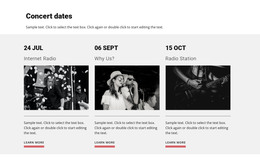
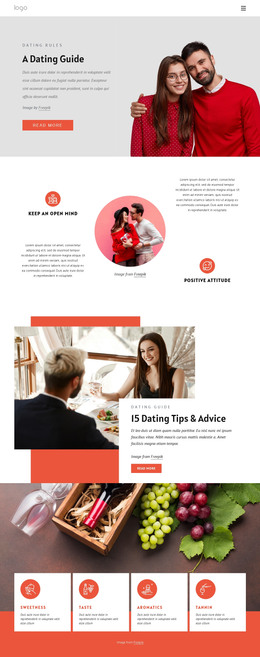
- event lists, where the date introduces each entry, followed by the title, venue, and ticket link;
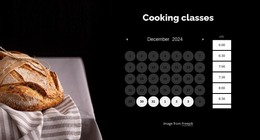
- month calendar grids that associate individual days with scheduled items across a whole period;
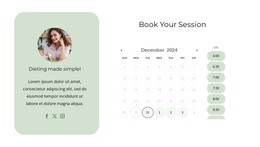
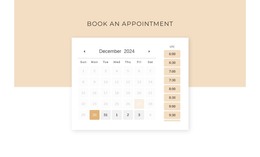
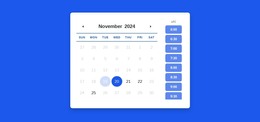
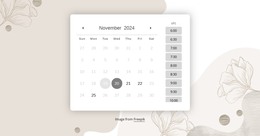
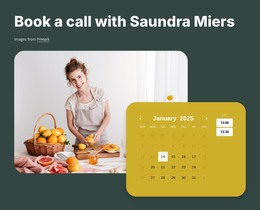
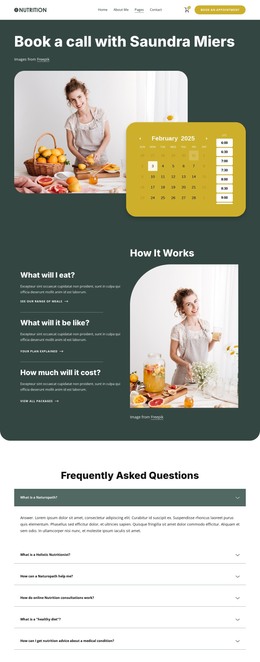
- booking sections that combine a calendar area, a slot list, and a booking summary;
- recurring schedule tables that place weekly sessions in repeated rows by day and time.
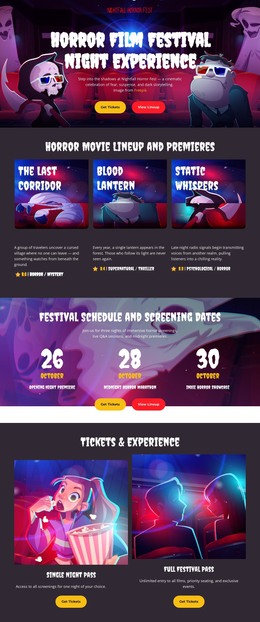
Agenda timelines and deadline cards cover the rest. A timeline walks through a festival day hour by hour, and a deadline card ties one date to a requirement, an action, and a registration link. One template can combine several types so that a tour site might pair an event list with a booking section. You can add a Nicepage Calendar Preset to any of them for bookings.
Fixed Events Versus Recurring Availability
A conference day occurs once, on a date that cannot be moved. It fits a single-date entry where the date is the primary organizing field and the title, start time, and location sit under it. Weekly office hours belong in repeated schedule rows, since stacked cards get inefficient when visitors scan many recurring entries. Booking layouts need a third structure that combines dates with sessions that are still open. Plenty of projects mix two patterns, like a studio with a fixed open house and bookable sessions, so it pays to define your date content before comparing templates.
Questions That Narrow the Choice
The first question is whether the template only displays dates or lets visitors choose one. Display works with lists, cards, or agendas, while choosing calls for an interactive booking layout. Density comes next, since a few dates fit generous cards and a long season works better as a compact list, a table, or a full calendar. Extra information counts too, because a date with a location, a duration, and an availability note needs room for all three.
Before settling, give the demo a stress test with your longest title and busiest week. In the end, a date HTML template should match your content structure and density. It should also leave room for supporting details and the action you expect from visitors, while you can change colors and fonts later.