Weddings dress gallery WordPress Theme



Three Bridal Images Work as Stable Page Content
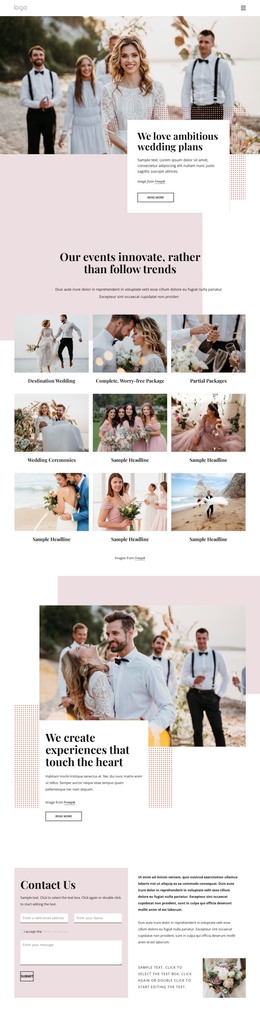
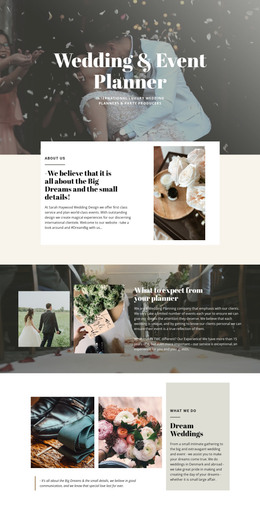
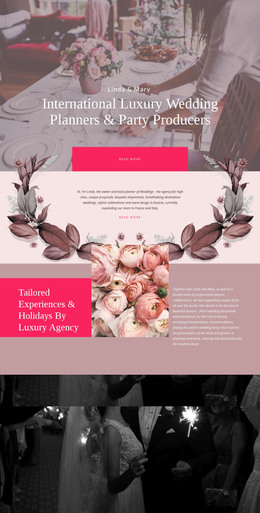
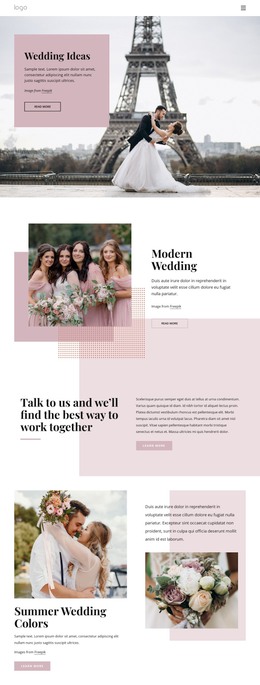
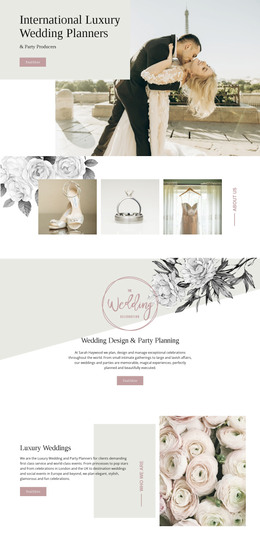
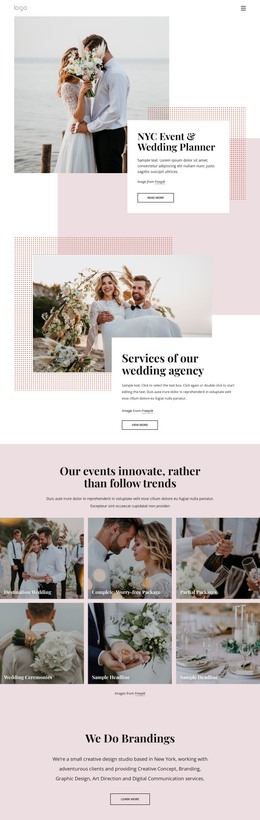
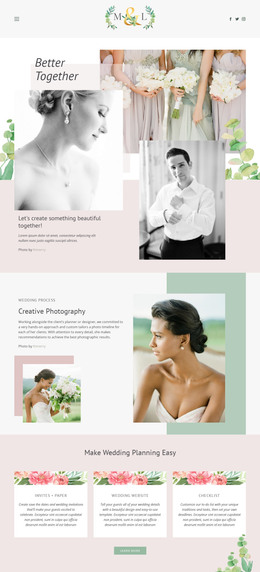
The gallery’s content is naturally suited to a permanent visual area within a WordPress-managed page. Three adjacent vertical panels present a bride in a wedding dress and veil, while the mix of close-up and full-length portraits creates a small but coherent image collection. This repeated structure can support a wedding portfolio, editorial presentation, or visual introduction without relying on time-sensitive entries or a changing list of posts. The block’s purpose remains focused on displaying the three images as one section.
Minimal spacing keeps the panels connected, and the warm beige and cream palette provides a restrained visual direction that can sit alongside other page content. The dark hover-overlay regions give each image a consistent interactive state, while the lightbox supports closer viewing when a visitor selects a portrait. In a WordPress-oriented project, this section can remain part of stable page content while the wider site manages other content around it. The block is not a standalone WordPress Theme; it is a reusable gallery region that can contribute to a CMS-managed page without assuming posts, categories, widgets, or other elements not shown here. Nicepage’s WordPress Pages workflow provides broader CMS context for placing designed content within a WordPress project.
Customize with Nicepage
Open this ready-made template in the WordPress Website Builder and customize it visually in the Nicepage editor. Replace demo content, edit page sections, and adapt the design to your project without rebuilding the template from scratch.
Edit Template Offline
2. Create a new page or select existing
3. Click Add new block, search for id 123132 and click enter
Edit Template Online
Create Awesome Websites


Free Nicepage Builder
Keywords
Manage and Edit This Theme in WordPress
Customize and Install the WordPress Theme
Start with this ready-made theme instead of building the WordPress design from scratch. Customize its layout, content, typography, images, sections, and other design elements visually in Nicepage editor, then export and install the WordPress Theme, Plugin, and Pages on your WordPress site. The Nicepage WordPress Plugin lets you continue working with the site after installation.
Edit the Theme Directly in WordPress
After installation, you can edit the WordPress Theme directly in WordPress with the Nicepage WordPress Plugin. Use Site Style to customize site Colors, Fonts, Header, Footer, Blog, and Post Page Templates while working within your WordPress website.
Edit WordPress Pages Visually
Use the Nicepage WordPress Plugin to edit page content directly from the WordPress admin area. Open a WordPress Page with Nicepage and visually change its text, images, sections, and other page elements while continuing to manage the Page through WordPress.
WordPress Content and Theme Integration
Use the customized theme with WordPress Pages, Posts, Blog and Post Templates, menus, widgets, and other CMS-managed content. Shared theme elements such as Colors, Fonts, Header, Footer, Blog, and Post Page Templates can be managed as part of the overall site design, while WordPress provides the CMS environment for managing site content.
This workflow combines a ready-made WordPress Theme with visual customization, direct theme editing in WordPress, and continued content management through the Nicepage WordPress Plugin.