Biggest dream wedding WordPress Theme


Edit Template Offline
2. Create new page and search for id 16487
Edit Template Online
Create Awesome Websites


Free Nicepage Builder
Keywords
Service Pages and Repeated Team Content Fit the Theme Direction
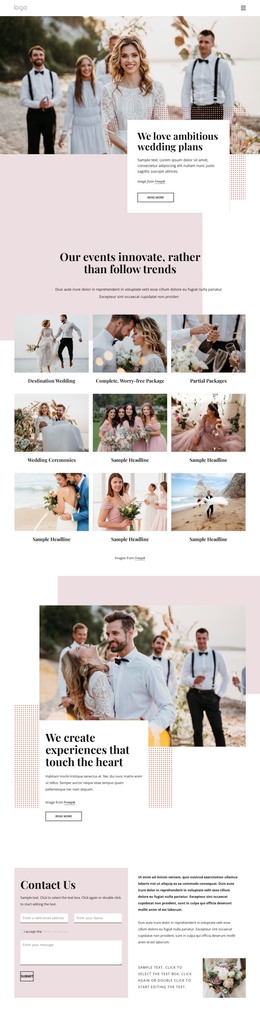
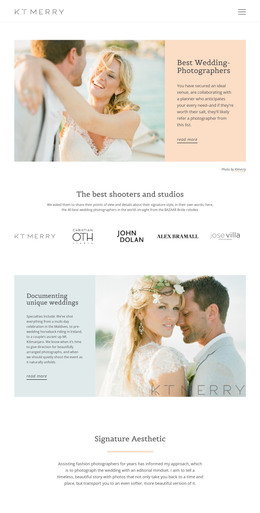
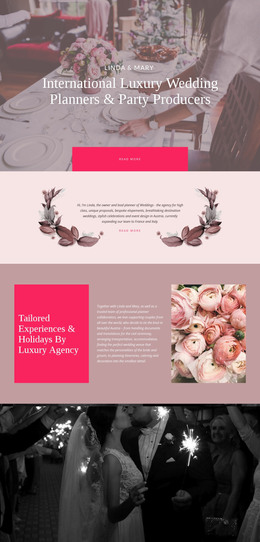
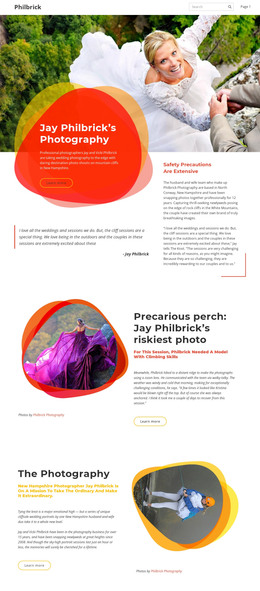
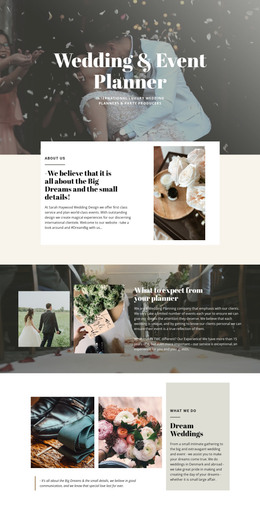
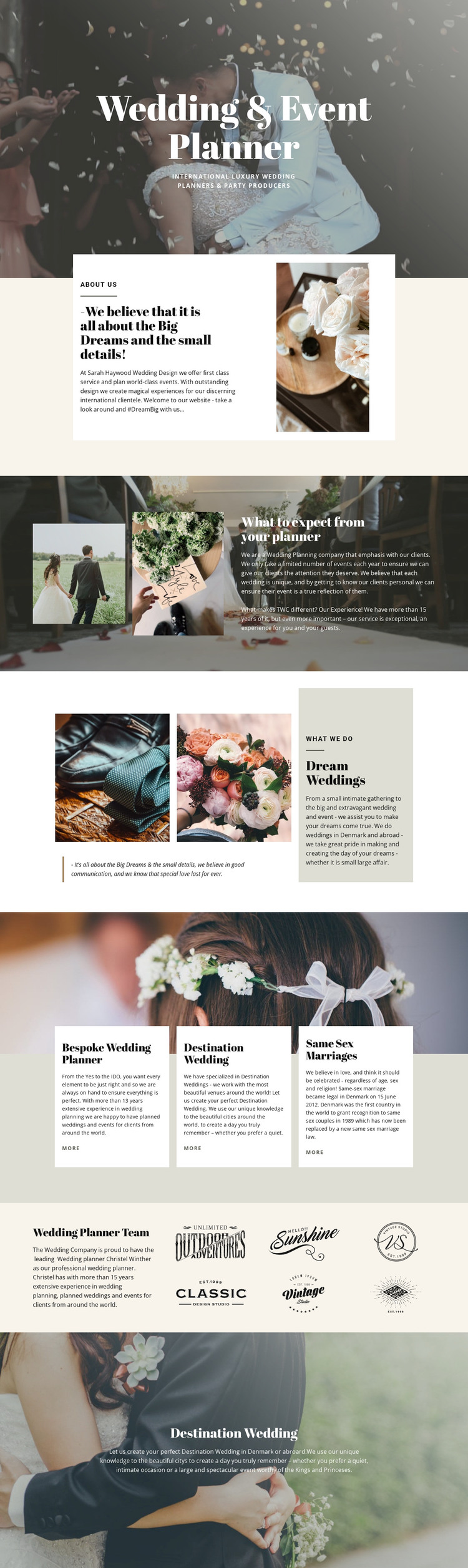
The page-oriented content is divided into areas that can remain recognizable within a WordPress-managed site. The hero and About Us section provide permanent introductory content, while “What to expect from your planner” offers a separate place for explaining the planning experience. Dream Weddings adds another page-level content area where a quotation, paired photographs, and focused service text work together. These roles are distinct enough to support a clear editorial arrangement without claiming that blog or post structures already exist.
The three service cards create a useful repeated pattern for presenting Bespoke Wedding Planner, Destination Wedding, and Same Sex Marriages. Their matching descriptions and “More” links make the categories easy to extend or connect to further content when a project requires it. The planner team section supplies a different kind of page content: introductory information is placed beside six repeated visual marks, creating a human and partner-oriented area within the same design system.
The final Destination Wedding image panel keeps the visual direction consistent as the subject moves toward events in Denmark and abroad. Cream, blush, muted green, charcoal, serif headlines, compact uppercase labels, and soft overlays can support permanent pages while additional WordPress-managed content is added around them. The result is a theme interpretation grounded in this template’s service, team, image, and navigation-ready content rather than an unsupported claim about existing posts or blog features.
Customize with Nicepage
Open this ready-made template in the WordPress Website Builder and customize it visually in the Nicepage editor. Replace demo content, edit page sections, and adapt the design to your project without rebuilding the template from scratch.
Manage and Edit This Theme in WordPress
Customize and Install the WordPress Theme
Start with this ready-made theme instead of building the WordPress design from scratch. Customize its layout, content, typography, images, sections, and other design elements visually in Nicepage editor, then export and install the WordPress Theme, Plugin, and Pages on your WordPress site. The Nicepage WordPress Plugin lets you continue working with the site after installation.
Edit the Theme Directly in WordPress
After installation, you can edit the WordPress Theme directly in WordPress with the Nicepage WordPress Plugin. Use Site Style to customize site Colors, Fonts, Header, Footer, Blog, and Post Page Templates while working within your WordPress website.
Edit WordPress Pages Visually
Use the Nicepage WordPress Plugin to edit page content directly from the WordPress admin area. Open a WordPress Page with Nicepage and visually change its text, images, sections, and other page elements while continuing to manage the Page through WordPress.
WordPress Content and Theme Integration
Use the customized theme with WordPress Pages, Posts, Blog and Post Templates, menus, widgets, and other CMS-managed content. Shared theme elements such as Colors, Fonts, Header, Footer, Blog, and Post Page Templates can be managed as part of the overall site design, while WordPress provides the CMS environment for managing site content.
This workflow combines a ready-made WordPress Theme with visual customization, direct theme editing in WordPress, and continued content management through the Nicepage WordPress Plugin.