Best photos for wedding WordPress Theme



Edit Template Offline
2. Create new page and search for id 32364
Edit Template Online
Create Awesome Websites


Free Nicepage Builder
Keywords
Page Content and Repeated Resource Cards Support an Editorial Wedding Theme
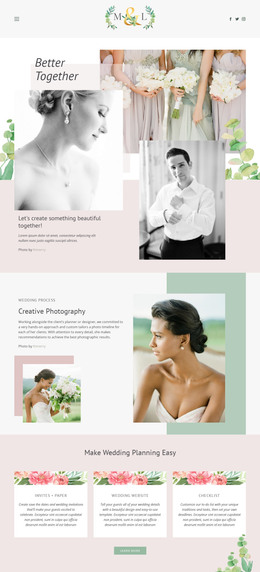
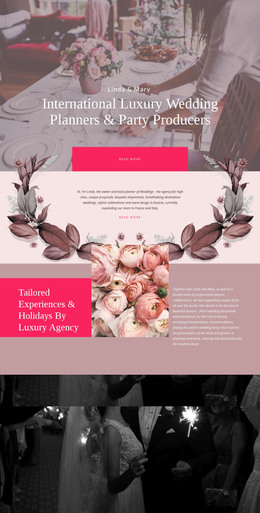
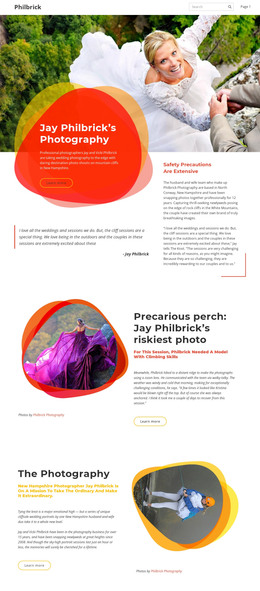
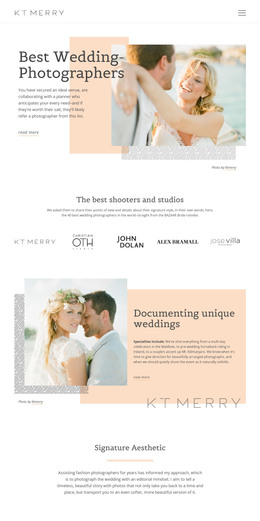
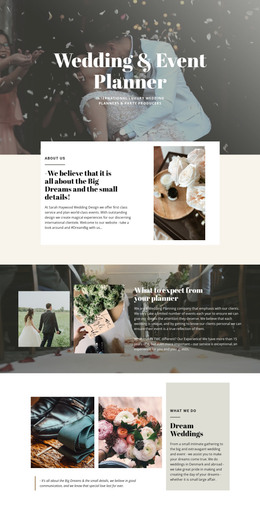
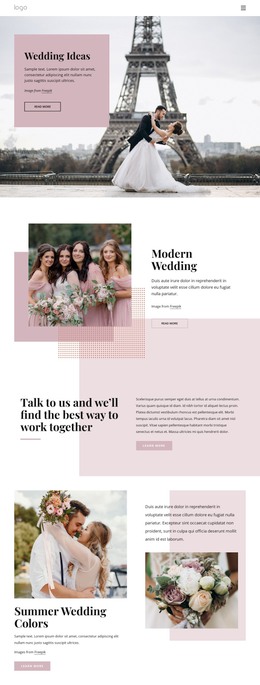
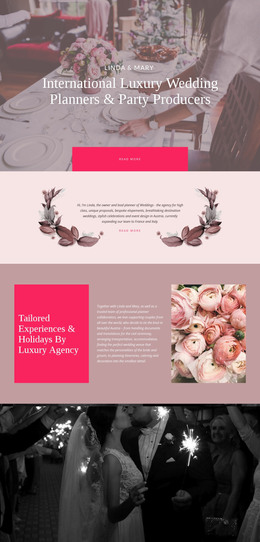
The design contains several permanent page-content areas that translate naturally into a WordPress-oriented site structure. The “Better Together” hero and collaboration section establish the photography subject, while the Creative Photography block pairs process explanation with supporting images. These areas can remain stable page content that introduces the service and its visual approach rather than being treated as a stream of updates.
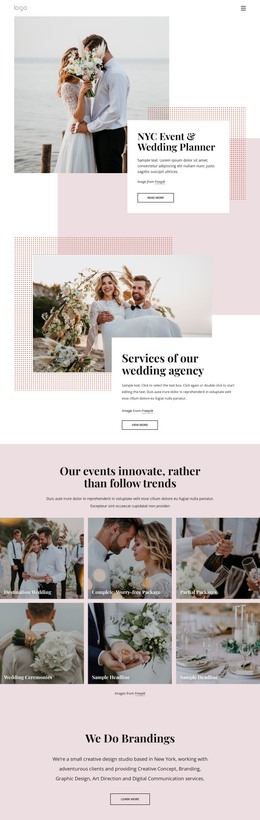
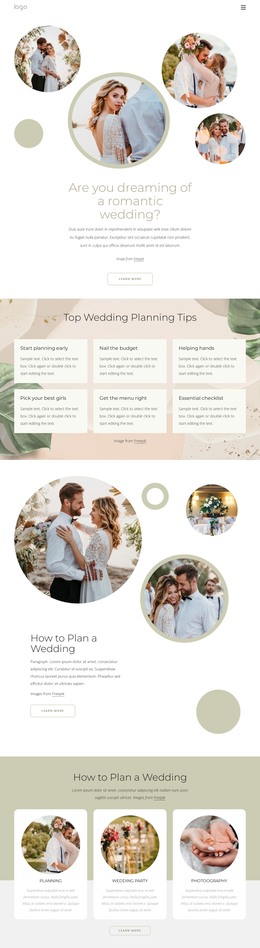
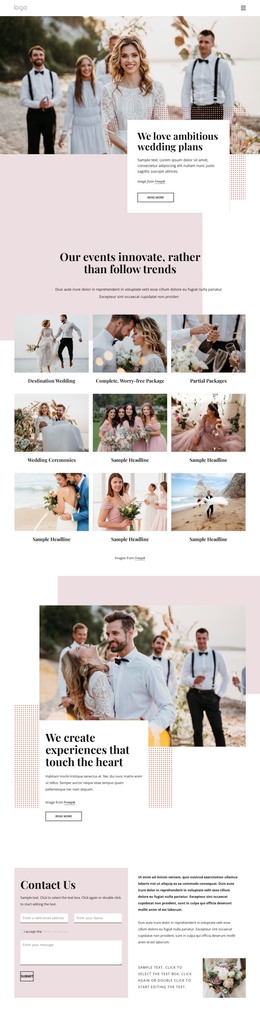
The three planning cards provide a separate relationship between repeated content and the page design. “Invites + Paper,” “Wedding Website,” and “Checklist” share one visual treatment while carrying different resource topics, making them suitable for content that may be expanded, revised, or linked to more detailed information. The destination collage, featured couple area, and quotation sections add further page content patterns: visual collections, story-led feature blocks, and centered text over imagery.
The confirmed navigation, mobile navigation, social links, and dark footer create shared theme regions around those page areas. If the project later adds regularly updated wedding articles or announcements, the existing editorial tone and image treatments could continue around that content, but no blog or post structure is claimed as already present. The WordPress interpretation therefore centers on permanent pages, reusable visual regions, and repeated resource content rather than on a generic CMS label or an assumed publishing workflow.
Customize with Nicepage
Open this ready-made template in the WordPress Website Builder and customize it visually in the Nicepage editor. Replace demo content, edit page sections, and adapt the design to your project without rebuilding the template from scratch.
Manage and Edit This Theme in WordPress
Customize and Install the WordPress Theme
Start with this ready-made theme instead of building the WordPress design from scratch. Customize its layout, content, typography, images, sections, and other design elements visually in Nicepage editor, then export and install the WordPress Theme, Plugin, and Pages on your WordPress site. The Nicepage WordPress Plugin lets you continue working with the site after installation.
Edit the Theme Directly in WordPress
After installation, you can edit the WordPress Theme directly in WordPress with the Nicepage WordPress Plugin. Use Site Style to customize site Colors, Fonts, Header, Footer, Blog, and Post Page Templates while working within your WordPress website.
Edit WordPress Pages Visually
Use the Nicepage WordPress Plugin to edit page content directly from the WordPress admin area. Open a WordPress Page with Nicepage and visually change its text, images, sections, and other page elements while continuing to manage the Page through WordPress.
WordPress Content and Theme Integration
Use the customized theme with WordPress Pages, Posts, Blog and Post Templates, menus, widgets, and other CMS-managed content. Shared theme elements such as Colors, Fonts, Header, Footer, Blog, and Post Page Templates can be managed as part of the overall site design, while WordPress provides the CMS environment for managing site content.
This workflow combines a ready-made WordPress Theme with visual customization, direct theme editing in WordPress, and continued content management through the Nicepage WordPress Plugin.