

Romantic WordPress Themes
Build a romantic WordPress site for visual portfolios, seasonal collections, or editorial updates. Prepare a Nicepage theme, install it in WordPress, and manage suitable content through the CMS and Nicepage editing tools.


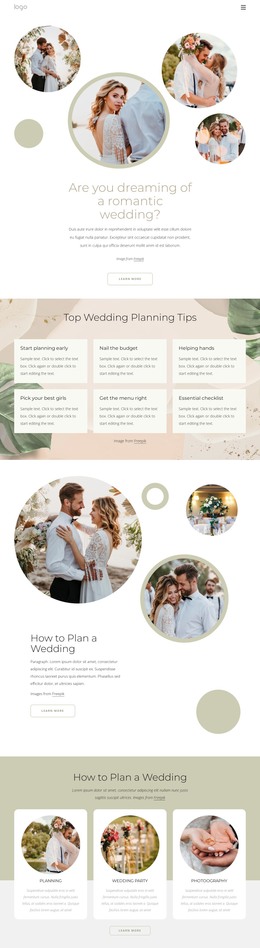
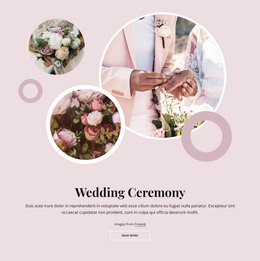
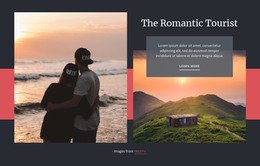


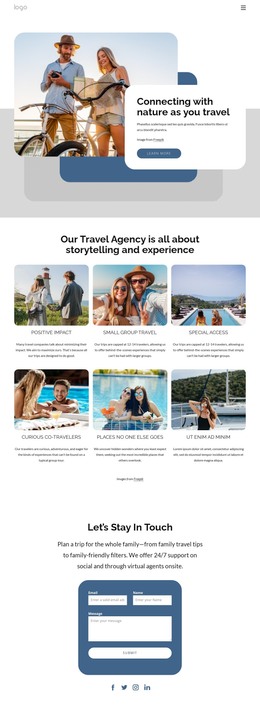



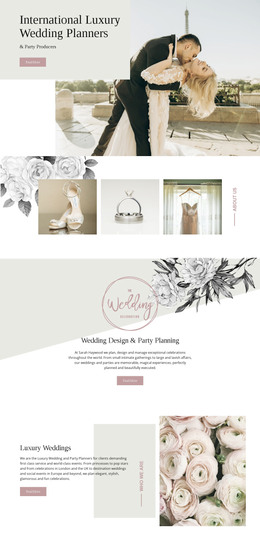
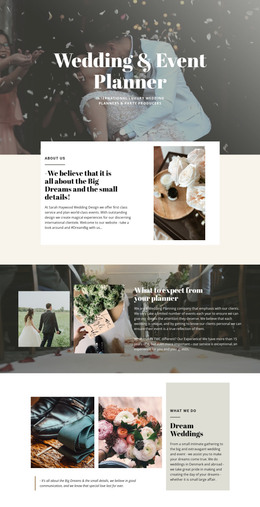

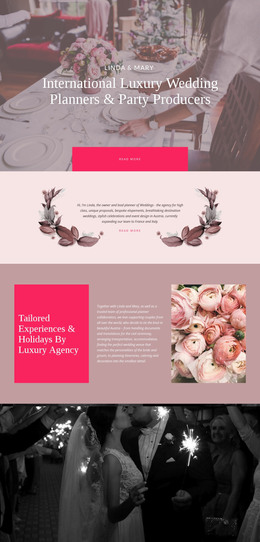
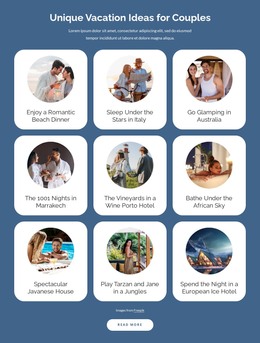

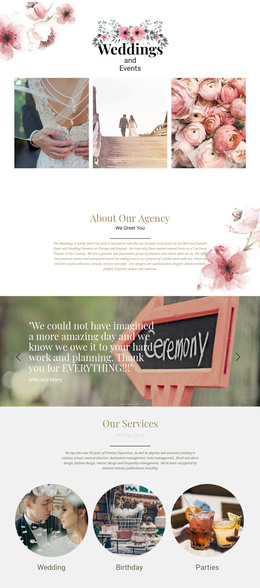

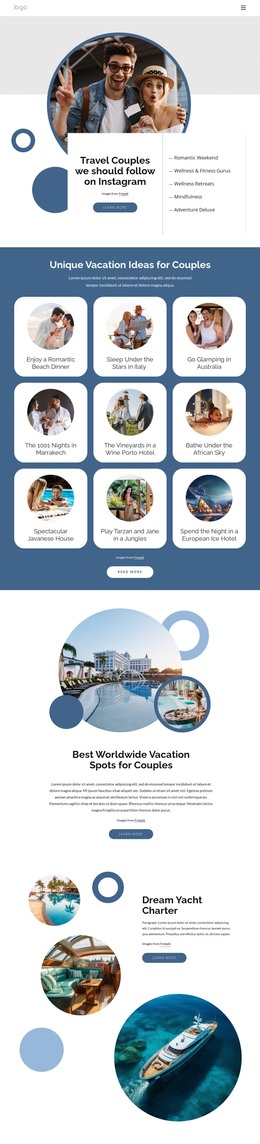
More Website & HTML Templates for Romantic
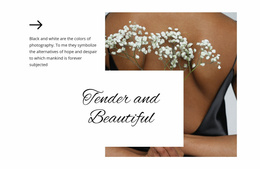


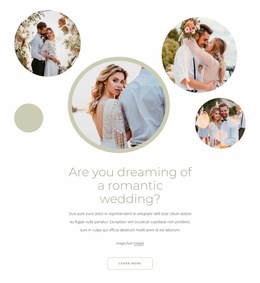


More WordPress Themes from Wedding Category


Other Wedding WordPress Themes
Modern Romantic WordPress Themes for Wedding and Love Stories
Romantic WordPress themes suit websites that combine a recognizable visual style with content published over time. A wedding photographer may add new ceremony galleries, while a floral studio can introduce seasonal bouquet collections and announcements. WordPress provides the CMS environment to manage ongoing site content, and a Nicepage-created theme provides the designed presentation. This makes the format relevant beyond personal wedding stories or bridal blogs.
Professional Romantic WordPress Themes for Content-Driven Websites
A boutique wedding stationery studio may need collection pages and a journal of recent design projects. Compare the ready-made theme's shared visual system, available page layouts, and presentation of posts: an invitation collection calls for image-led sections, while an editorial site needs readable article layouts. A wedding portfolio may place ceremony photographs and project descriptions at the forefront.
Before choosing a design, check whether its page layouts suit both permanent service information and the new articles or collections you expect to publish through WordPress.
Before installation, review the design against five publishing needs:
- Permanent pages: Confirm that service or collection information has a suitable layout.
- Journal posts: Check how articles and their featured images will appear through WordPress.
- Portfolio entries: Decide whether individual projects need separate pages or a shared gallery.
- Navigation: Make sure visitors can reach both current offerings and older stories.
- Shared branding: Identify which header and footer elements should remain consistent as content grows.
For a self-hosted WordPress website, you can follow the Nicepage WordPress theme workflow: prepare the design in the Nicepage Desktop Application, export the theme package, and install it through WordPress administration.
Visual Content Editing With the Nicepage WordPress Plugin
After the theme is installed, set up the appropriate Nicepage WordPress Plugin workflow for editing Nicepage-created pages. The plugin's visual editor lets you update text, replace images, and adjust page sections inside WordPress. For example, a wedding photographer can refresh the introduction to a featured ceremony gallery without editing theme source files.
Keep the editing responsibilities clear:
- Theme package: Establish the site’s overall designed presentation.
- Nicepage-created pages: Update their text, images, and visual sections with the compatible plugin.
- WordPress posts: Publish and maintain standard journal content through the CMS.
- Exported project files: Keep a copy when later theme revisions are planned.
The Nicepage plugin edits pages created with Nicepage; WordPress CMS tools handle standard posts and other CMS content. Pages made with the default WordPress editor are not automatically editable with Nicepage.
Consistent Headers and Footers for Romantic Branding
A wedding stationery studio might use Collections, Custom Orders, and Contact in its header, with delivery information and social profiles in the footer. A wedding photographer might prioritize Portfolio, About, and Inquiries. Both arrangements help visitors reach practical details from visual content.
Shared styling options, including headers and footers, depend on whether the active theme or a compatible Nicepage plugin controls site styles. Updating these site-wide elements is separate from editing the content of an individual Nicepage page.
When choosing romantic WordPress themes, consider both the initial design and how the site will be maintained. A clear division between theme setup, Nicepage page editing, and routine CMS publishing makes it easier to manage new collections, articles, and service updates.