Luxury Wedding WordPress Theme


Edit Template Offline
2. Create new page and search for id 31961
Edit Template Online
Create Awesome Websites


Free Nicepage Builder
Keywords
Service Pages, Visual Stories, and Practical Tools Share One Theme
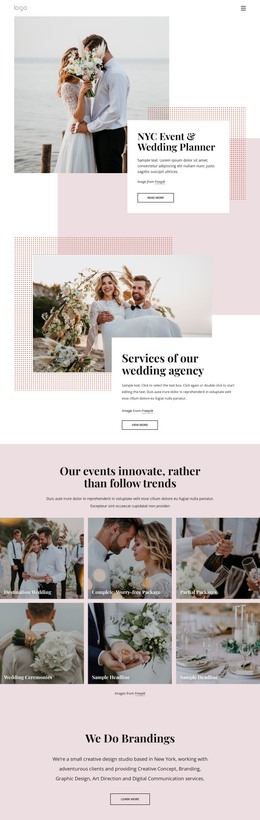
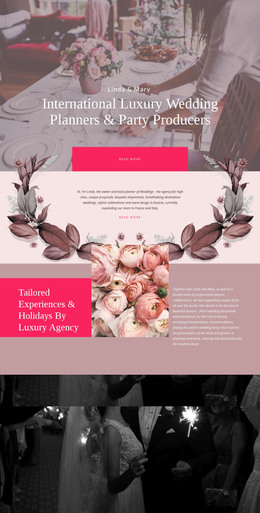
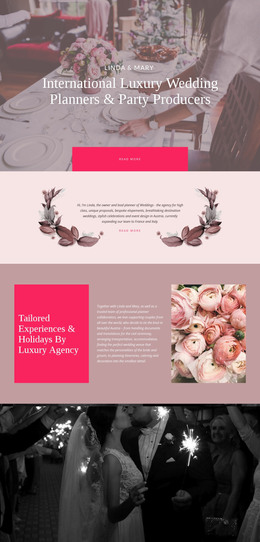
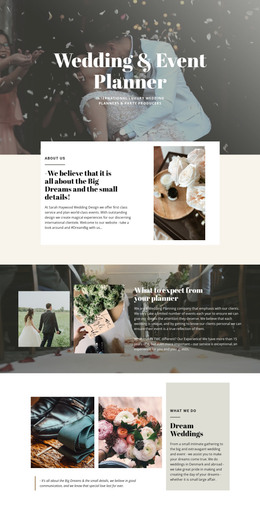
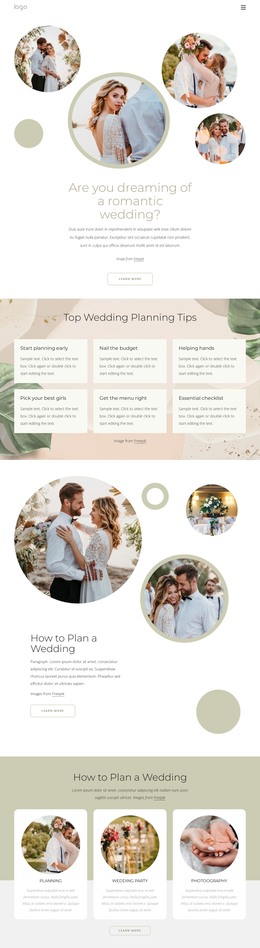
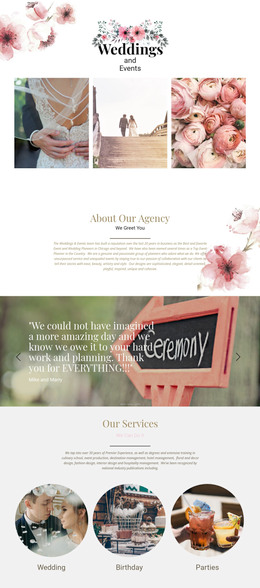
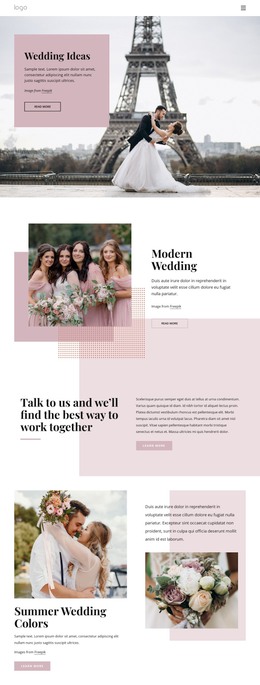
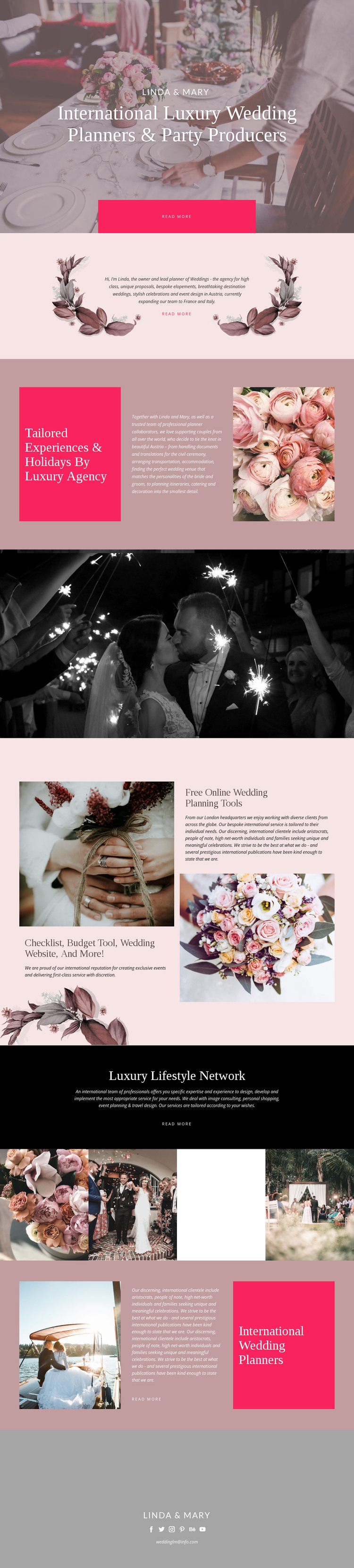
The design offers clear page-oriented content for a WordPress-managed wedding site without requiring unsupported claims about existing posts or blog structures. Linda & Mary’s hero and About Us content can represent the permanent agency introduction, while the tailored experiences section groups the practical subjects that visitors may need when considering destination weddings. Documents and translations, transportation and accommodation, venue selection, catering, and decoration give the service content a useful internal structure.
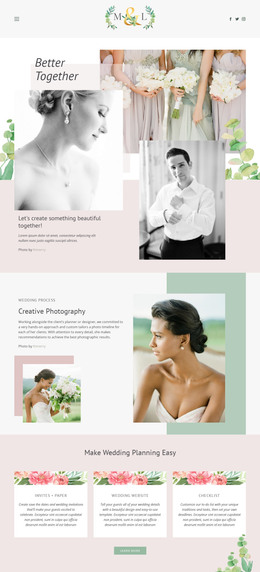
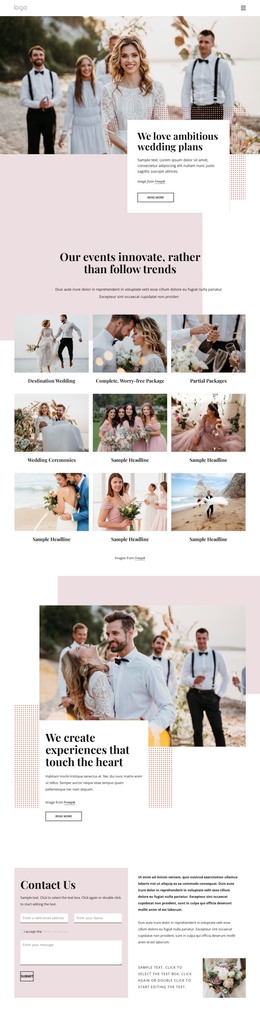
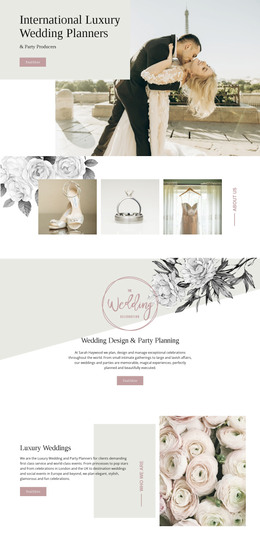
The online planning tools section works as a separate content area because its checklist, budget tool, and wedding website address preparation resources rather than repeating the main agency description. The Luxury Lifestyle Network adds another group of permanent offerings: image consulting, personal shopping, event planning, and travel design. A four-image gallery and the later International Wedding Planners section provide visual and editorial material that can remain connected to those page areas through the same colors, typography, and imagery.
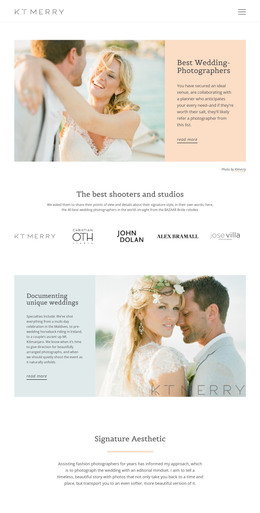
WordPress interpretation is therefore centered on managing distinct agency and service content while preserving shared visual elements such as the header-style opening, recurring editorial panels, and closing Linda & Mary contact region. The design could accommodate future publishable material around these areas, but it does not independently verify a blog, posts, categories, or other WordPress-specific structures in the template.
Customize with Nicepage
Open this ready-made template in the WordPress Website Builder and customize it visually in the Nicepage editor. Replace demo content, edit page sections, and adapt the design to your project without rebuilding the template from scratch.
Manage and Edit This Theme in WordPress
Customize and Install the WordPress Theme
Start with this ready-made theme instead of building the WordPress design from scratch. Customize its layout, content, typography, images, sections, and other design elements visually in Nicepage editor, then export and install the WordPress Theme, Plugin, and Pages on your WordPress site. The Nicepage WordPress Plugin lets you continue working with the site after installation.
Edit the Theme Directly in WordPress
After installation, you can edit the WordPress Theme directly in WordPress with the Nicepage WordPress Plugin. Use Site Style to customize site Colors, Fonts, Header, Footer, Blog, and Post Page Templates while working within your WordPress website.
Edit WordPress Pages Visually
Use the Nicepage WordPress Plugin to edit page content directly from the WordPress admin area. Open a WordPress Page with Nicepage and visually change its text, images, sections, and other page elements while continuing to manage the Page through WordPress.
WordPress Content and Theme Integration
Use the customized theme with WordPress Pages, Posts, Blog and Post Templates, menus, widgets, and other CMS-managed content. Shared theme elements such as Colors, Fonts, Header, Footer, Blog, and Post Page Templates can be managed as part of the overall site design, while WordPress provides the CMS environment for managing site content.
This workflow combines a ready-made WordPress Theme with visual customization, direct theme editing in WordPress, and continued content management through the Nicepage WordPress Plugin.