Romantic wedding WordPress Theme



Edit Template Offline
2. Create new page and search for id 2734217
Edit Template Online
Create Awesome Websites


Free Nicepage Builder
Keywords
Planning Guidance and Editorial Categories Suit WordPress Content
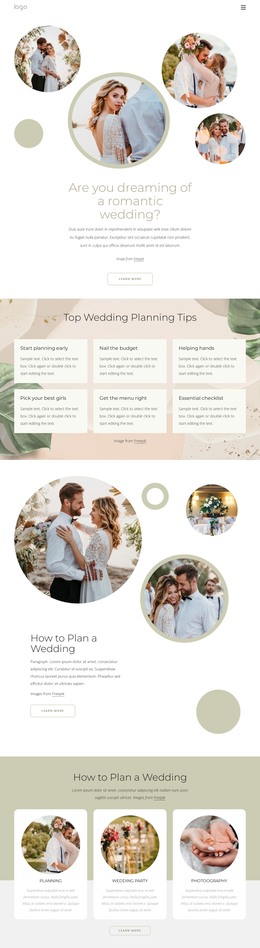
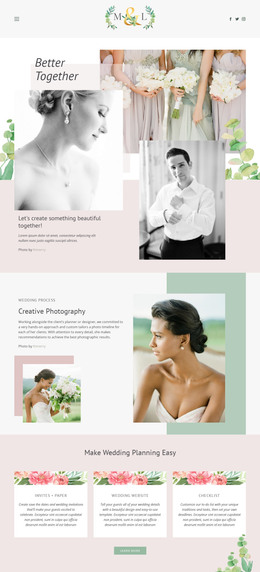
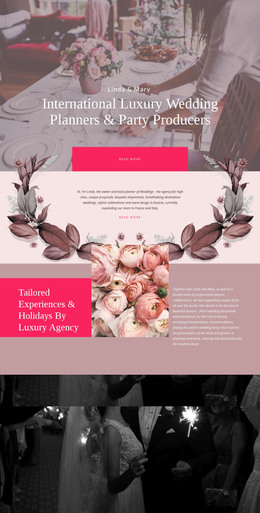
The six planning-tip cards provide a strong page-oriented content base for a WordPress theme. Their subjects—starting early, budgeting, finding help, choosing the wedding party, planning the menu, and using a checklist—can remain as durable guidance while the surrounding page is updated with a couple’s own advice, imagery, or event context. The repeated card treatment keeps those separate ideas visually related without claiming that any specific posts or categories already exist.
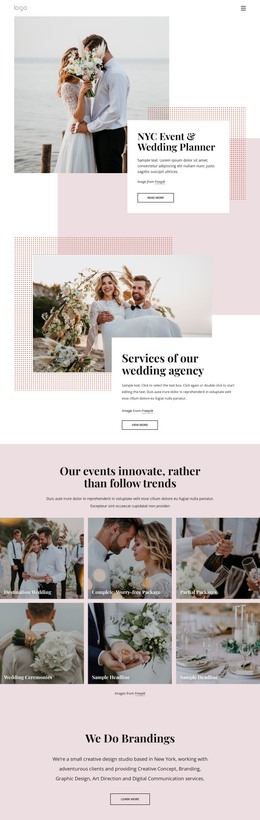
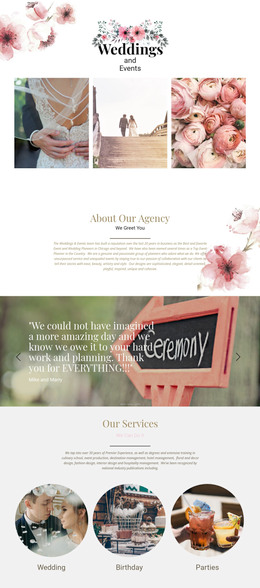
The three service cards add another content relationship. Planning, Wedding Party, and Photography are presented after the second introductory section, so they can act as concise entry points to broader wedding information. The Trends And Dresses section and the separate dress-and-accessories area provide additional page content for style inspiration, while About Our Agency gives the design an organizational voice. Together, these areas create more than a single promotional message: they combine guidance, service subjects, visual editorial material, and agency context.
The newsletter signup form offers a natural place for ongoing communication with visitors who want further wedding planning inspiration. Its position after the main content allows the page to retain a clear reading sequence before asking for a subscription. In a WordPress-oriented project, the permanent planning and service information could remain part of the theme’s visual system while new editorial content is added around it. The core value comes from the design’s content relationships, not from assuming that blog posts, categories, or other CMS structures are already present.
Customize with Nicepage
Open this ready-made template in the WordPress Website Builder and customize it visually in the Nicepage editor. Replace demo content, edit page sections, and adapt the design to your project without rebuilding the template from scratch.
Manage and Edit This Theme in WordPress
Customize and Install the WordPress Theme
Start with this ready-made theme instead of building the WordPress design from scratch. Customize its layout, content, typography, images, sections, and other design elements visually in Nicepage editor, then export and install the WordPress Theme, Plugin, and Pages on your WordPress site. The Nicepage WordPress Plugin lets you continue working with the site after installation.
Edit the Theme Directly in WordPress
After installation, you can edit the WordPress Theme directly in WordPress with the Nicepage WordPress Plugin. Use Site Style to customize site Colors, Fonts, Header, Footer, Blog, and Post Page Templates while working within your WordPress website.
Edit WordPress Pages Visually
Use the Nicepage WordPress Plugin to edit page content directly from the WordPress admin area. Open a WordPress Page with Nicepage and visually change its text, images, sections, and other page elements while continuing to manage the Page through WordPress.
WordPress Content and Theme Integration
Use the customized theme with WordPress Pages, Posts, Blog and Post Templates, menus, widgets, and other CMS-managed content. Shared theme elements such as Colors, Fonts, Header, Footer, Blog, and Post Page Templates can be managed as part of the overall site design, while WordPress provides the CMS environment for managing site content.
This workflow combines a ready-made WordPress Theme with visual customization, direct theme editing in WordPress, and continued content management through the Nicepage WordPress Plugin.