Rock climbing wedding WordPress Theme


Edit Template Offline
2. Create new page and search for id 16681
Edit Template Online
Create Awesome Websites


Free Nicepage Builder
Keywords
Photography stories and recurring themes suit page-oriented content
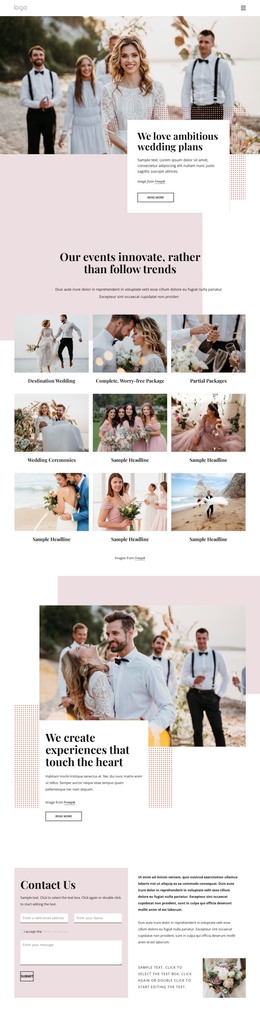
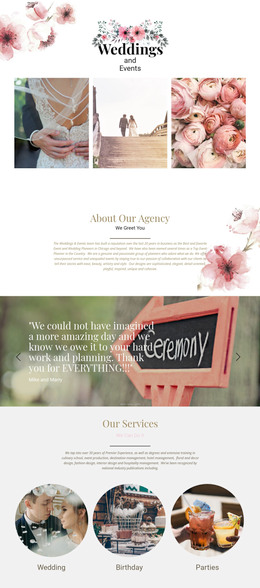
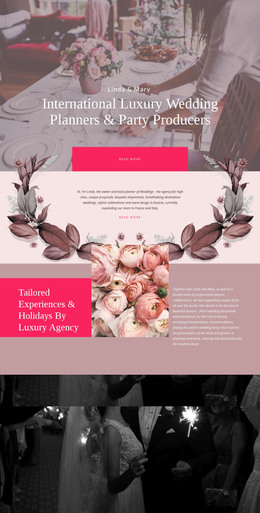
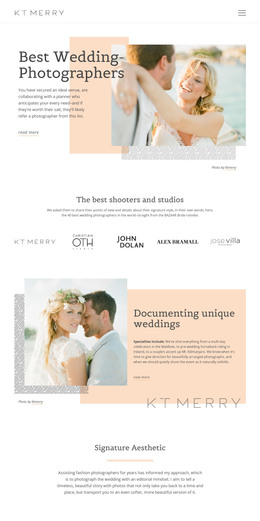
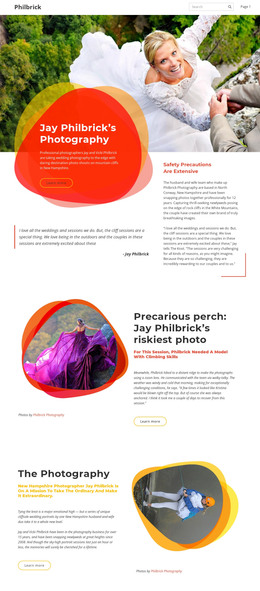
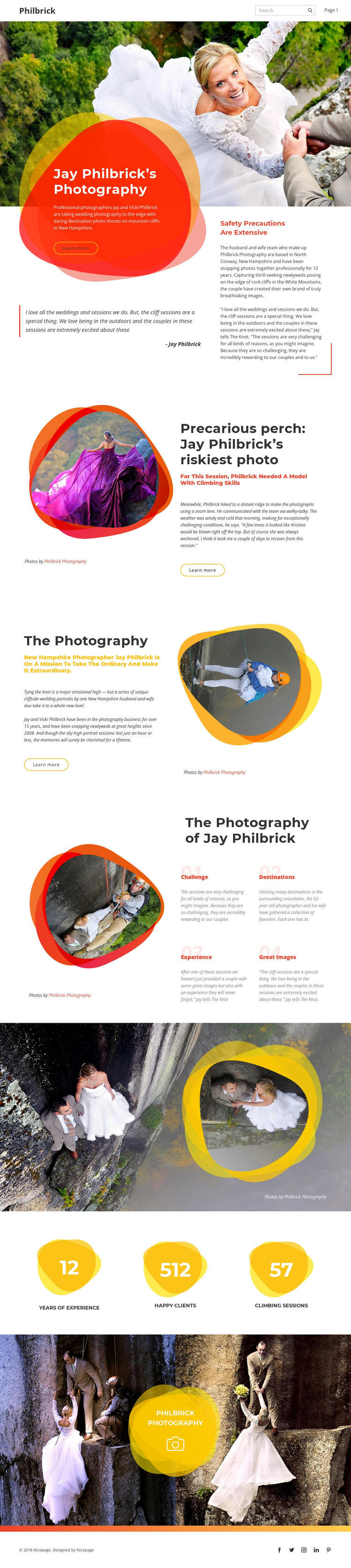
The opening hero supplies a clear permanent page area: a large wedding photograph introduces Jay and Vicki Philbrick, while the colored panel and safety copy frame the cliffside photography subject. The first split section can hold a featured project story about Jay Philbrick’s riskiest photo, with its image and editorial text working together as a distinct content presentation. A second split section broadens the message to the photographers’ approach, giving the page a separate area for durable explanatory content.
The four themes—challenge, destinations, experience, and Great Images—are especially useful as recurring content concepts because they divide the visual story into recognizable editorial categories without claiming that WordPress posts or categories already exist in the template. The counter section adds displayed figures for experience, clients, and climbing sessions, while the paired gallery provides a compact visual showcase. Navigation, mobile navigation, social links, and the footer give the design shared site areas around that page content. In a WordPress project, permanent page content could therefore remain connected to the theme’s visual direction while future editorial or portfolio material is added according to the project’s actual content model. The important relationship is between the template’s page areas and content that may need ongoing management, not a claim that blog, post, or category structures are already present. The WordPress Plugin is an optional implementation bridge, not evidence of an existing CMS configuration.
Customize with Nicepage
Open this ready-made template in the WordPress Website Builder and customize it visually in the Nicepage editor. Replace demo content, edit page sections, and adapt the design to your project without rebuilding the template from scratch.
Manage and Edit This Theme in WordPress
Customize and Install the WordPress Theme
Start with this ready-made theme instead of building the WordPress design from scratch. Customize its layout, content, typography, images, sections, and other design elements visually in Nicepage editor, then export and install the WordPress Theme, Plugin, and Pages on your WordPress site. The Nicepage WordPress Plugin lets you continue working with the site after installation.
Edit the Theme Directly in WordPress
After installation, you can edit the WordPress Theme directly in WordPress with the Nicepage WordPress Plugin. Use Site Style to customize site Colors, Fonts, Header, Footer, Blog, and Post Page Templates while working within your WordPress website.
Edit WordPress Pages Visually
Use the Nicepage WordPress Plugin to edit page content directly from the WordPress admin area. Open a WordPress Page with Nicepage and visually change its text, images, sections, and other page elements while continuing to manage the Page through WordPress.
WordPress Content and Theme Integration
Use the customized theme with WordPress Pages, Posts, Blog and Post Templates, menus, widgets, and other CMS-managed content. Shared theme elements such as Colors, Fonts, Header, Footer, Blog, and Post Page Templates can be managed as part of the overall site design, while WordPress provides the CMS environment for managing site content.
This workflow combines a ready-made WordPress Theme with visual customization, direct theme editing in WordPress, and continued content management through the Nicepage WordPress Plugin.