We create stress-free planning experience WordPress Theme



Edit Template Offline
2. Create new page and search for id 6114204
Edit Template Online
Create Awesome Websites


Free Nicepage Builder
Keywords
Agency Pages and Repeated Wedding Content Fit a WordPress Theme Structure
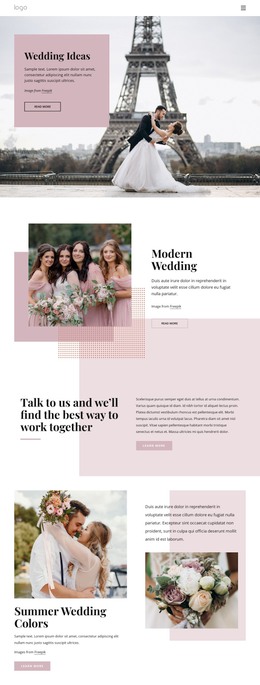
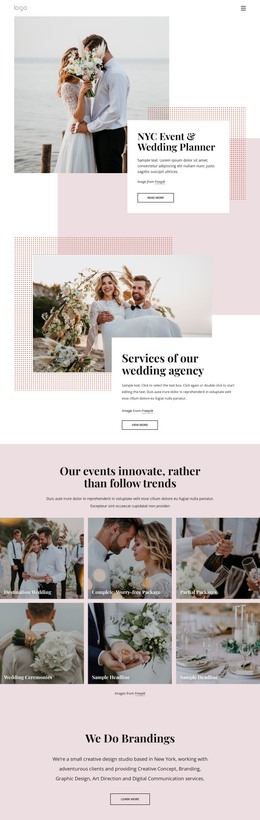
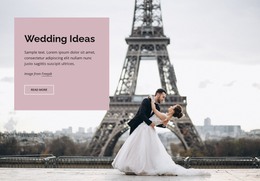
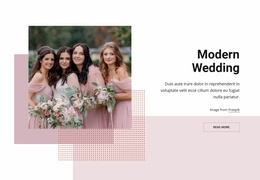
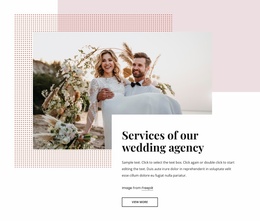
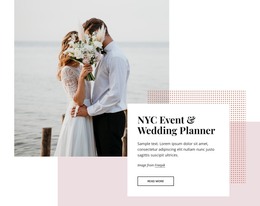
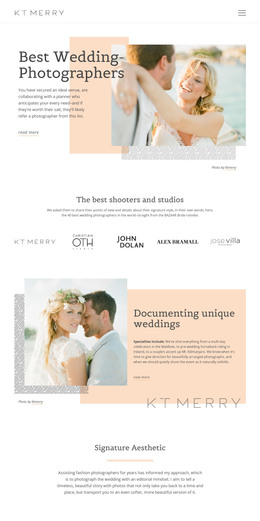
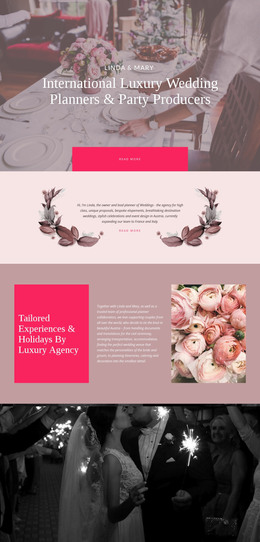
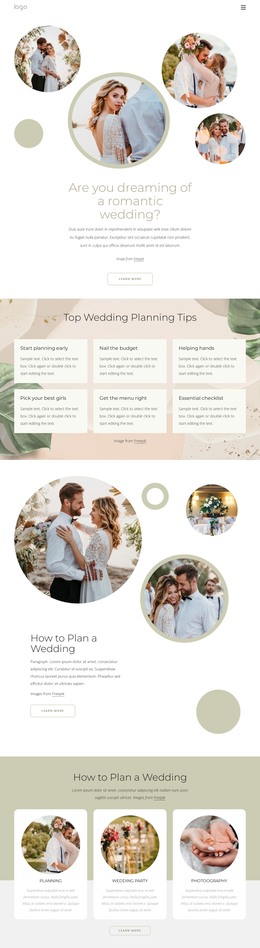
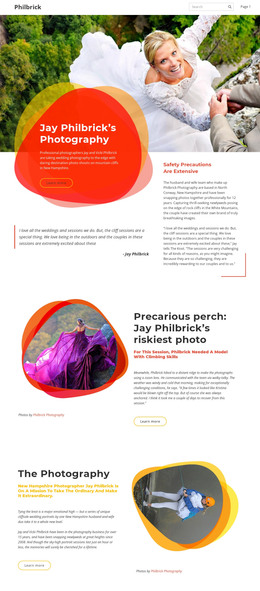
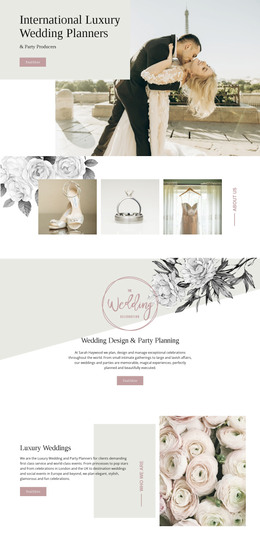
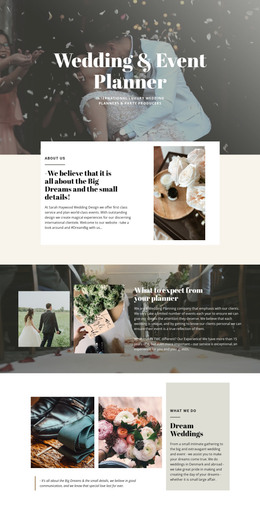
The page separates permanent agency information into recognizable areas that can work naturally in a WordPress-managed content environment. The opening introduction explains the planner’s subject and location context, while the services block presents a distinct offering with its own photograph, description, and View More action. This page-oriented division gives the theme clear places for agency information and service-focused content without claiming that particular WordPress Pages or Posts already exist.
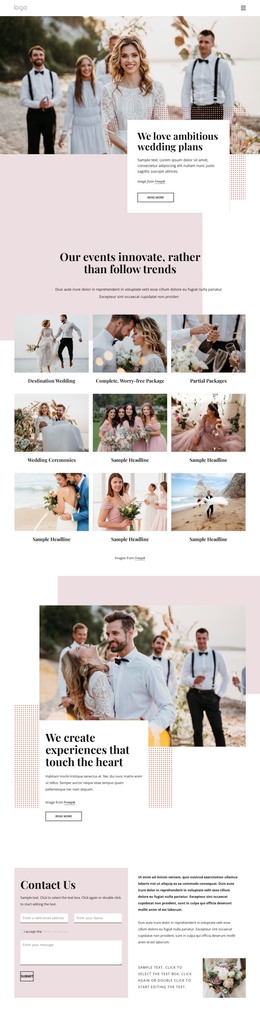
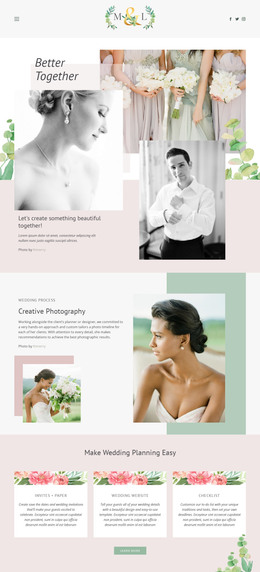
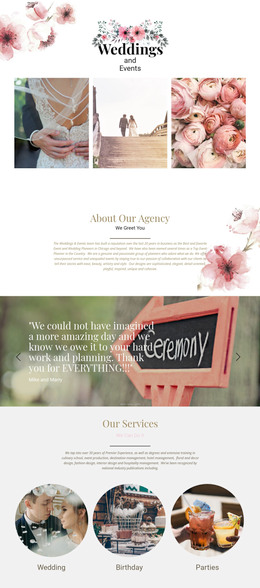
The six-tile gallery supplies a repeated content pattern around destination weddings, complete packages, partial packages, and wedding ceremonies. Its consistent image-and-label treatment could support a set of related project or service entries while preserving the visual direction of the page. Separate sections for creative concept, branding, graphic design, art direction, and digital communication add another content group, allowing a WordPress project to distinguish event planning from the agency’s broader creative work.
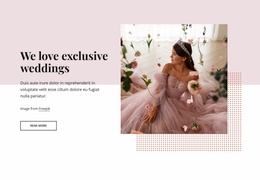
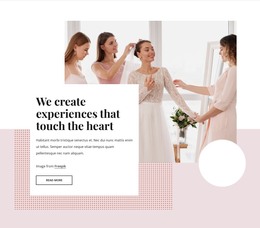
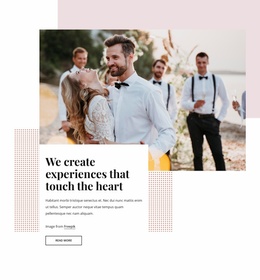
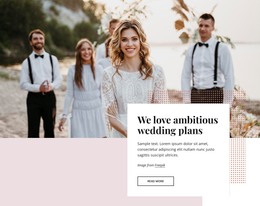
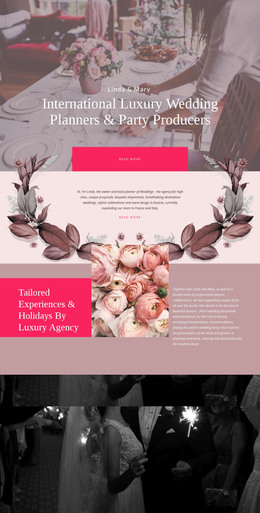
The page also includes exclusive wedding messaging, an experience-centered section, and a planning-tools area with a checklist, budget tool, and wedding website. Navigation and mobile navigation provide shared access points, while the closing Contact Us section contains an inquiry form beside supporting content and imagery. Together, these areas give a WordPress theme a concrete content map for permanent page information and recurring material, without inventing blog, category, or post structures not verified in the template.
Customize with Nicepage
Open this ready-made template in the WordPress Website Builder and customize it visually in the Nicepage editor. Replace demo content, edit page sections, and adapt the design to your project without rebuilding the template from scratch.
Manage and Edit This Theme in WordPress
Customize and Install the WordPress Theme
Start with this ready-made theme instead of building the WordPress design from scratch. Customize its layout, content, typography, images, sections, and other design elements visually in Nicepage editor, then export and install the WordPress Theme, Plugin, and Pages on your WordPress site. The Nicepage WordPress Plugin lets you continue working with the site after installation.
Edit the Theme Directly in WordPress
After installation, you can edit the WordPress Theme directly in WordPress with the Nicepage WordPress Plugin. Use Site Style to customize site Colors, Fonts, Header, Footer, Blog, and Post Page Templates while working within your WordPress website.
Edit WordPress Pages Visually
Use the Nicepage WordPress Plugin to edit page content directly from the WordPress admin area. Open a WordPress Page with Nicepage and visually change its text, images, sections, and other page elements while continuing to manage the Page through WordPress.
WordPress Content and Theme Integration
Use the customized theme with WordPress Pages, Posts, Blog and Post Templates, menus, widgets, and other CMS-managed content. Shared theme elements such as Colors, Fonts, Header, Footer, Blog, and Post Page Templates can be managed as part of the overall site design, while WordPress provides the CMS environment for managing site content.
This workflow combines a ready-made WordPress Theme with visual customization, direct theme editing in WordPress, and continued content management through the Nicepage WordPress Plugin.